Monthly usage report email template
A usage report shows customers what they got for their money. This one leads with the month's biggest number, adds two smaller wins, then turns the data into two things the account could do differently next month.
- Example subject line
- Your month: 214 reports, one habit worth keeping
- Preview text
- Your October usage, plus two small changes that would save you time.
Use this template
Opens in the drag-and-drop editor, ready to edit.
Listed in
What's in this template
- Month line, a title and a short intro
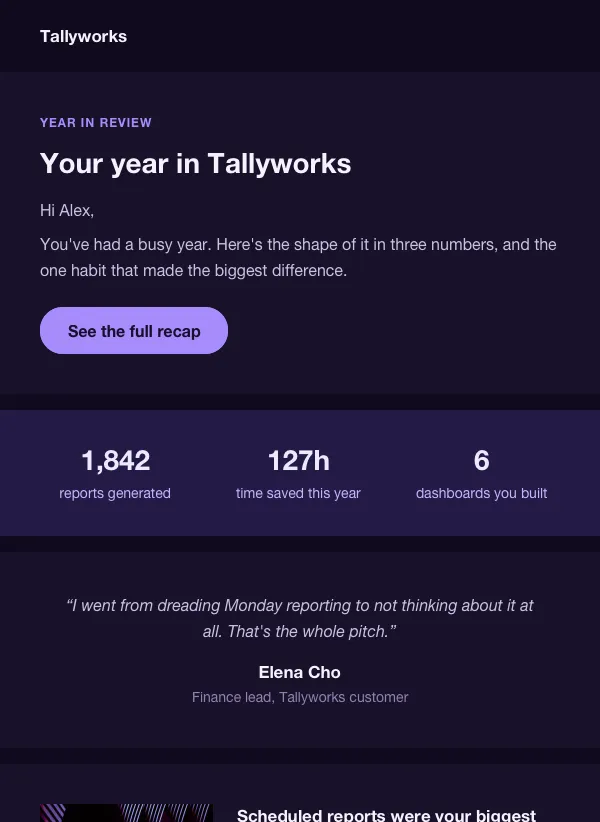
- White card with one large headline number and a line of context
- 2 supporting figures in the same card: hours saved and dashboards shared
- 2 tips for next month, each with a photo and a number
- Coral band with a customer quote, a name and a role
- Closing block with a button: View full report
When to use it
In the first working days of the month, to accounts that have been active. Swap in a three-month window and it becomes a quarterly review. Any product that tracks usage can fill it with real numbers.
Make it yours
- Replace the headline number and the two figures with your own data.
- Pick tips that match something the account did, such as exports or manual refreshes.
- Quote a customer who agreed to it, or cut the coral band.