Newsletter email templates
Regular updates, digests and letters, from one plain column to a full magazine layout.
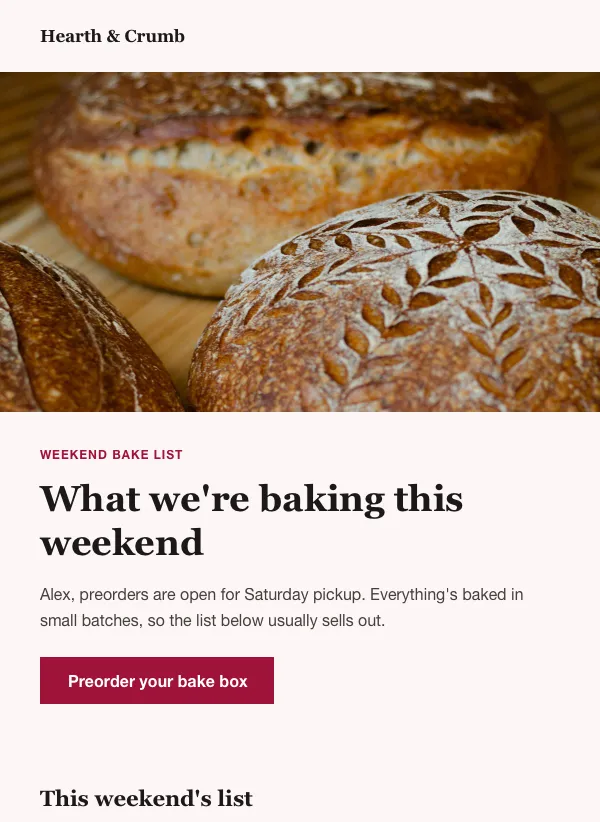 Bakery weekend preorder newsletter
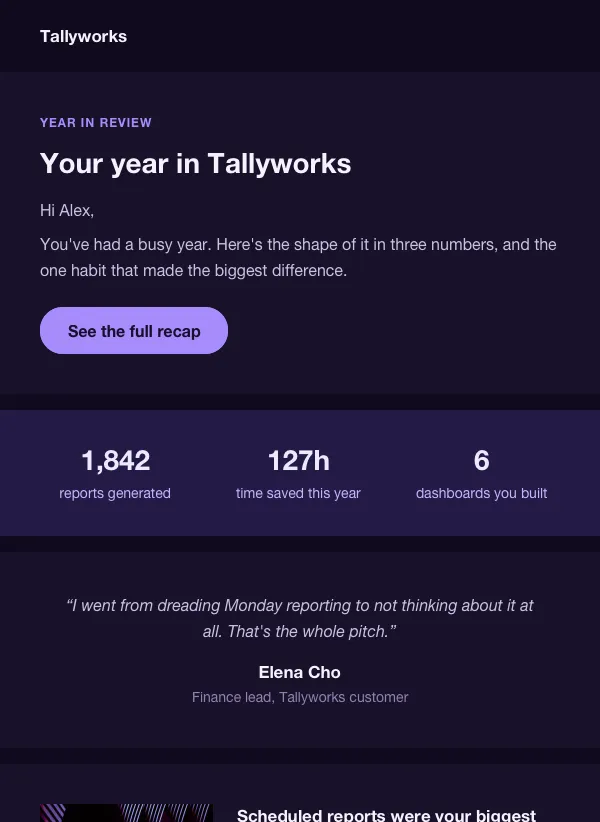 Year in review email for SaaS apps
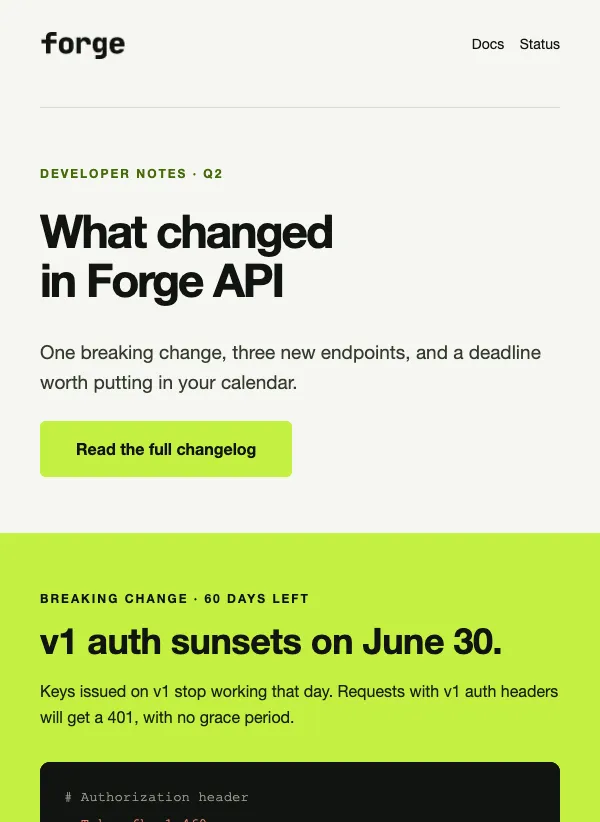 API changelog email for developers
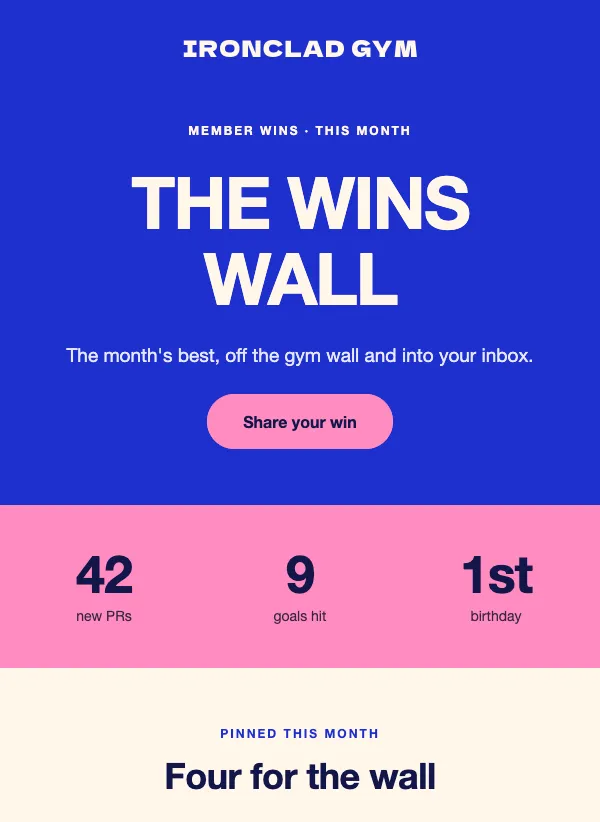 Gym member wins and shout-outs
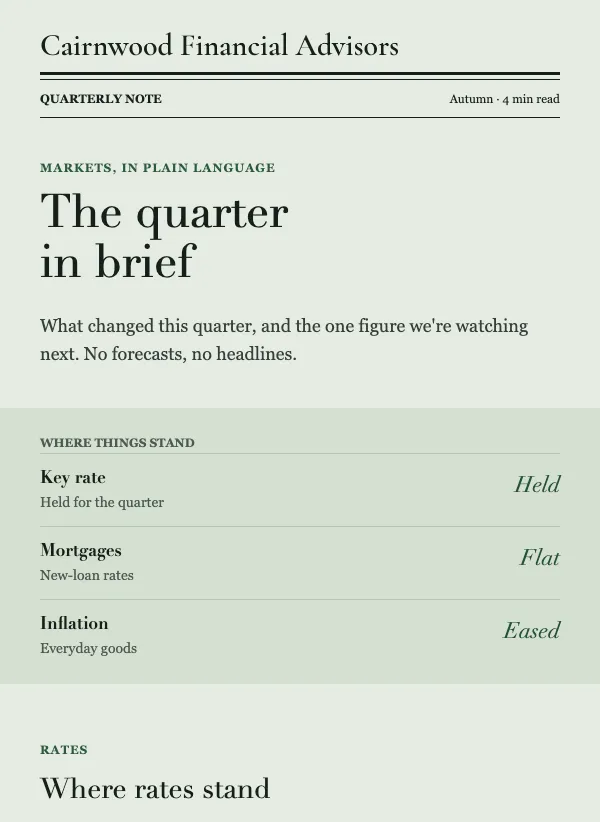 Quarterly market update email for advisors
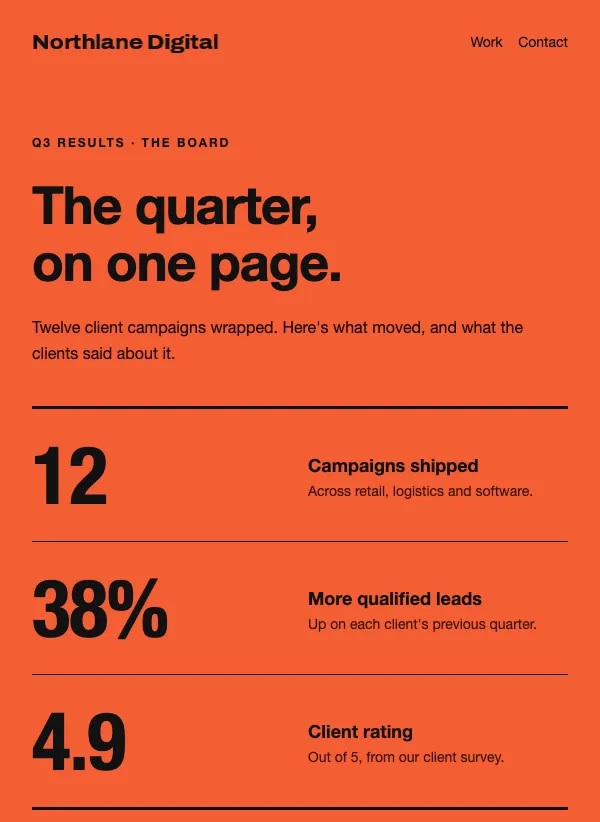 Agency results newsletter
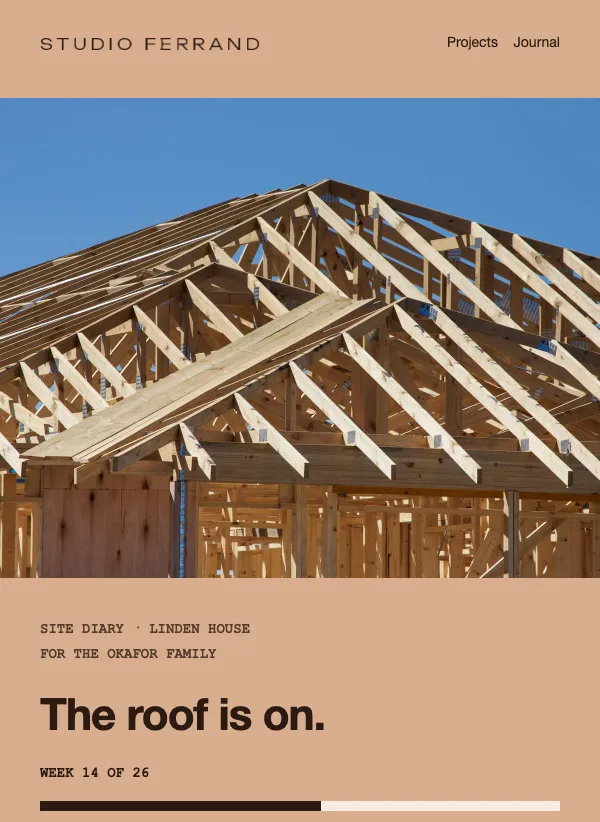 Architecture project progress update
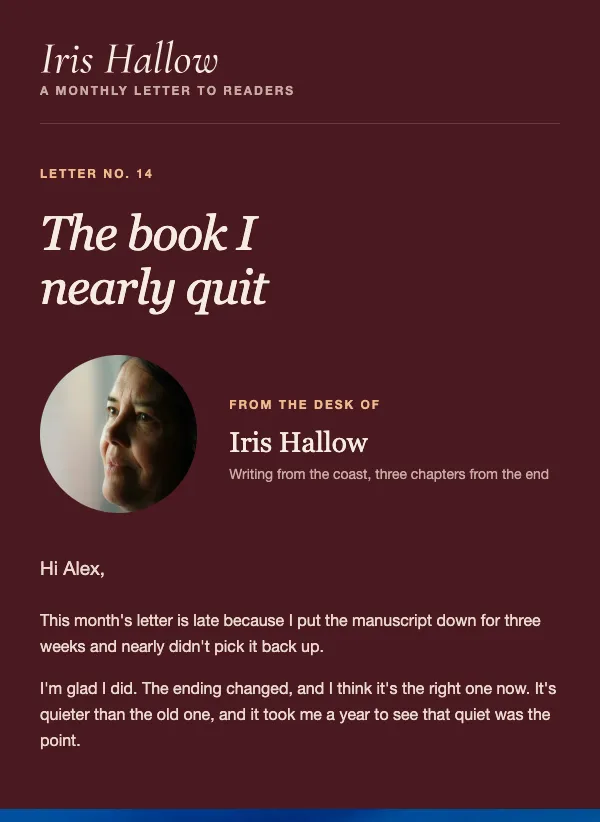 Author newsletter: a letter to readers
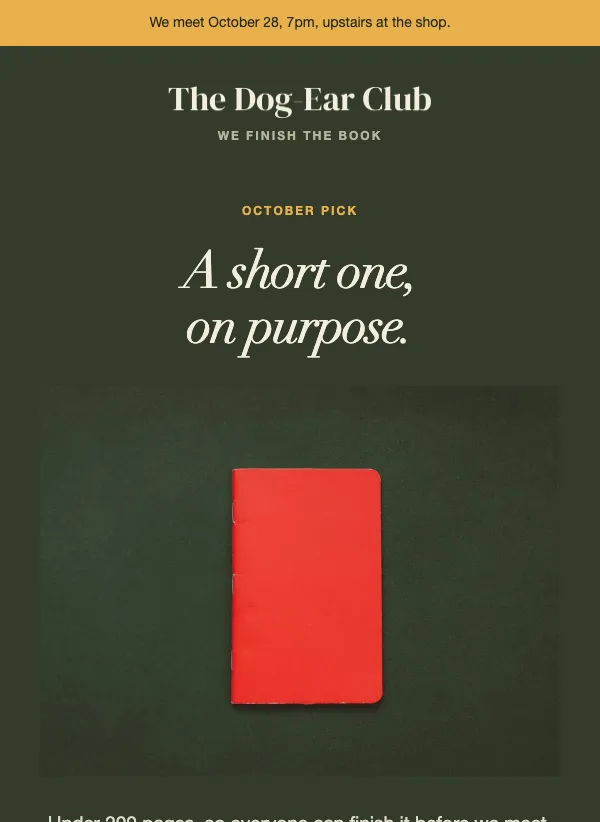 Book club monthly pick and meeting
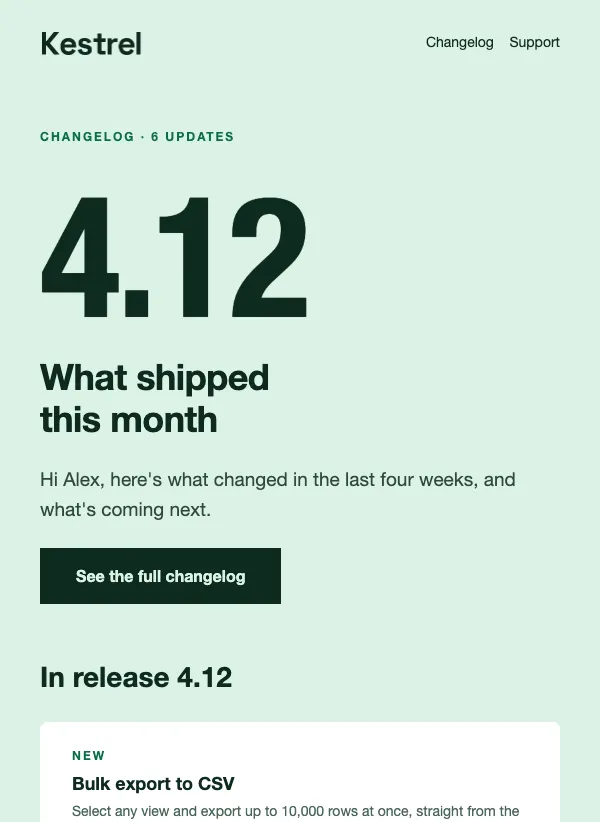 Monthly product update changelog
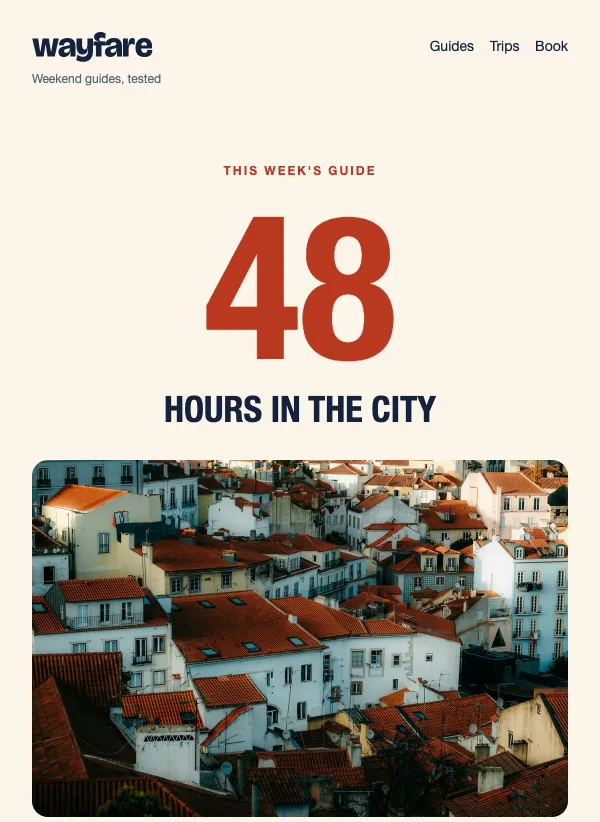 Travel weekend guide newsletter
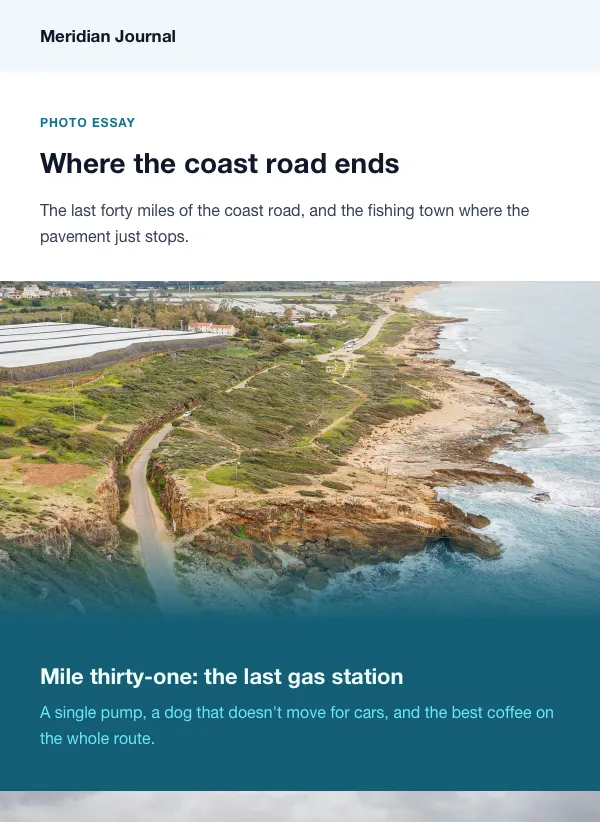 Photo essay newsletter
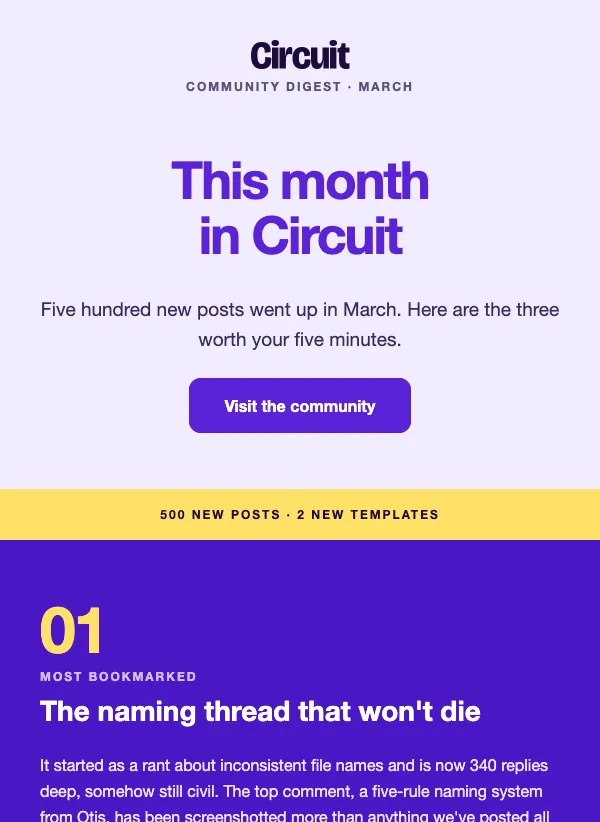 Community monthly digest
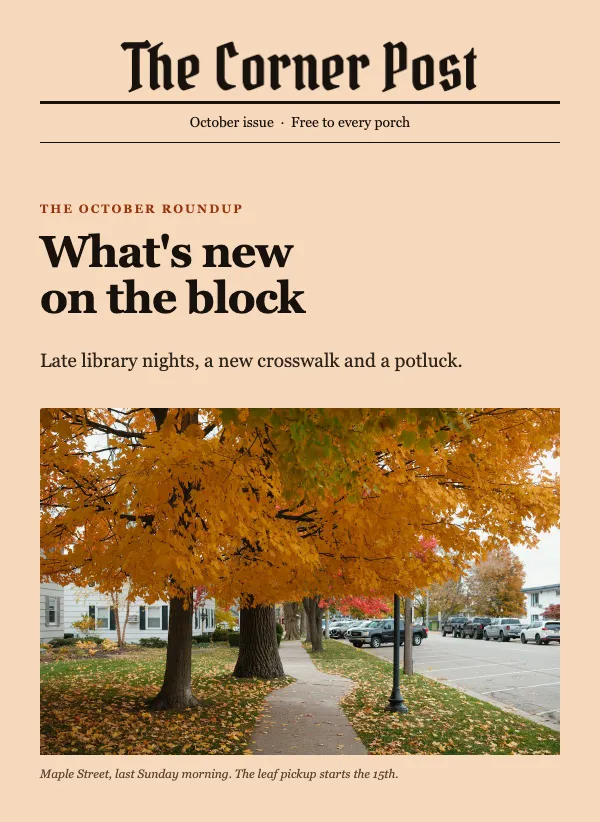 Neighborhood monthly newsletter
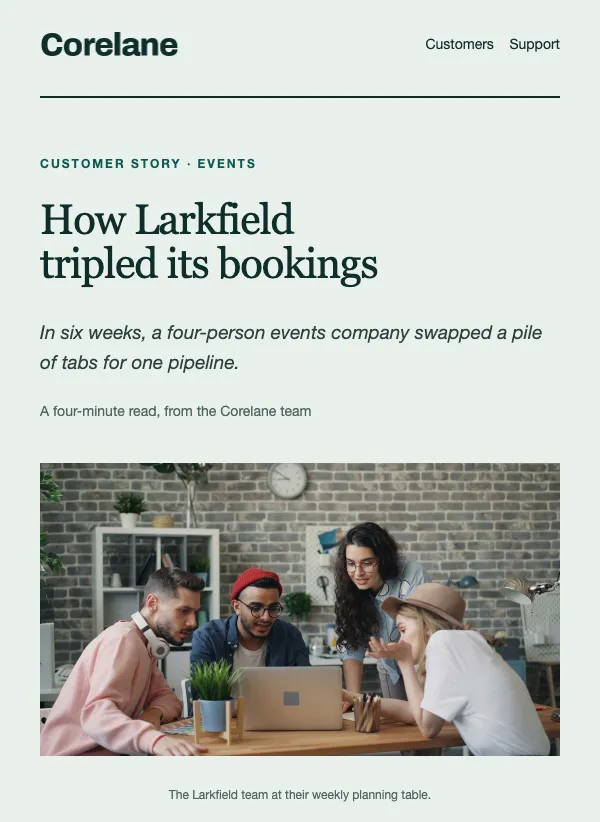 Customer case study
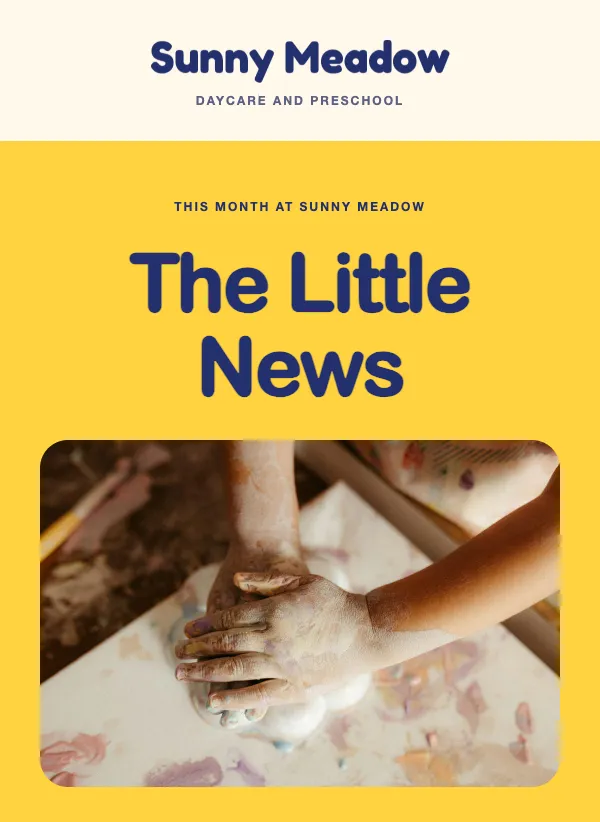 Daycare and preschool newsletter
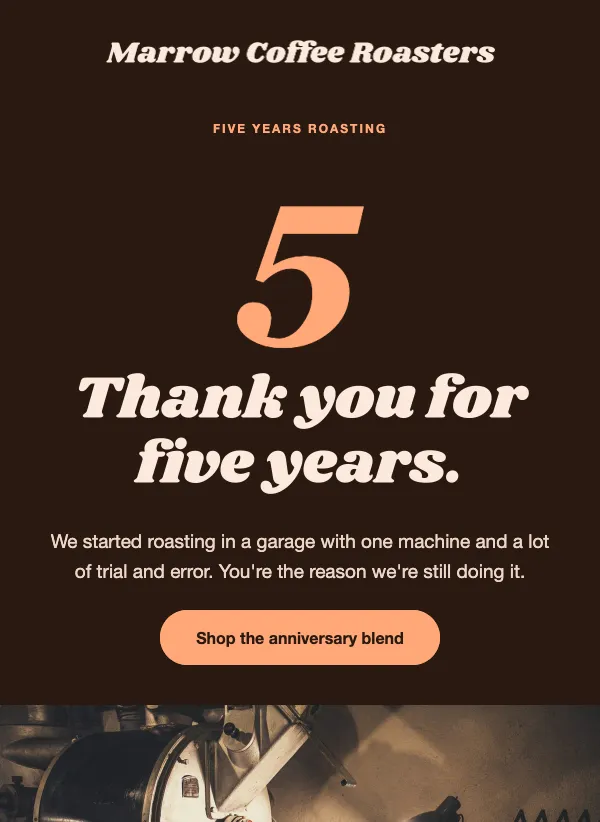 Business anniversary newsletter
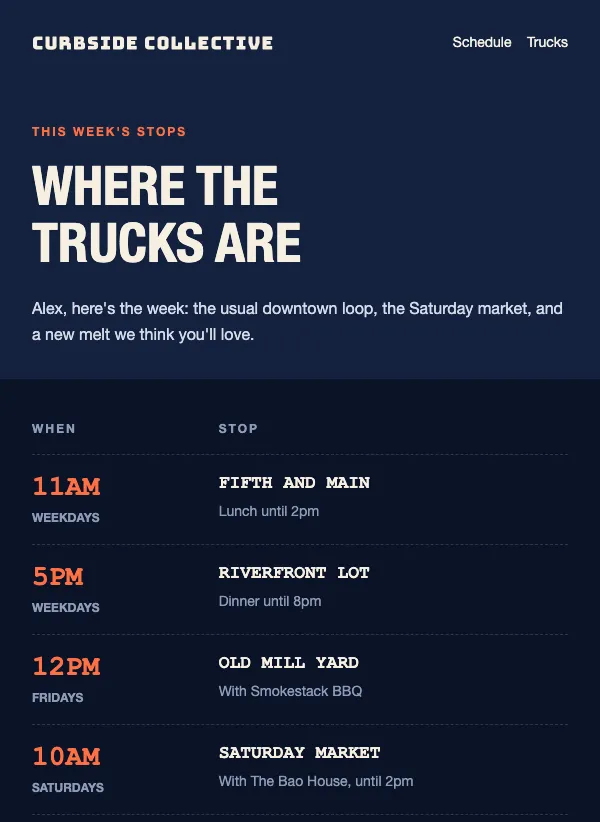 Food truck weekly schedule
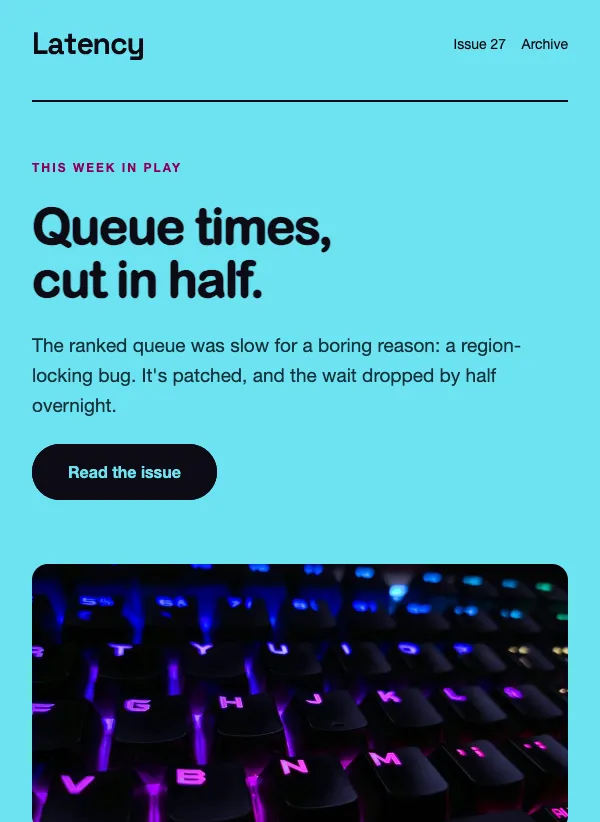 Gaming newsletter
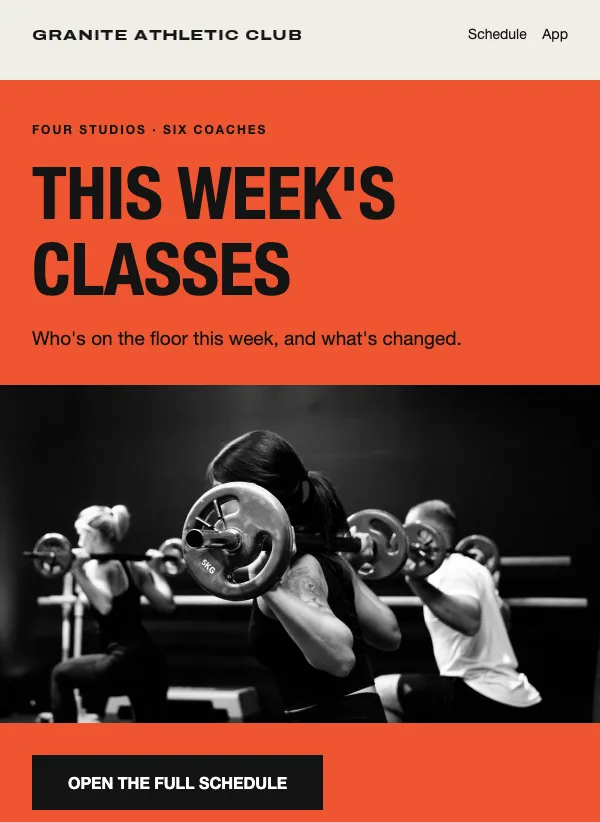 Gym class schedule
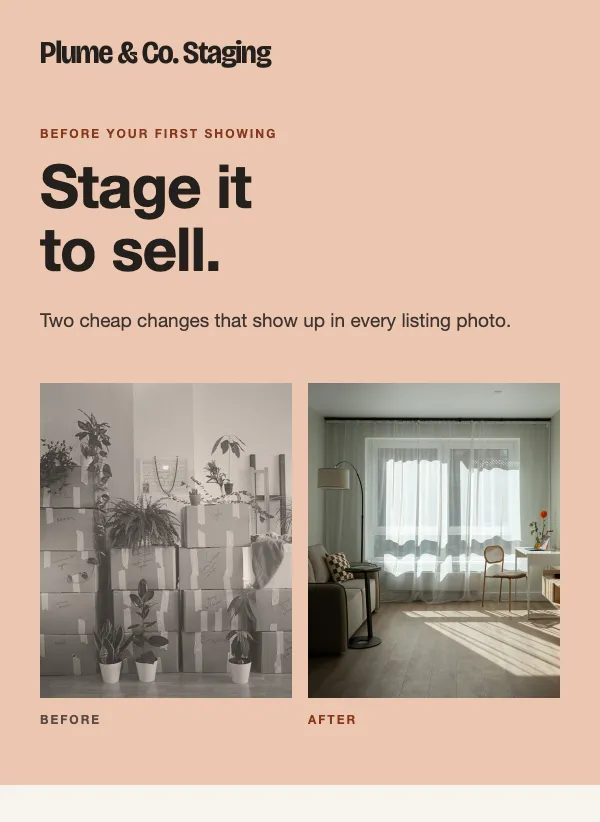 Home staging tips
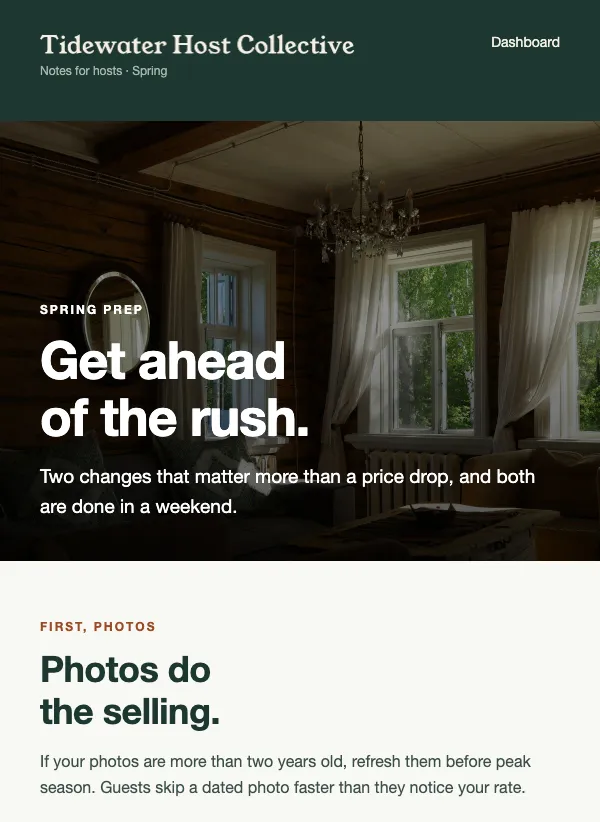 Vacation rental host newsletter
 Nonprofit impact video
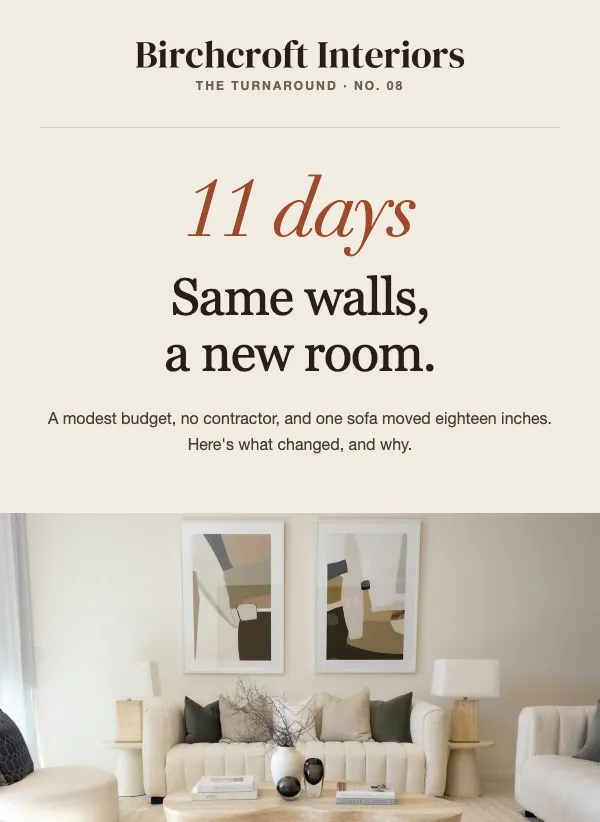 Interior design before and after
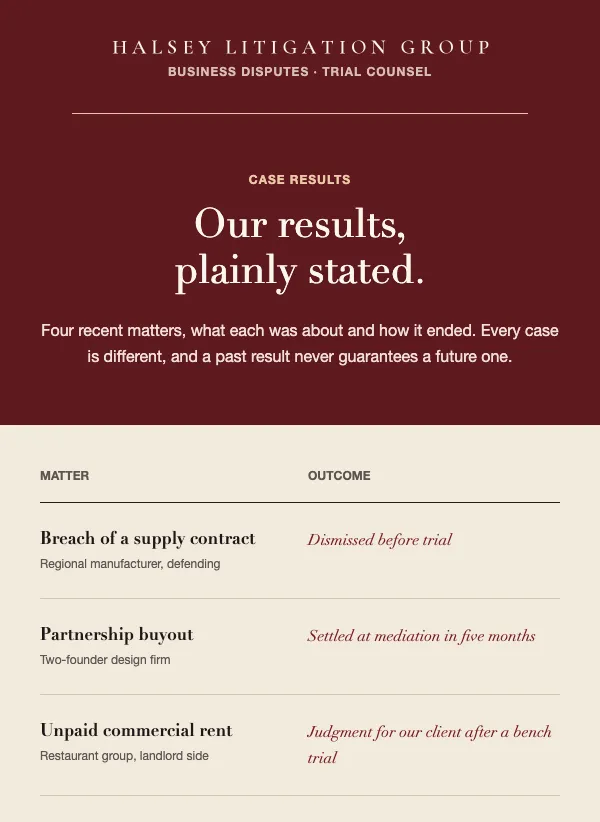 Law firm case results
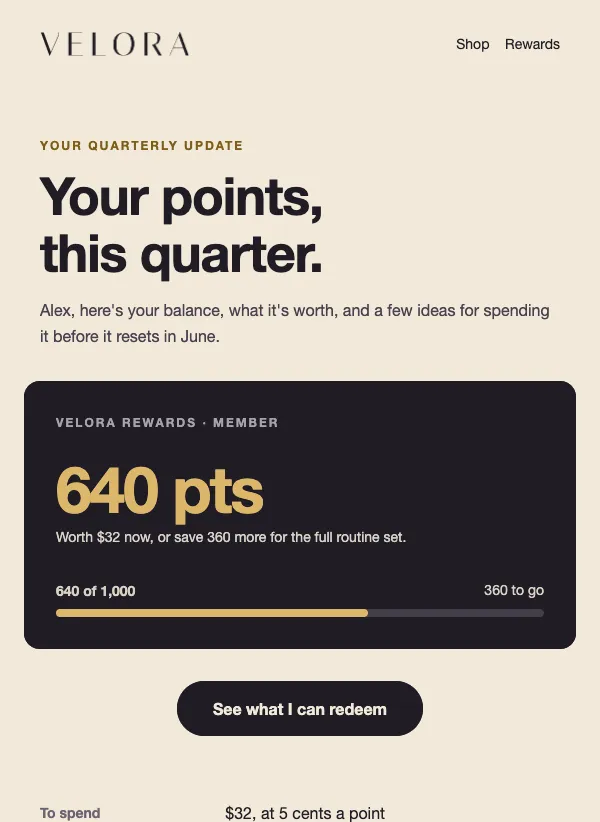 Loyalty points balance update
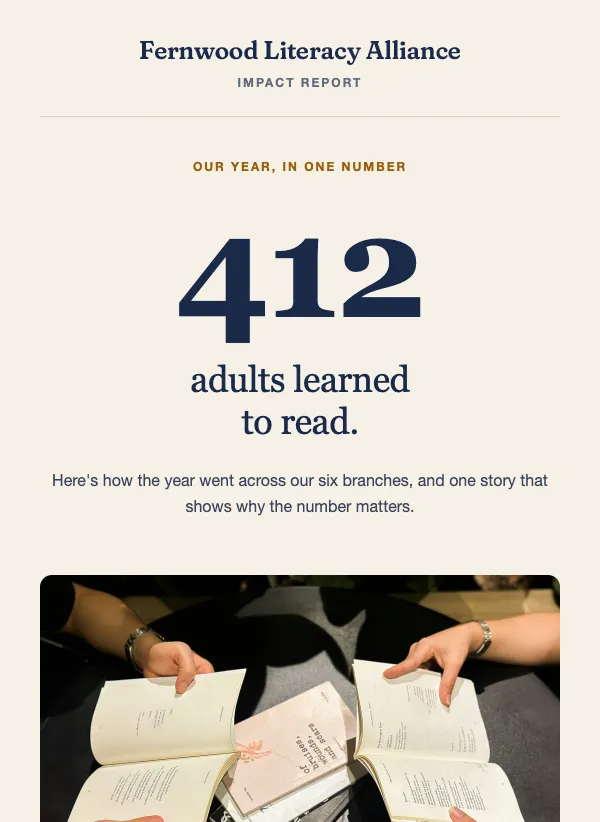 Nonprofit annual impact report
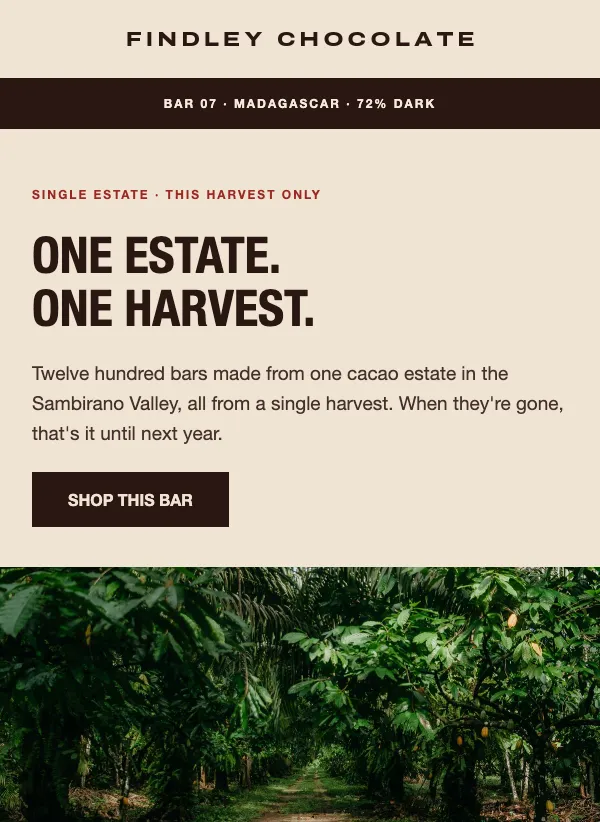 Single origin chocolate launch
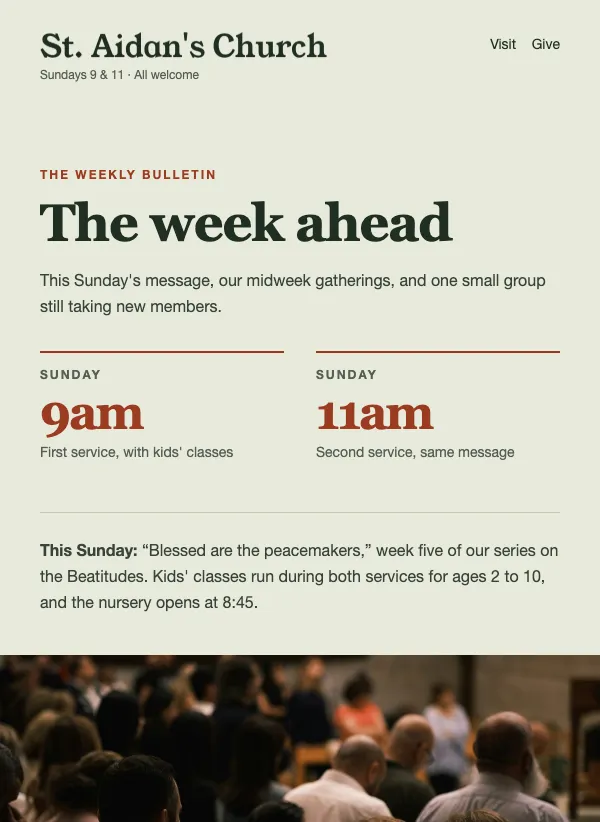 Church weekly bulletin
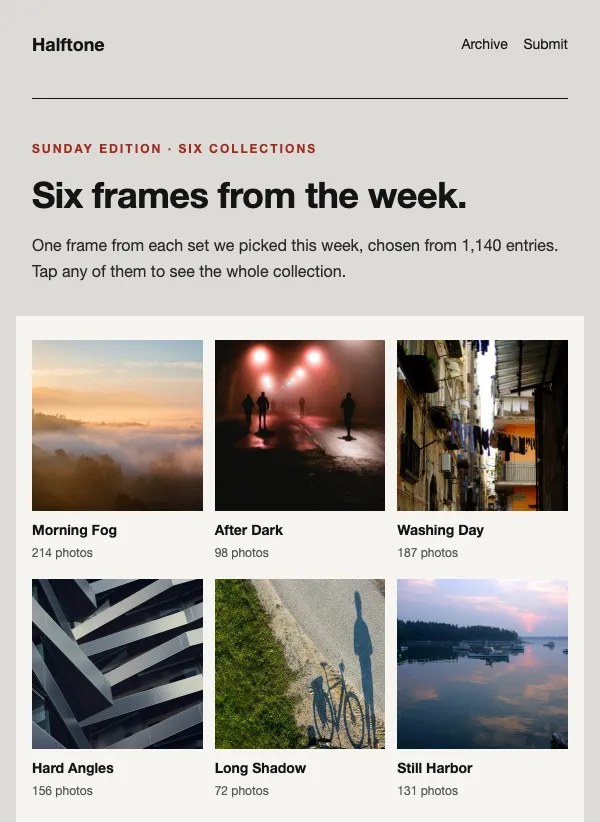 Photo collections roundup newsletter
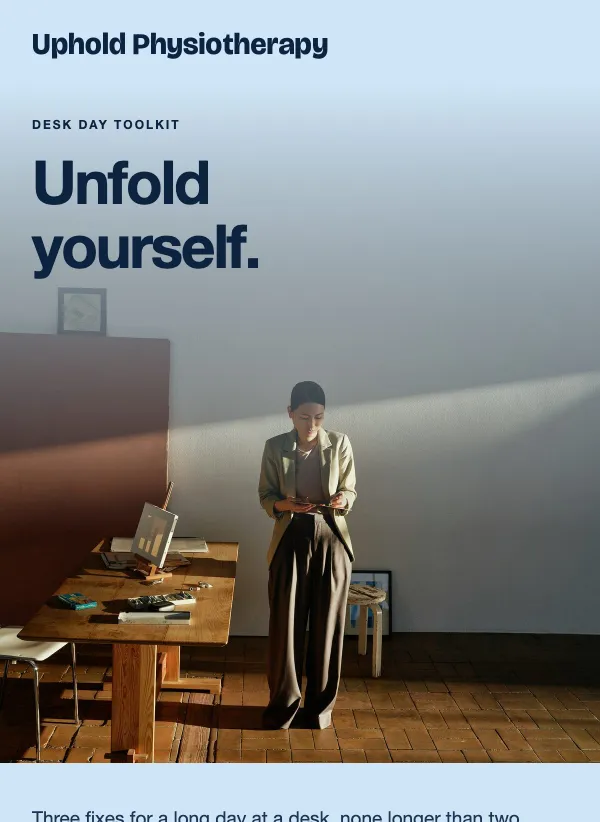 Physiotherapy desk posture tips
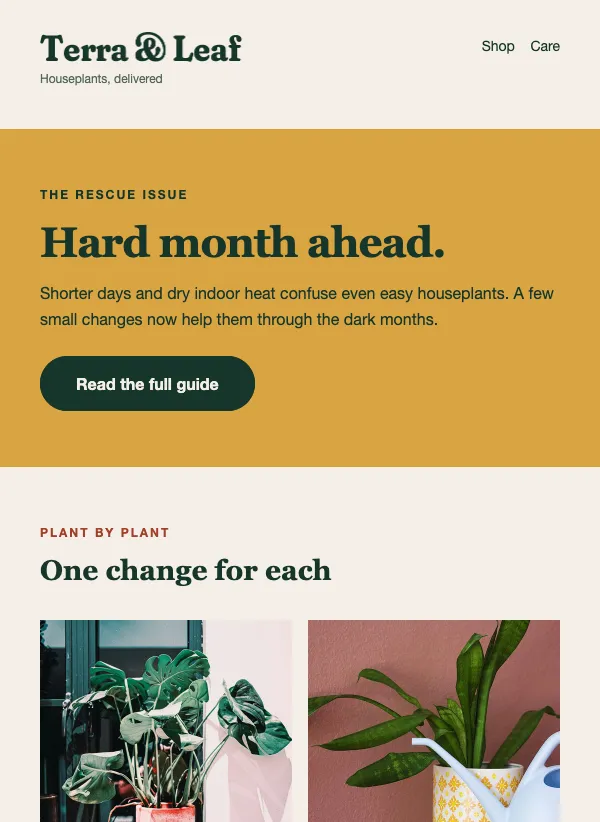 Houseplant care seasonal tips
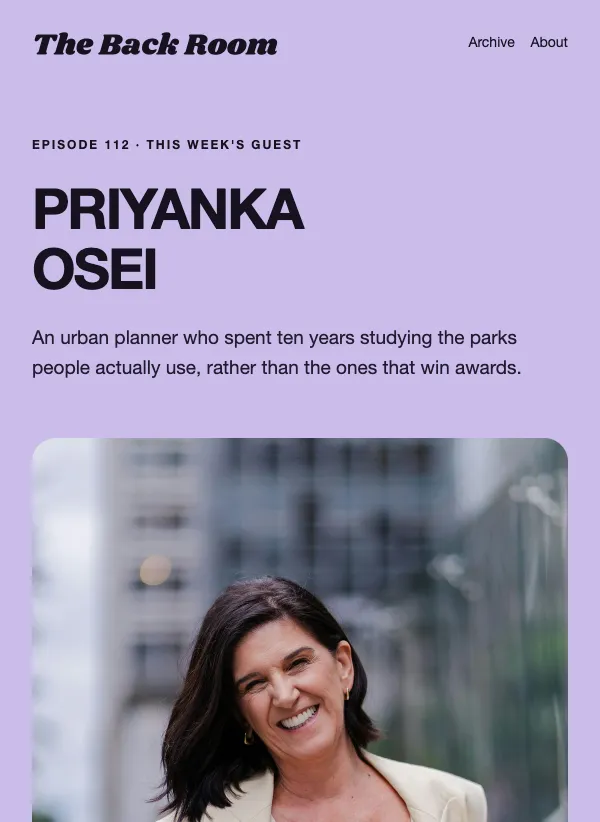 Podcast guest announcement
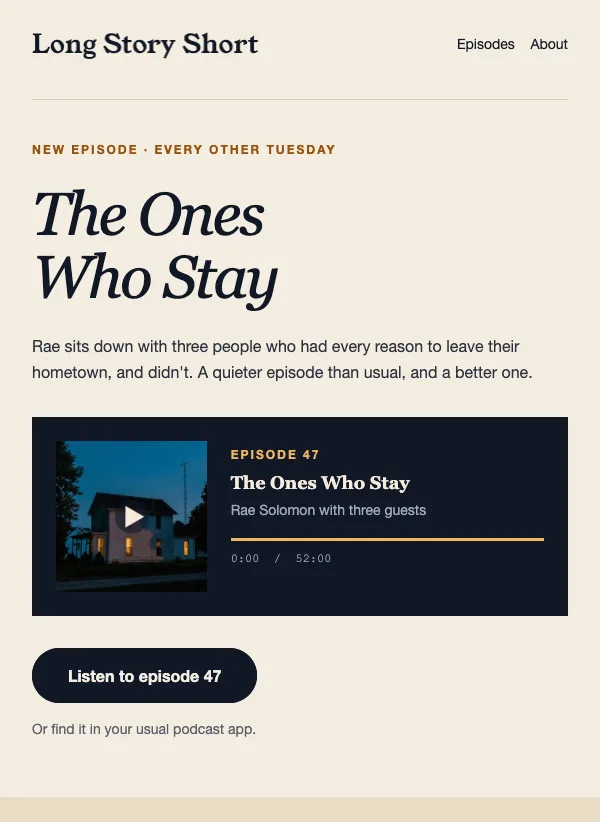 New podcast episode announcement
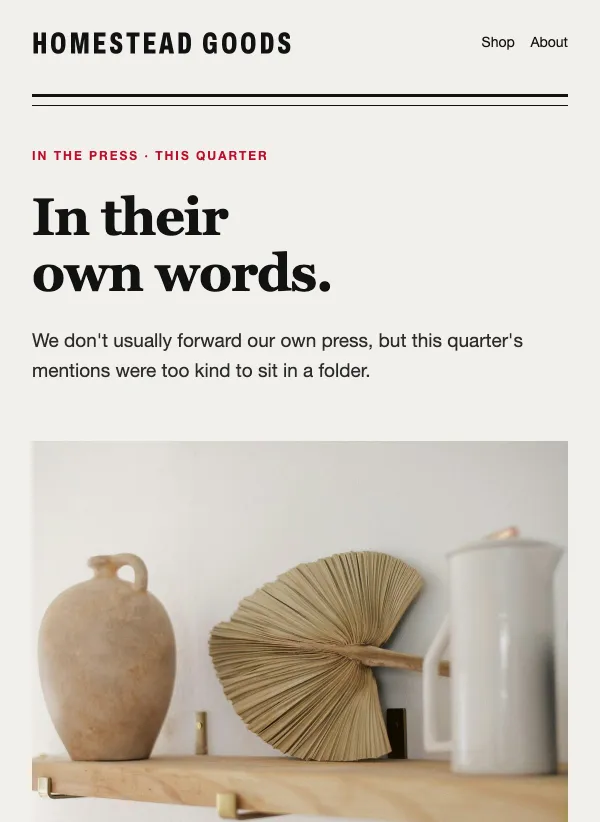 Press mentions and reviews
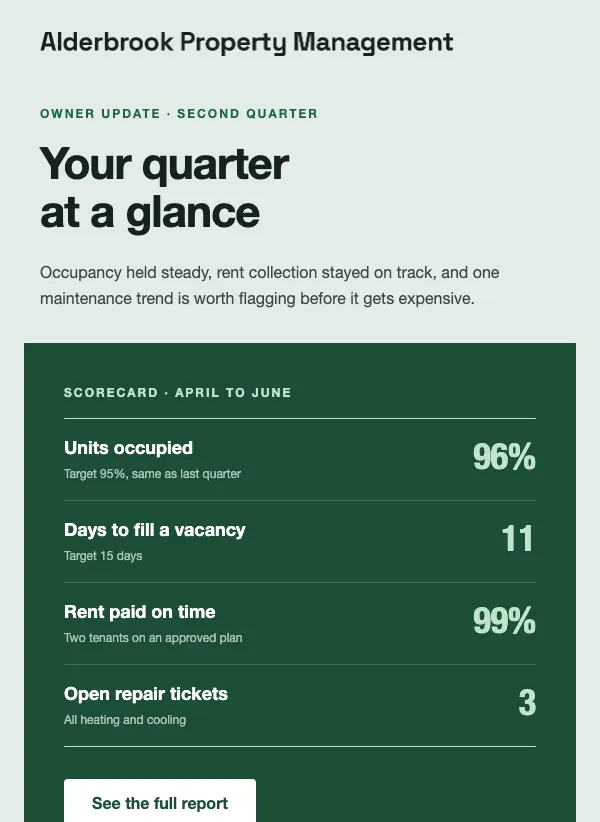 Property management owner report
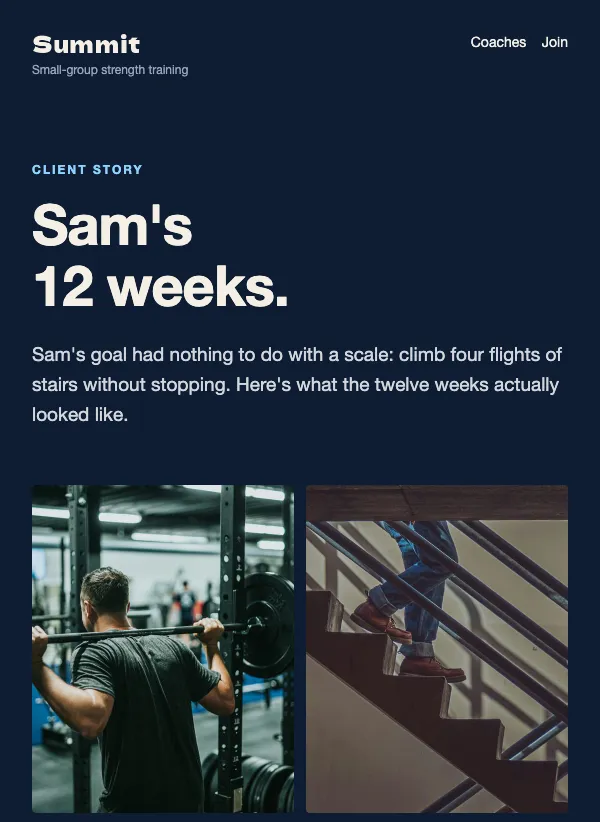 Personal training client story
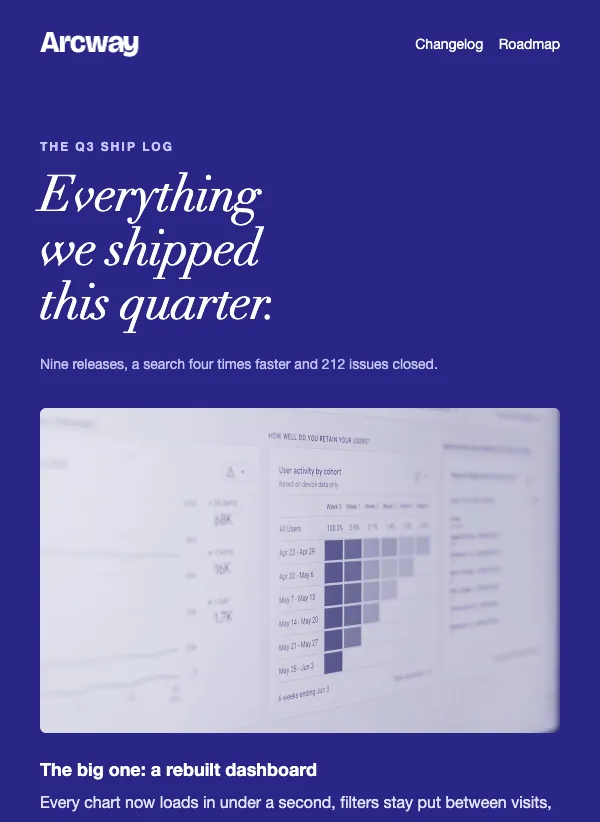 Quarterly product ship log
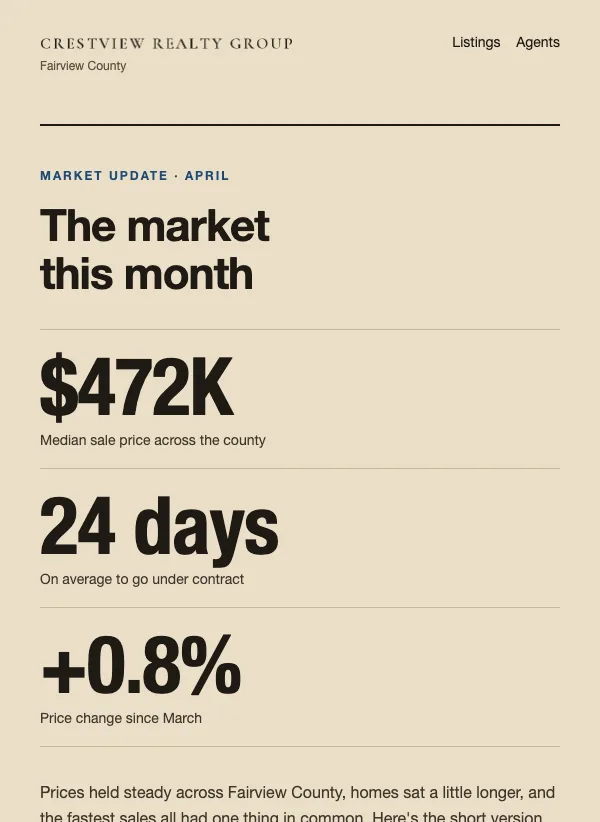 Real estate monthly market update
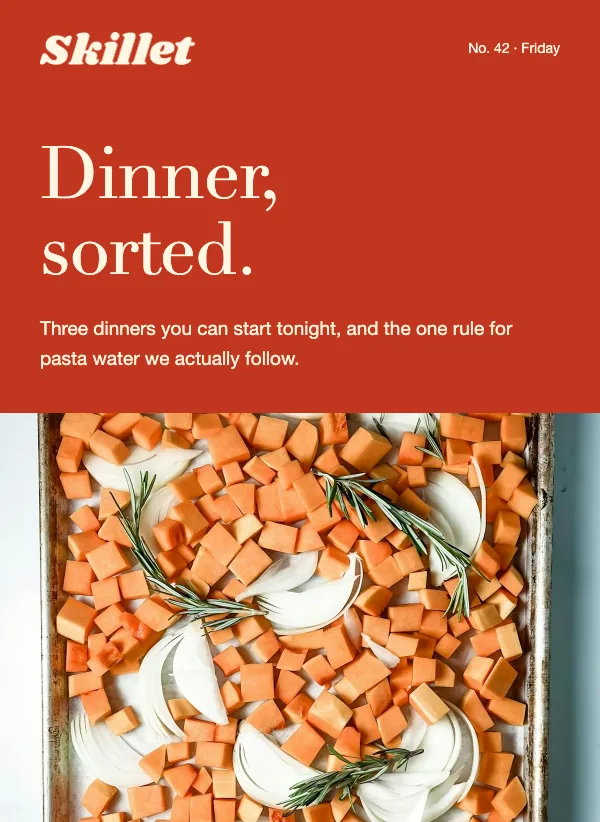 Weekly recipe roundup newsletter
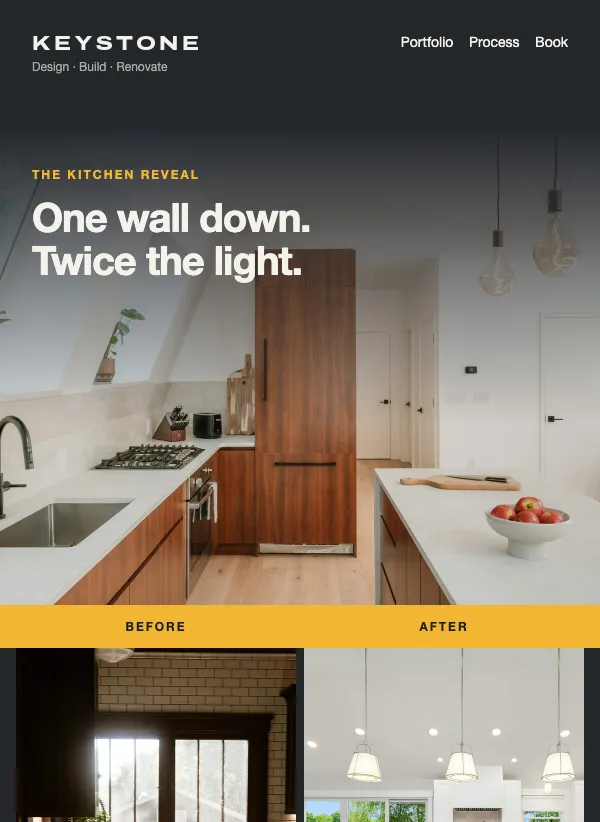 Renovation before and after
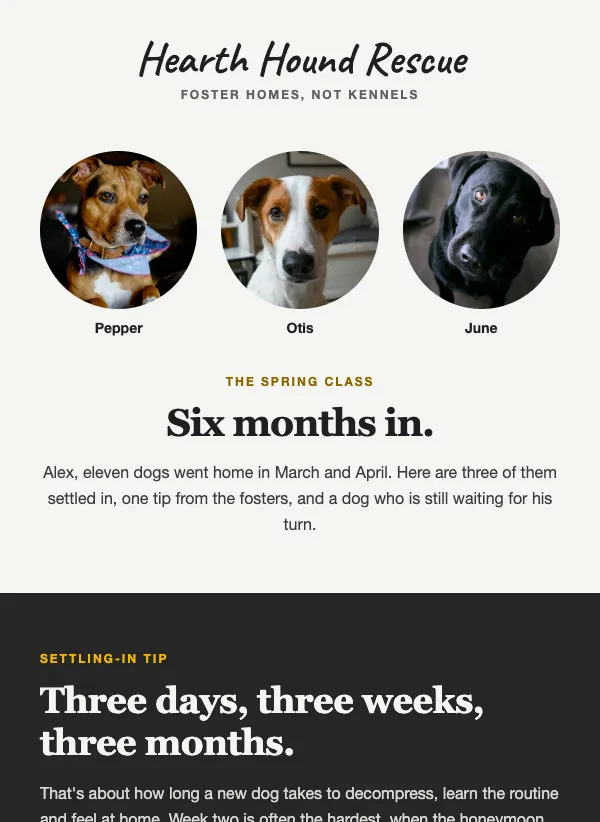 Animal rescue adopter newsletter
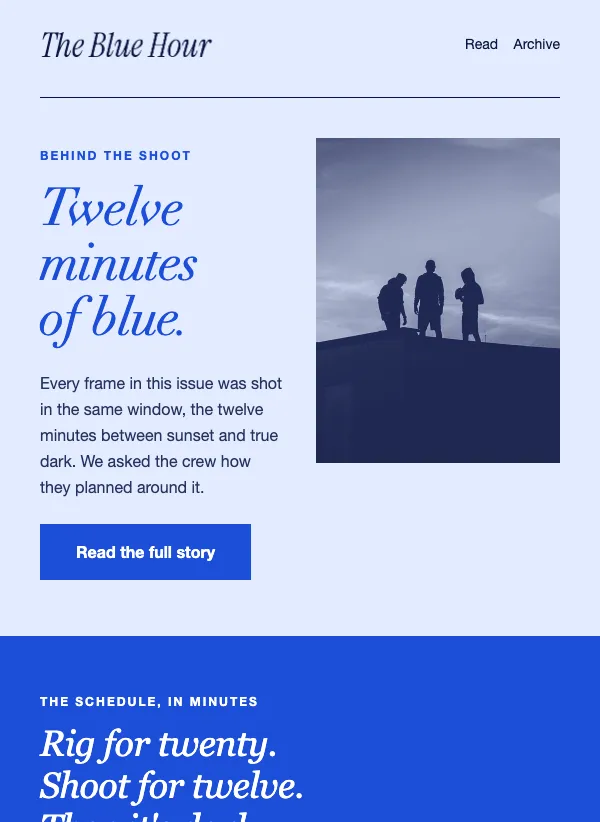 Photo story newsletter in duotone blue
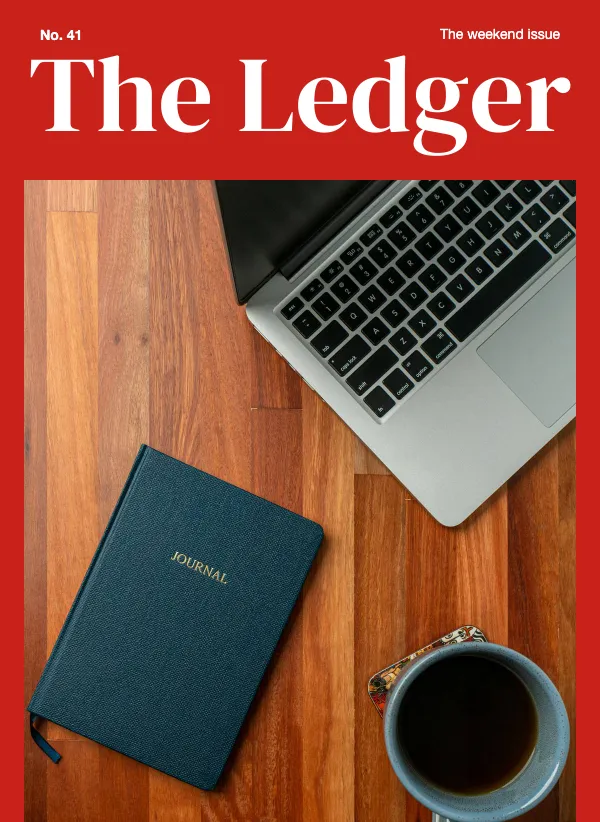 Magazine cover newsletter with contents
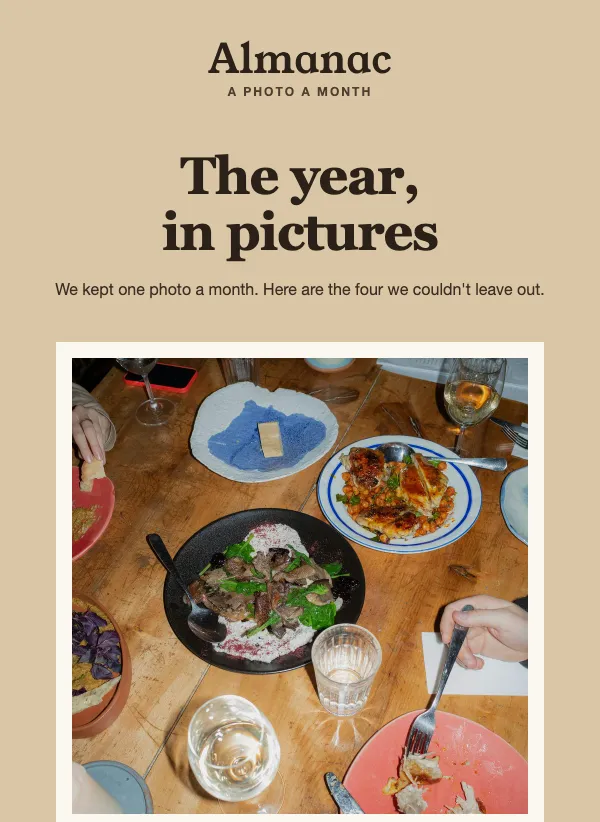 Year in photos newsletter, polaroid style
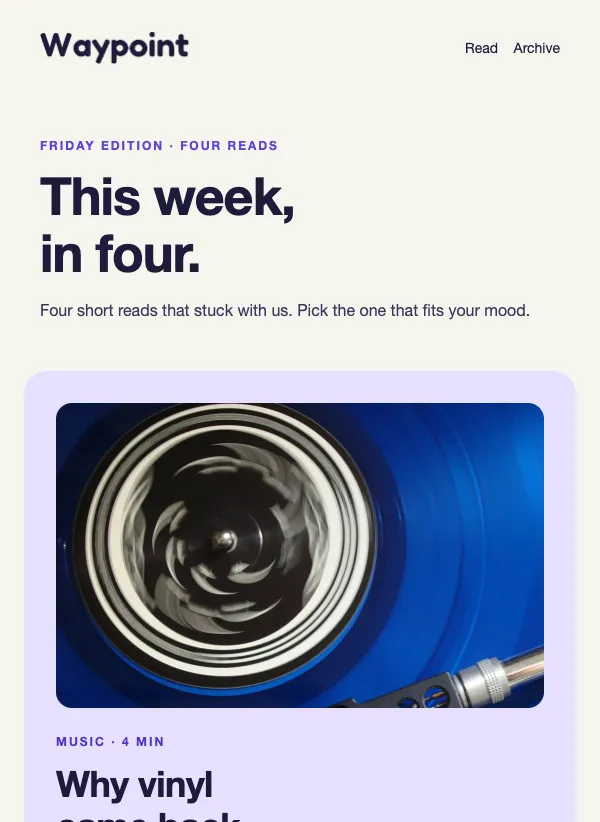 Link roundup newsletter with soft cards
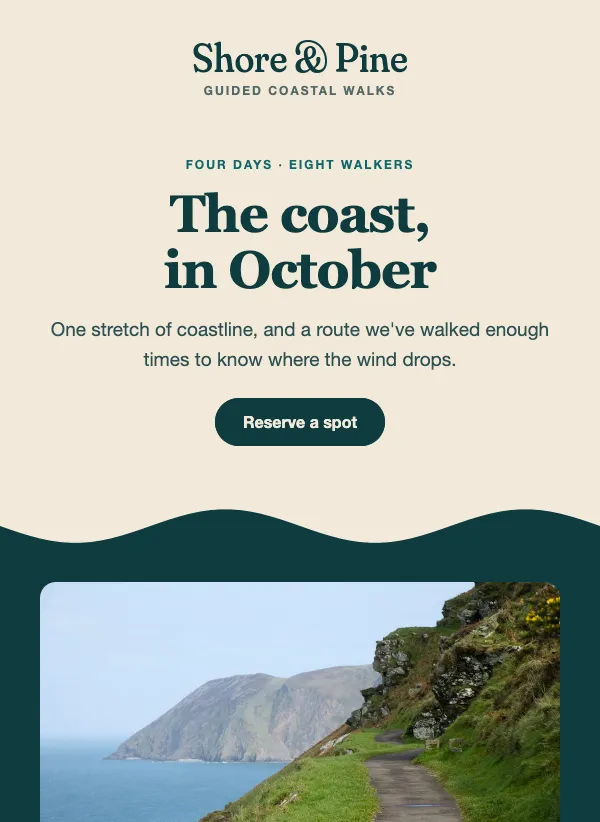 Travel itinerary email with wave dividers
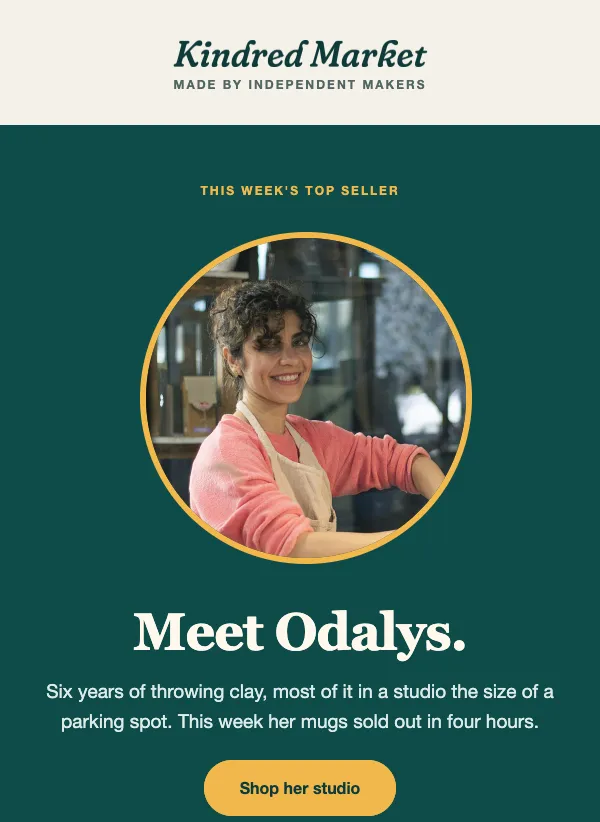 Marketplace seller spotlight
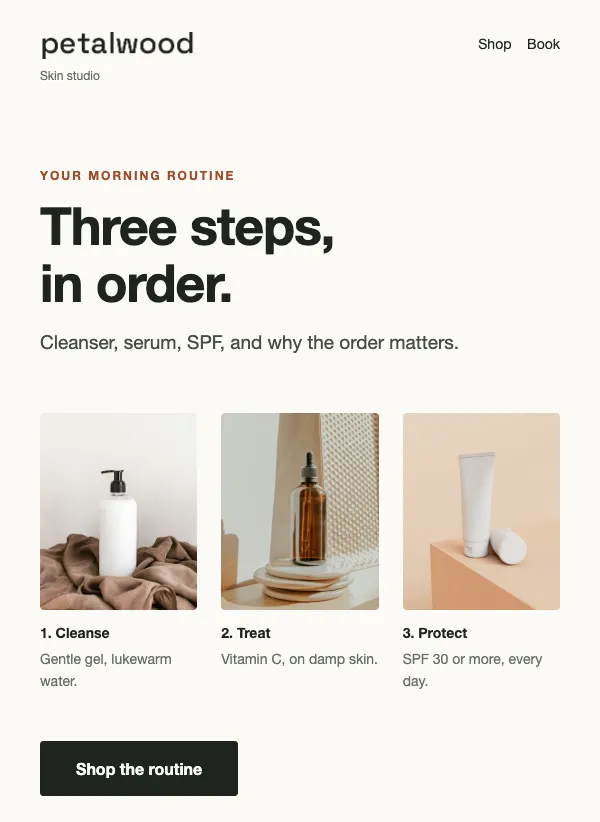 Skincare routine email, step by step
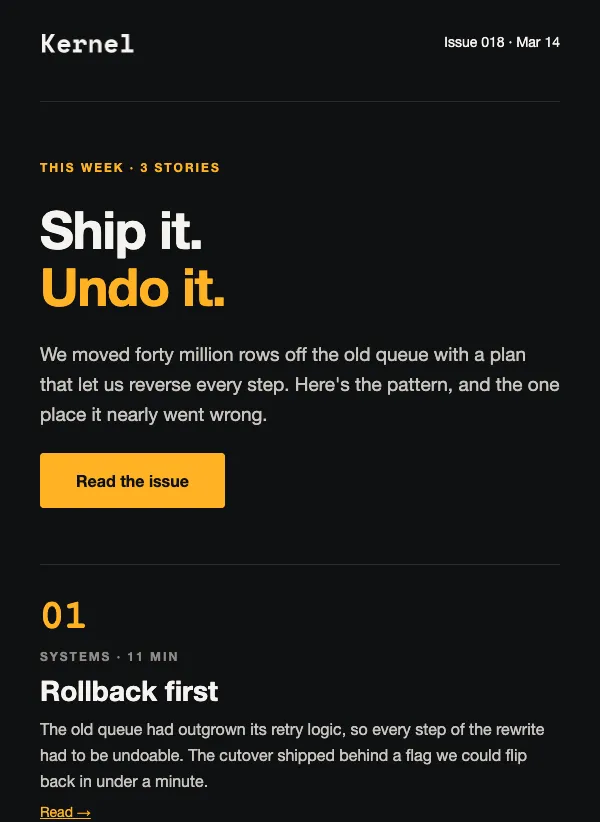 Tech newsletter email, dark theme
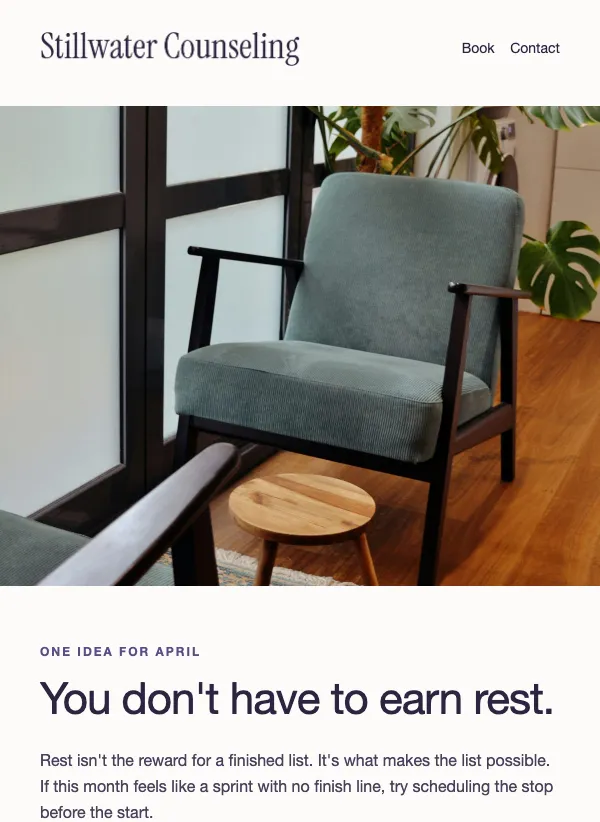 Therapy practice newsletter
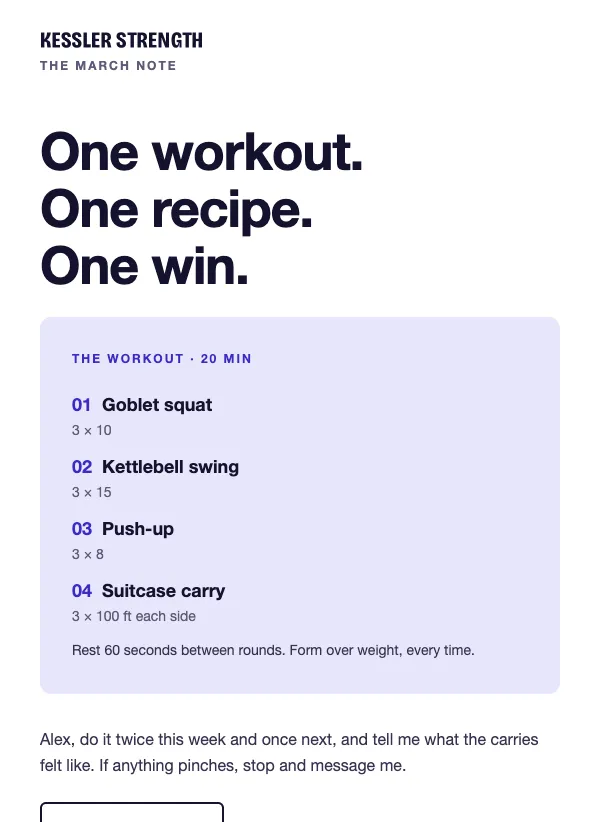 Personal trainer monthly tips
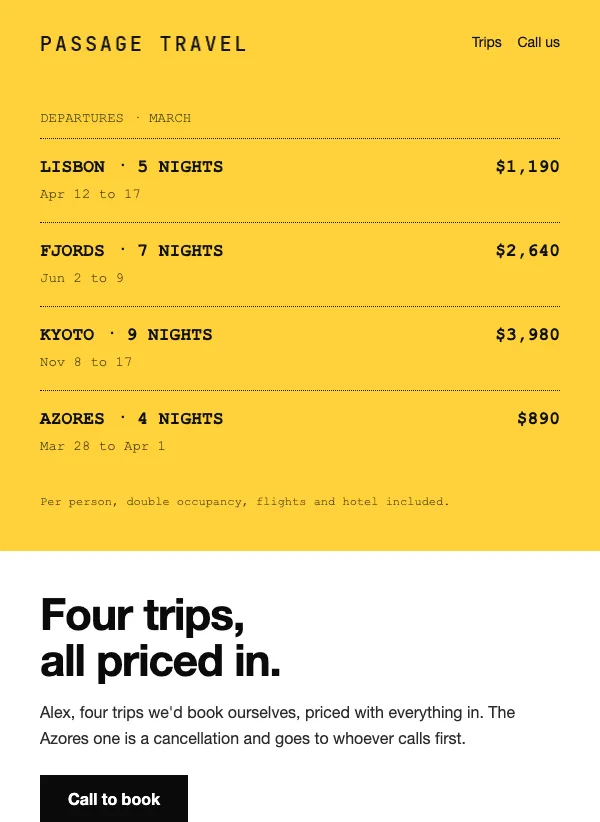 Travel agent monthly deals digest
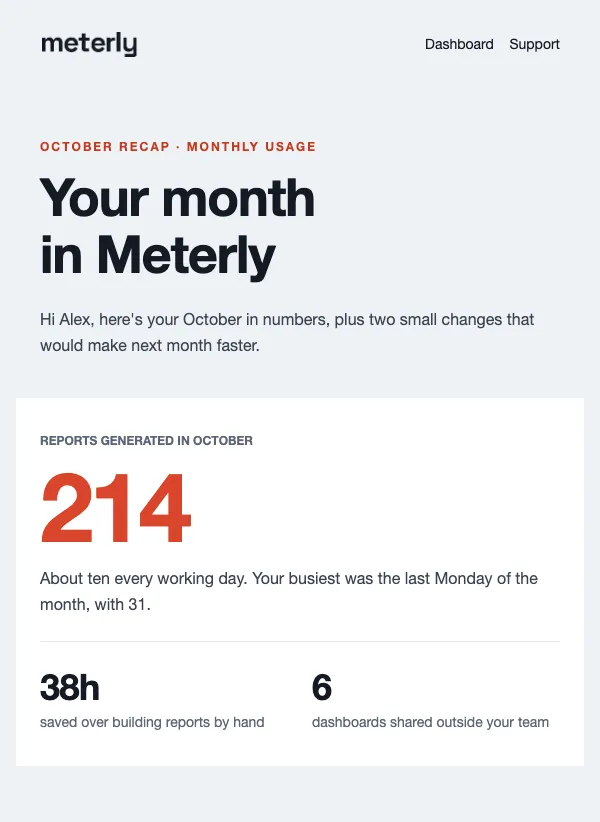 Monthly usage report
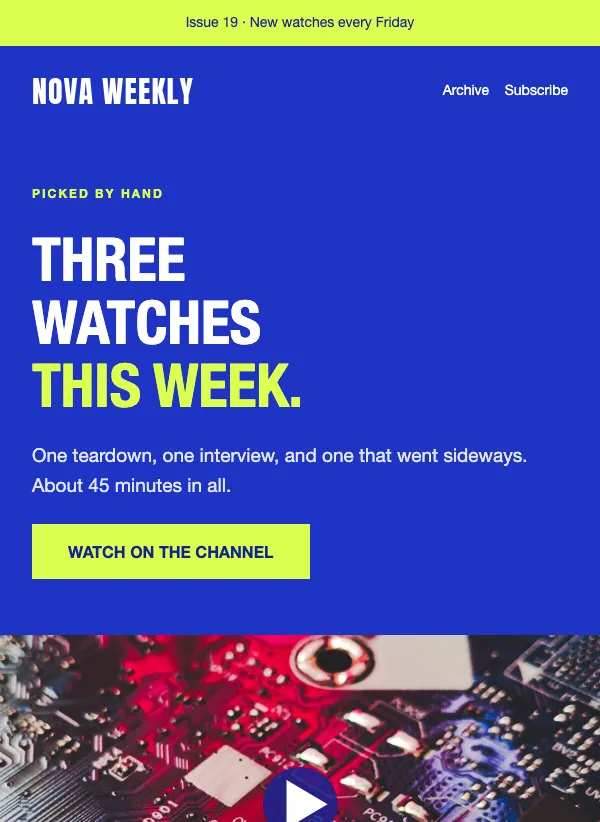 Weekly video roundup newsletter
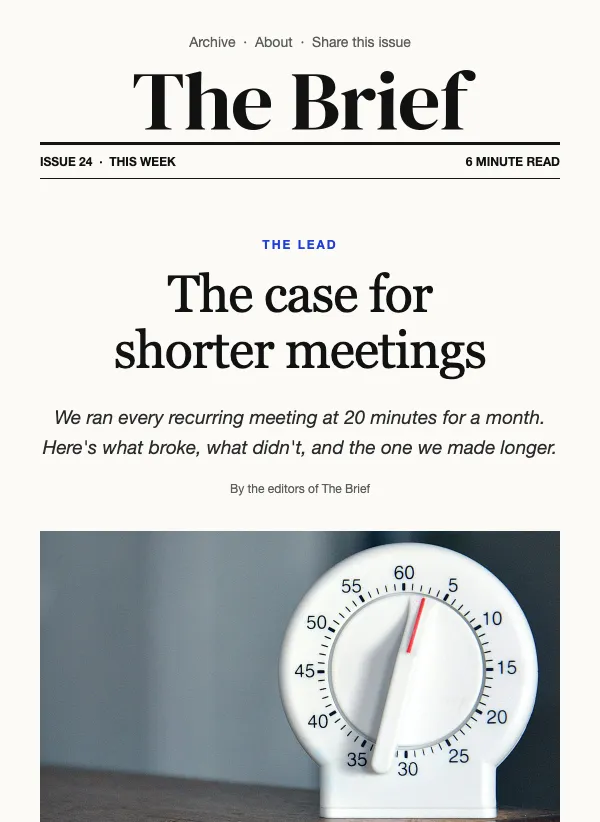 Weekly newsletter digest
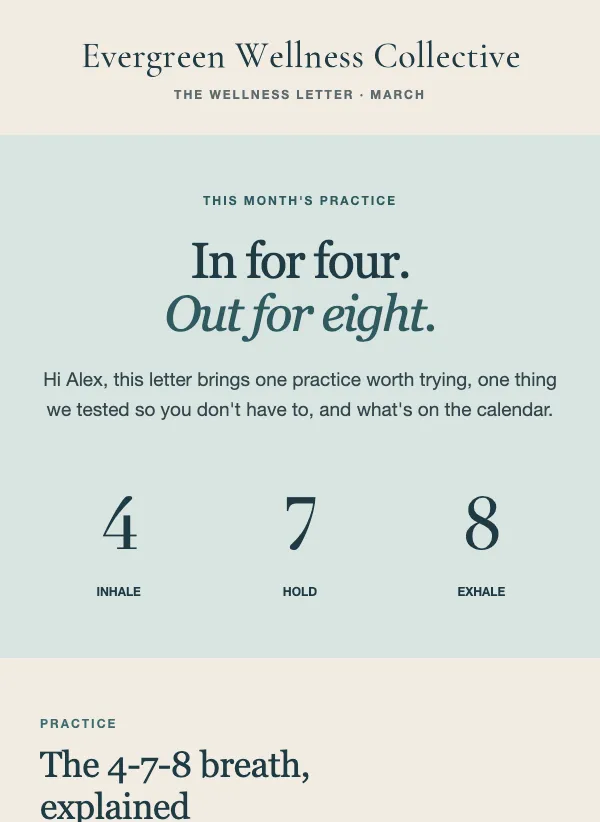 Wellness monthly newsletter
What a newsletter is for
A newsletter is a regular email that keeps you in front of people who already said they want to hear from you. It is not a sales pitch. It is a reason for someone to open your name in their inbox again next month, and to think of you when they need what you offer.
How often you send matters less than sticking to it. Weekly suits news, schedules and anything that changes fast. Monthly suits most small businesses, clubs and charities. Pick a rhythm you can keep up for a year, and tell people what it is when they sign up.
What to put in one
Start with one lead story, the thing you most want people to read. Give it a clear headline, a picture if you have a good one, and a few sentences that make someone want to know more.
Below it, add two or three shorter items: an update, a tip, a date for the calendar, a customer or member worth mentioning. Keep each one to a few lines. People skim a newsletter, so every item should make sense even if it is the only one they read.
Finish with one clear link. If you ask for three things, you usually get none of them. Decide what you most want people to do next, such as read the full post, book a place or reply to you, and make that the one button in the email.
Picking a template from this page
Match the layout to what you will actually have each time. If you have one story to tell, pick a template built around a lead. If you collect lots of small updates, pick one that stacks short items in rows. If your news is mostly pictures, pick one that leads with large photos and keeps the words short.
The real examples show the range. The weekend bake list opens with a deadline strip, then a photo and a price list of four bakes. The daycare newsletter pairs short classroom notes with a dates-to-know list for the fridge. The neighborhood roundup is a column of brief items, one topic each. The monthly changelog leads with a few headline numbers, then tags each update as new, improved or fixed. The photo digest numbers four collections and ends with an open call.
If you write one good piece a month, a digest with eight empty boxes will look half-finished. If you have a pile of small updates, a single long column will feel crowded. The words in the examples do not matter, so choose for structure and feel, then make it yours.
Making it feel like you
Write it like a letter to one person, not an announcement to a crowd. Greet people by first name with a merge tag, use "you", and sign off with your own name. A newsletter that sounds like the person behind the business is the one people reply to.
Keep the same layout from issue to issue. When readers know where to look for the date, the lead story and the button, they find what they need faster, and you spend your time on the words instead of the design. Change the photo and the content each time, not the structure.
Writing the subject line
The subject line decides whether anyone reads the rest. The best ones are plain, specific and sound like a person wrote them. Each template here comes with an example subject line, and they show the pattern well.
"What shipped this month" tells a reader exactly what is inside. "Four collections worth your Sunday morning" gives a number and a small promise. "Where the trucks are this week" answers a question people already have. "Stage it to sell: two changes before your first showing" names the topic, then the useful part.
Notice what they avoid: capital letters, a run of exclamation marks, and vague teasers. Say what is in the email, and say it the way you would say it out loud. Keep it short enough to read on a phone, and put the most important words first. If you use the preview text, let it add a second detail rather than repeat the subject.
Keeping it readable on a phone
Many people will read your newsletter on a phone, often in a spare minute. You can help. Keep paragraphs to two or three lines, write headings that say something, and use one button rather than a row of links. Check that your photos still make sense when they are small.
Before you send, email a test to yourself and read it on your phone. If you have to pinch or squint, shorten it. When you are happy, send it to your list, or schedule it for the morning you want it to arrive.
Mistakes to avoid
The first is trying to say everything. A newsletter with nine items and six links gets skimmed and forgotten. Pick the best three and keep the rest for next time.
The second is going quiet. People who hear from you twice a year will not remember why they signed up. Even a short note on a steady schedule keeps you familiar, and it is easier to write than one big email every few months.
The third is writing about yourself. People open a newsletter for something that is useful, interesting or relevant to them: a date they need, a tip they can use, a story about a person they know. Lead with what the reader gets, and keep your own news to a line or two.
Last, do not hide the unsubscribe link or fight it. People who leave are people who would not have read the next one, and a clean list is easier to write for.
Questions
Are these newsletter templates free?
Yes. All of them are included on every plan, even the free one. Open one, change it and send it with no extra charge for the design.
How long should a newsletter be?
Short enough to read in a couple of minutes. One lead story and two or three short items is plenty for most small businesses. If you have more to say, link to it.
How often should I send a newsletter?
As often as you can keep up. Weekly works for news and schedules, monthly works for most small businesses and clubs. A steady monthly email does more than a burst of weekly ones that stops.
What should I write about in a newsletter?
Whatever your readers would otherwise have to ask you. Updates, dates, what is new, a tip from your work and a person or customer worth mentioning. Mix useful with personal, and sell sparingly.
Can I change the colors and fonts?
Yes. Once a template is open in the editor you can change the colors, fonts, images and text, and add or remove sections, until it looks like your brand.
Will they look right on a phone?
Yes. Each template adjusts to the screen it is opened on, so the text stays readable and buttons stay easy to tap on a phone. Send yourself a test first to see it on your own device.
Do I need to know how to code?
No. You edit the template by clicking on the text and pictures and typing, with no code involved.