SaaS email templates
Onboarding, changelogs, webinars and trial reminders for software companies.
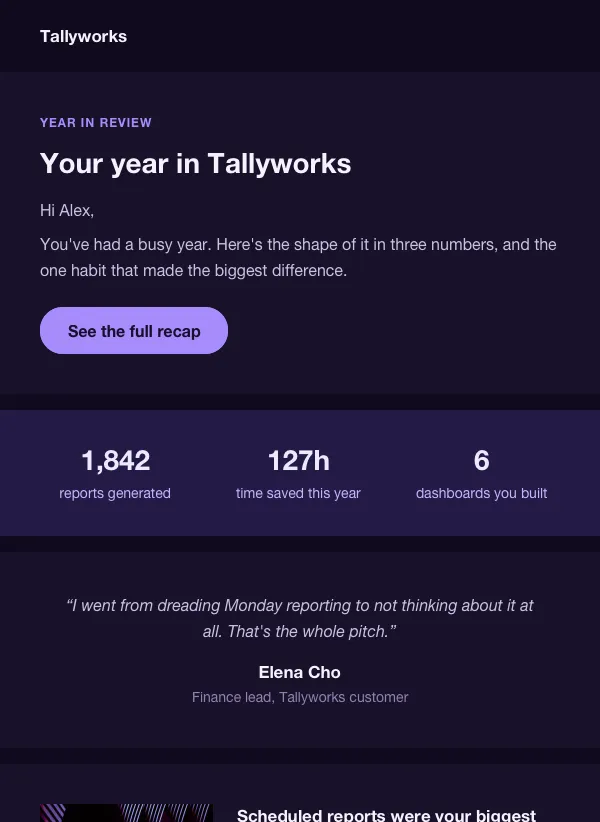 Year in review email for SaaS apps
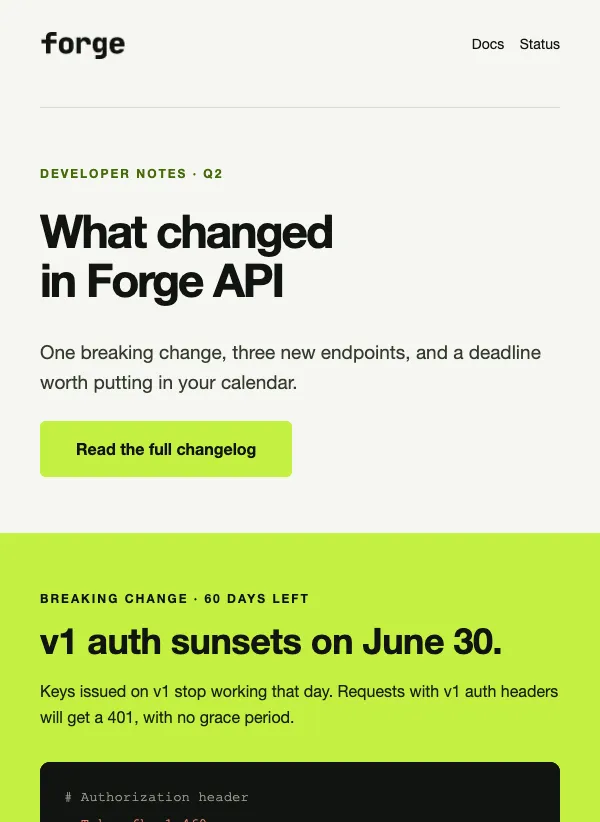 API changelog email for developers
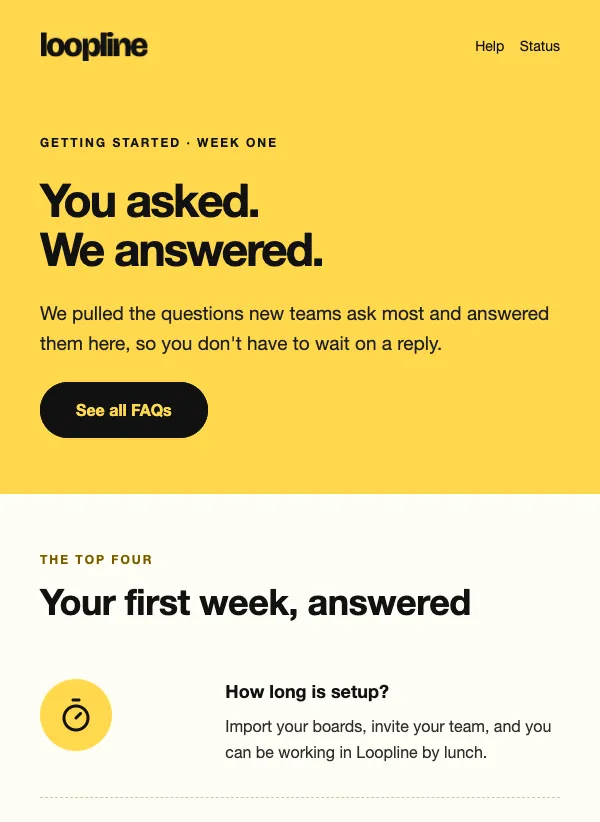 New user FAQ onboarding
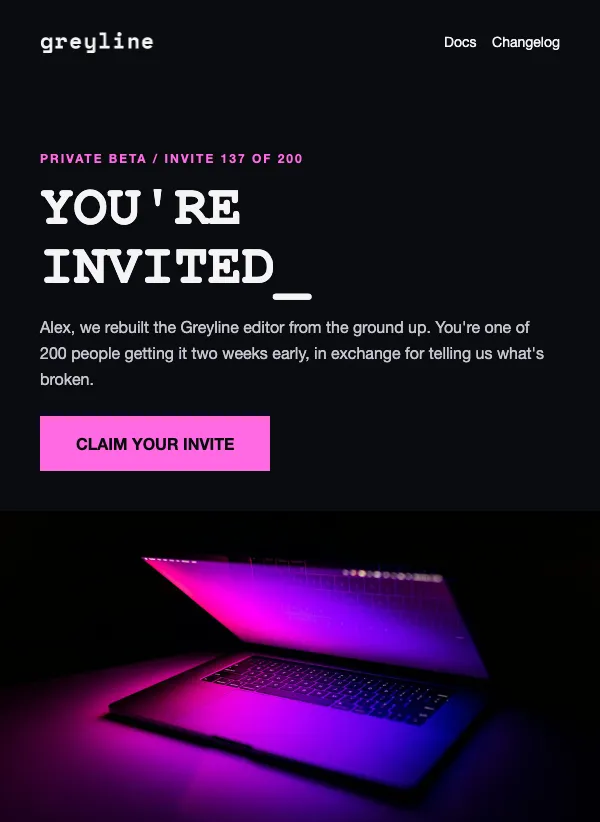 Private beta invitation
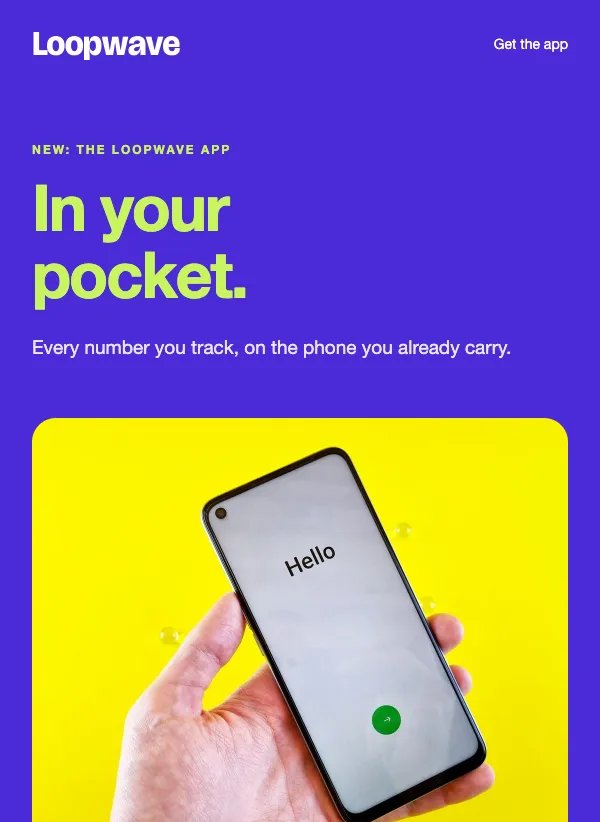 Mobile app launch announcement
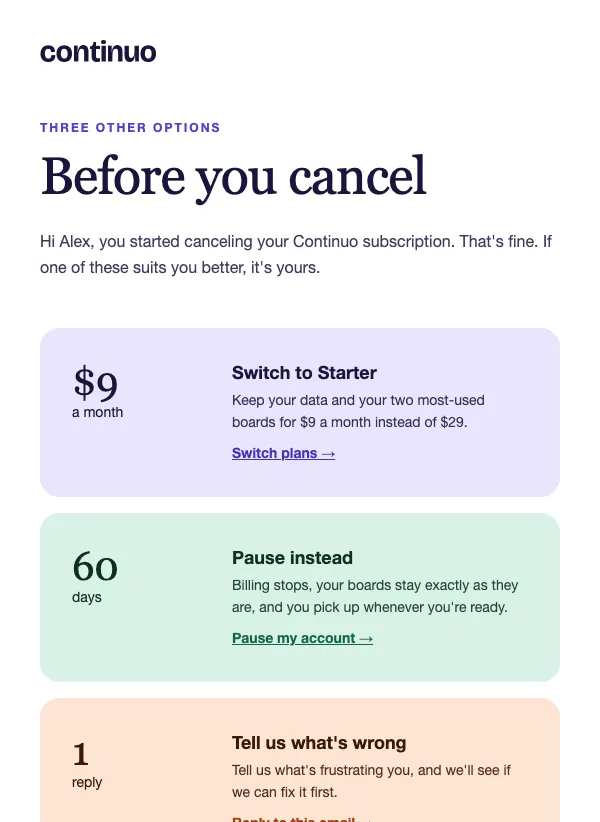 Cancellation discount offer
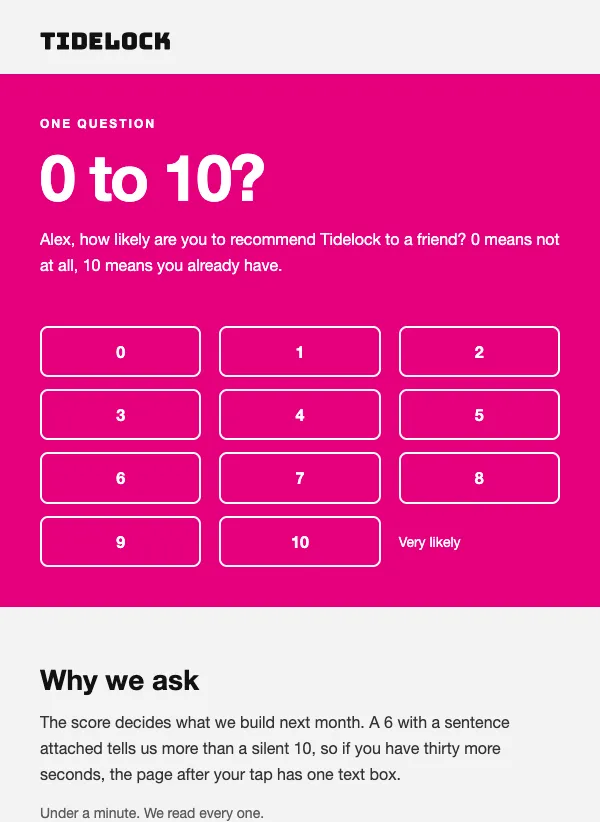 One-question rating survey
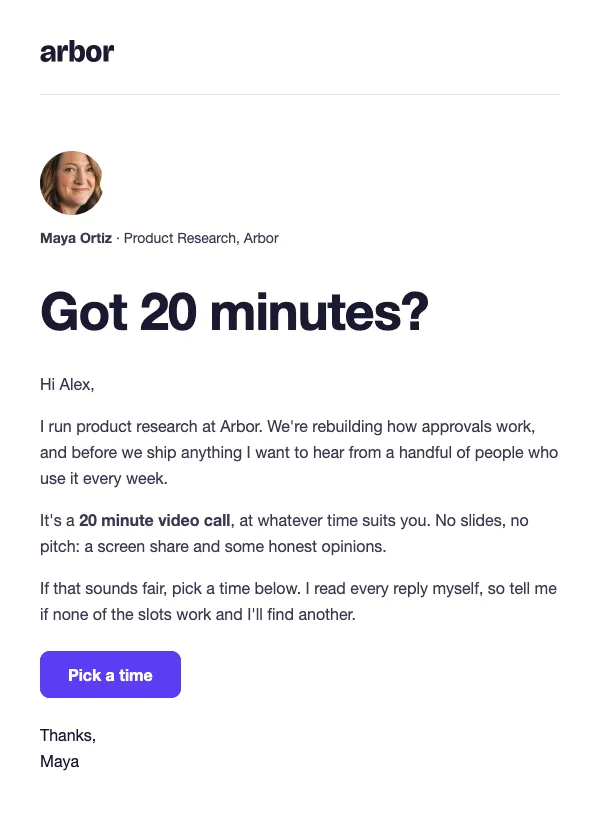 User research call invitation
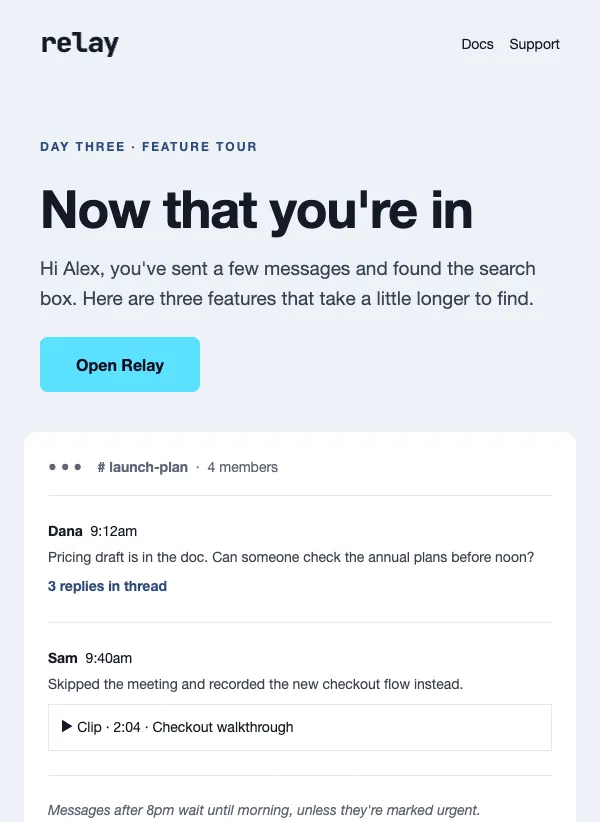 Day three app feature tour
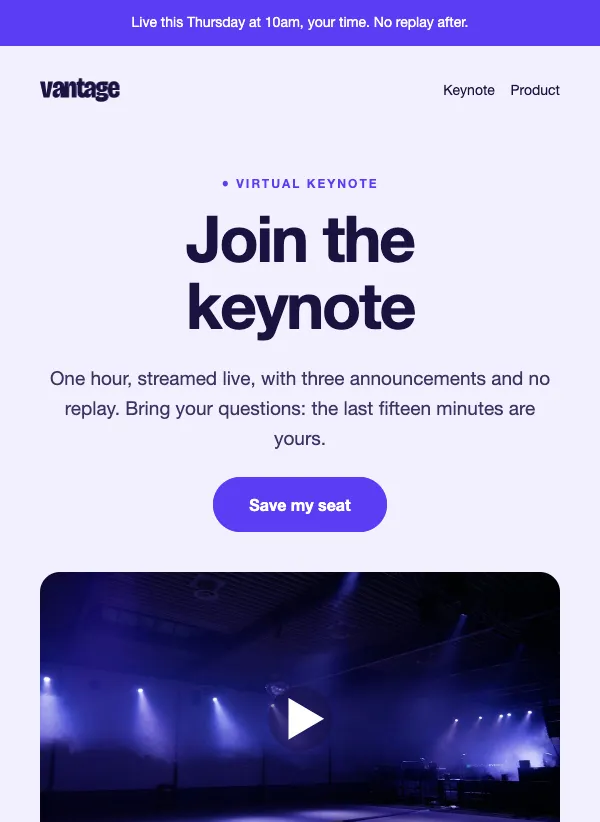 Virtual launch event invitation
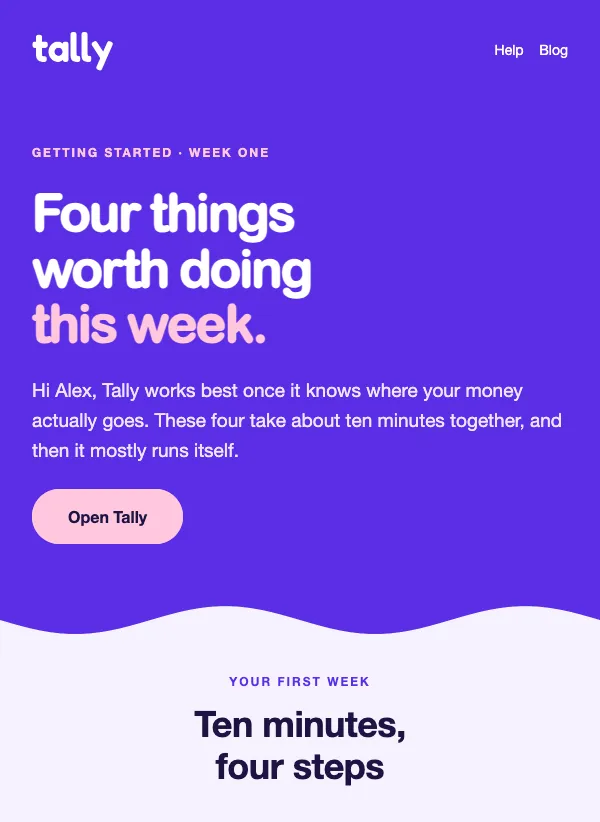 First week getting started
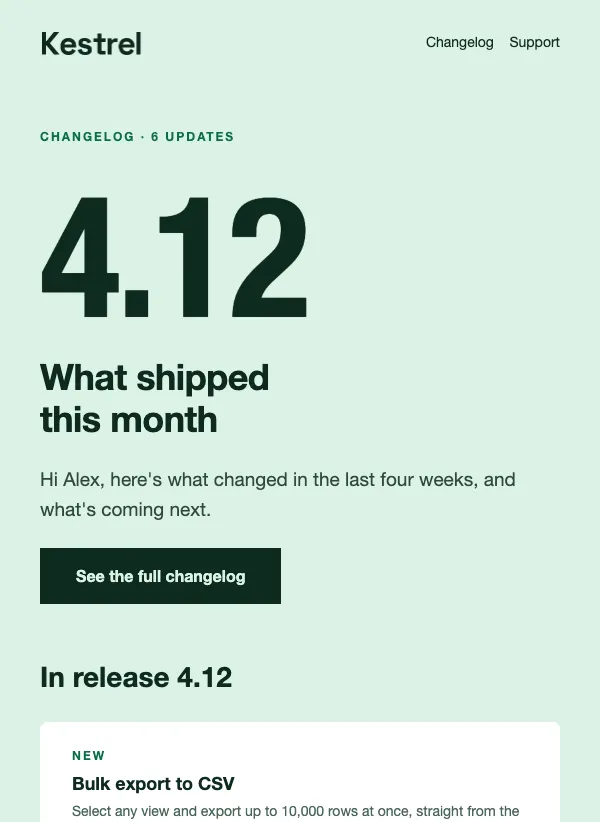 Monthly product update changelog
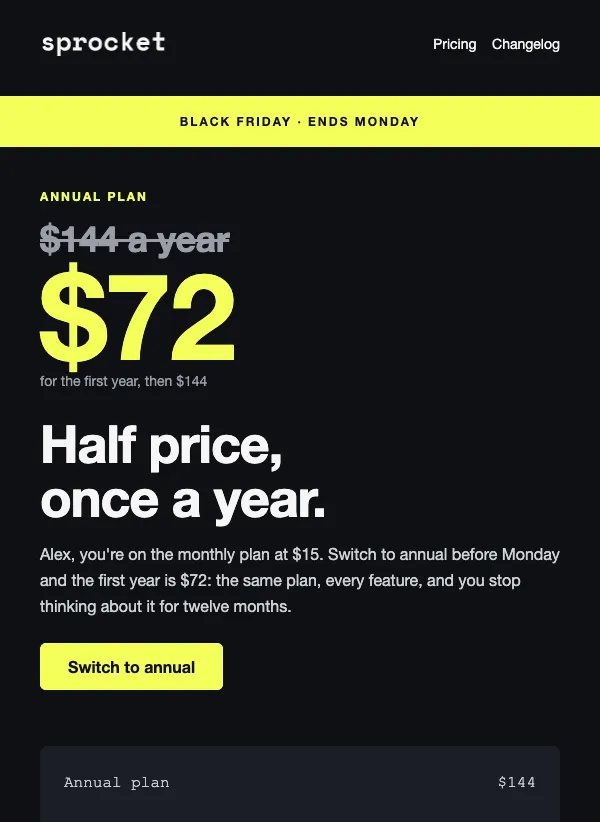 Black Friday annual plan discount
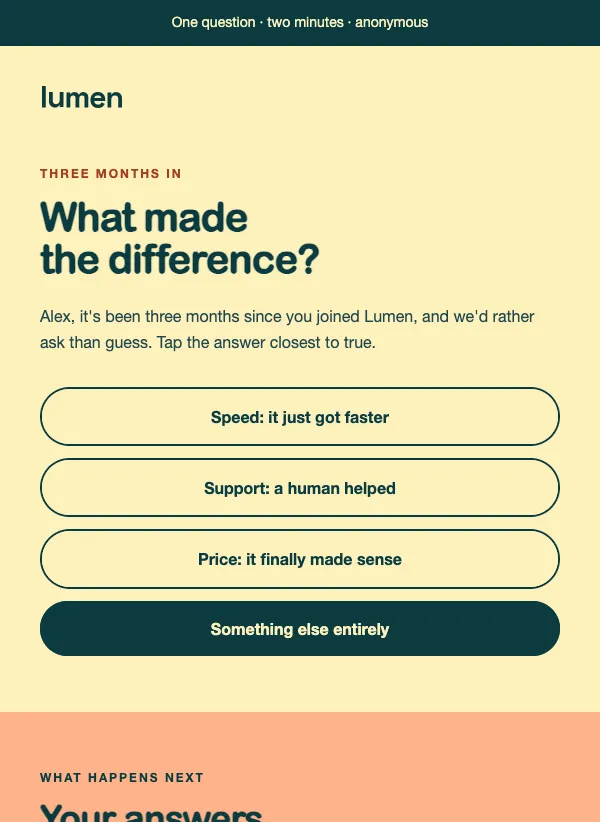 One-question customer survey
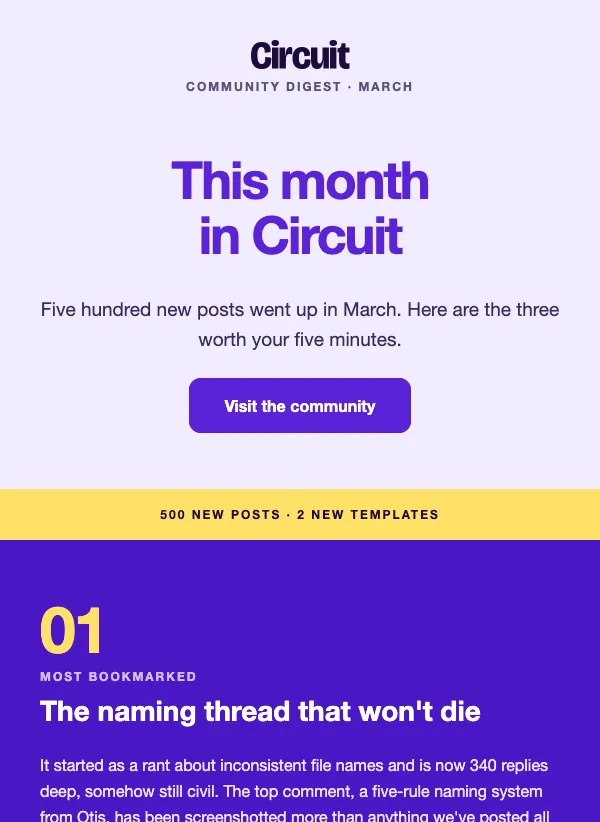 Community monthly digest
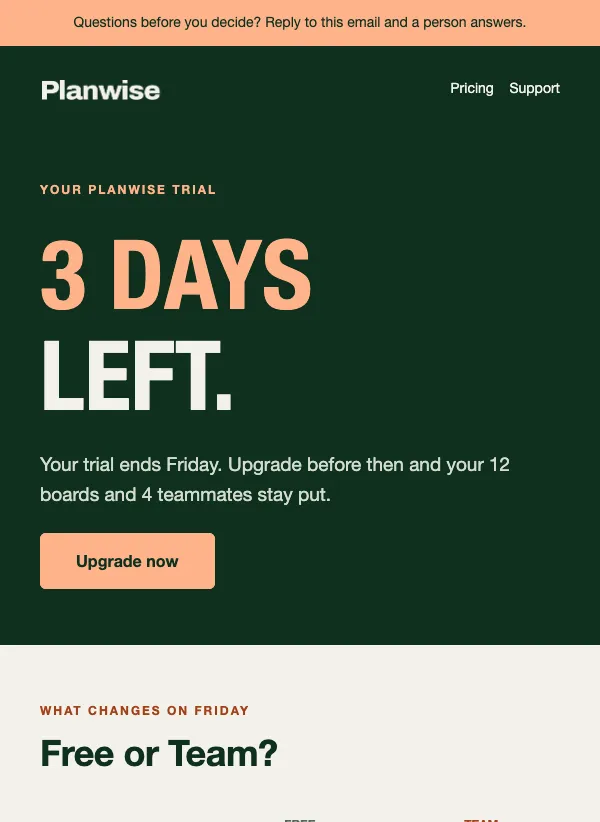 Free trial ending
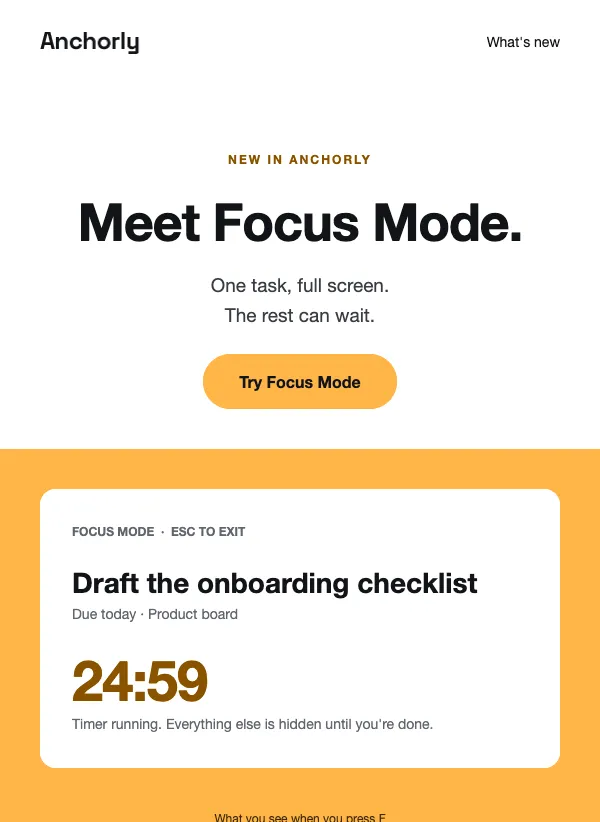 New feature announcement
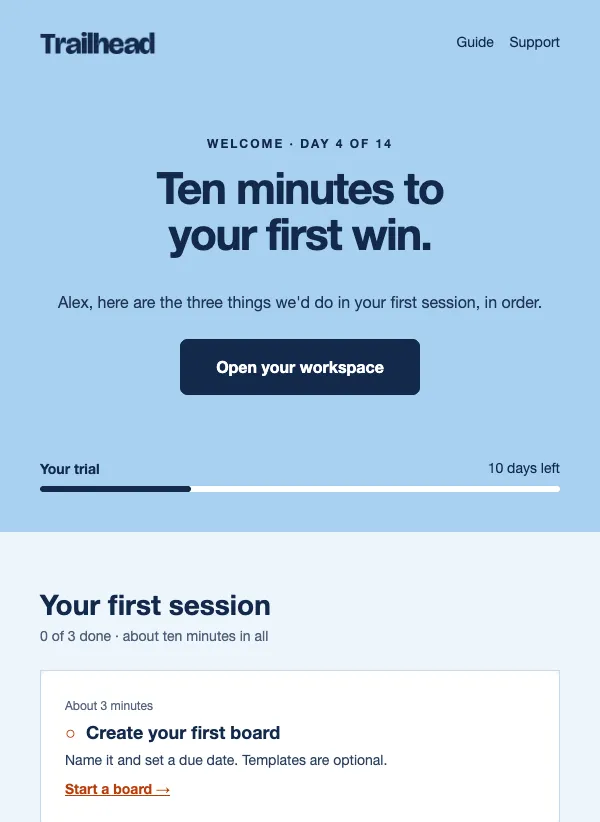 Free trial welcome
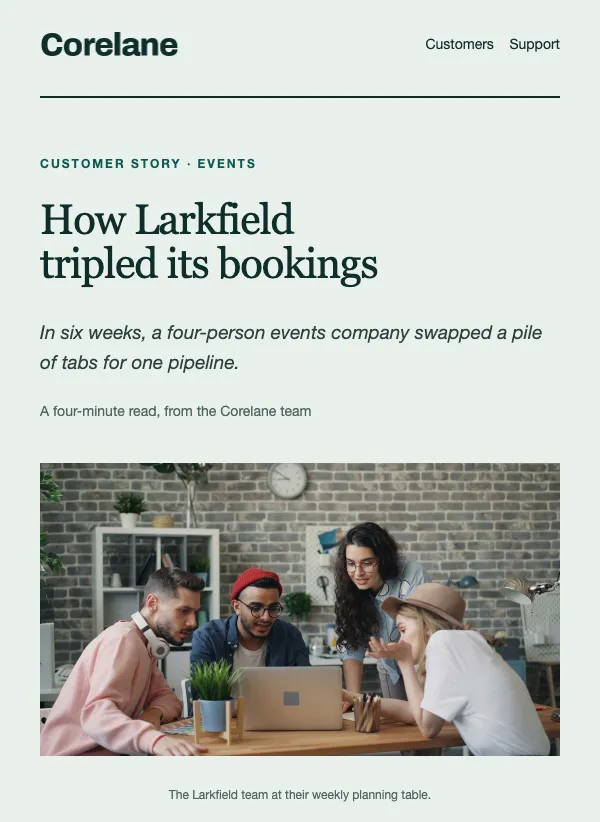 Customer case study
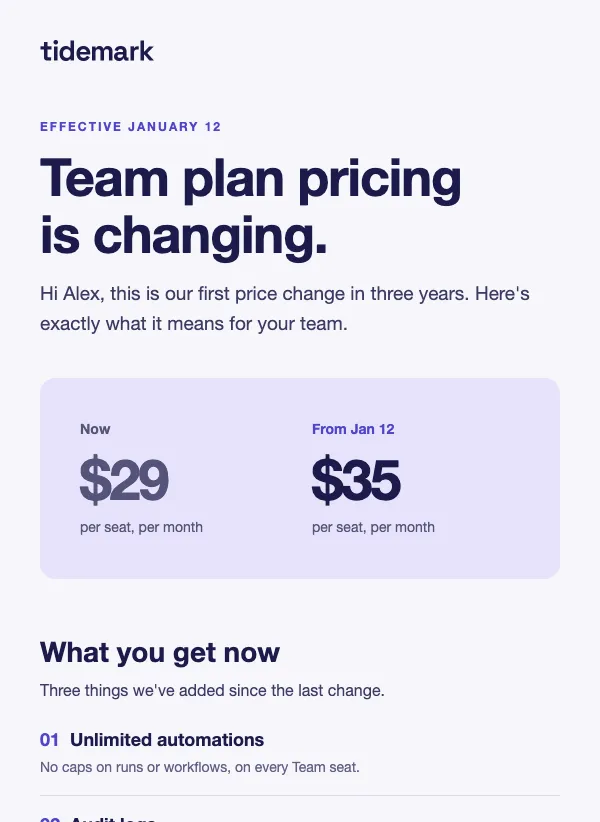 Pricing change announcement
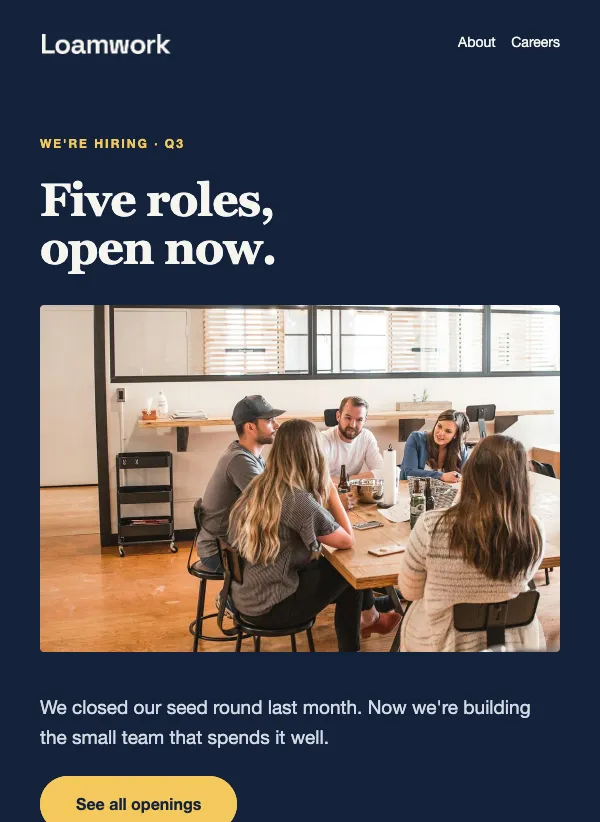 Job openings announcement
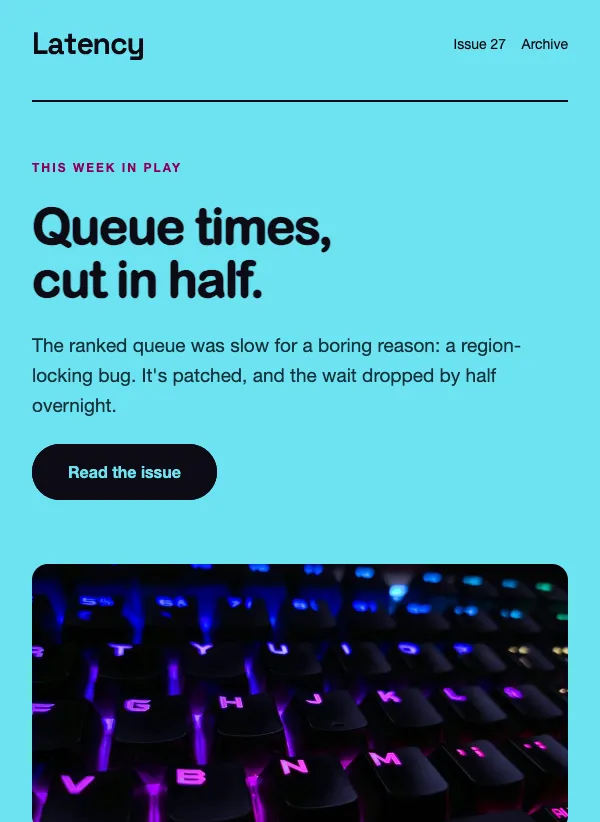 Gaming newsletter
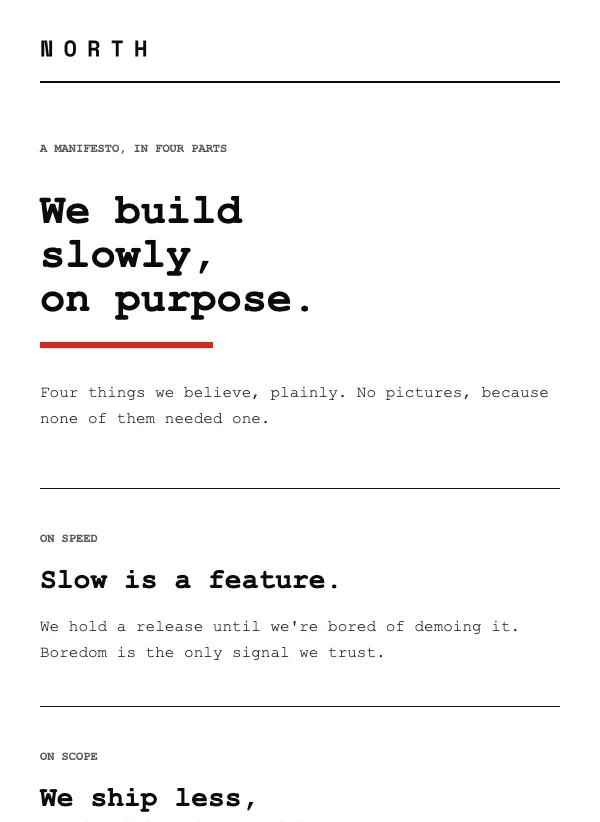 Manifesto email, text only
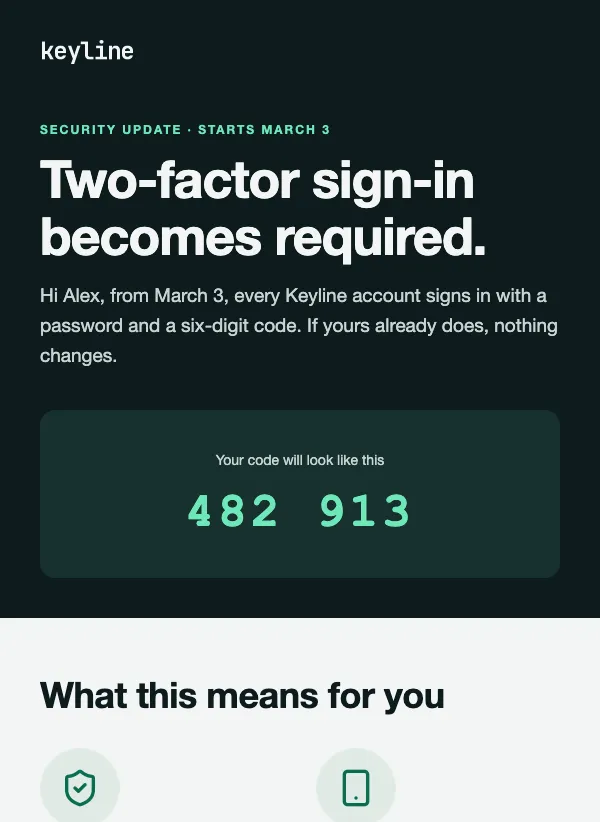 Security update notice
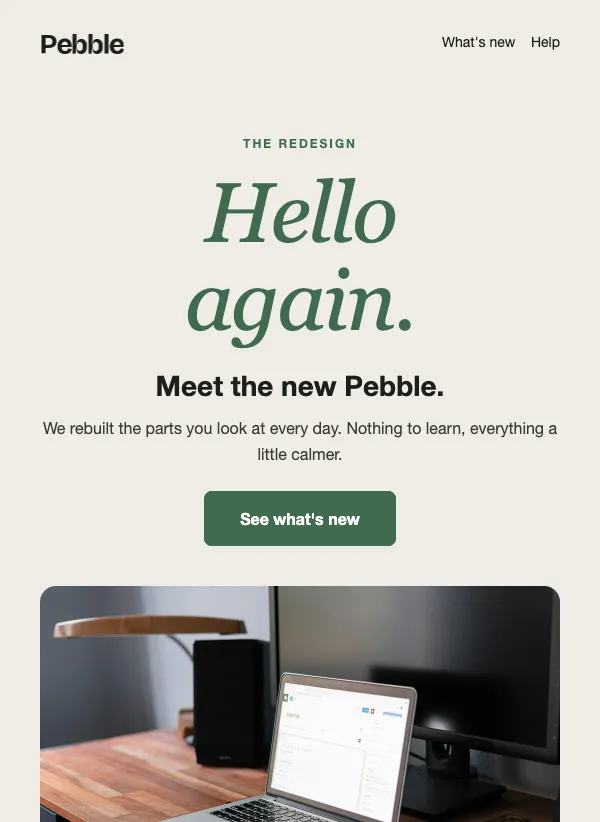 Product redesign announcement
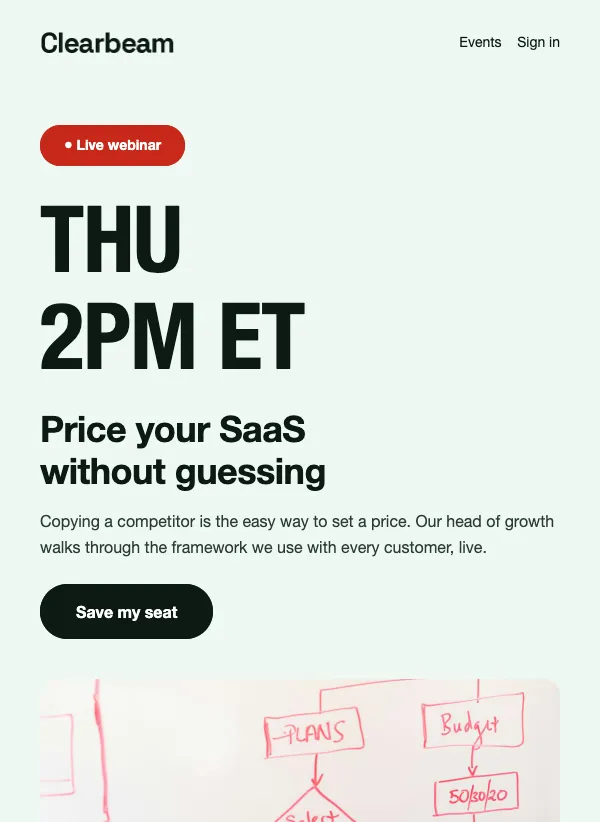 Webinar invitation email with agenda
 Product update email with gradient hero
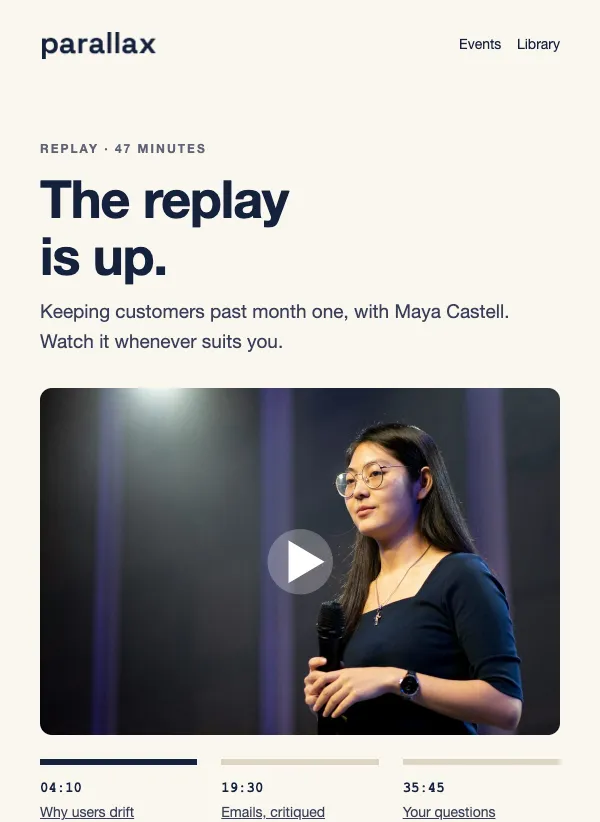 Webinar replay email with chapters
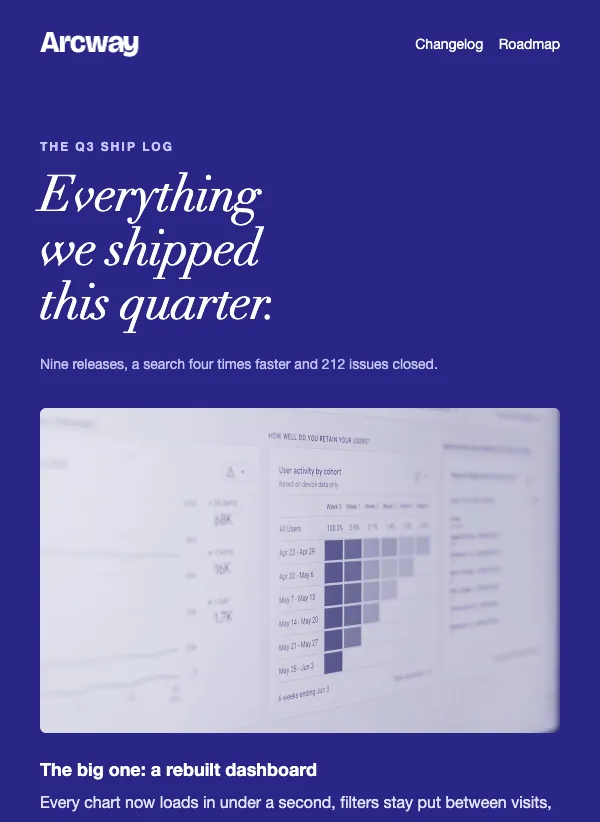 Quarterly product ship log
 Tech newsletter email, dark theme
 Monthly usage report
 SaaS customer testimonials
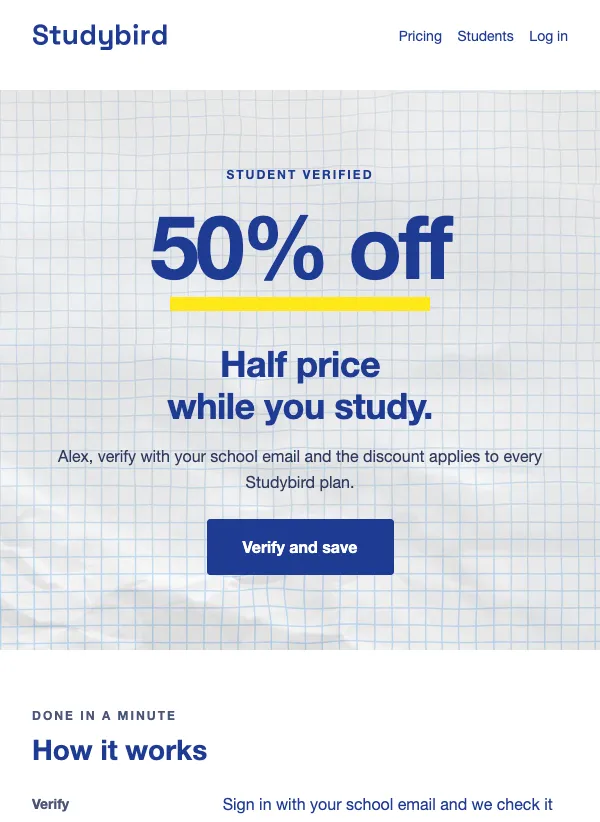 Student discount offer
What a software product sends in a year
Software emails follow the customer's path. A new user needs help getting started. A trial nears its end. A paying customer wants to know what changed, and now and then has to read something important, like a price change or a security notice. A few will think about canceling, and some will tell you why.
Alongside that runs the regular news: a changelog, a webinar, a customer story, a hiring post, a year in review. The templates on this page cover all of it, so every email your customers get can share one look. The sections below follow the order a customer meets them.
The first week
The first email has one job: get the new user to the moment they see what your product is good for. "Three steps to your first win" is a good model. It promises a result and names a small number of steps, instead of touring every feature.
Think about what your best customers did in their first week and build the onboarding around that. The first-week template gives each step its own short block with the time it takes, and a button at the top that opens the app. Its subject line, "Your first week, in four steps", says the same thing in six words.
If sign-ups land on a list in EmailFig, an automation can send these emails for you, with a wait between each one. Write the series once and every new user gets it.
The last days of a trial
Be plain about the day and about what happens next. "Your trial ends in three days" leaves no doubt. The trial-ending template sets the free and paid plans side by side, so the reader sees exactly what changes, and it keeps to one ask: upgrade.
Remind people what they have already set up, and say what stays and what goes. Tell people a reply reaches a real person, and make sure it does. Send this one a few days before the end, not on the last day, so there is still time to decide.
Telling customers what you shipped
How you share news depends on how often you ship. A big feature gets a launch email of its own: one headline, a short explanation of how it works and one button into the app. "Focus Mode is live" is the shape, the name of the thing and the fact that it is ready.
Smaller improvements are better gathered into a monthly changelog or a quarterly ship log, so customers get one useful email instead of a stream of small ones. "What shipped this month" tells people what is inside. The changelog template labels each item as new, improved or fixed, so people can skim for what matters to them.
For every item, say where to find it. "Under Settings, then Notifications" is worth more than a paragraph about why you built it.
Developers want different news: new endpoints, deprecations and deadlines. If you have both audiences, the developer notes template keeps that detail out of the email your other customers read.
Webinars and customer stories
Some emails exist to bring people closer to the product. A webinar gets two: an invitation with the topic and the time, and a replay afterward for everyone who could not make it. "Live Thursday: pricing your SaaS without guessing" and "The replay is up: pricing your SaaS without guessing" share a topic, so people connect the two.
A customer story takes one email. Lead with the result in the subject line, then let the customer's own words carry the email.
Notices people have to read
Some emails are not marketing at all. A price change, a change to your terms or a security notice needs to be read and understood. Use a plain letter for these. The pricing template shows the old and new price side by side, then what customers have gained since the last change and what stays the same.
Put the date the change takes effect near the top, give plenty of notice, explain it in a sentence or two and say who to contact with questions. Customers forgive a price rise far more easily than a surprise.
A security notice has the same shape. "A security update to your account" makes clear it is about their own account and does not dramatize. Say what is changing, and if the customer has to do something, put that before everything else.
Hearing from customers before they leave
The feedback templates ask for one thing each: a short survey or a call. "Got 20 minutes to talk about how you use our product?" says how long it will take, which helps people say yes. Ask a small group of active customers rather than everyone, and tell them what you changed because of what they said. They are more likely to answer next time.
When someone starts to cancel, a short email with other options can keep them. "Before you cancel, three other options" offers a cheaper plan, a pause and a chance to say what is wrong. Someone who leaves because the timing was bad may come back, if you made leaving easy and polite.
One tip for software emails
Point every button at the exact screen, not the home page. A button that opens the setting or the feature you wrote about finishes the job. One that opens the dashboard makes the reader hunt for it.
Name the product in the subject line, as most of the examples above do. Your customers use a dozen other tools, and an email that says which one it is from is easier to place.
Questions
Are the SaaS email templates free?
Yes. All of them are included on every plan, even the free one.
What should I put in an onboarding email?
Name one action and what it gets the person, then link straight to it. Skip the tour of every feature.
How many onboarding emails should I send?
Three or four across the first two weeks is a good start for many products. Each one should point to a single next step.
Can I send an onboarding series automatically?
Yes. An automation can send a series of emails, with a wait between each, to everyone who joins a list.
How often should I send product updates?
Monthly suits many products. Send a separate email only for a change big enough that customers would want to hear about it on its own.
Can I add screenshots of my product?
Yes. Every template opens in the drag-and-drop editor, where you can upload your own images and replace the examples.
Can I use these for password resets and receipts?
These templates are for emails you send to your list, such as onboarding, product news and notices. Password resets and receipts usually come from your app itself.