Black Friday email templates
Sale-weekend emails for shops, studios and software.
Start before the weekend
Black Friday is crowded. Your customers will get a lot of sale emails in the same few days, so it helps if you have already spoken to your list. Plan a short run of emails instead of one.
A simple shape is a teaser a few days before, a launch email on the first day, a reminder midway through the weekend and a last call on the final day. The teaser can be two sentences: the sale is coming, here is roughly what is in it, and the list gets it first. Those who have read the teaser know where to click when the real email arrives.
Write the whole run ahead of time. Campaigns can be scheduled, so you can finish them in a quiet week and set each to go out at the right hour. That leaves the weekend for answering questions and packing orders, instead of building emails at midnight.
What to put in the email
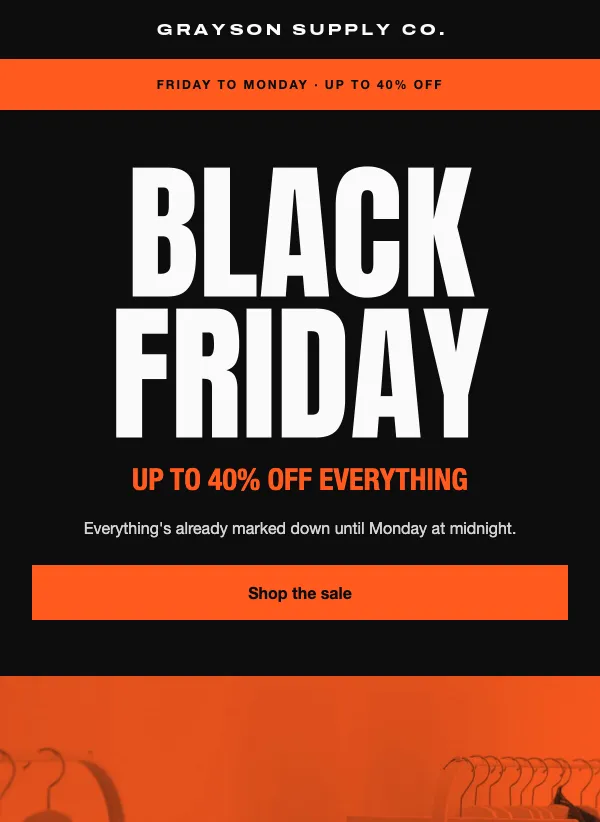
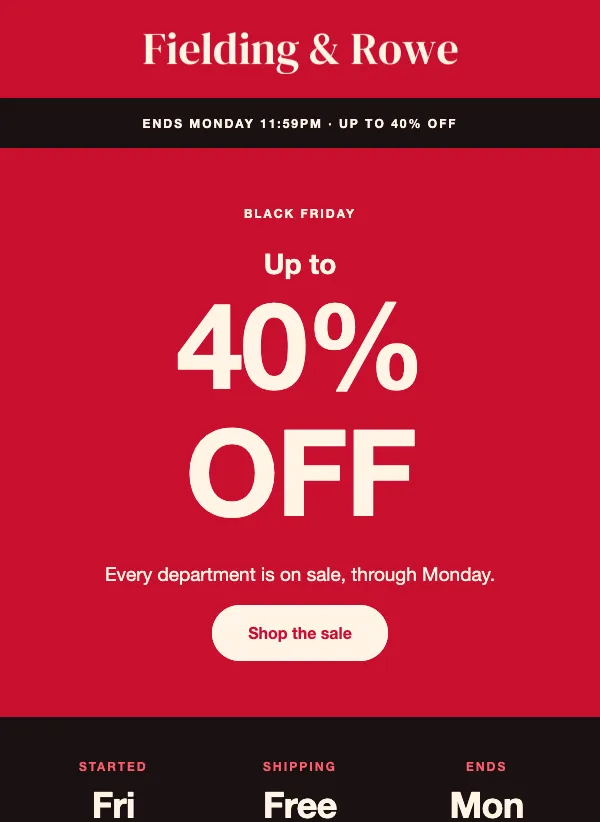
Put the offer and the deadline where they show without scrolling. A shopper should know in a few seconds what is discounted, by how much and when it ends. The countdown template does this with a strip at the top, a huge percent-off headline and a dark row of three facts: when it started, shipping and when it ends.
Add one clear button and repeat it near the bottom for people who scrolled. Say what the sale covers, and what it does not. If a code stacks on sale prices, say so in the same sentence as the code. If shipping is free over a certain amount, show the amount.
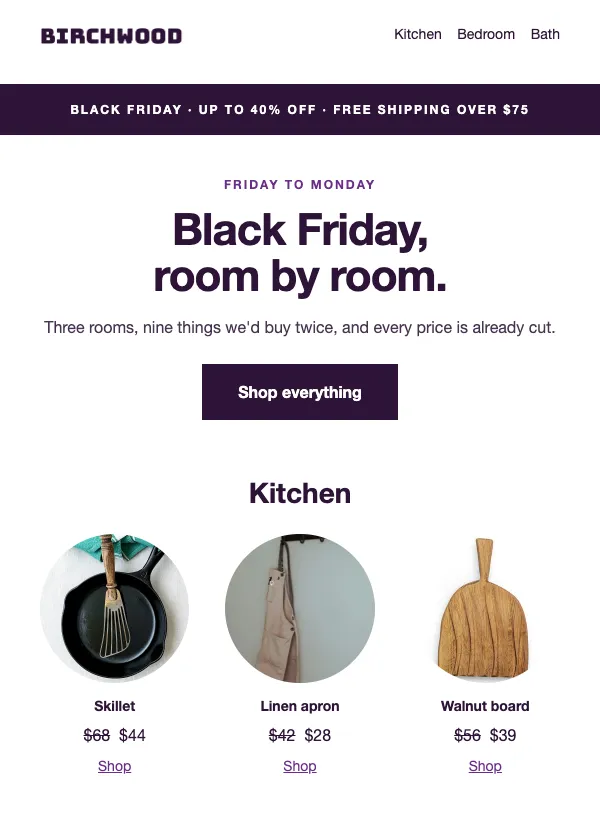
Give people a way to browse. The home goods template sorts the sale by room, and the grid template sorts it by category, with a starting price or a percent off on each. Customers who came for one thing will buy a second thing only if the second thing is easy to find.
Pick the template by the kind of business
For a shop with several departments at different discounts, the countdown and grid templates fit. The countdown email lists four departments with their own percentages. The grid email shows three categories with a starting price, then two more cards that each give a percent off. Home goods sellers can use the room-by-room layout, which shows nine products with was and sale prices.
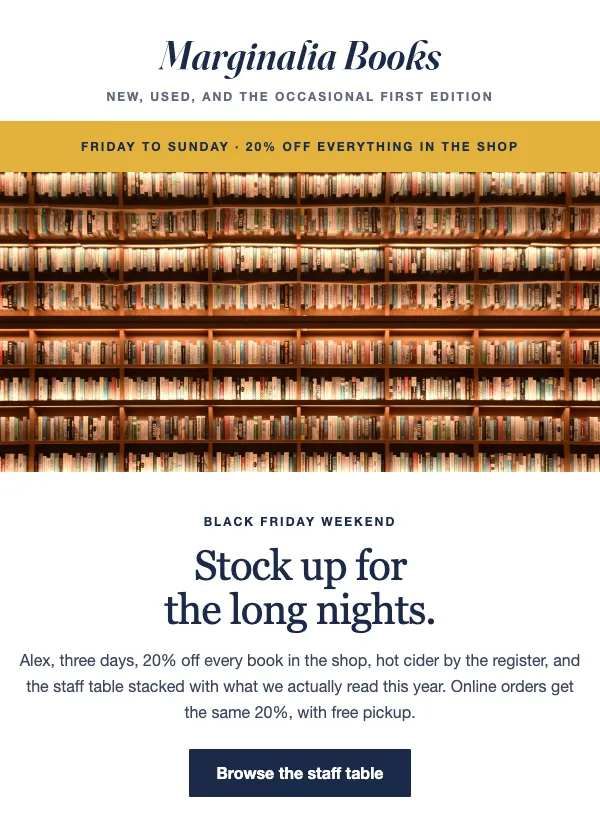
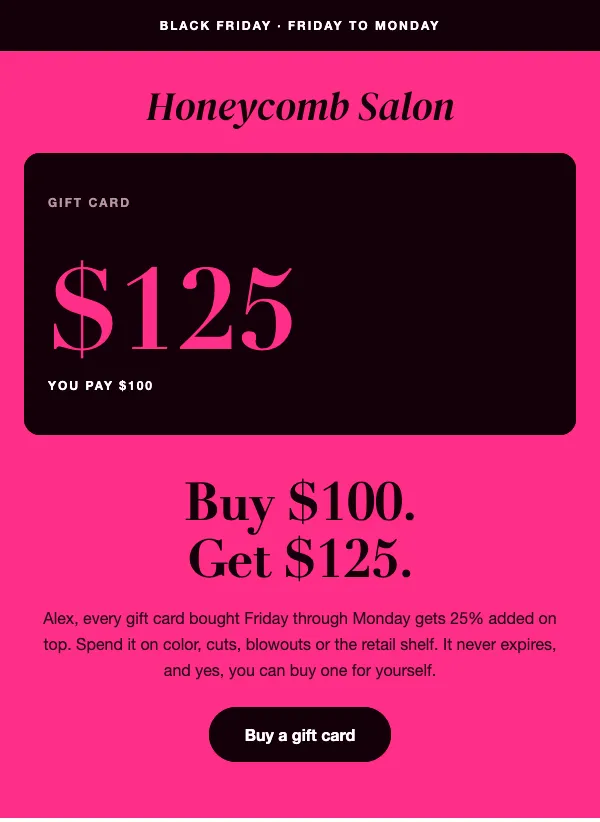
For a business that would rather not cut prices, the salon gift card template sells a bonus instead: pay $100, get $125. It suits salons, spas, barbershops and any service that sells gift cards, and the bonus only costs you something once the card is spent. A small bookshop, record store or stationer can use the bookshop weekend email, which opens with three covers, adds staff picks and an in-store event, and lists hours, gift wrap and vouchers.
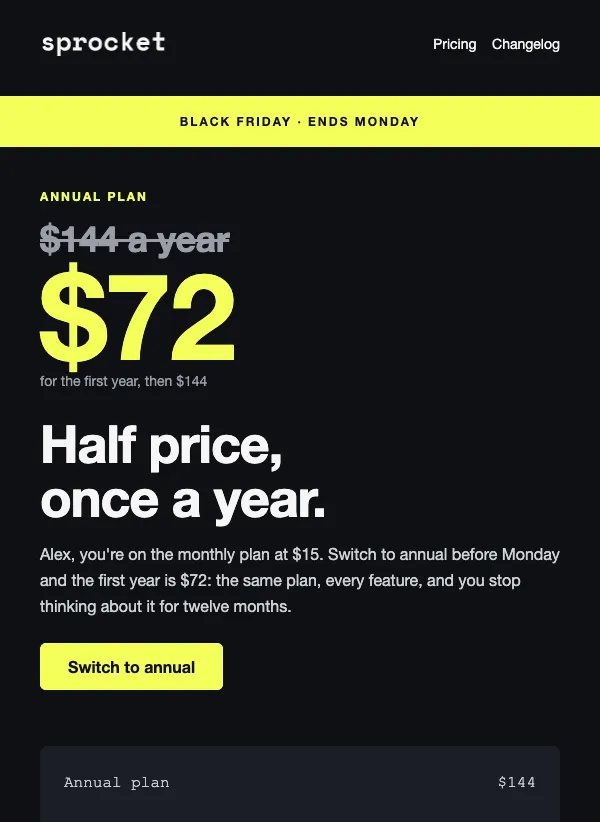
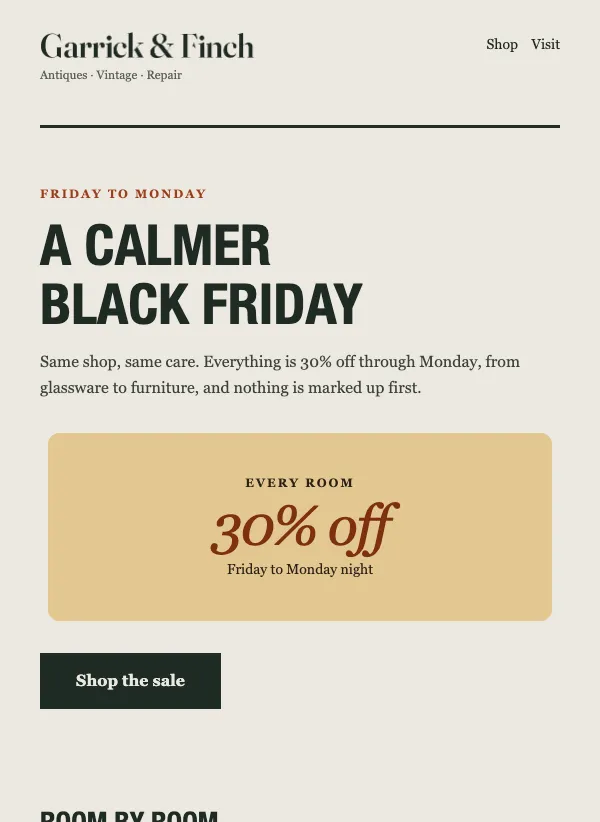
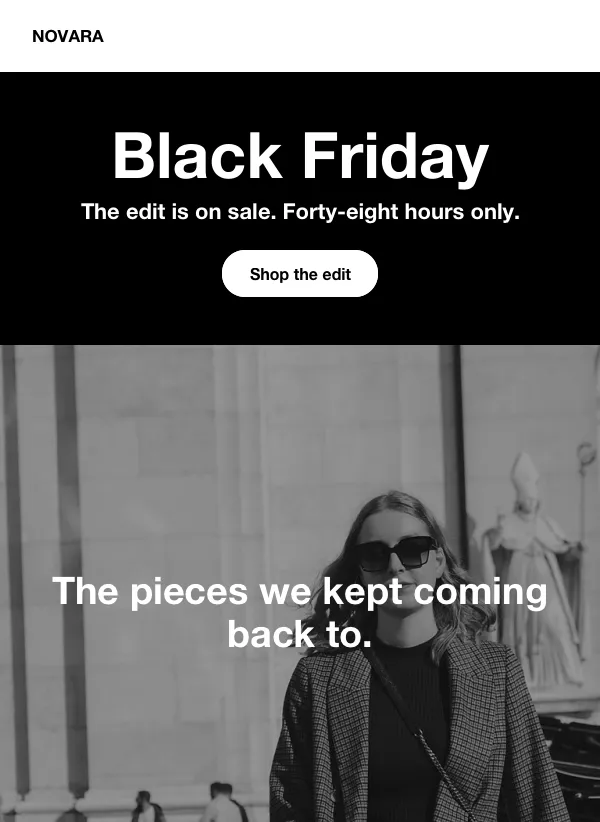
Software and subscriptions have their own template. The annual plan email puts the old price in strikethrough above the sale price and shows the savings as a receipt, so the math is visible. Fashion and audio shops can use the dark 48-hour layout, and antique, vintage and craft shops can use the calmer one, with a portrait and a note from the owner.
Writing the subject line
A Black Friday subject line has one job: stand out in a full inbox. Lead with the news and the deadline. "Black Friday starts now: up to 40% off through Monday" does that. "Last call: ends tonight at midnight" works for the final day. For a calmer shop, "A quieter Black Friday, 30% off everything" sounds different from the shouting around it.
Change the subject line for each email in the run. The same words three times in a row tend to get skipped. Keep it short enough to read on a phone, and match the promise exactly: if the subject says 40% off, the email must show the 40% in the first screen.
Segments and last calls
Not everyone needs every email. A segment can target contacts who have not opened in a number of days, which is a good audience for a short last call: one line, one button, the deadline. People who have gone quiet need a shorter message than people who read every email.
Keep the last call plain. Say how many hours are left, repeat the offer and link to the same page. A new design for the final email adds work and little else, so reuse the layout of the launch email and change the headline.
Reward your list first
People on your list chose to hear from you, so give them something before the public gets it. That can be a head start of a few hours, a code only subscribers have, or first pick of a limited item. Say so in the teaser, because an early look is the best reason to open it.
It also keeps your sale emails from reading like everyone else's. A sentence such as "you are hearing this first" costs nothing, and it tells readers why they are getting a message at all. Keep your promise in the launch email by repeating the offer in the same words.
Mistakes to avoid
The first is vagueness about the end. "Limited time" invites people to wait; "ends Monday at 11:59pm" gives them a reason to act. The second is discounting more than you can afford. A smaller discount on your best sellers, or a gift card bonus, often leaves you better off than a deep cut on everything.
The third is a code that does not work, or one nobody can find. Test the code in your own checkout before you send, and make it something you will recognize in your orders. The fourth is sending too many emails with nothing new in them. Each message should add something: a new department, a deeper price or a deadline closer.
Finally, check every button on a phone. Many of your customers will open the email there, and a broken link on the first day costs you the best hours of the sale.
Questions
Are the Black Friday email templates free?
Yes. All of them are included on every plan, even the free one.
When should I start sending Black Friday emails?
A few days before, with a short teaser, so your list knows the sale is coming. Then send a launch email on the first day, a reminder midway and a last call on the final day.
How many emails should I send for Black Friday?
Three or four is a good plan: a teaser, the launch, a reminder and a last call. Make sure each one has something new, such as a deeper price or a closer deadline.
What should a Black Friday email subject line say?
The offer and the deadline, in plain words. "Up to 40% off through Monday" is better than a clever line, and it should change in each email of the run.
Can I run Black Friday without discounting?
Yes. A gift card bonus, a free gift with an order, early access or free shipping all give people a reason to buy without cutting your prices.
Can I schedule my Black Friday emails in advance?
Yes. Campaigns can be scheduled, so you can write the whole run in a quiet week and set each email to go out at the right time.
Do I need a discount code?
No, but a code gives you a way to reward subscribers and to see which orders came from the email. Say clearly whether it stacks with sale prices.