Announcement email templates
For a launch, an opening or a change people need to hear about.
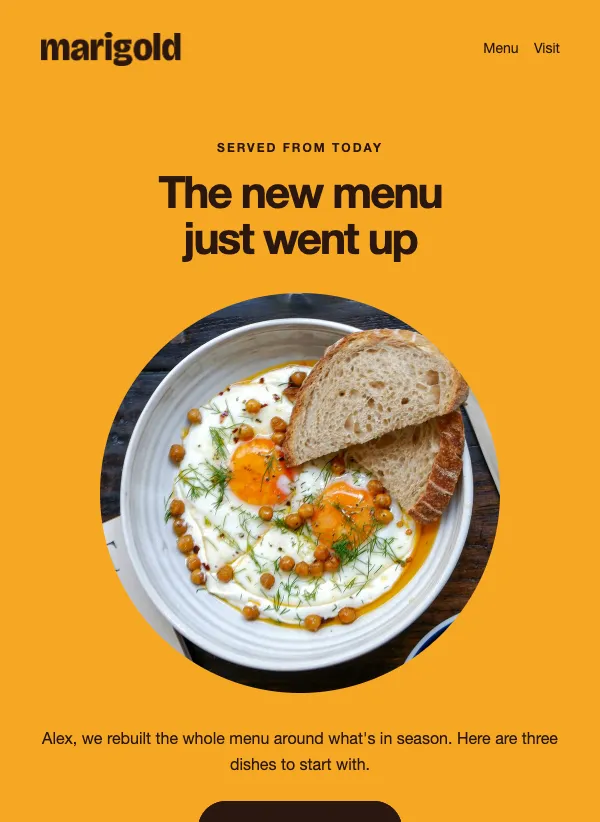 Restaurant new menu announcement
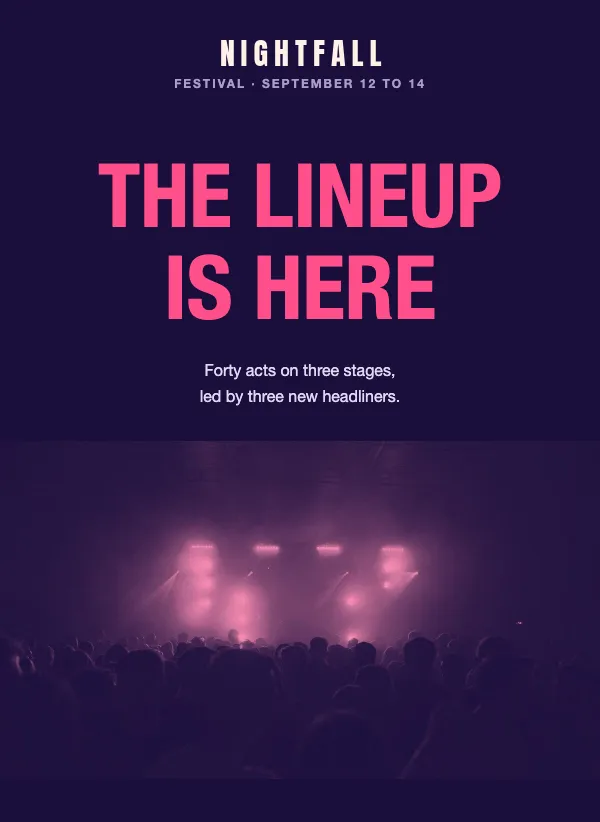 Music festival lineup
 Ice cream shop summer flavors
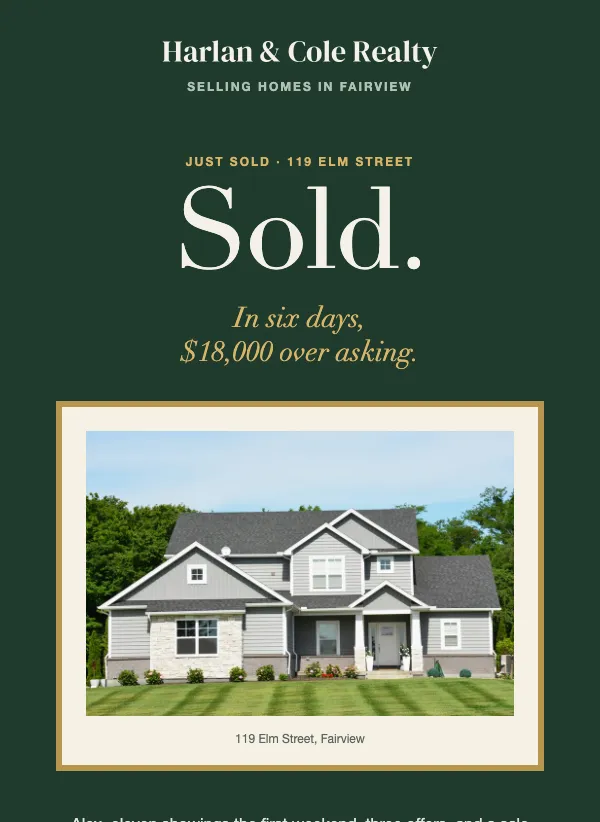 Real estate just sold announcement
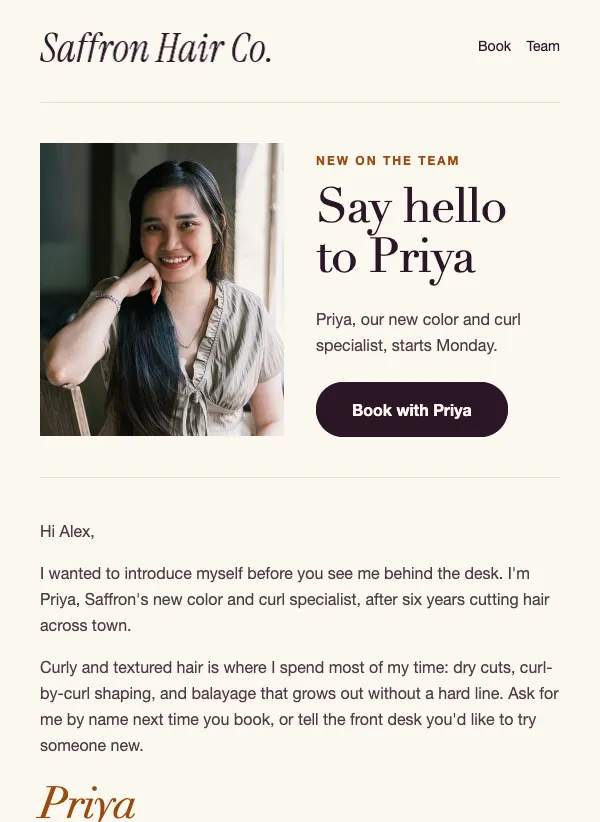 Salon new stylist introduction
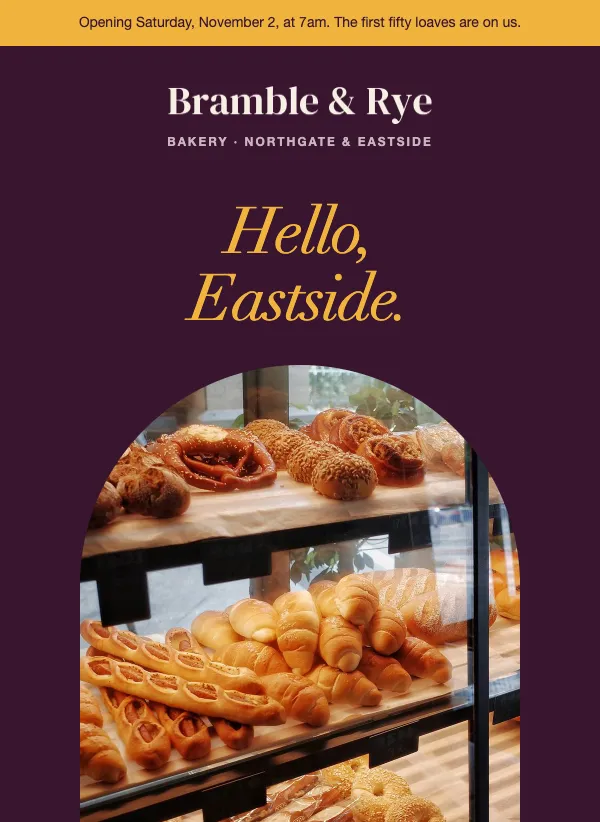 New location opening announcement
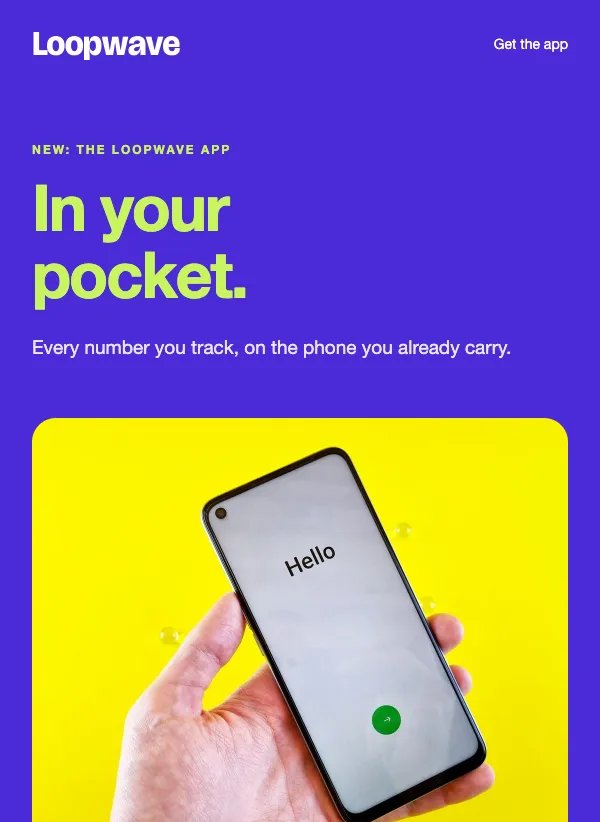 Mobile app launch announcement
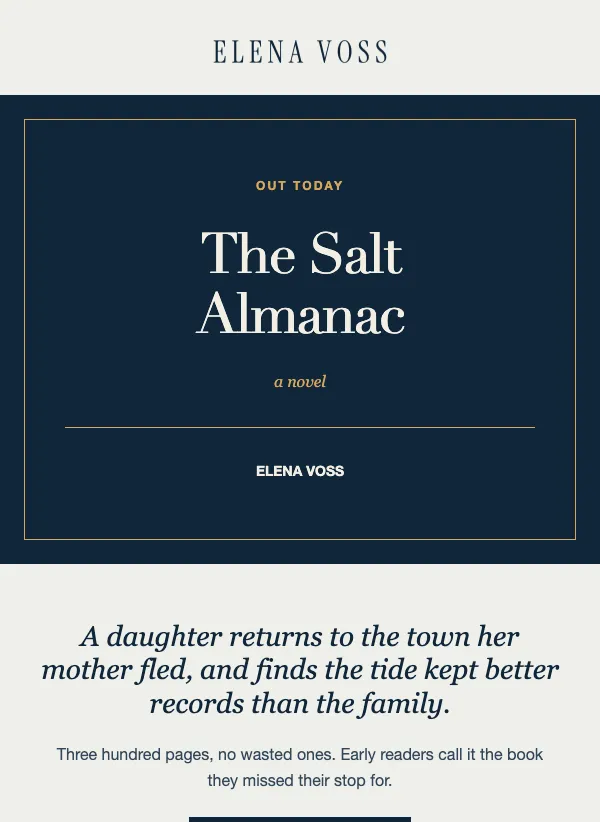 Book launch announcement email for authors
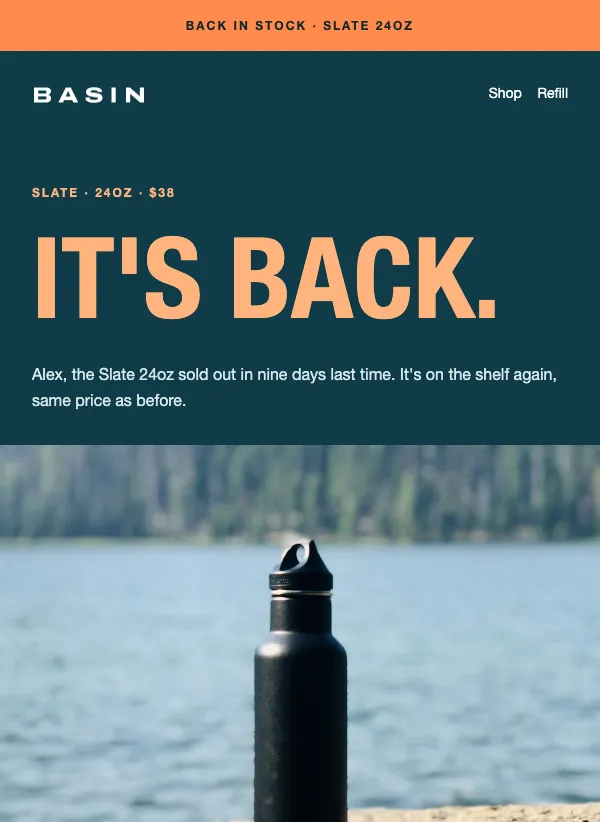 Back in stock alert
 Tattoo studio booking announcement
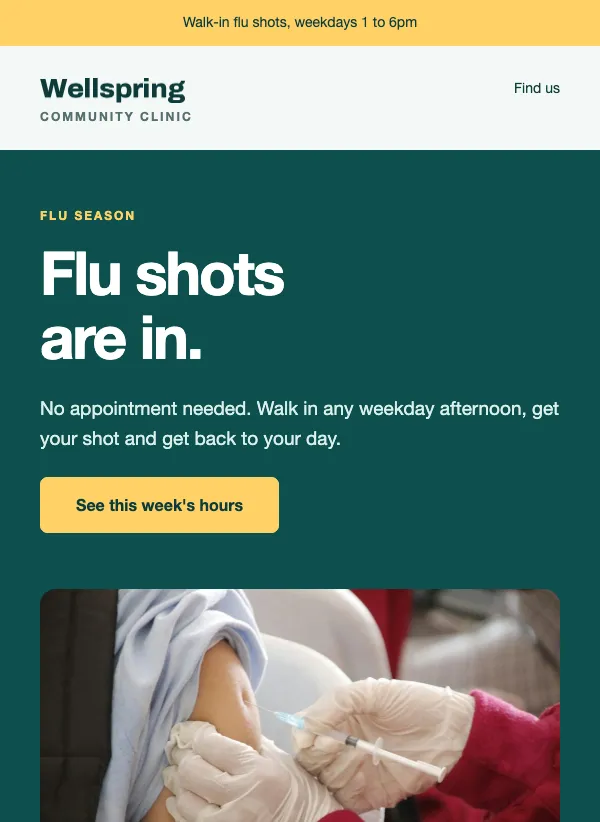 Flu shot clinic announcement
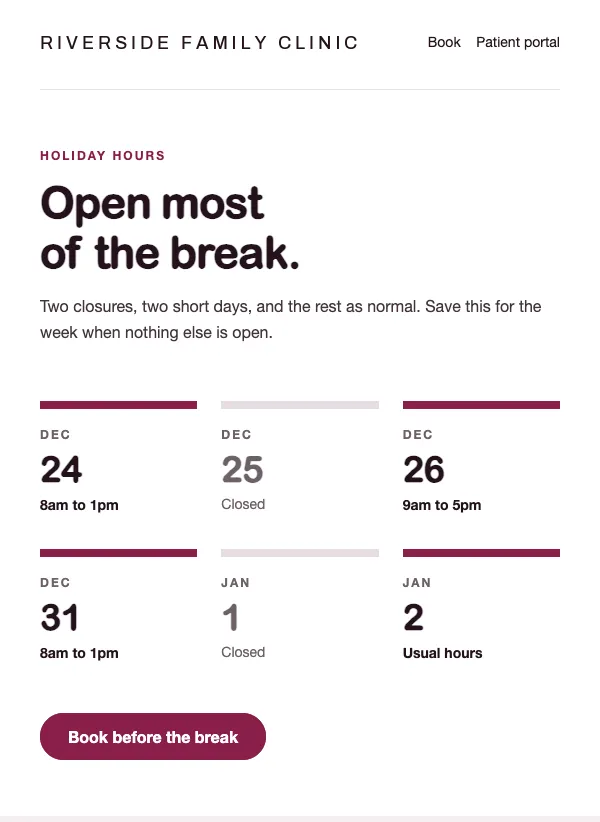 Clinic holiday hours announcement
 Brand collaboration launch
 Online course enrollment
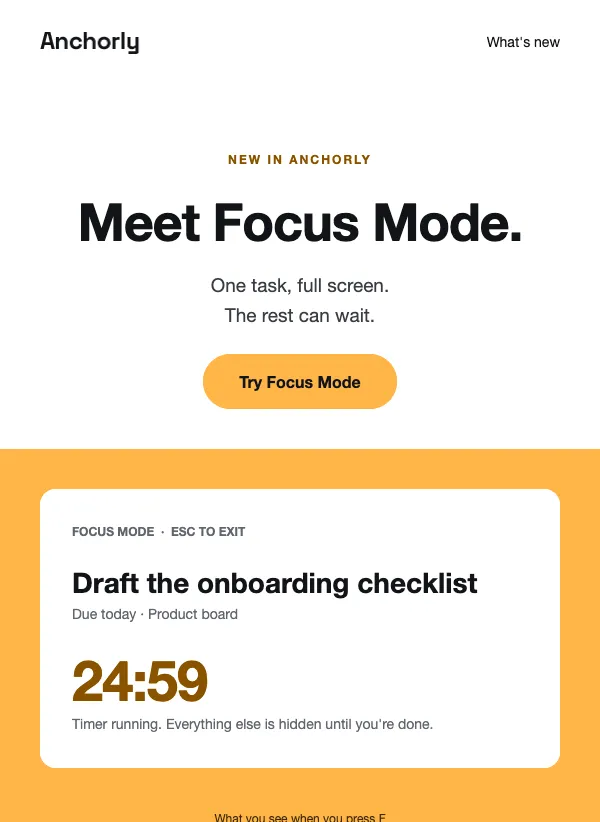 New feature announcement
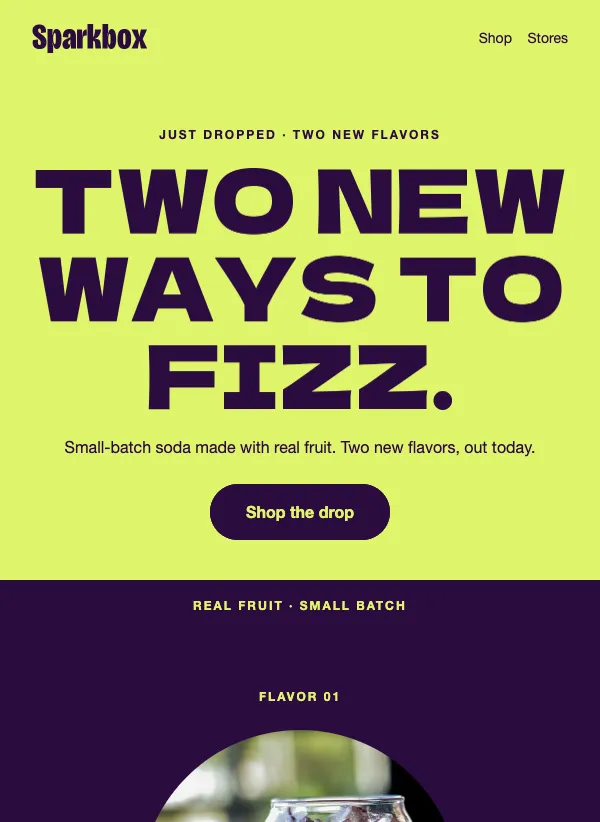 New flavor launch
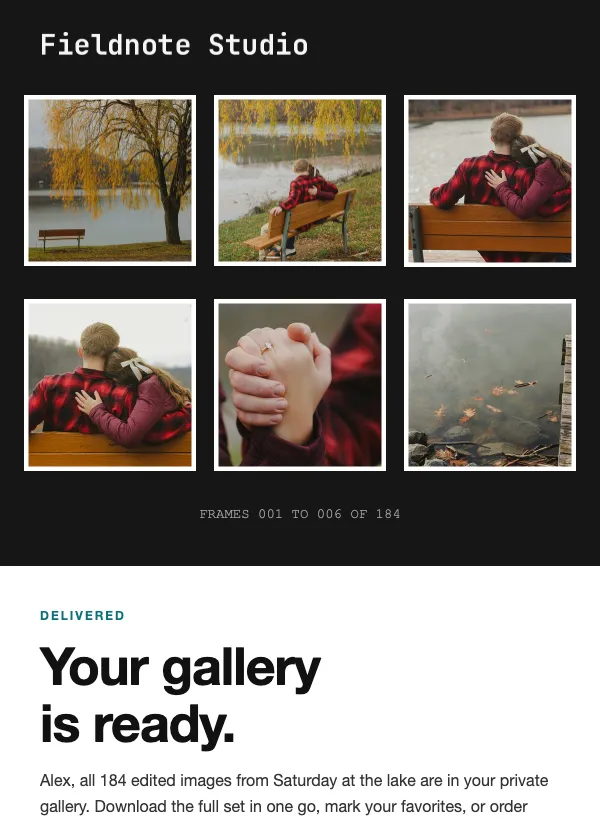 Photo gallery delivery
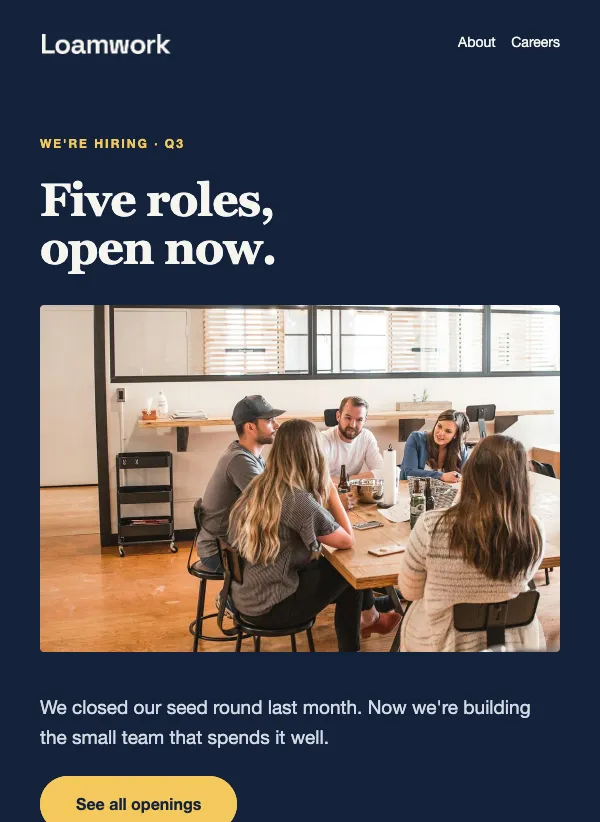 Job openings announcement
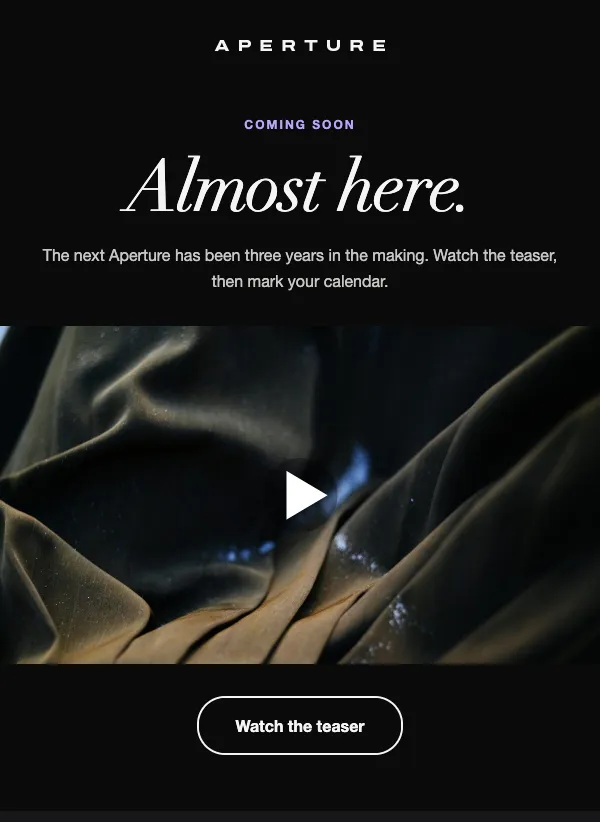 Coming soon product teaser
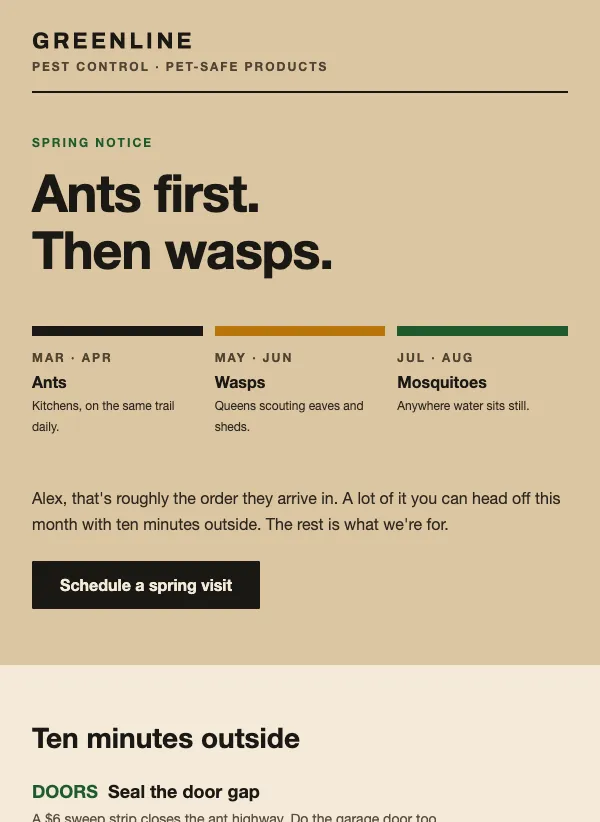 Pest control spring notice
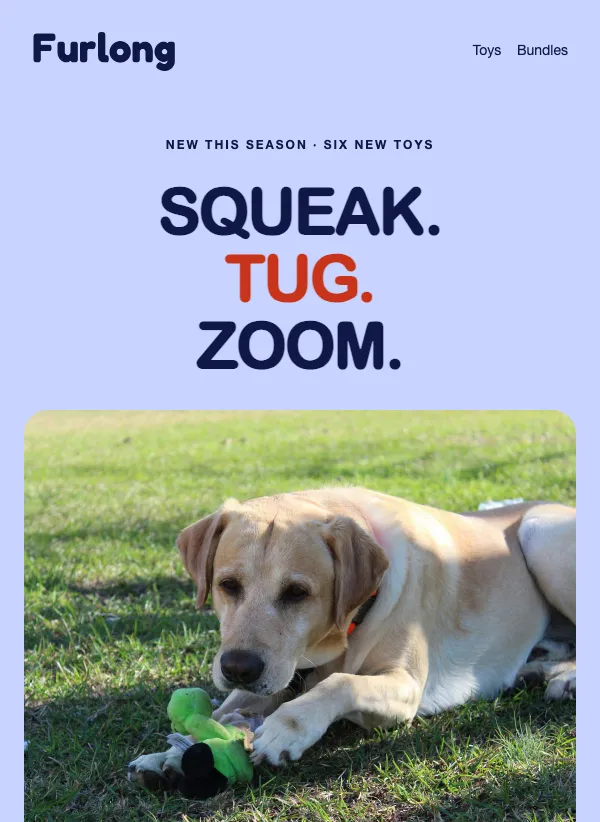 Pet toy product launch
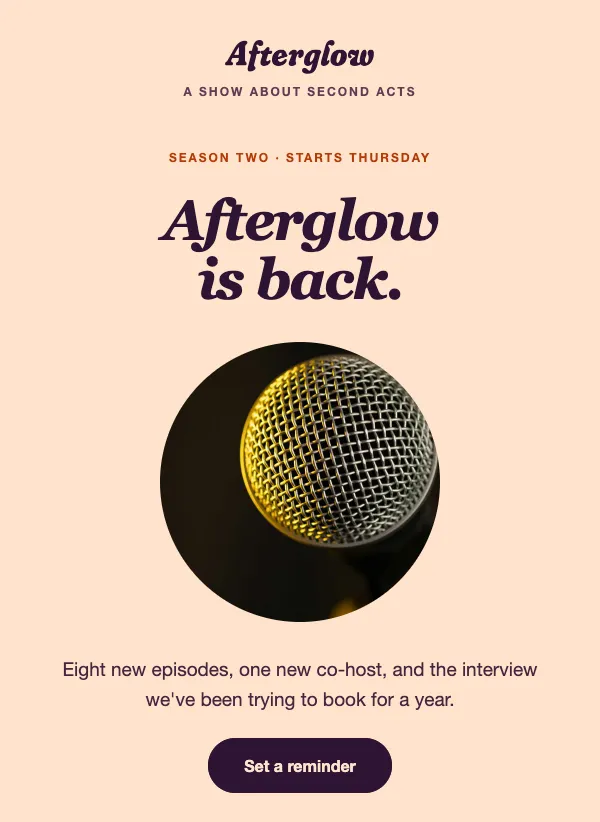 Podcast new season launch
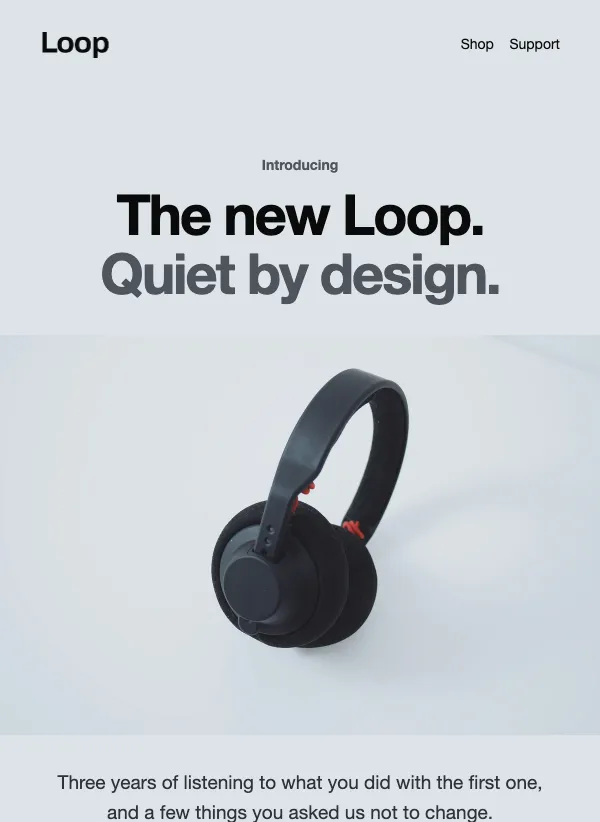 Minimal product launch
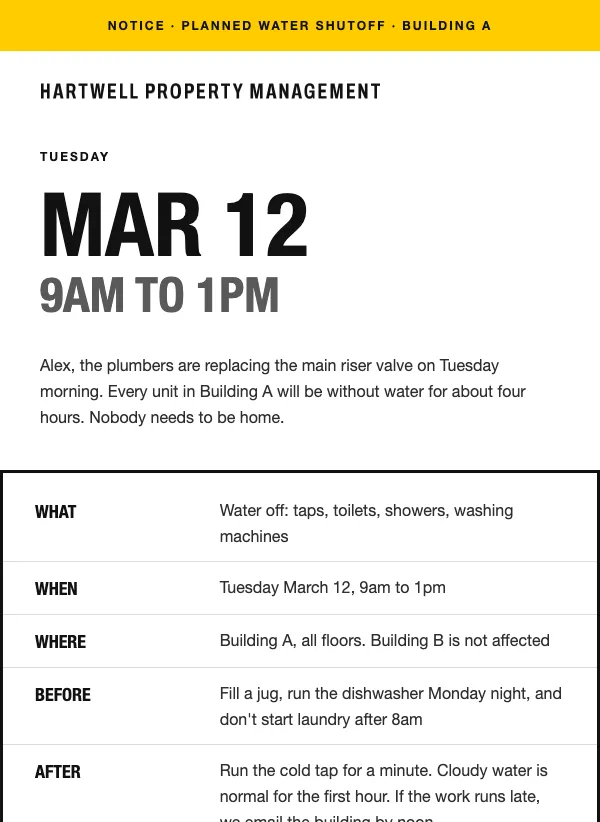 Tenant maintenance notice
 New real estate listing announcement
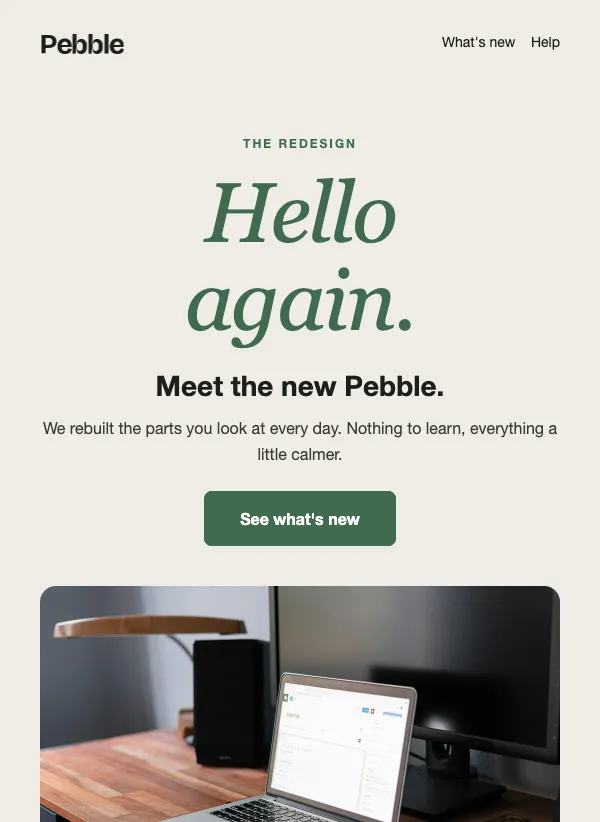 Product redesign announcement
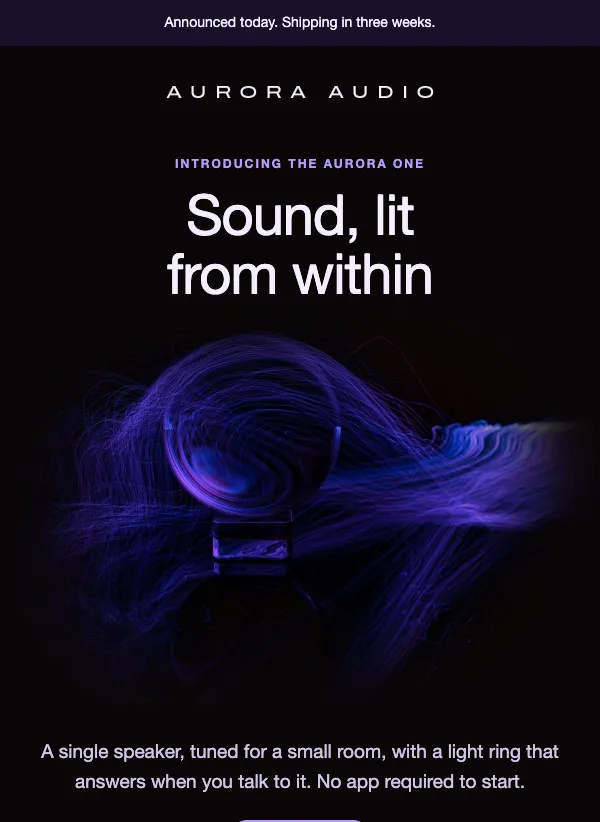 Product launch email on a dark background
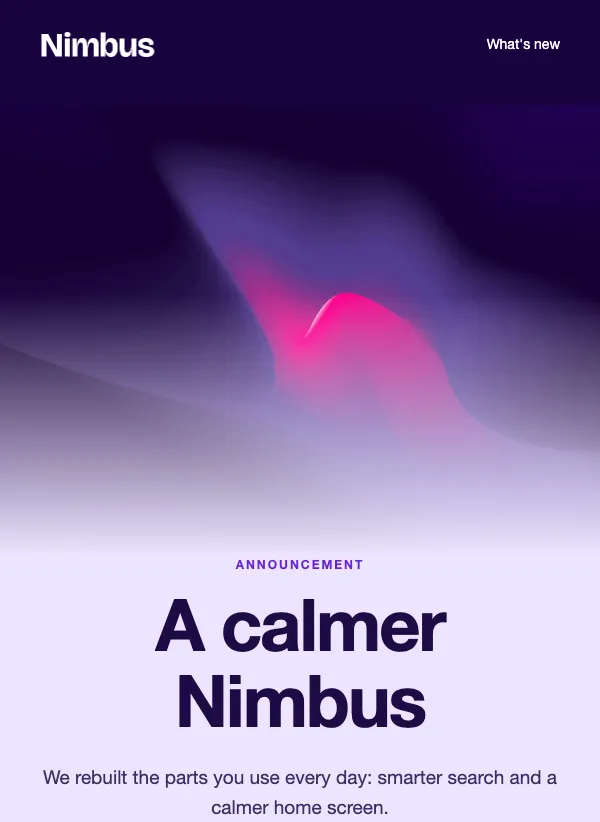 Product update email with gradient hero
 Faster shipping announcement
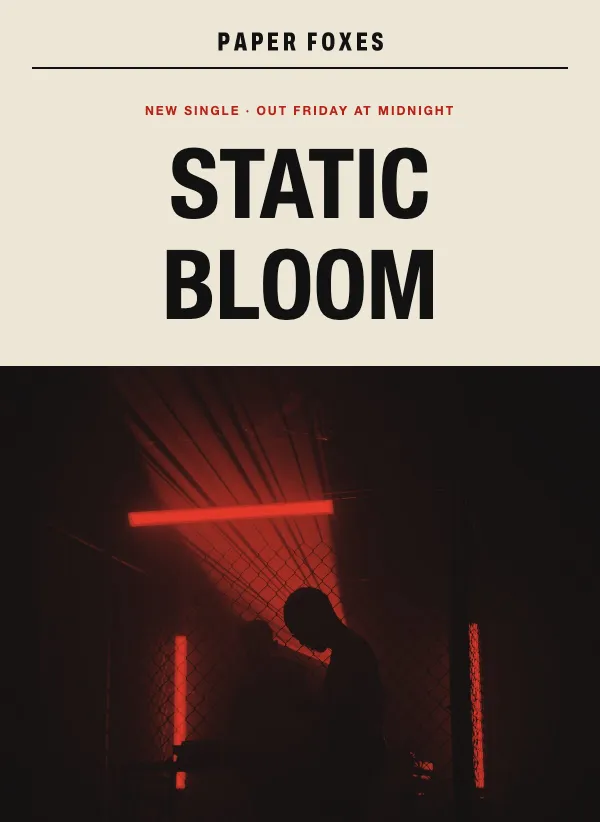 Single release announcement
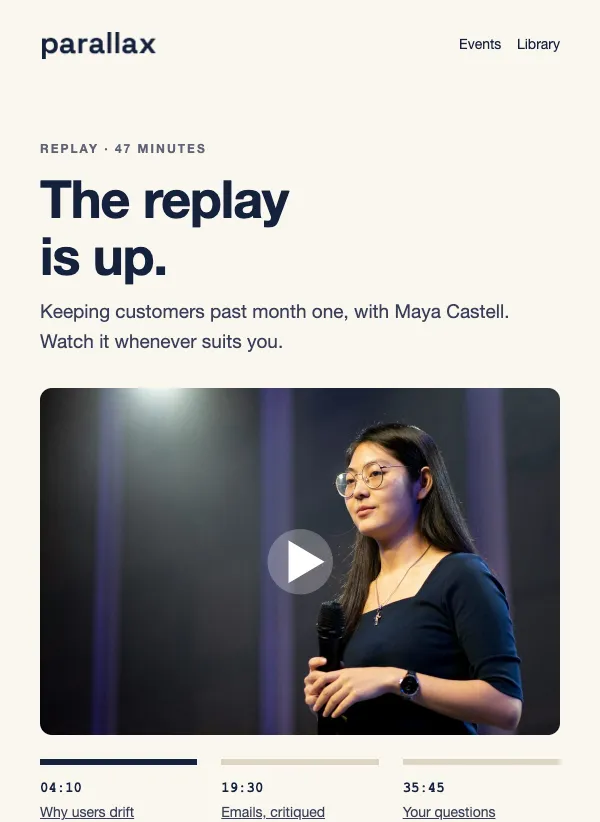 Webinar replay email with chapters
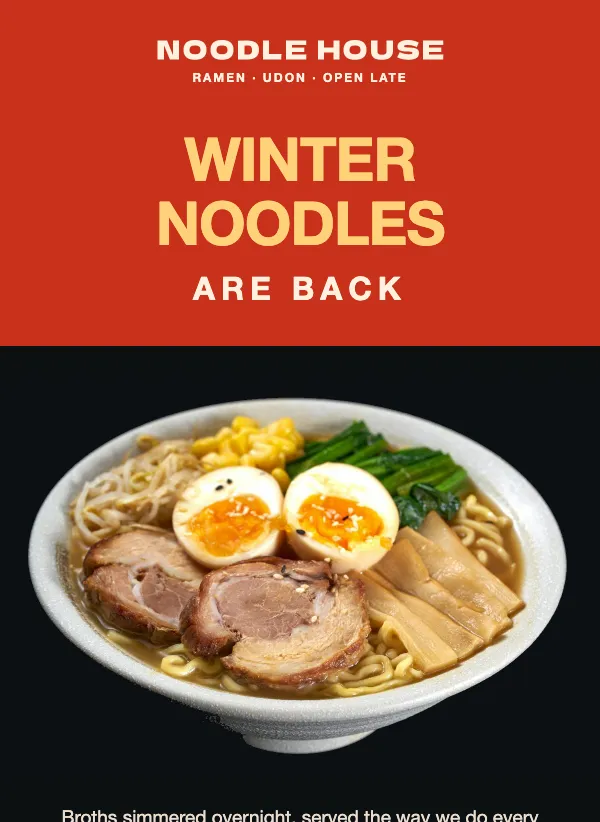 Seasonal restaurant menu launch
Lead with what changes for the reader
Many announcements are written from the business's side. "We are thrilled to share that after months of hard work, our team has..." The reader has to get through a sentence about your feelings before they find out what happened, and many will not bother.
Turn it around. Start with what is different for the person reading. Not "We have changed our delivery partner" but "Your orders now arrive in two days, not five." Not "We have been building a new app" but "You can now book a table from your phone." Then add the story behind it for anyone who wants it.
A simple test: read your first sentence and ask "so what?" If the answer is not in that sentence, rewrite it.
What counts as an announcement
This page covers news that happens once. A product or feature launch. A new shop, a second location or new opening hours. A new menu, a new stylist, a new season of a podcast. Something back in stock. A job opening. Each is a single piece of news, which is why it works best as a short email of its own rather than an item buried in a newsletter.
If you have news every week, a newsletter is the better home for it. Keep the standalone announcement for the things you would tell a regular customer about in person.
Not all news is welcome. If the change is one people may not like, such as new prices or shorter hours, say so plainly and early, and give the reason in one sentence. People take bad news better when it is not hidden under good news.
What to include
Almost every announcement needs the same four things: what is new, why it matters to the reader, the practical details, and one next step. The details depend on the news. A new shop needs an address, an opening day and hours. A new menu needs a few dishes with prices. A flu clinic needs where, when, who it is for and what it costs, laid out so nobody has to phone to ask. A feature launch needs a short line on what it does and how to switch it on.
A picture helps when the news is something to look at, like a product, a dish or a new space. For a change people need to understand, like new hours or a new way to book, lead with the words and keep the picture small.
One announcement, one link
Every announcement should point to exactly one place: the new product page, the booking page, the map to the new shop, the job listing. Make that the one button in the email, and say plainly what is on the other side: "See the new menu", "Get directions", "Read the job description".
Resist the urge to add a footer full of other links and offers. A reader who came for the news should leave with one clear thing to do.
Keep the whole email short. Three or four short paragraphs is usually plenty: what changed, why it is good for the reader, the details they need such as a date, an address or a price, and then the button. If there is more to say, put it on the page the button opens.
Subject lines that read like a headline
An announcement subject works like a newspaper headline. It states the news in a few words, with no teasing. The examples on these templates show how: "We're opening a second bakery." "Flu shots are in." "Focus Mode is live." "Faster shipping is here." "It's back: the 24oz bottle in Slate." Each one is the whole story, and a reader who never opens the email still learns what happened.
That is fine. An announcement that is understood from the inbox has already done part of its job. The people who want the details will open it.
Use the name of the thing that is new and say it is here now. Words like "update" or "exciting news" on their own tell the reader nothing.
Timing, and who hears first
Send the announcement when the news is real. If the new shop opens on Saturday, send on Thursday or Friday, not three weeks before, when people will have forgotten by the day. If you want to build interest early, send a short teaser with a date, then the full announcement when it happens.
Think about telling your best customers first. Members, regulars or people who bought in the last few months will like hearing before everyone else, and a day's head start costs you nothing. You can send to a saved segment first, then to the rest of your list.
If the news is something people can act on, a reminder helps. Send it a few days after the first email, with a new subject line, only to people who did not open the first one. Once is enough. A second reminder starts to feel like pressure.
Mistakes to avoid
The common ones are easy to spot once you look for them. Burying the news under a long thank-you. Announcing something with no date, so the reader cannot plan around it. Calling every small change "exciting". Linking to the home page instead of the exact page the news is about.
The quieter one is announcing too often. If every email is a big announcement, none of them feels like one. Save the format for news a regular customer would stop you in the street about.
Questions
What is the difference between an announcement and a newsletter?
A newsletter goes out on a schedule and covers several things. An announcement goes out when something happens and covers one thing. Many businesses send both.
How long should an announcement email be?
Short. Three or four short paragraphs and one button is usually enough. Put the extra detail on the page the button opens.
What should an announcement email say?
What is new, why it matters to the reader, the practical details such as a date, address or price, and one next step. Lead with the part that changes something for them.
Should I announce something before it is ready?
Only if you can give a date. A short teaser with a real date builds interest. A vague "something big is coming" usually gets ignored.
Can I send the same announcement twice?
You can send one reminder, a few days later, to people who did not open the first email. Give it a different subject line, and do it once, not every week.
Are the announcement templates free to use?
Yes. All of them are included on every plan, even the free one.
Can I add my own photos?
Yes. Replace any image in the editor with your own, then change the text, colors and fonts to match your brand.