Welcome email templates
The first email after someone joins: say hello and point them to one good next step.
 First steps for new members
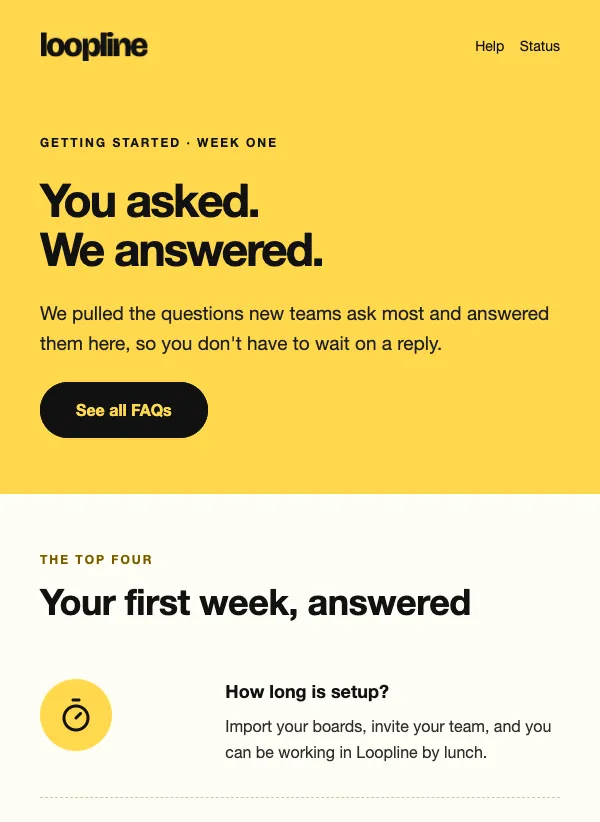 New user FAQ onboarding
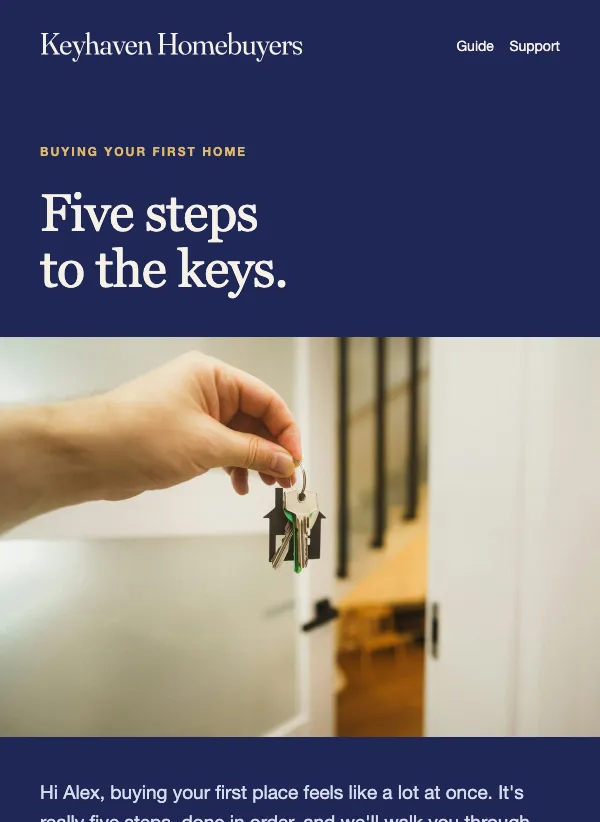 First-time homebuyer guide
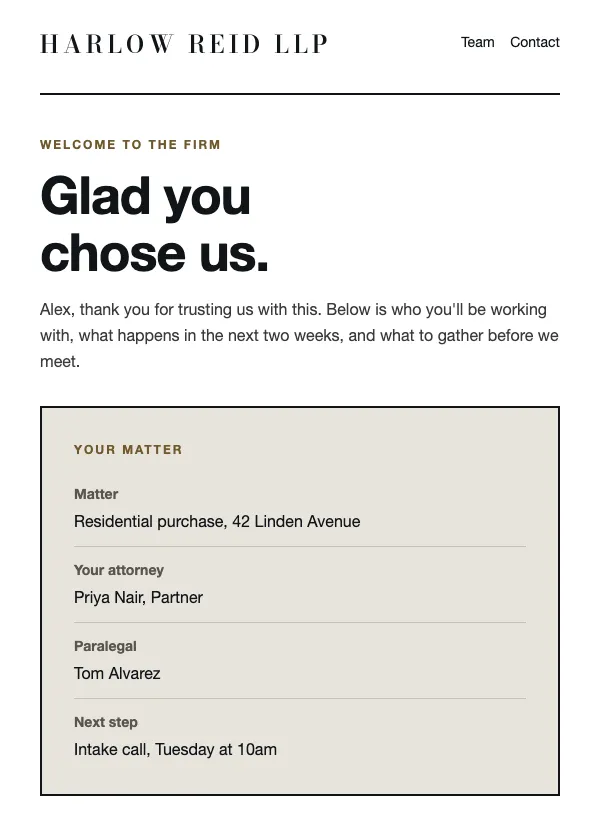 Law firm client welcome
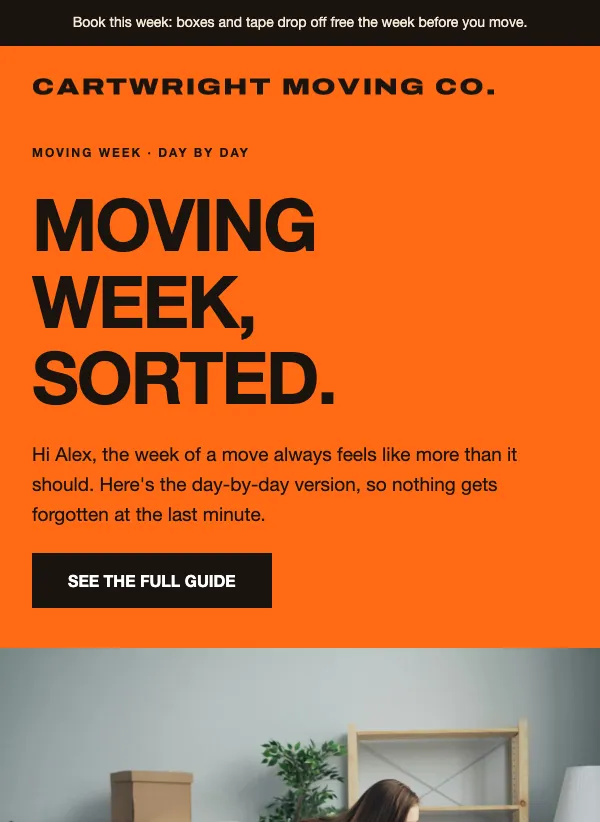 Moving week checklist
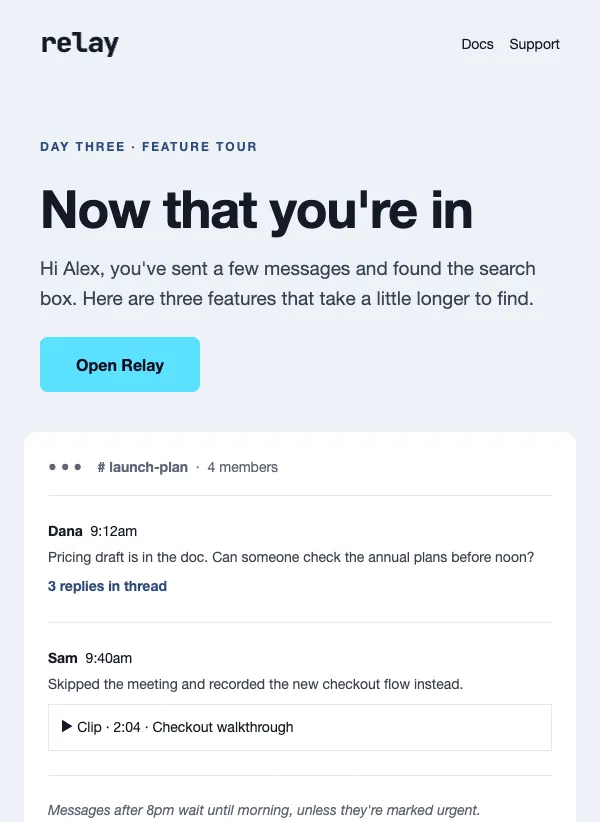 Day three app feature tour
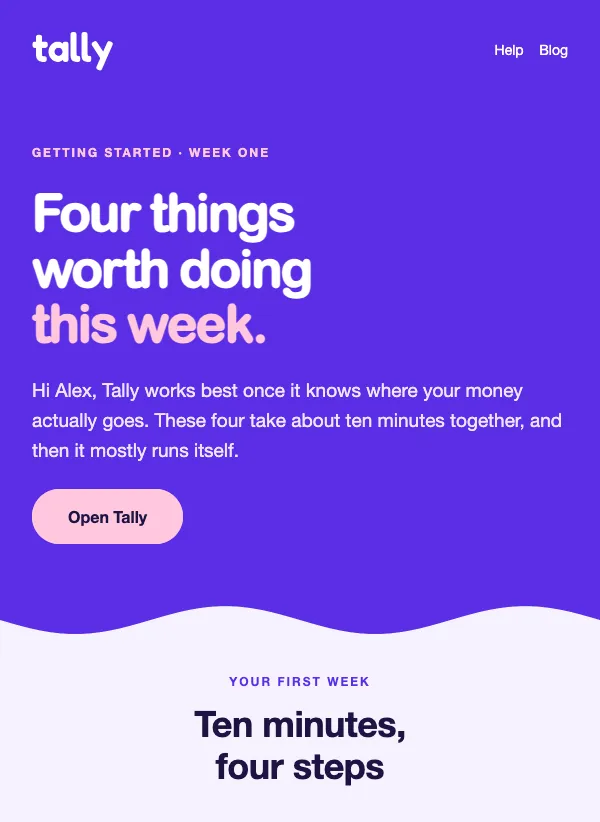 First week getting started
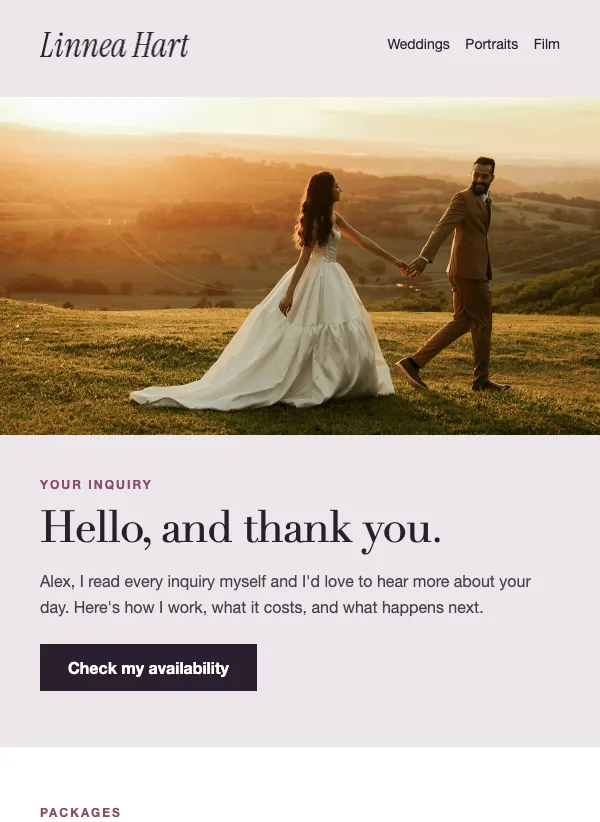 Photographer inquiry reply
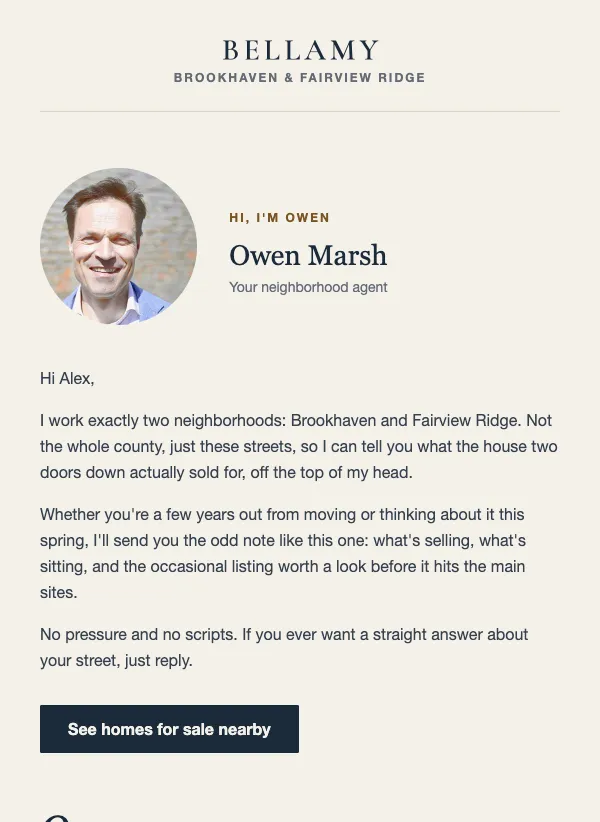 Real estate agent introduction
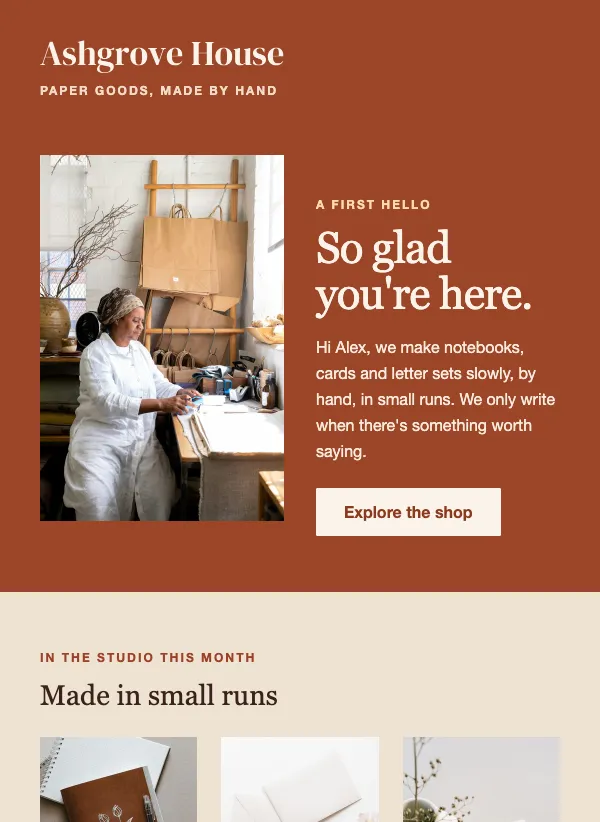 Handmade shop welcome
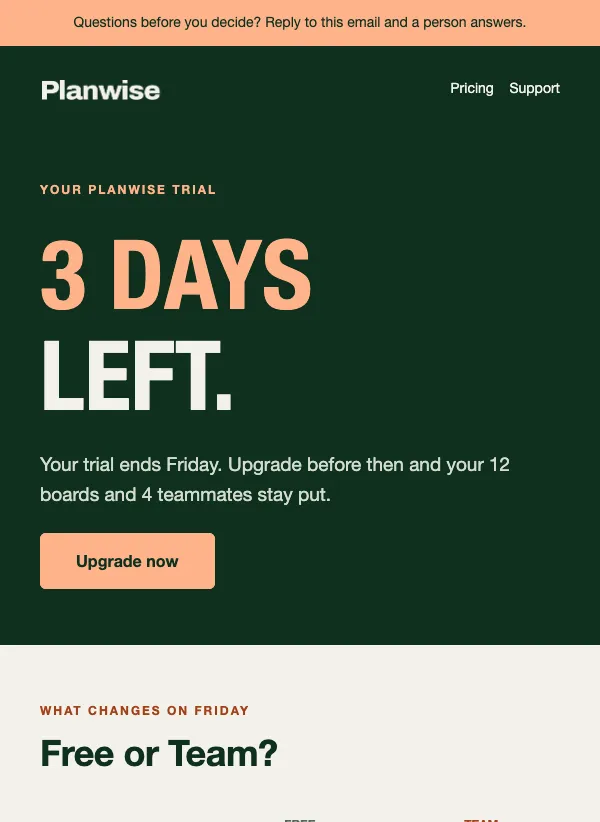 Free trial ending
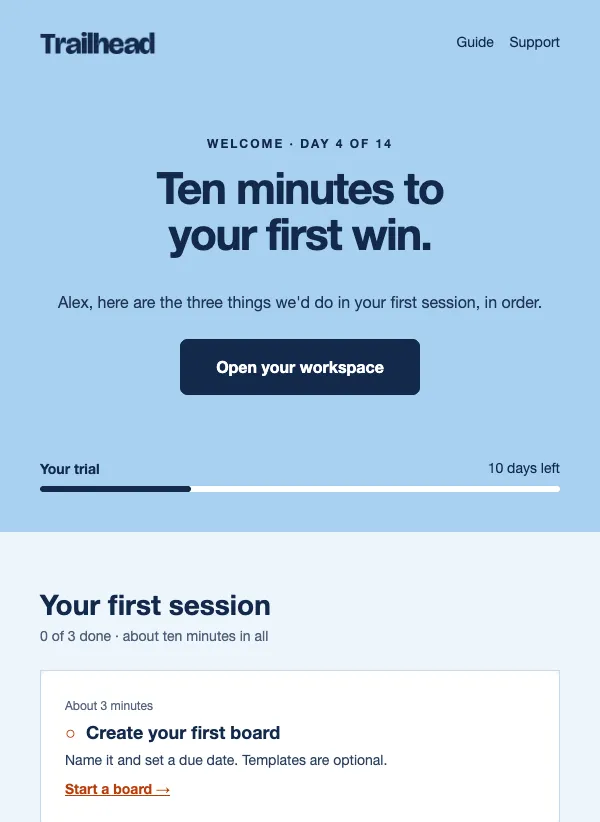 Free trial welcome
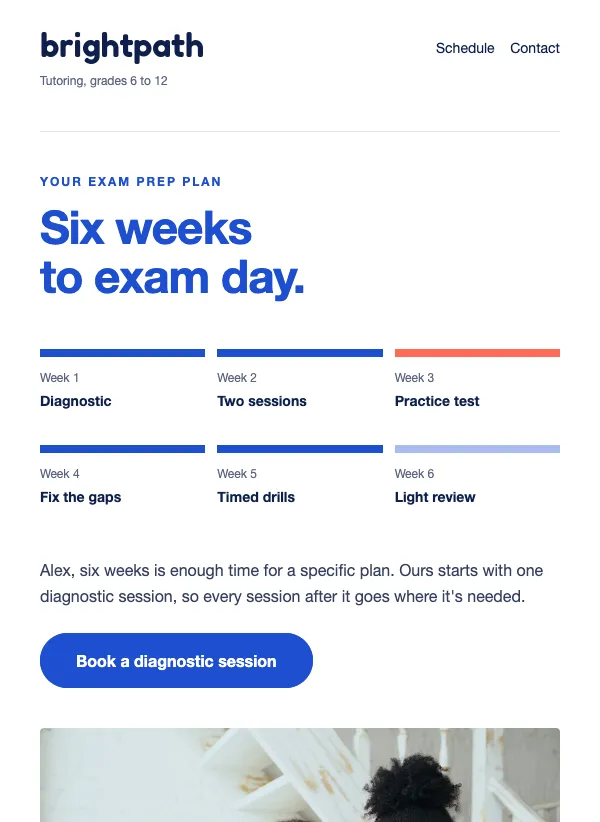 Exam prep plan email for tutors
 Wedding planning timeline
 Founder welcome letter
Send it straight away
The best time to welcome someone is the moment they sign up. They have just been thinking about you, they are probably still on your website, and they are expecting to hear something. A welcome that arrives within minutes catches that interest. One that turns up next week may not.
You do not have to send it by hand. In EmailFig, an automation can send your welcome email whenever someone joins a list or confirms a signup form, so every new subscriber gets it without you sending anything by hand.
If your signup form asks people to confirm their address by clicking a link first, send the welcome after that click. Keep the confirmation email short and save your real hello for the welcome.
What a welcome email should say
A welcome email is your chance to set expectations. Say how often you will email, what you will send and who it comes from. "One email a month with new recipes and the odd offer, from me, Maria" is clear and friendly. People who know what to expect are less likely to unsubscribe or mark you as spam later.
If you promised something for signing up, such as a discount code, a free guide or a first-order offer, deliver it near the top. A new subscriber who has to hunt for what they were promised starts out annoyed.
Add a short introduction: who you are, why you started, what makes you different. Two or three sentences is enough, and the full story can wait for a later email. If people joined at a shop counter or an event rather than online, remind them where they met you. A line like "Thanks for signing up at the market on Saturday" stops them wondering who you are.
Give one next step
Every welcome email should end with one thing to do. For a shop, that might be browsing your best sellers. For an app, it is the first task that shows what the app is good for. For a local business, booking a first visit. For a club or charity, seeing what is coming up next.
Pick the step that most often turns a new subscriber into a customer or a regular. Give it the only button, and leave everything else for later emails. A welcome email with ten links in it is a menu, not a welcome.
Subject lines that feel like a greeting
A welcome subject should be warm and plain, and make it obvious this is the email they were expecting. "Welcome, we're glad you're here" says it in five words. "Your first week, in four steps" promises something useful and says how much there is. "A note from Jonas, before your first order arrives" feels personal because it is signed. "Five steps from here to the keys" tells a new home buyer exactly what the email is for.
Avoid opening with a sales line. The reader has only just met you, and a greeting that sounds like a person will do more than a headline that sounds like an advert.
A welcome for every kind of business
Not every welcome is for a newsletter. The templates on this page cover the first email in several different relationships. A club or shop welcomes a new member and says what comes next. A founder writes a short letter after the first order. A software product walks a new trial user through the first week. A tutor or a wedding planner sends a timeline the reader can follow.
Choose by what the reader needs in their first five minutes. If they need to learn how something works, pick a checklist. If they need to trust you, pick a letter signed with a name. If they need to know what to expect, pick a welcome that lists what is coming and how often.
From one email to a short series
One welcome email is good. A short series of three or four, spread over the first two weeks, can work better, because it gives new subscribers time to get to know you before you ask for much.
A simple shape: the welcome itself on day one, with the promised gift and one next step. A second email two or three days later with your story or a how-to. A third a few days after that with your most popular products, answers to common questions or what other customers say. A fourth, if you want one, with a gentle offer.
You can build this as one automation in EmailFig, with a wait between each email. Write it once and it runs for everyone who joins. Read the whole series in one sitting before you turn it on. Each email should make sense on its own, because some people will skip one and open the next, and each should add something new instead of repeating the welcome in different words.
Common mistakes
The first is waiting. A welcome that arrives a week late reads like it was forgotten. The second is selling too hard: a new subscriber has given you an email address, not a credit card.
The third is burying the promised gift under a long introduction. Put the discount code or the download first, then tell your story. The fourth is sending from an address nobody can reply to. Let people answer. A welcome that invites a reply is one of the easiest ways to learn what your new subscribers want.
Questions
Are the welcome email templates free?
Yes. All of them are included on every plan, even the free one.
What should a welcome email say?
Thank people for joining, say what you will send and how often, deliver anything you promised, and give them one next step. Keep it short.
When should I send a welcome email?
Right after someone signs up. An automation can send it the moment they join your list or confirm a signup form, so you never have to remember.
How many emails should a welcome series have?
Three or four over the first two weeks is a good starting point. Fewer is fine if you have less to say.
Should I include a discount in my welcome email?
Only if you promised one at signup, or if a first-order offer suits your business. If you promised it, put it near the top where it is easy to find.
Can I use the same template for every email in the series?
Yes, and it helps. One layout across the series makes your emails easy to recognize. Change the words and the main picture each time.