Promotional email templates
Sales, launches and offers, from a quiet discount to a full-page poster.
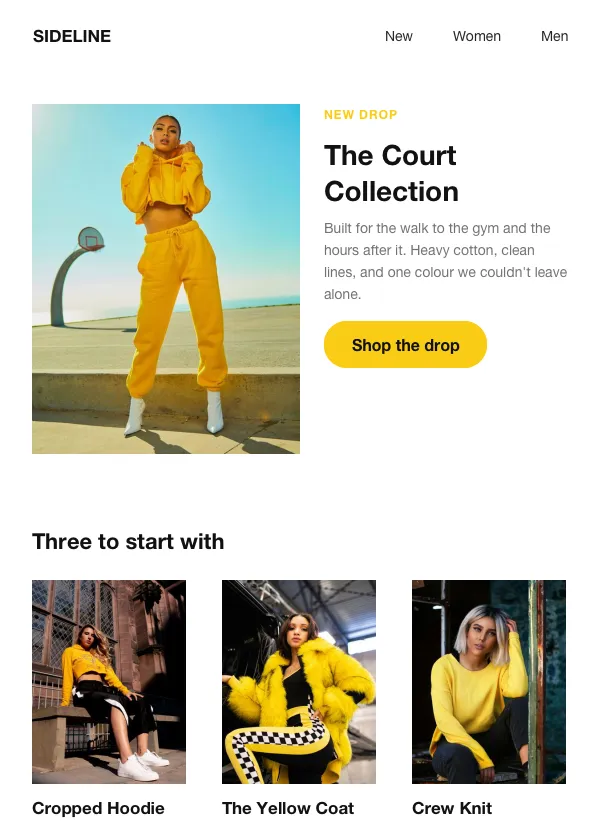 Fashion collection launch
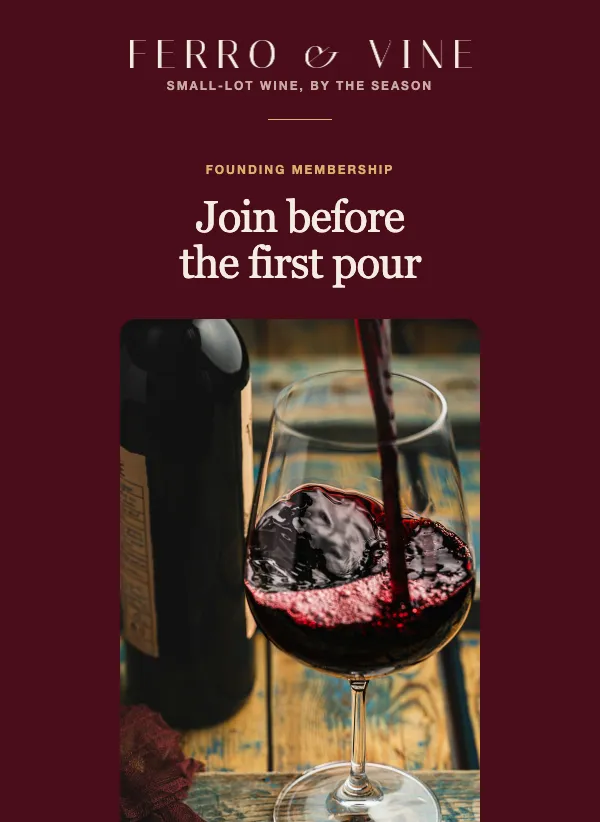 Founding member club launch
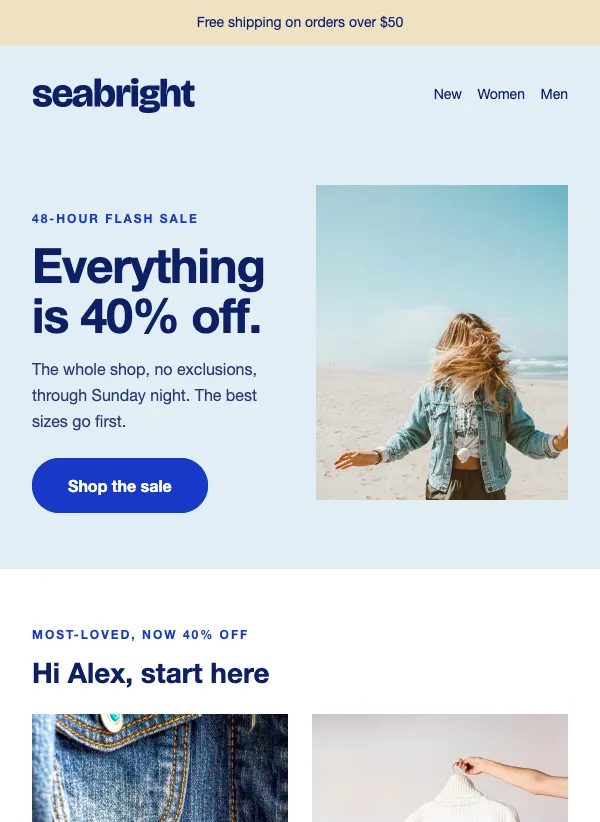 48-hour flash sale
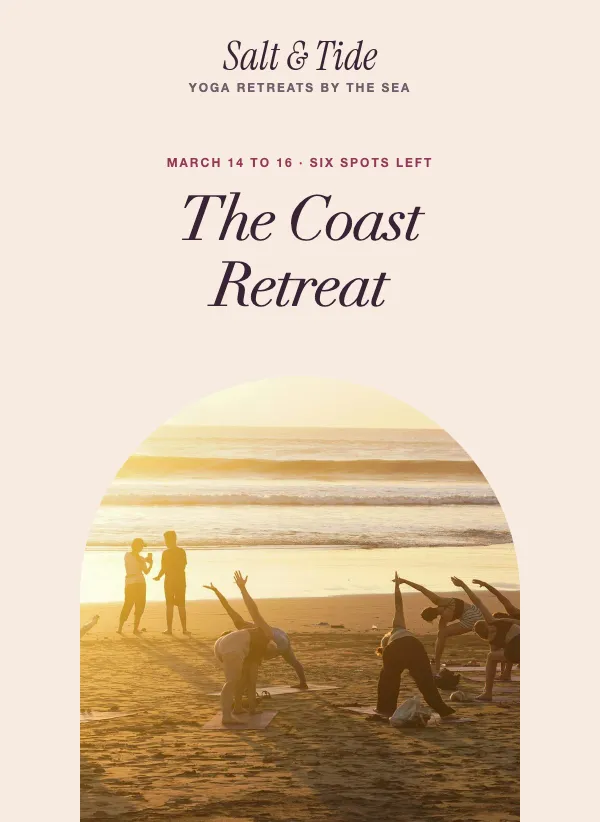 Yoga retreat promotion
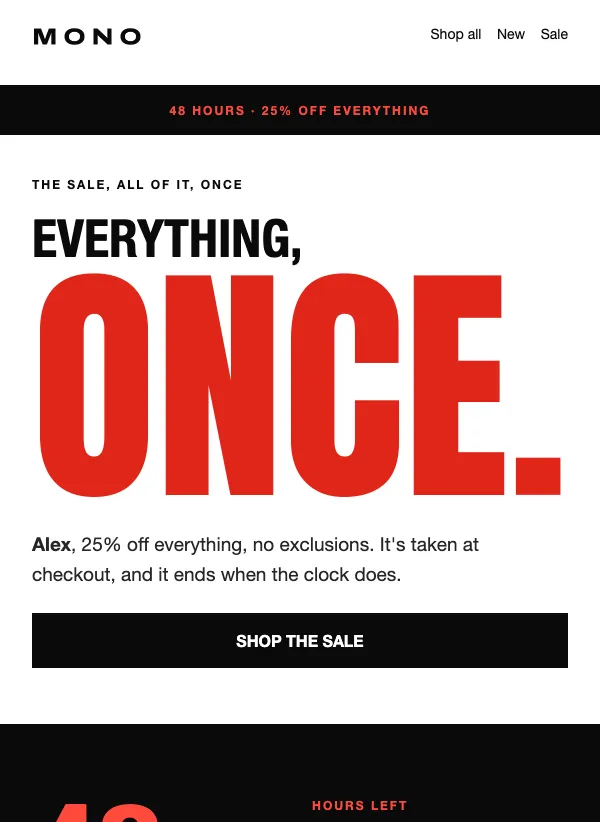 Flash sale email with giant type
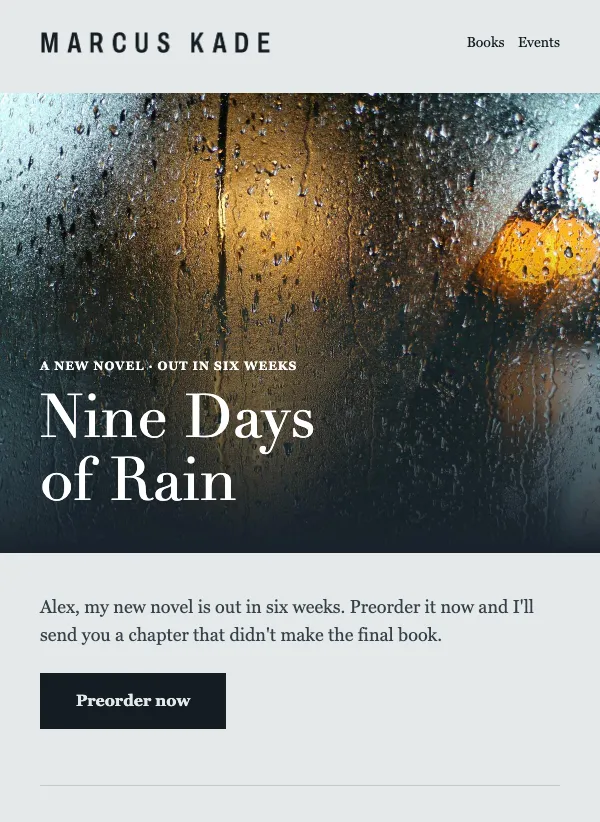 Book preorder email for authors
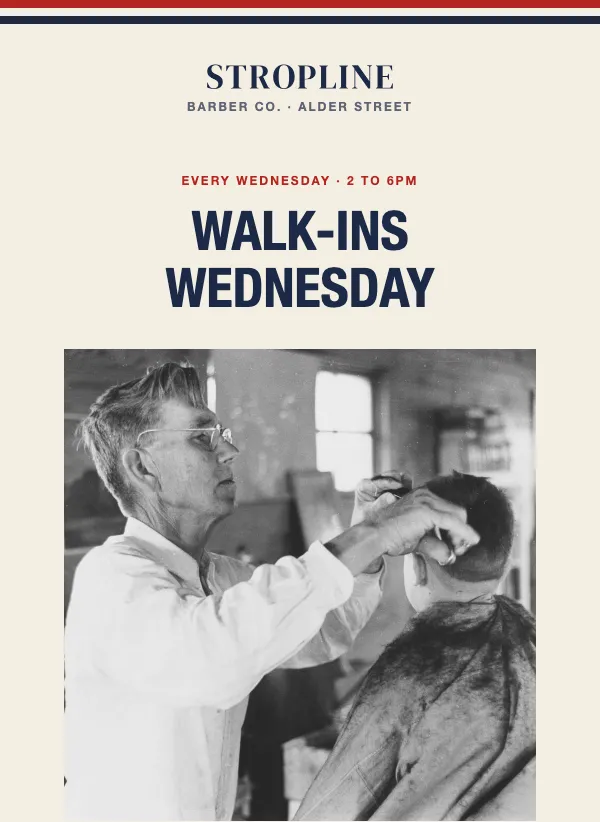 Barbershop walk-in special
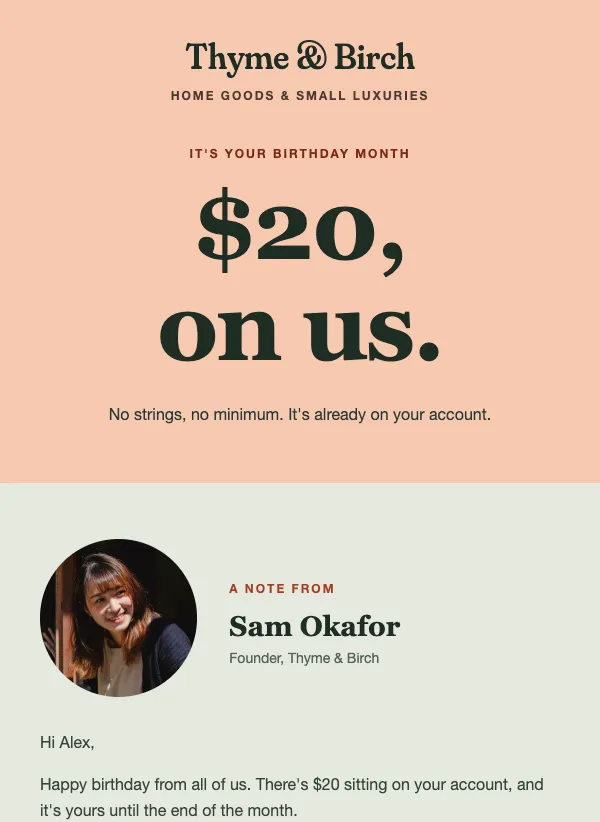 Birthday discount
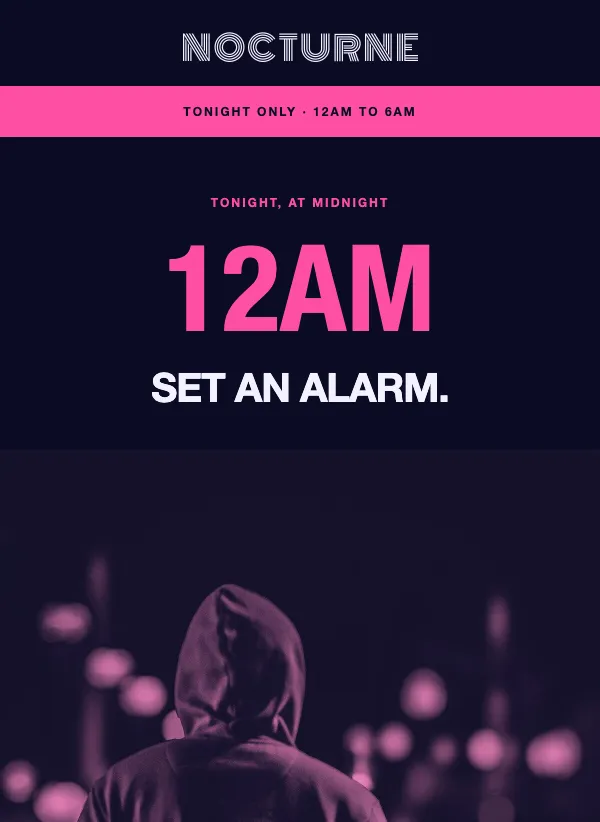 Midnight product drop announcement
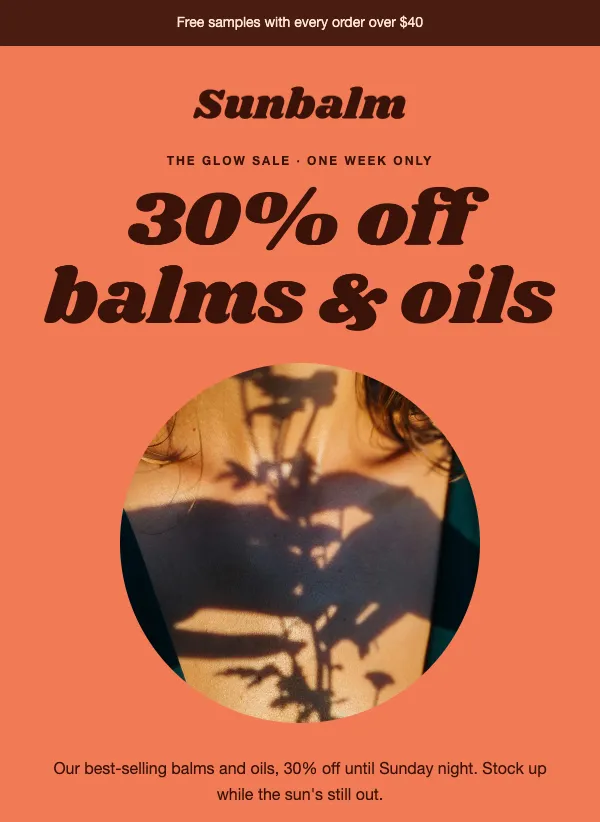 Skincare and bodycare sale
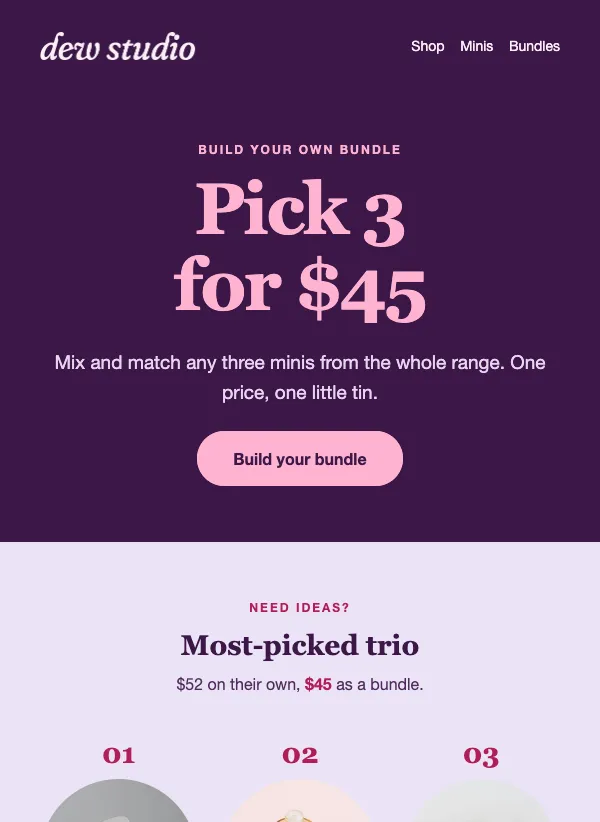 Build your own bundle
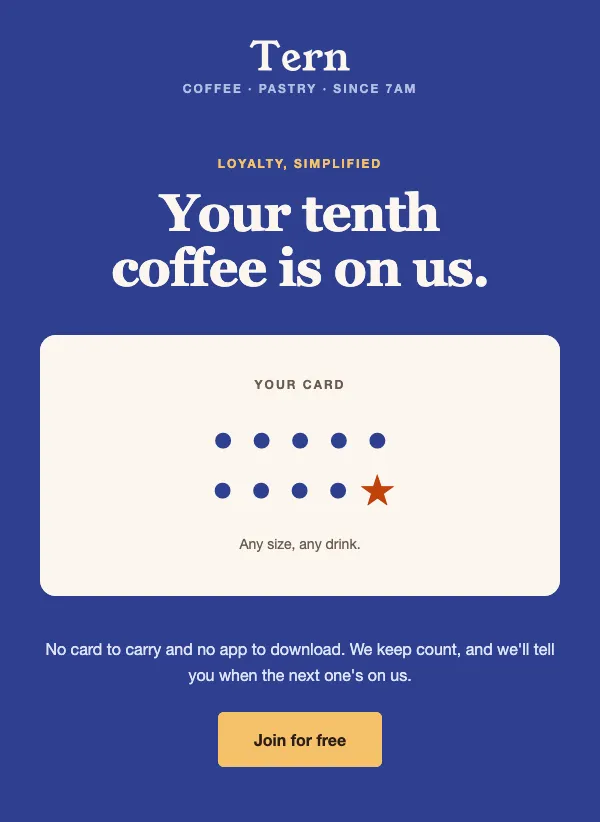 Coffee shop loyalty program
 Summer camp registration
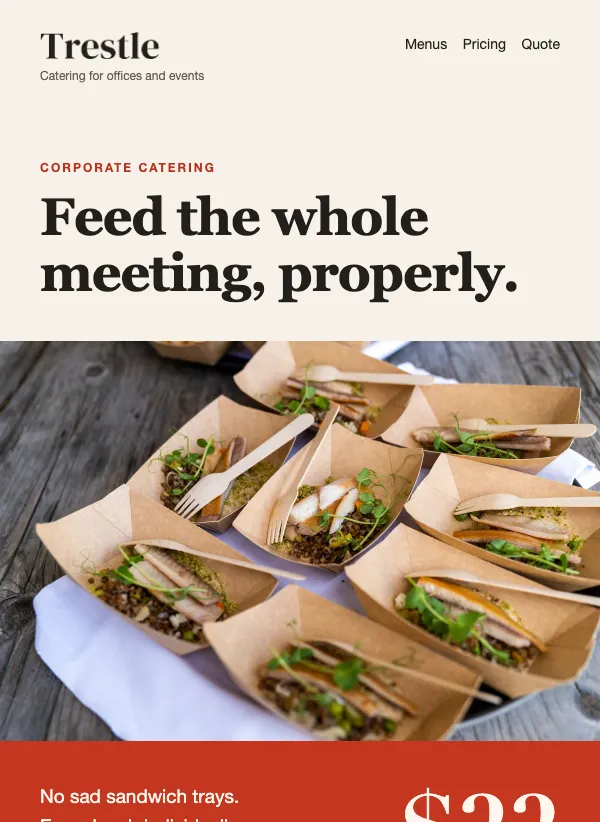 Corporate catering menu and quote
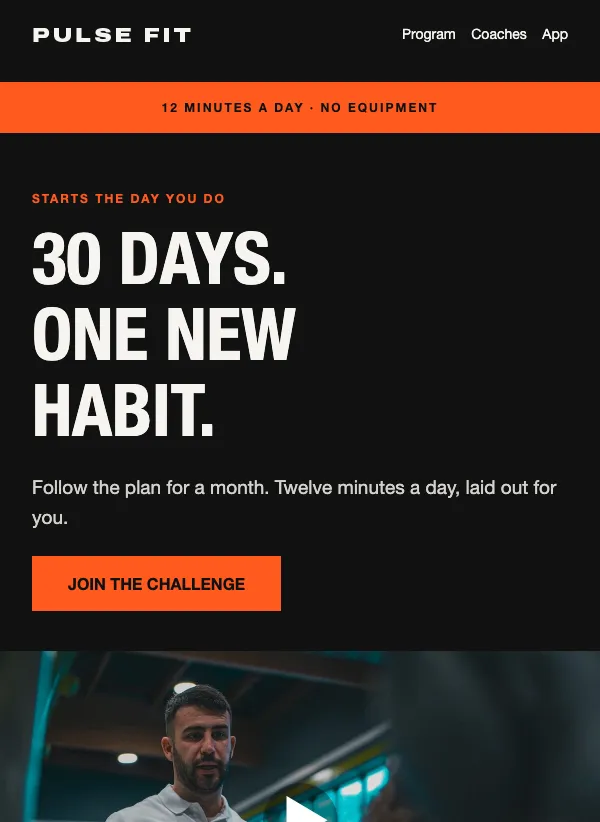 30-day challenge
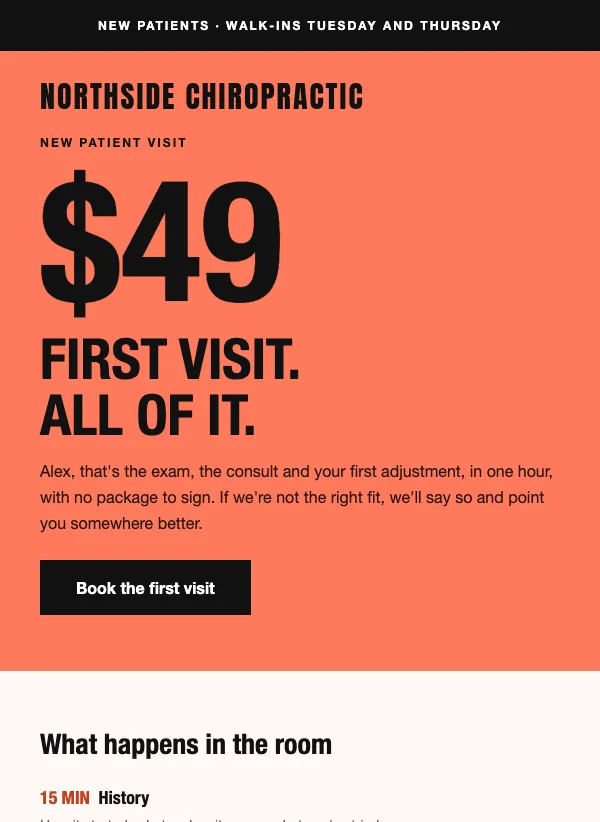 Chiropractic new patient offer
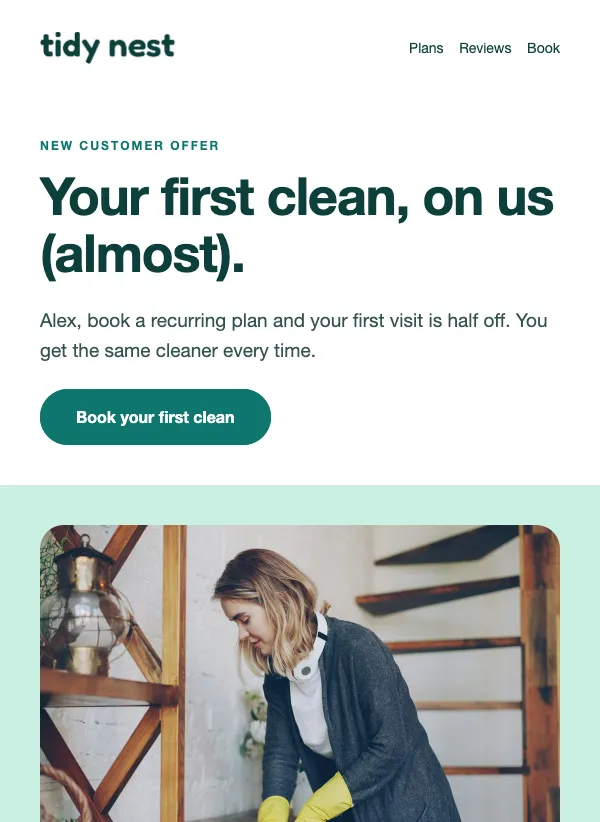 Cleaning service first visit offer
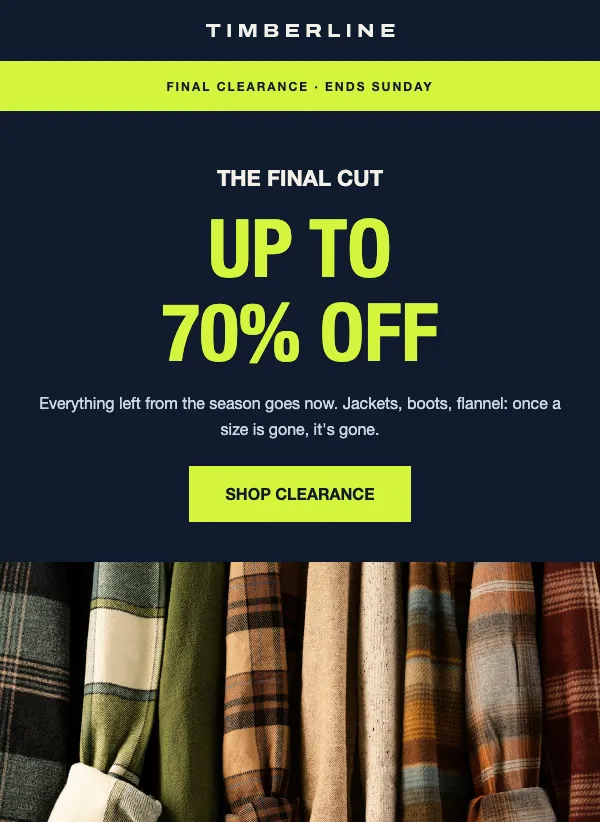 End of season clearance sale
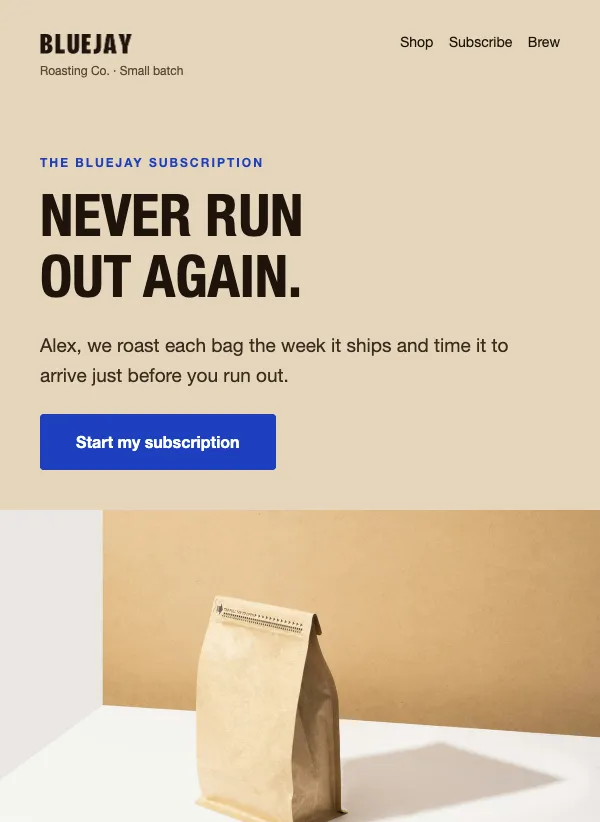 Coffee subscription promo
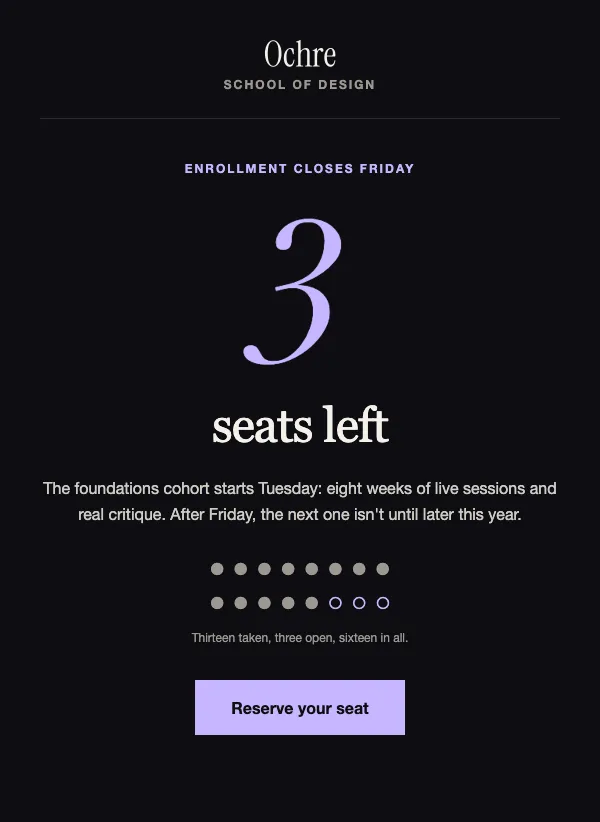 Course enrollment countdown
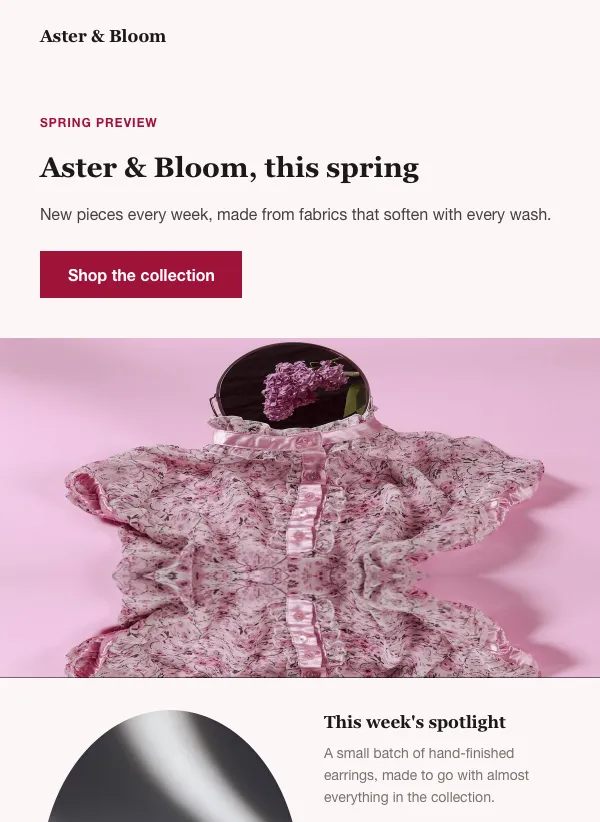 Seasonal collection launch
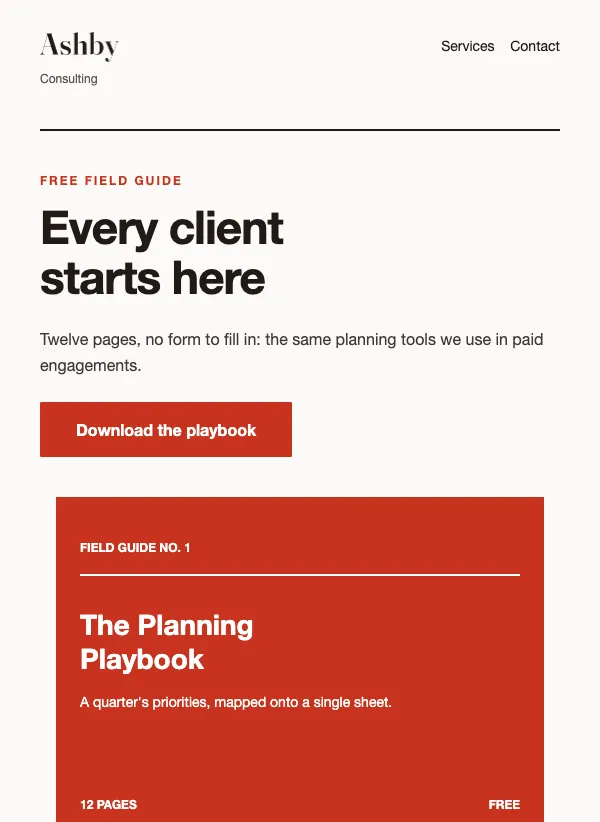 Consulting lead magnet
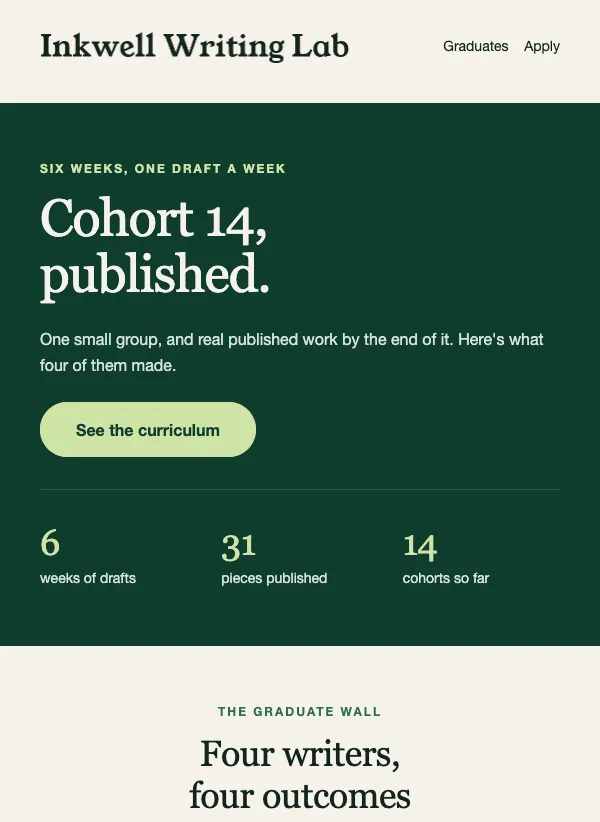 Course graduate showcase
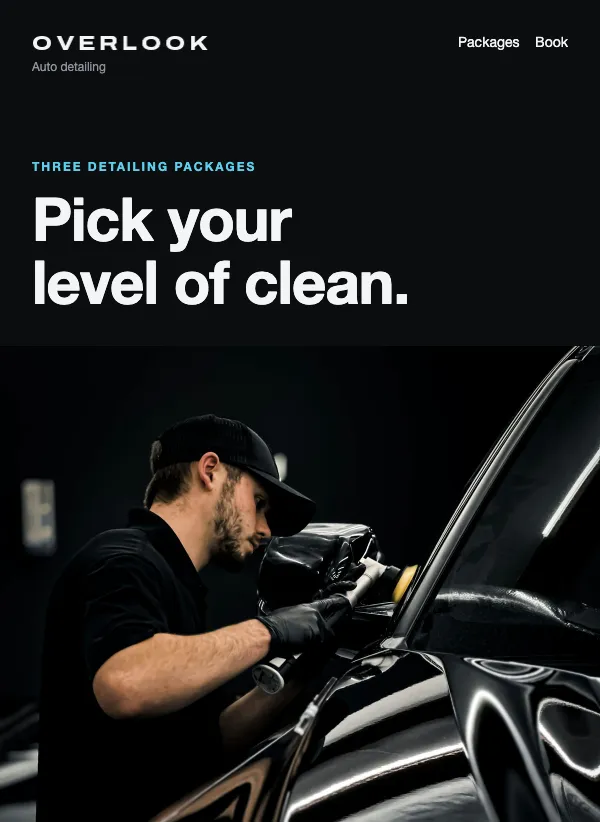 Auto detailing packages
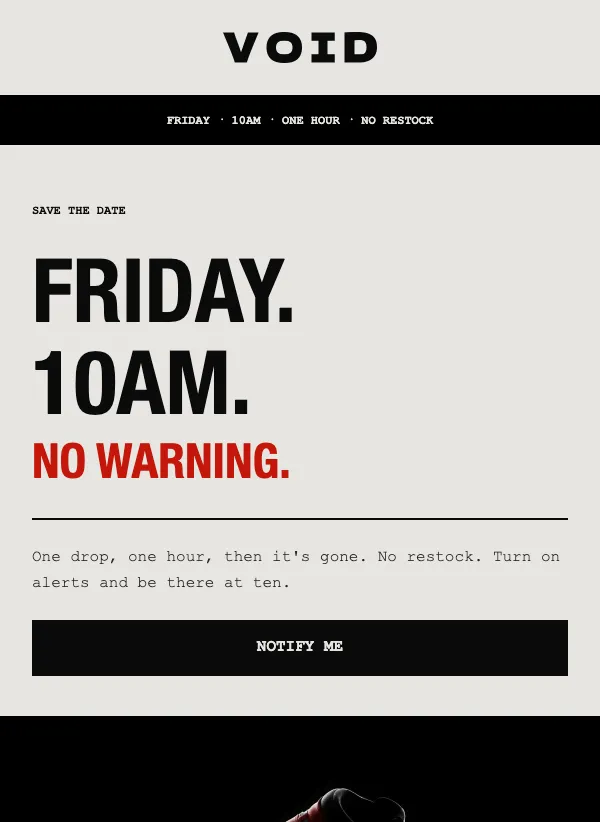 Product drop teaser
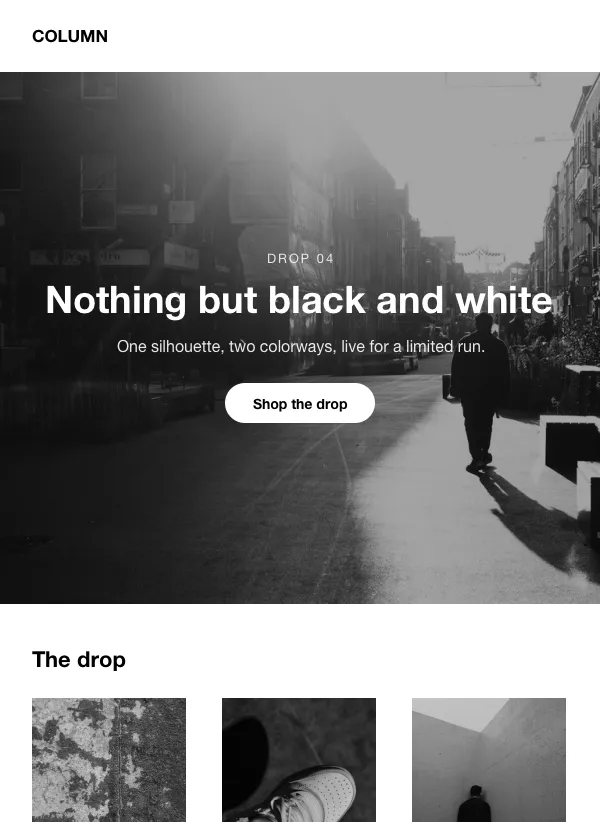 Black and white product launch
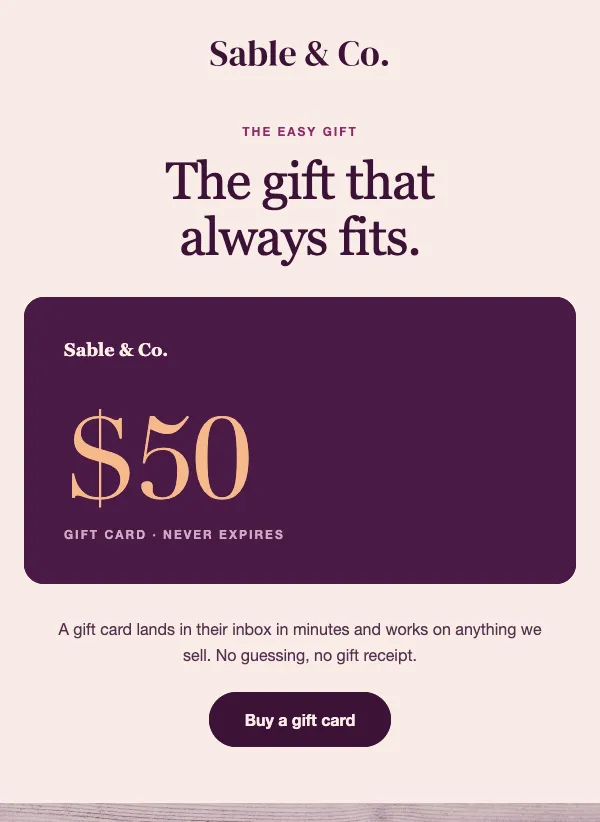 Gift card promotion
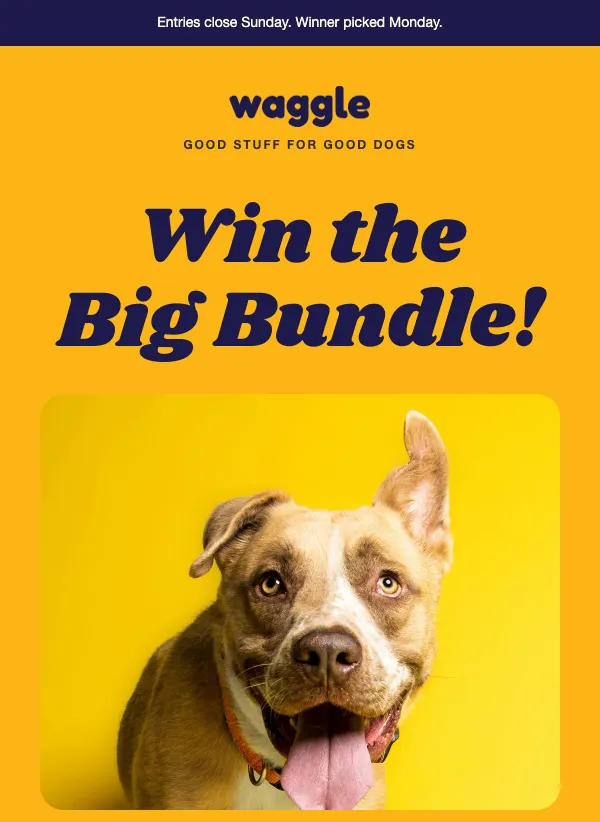 Giveaway announcement
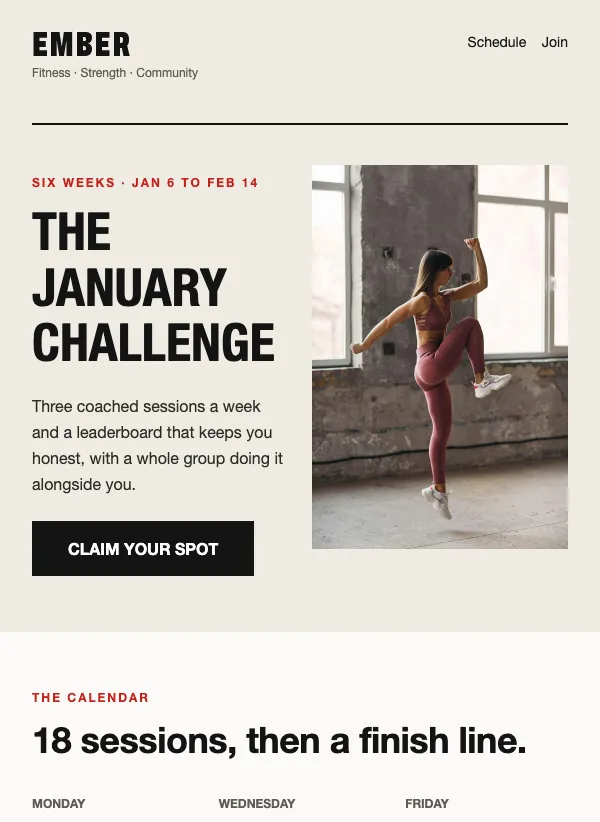 Fitness challenge signup
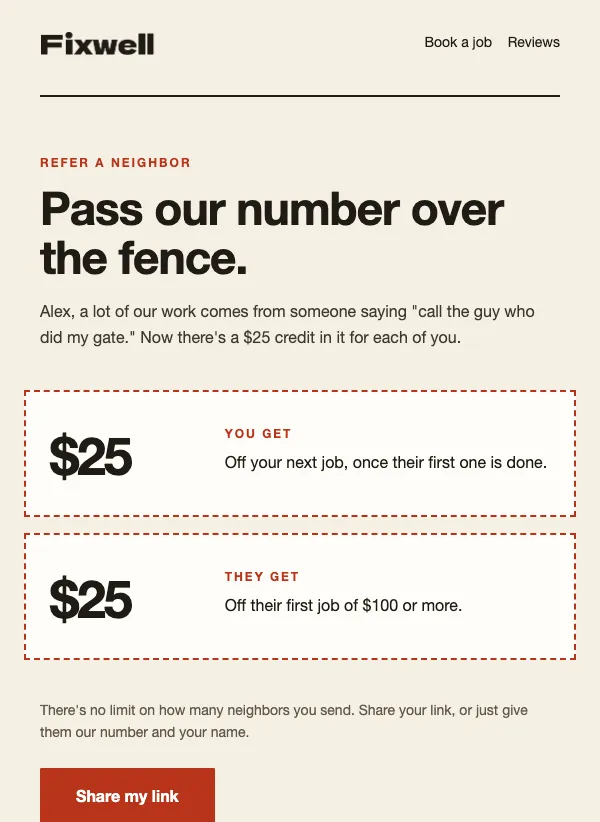 Handyman referral offer
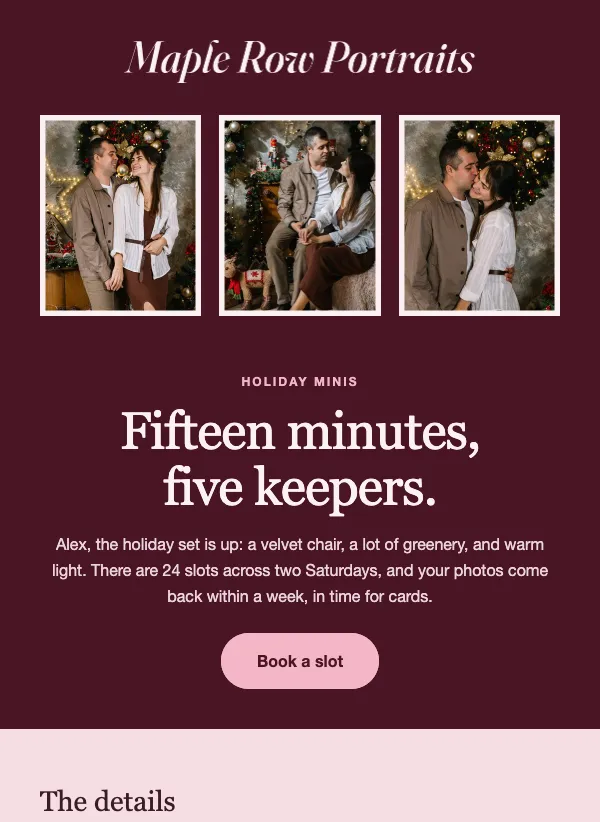 Holiday mini session booking
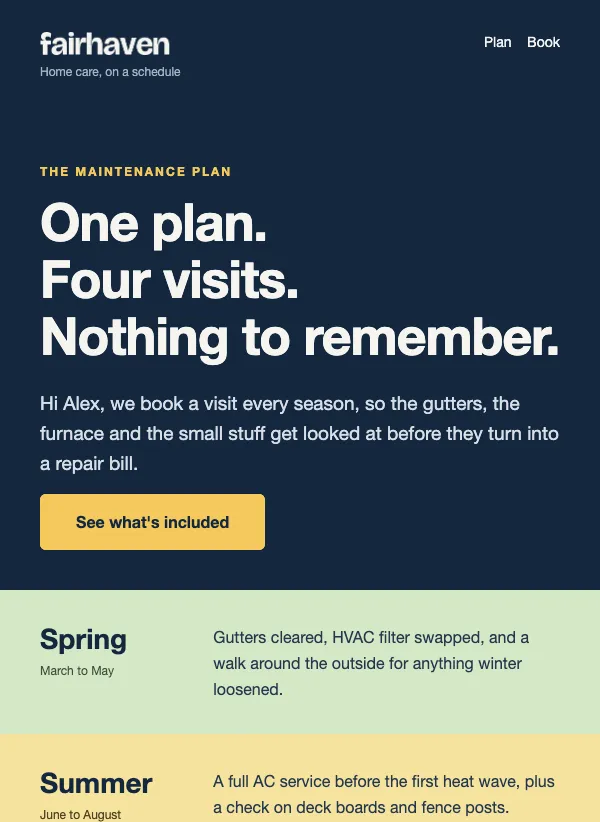 Maintenance membership
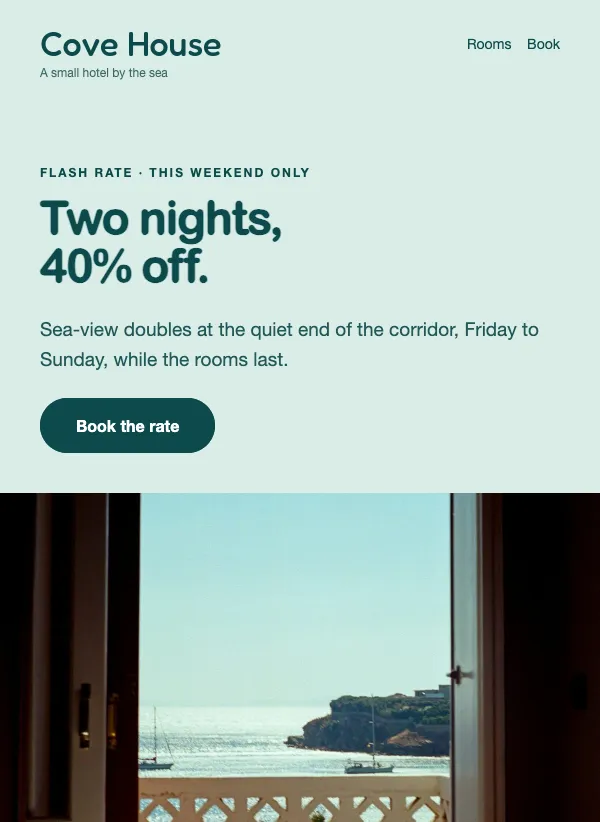 Hotel flash sale
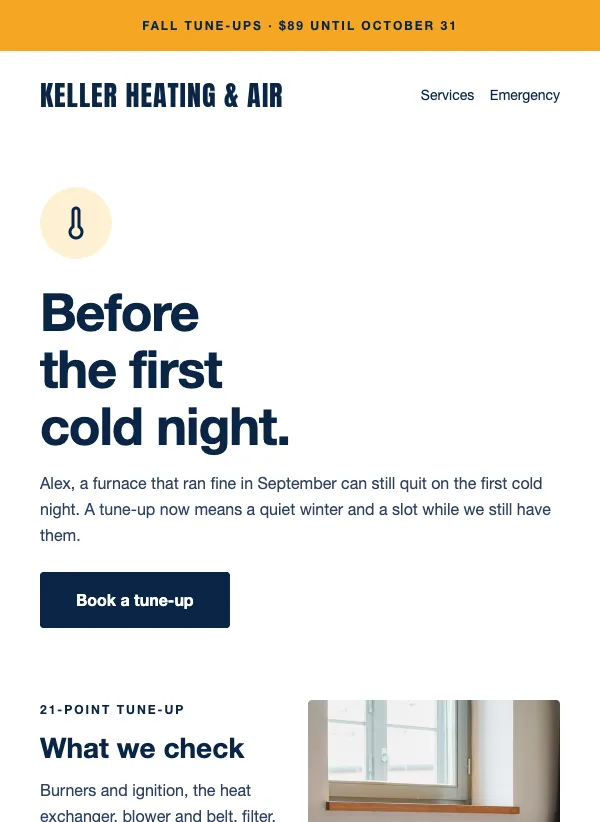 HVAC fall furnace tune-up promotion
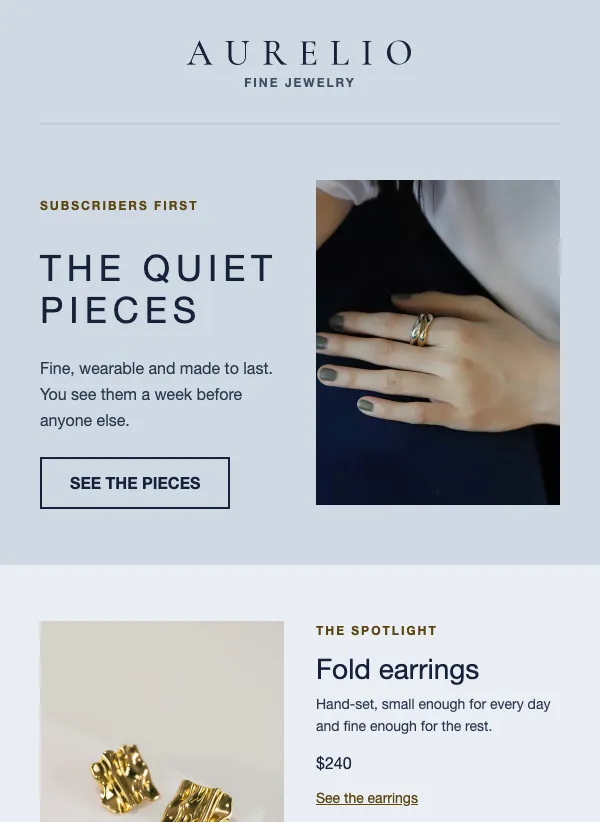 Jewelry early access collection
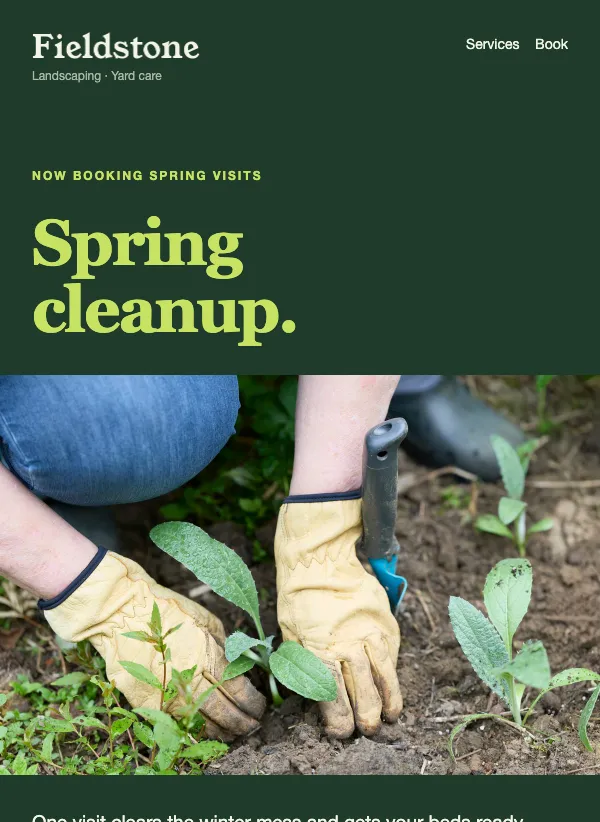 Spring cleanup booking
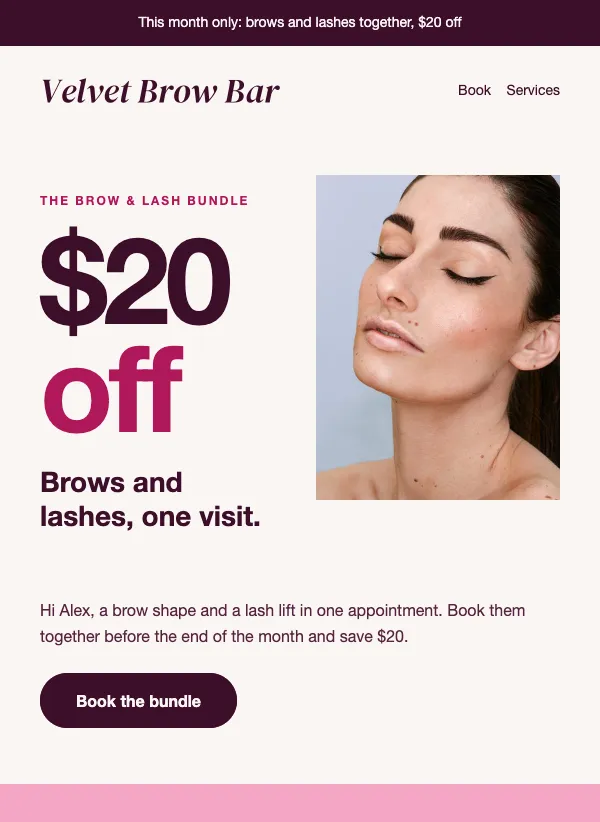 Lash and brow bundle promo
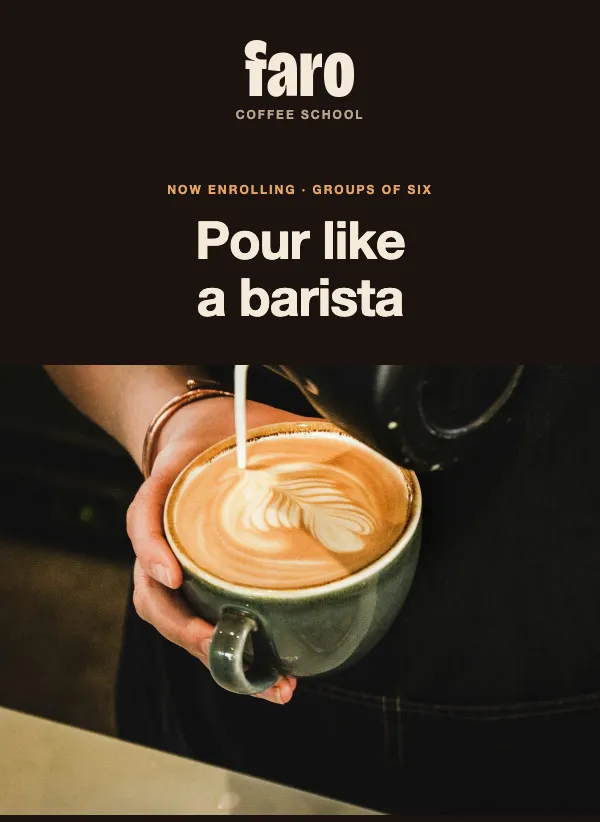 Latte art class enrollment
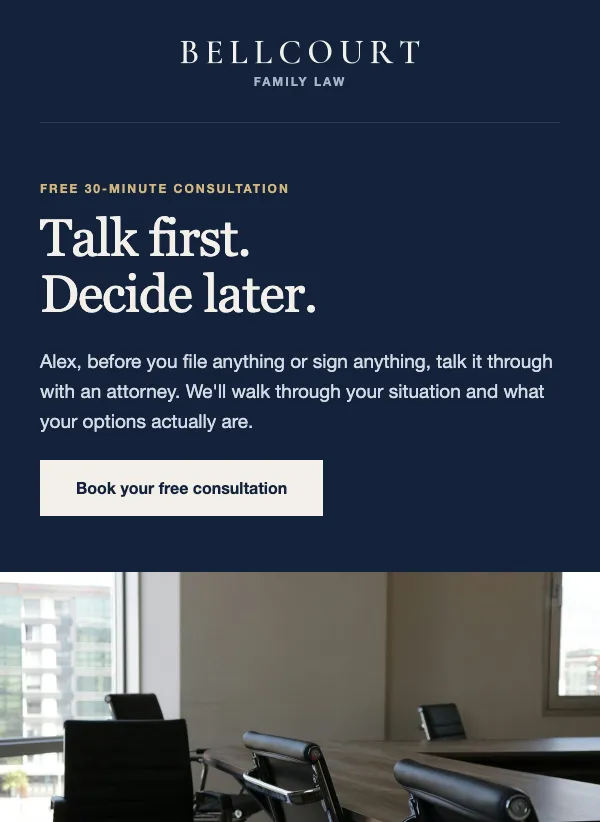 Free legal consultation offer
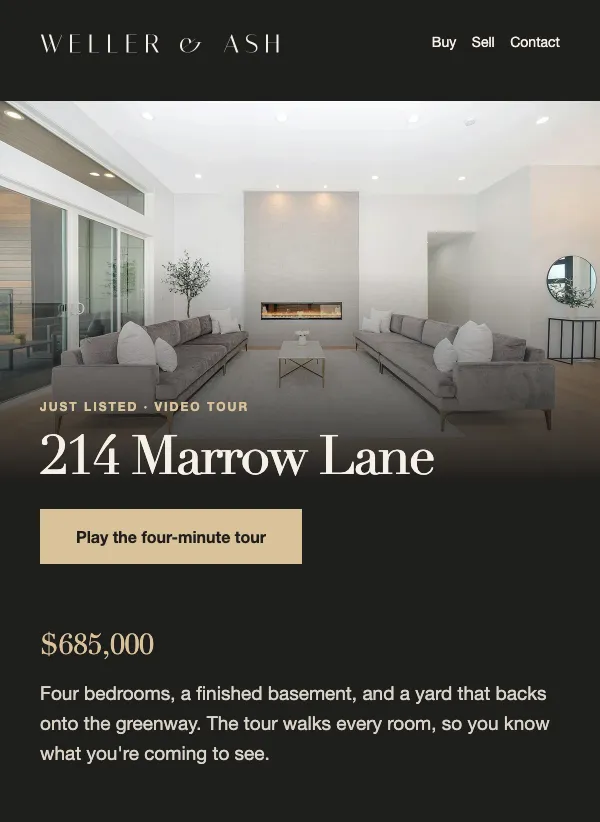 Real estate just listed video tour
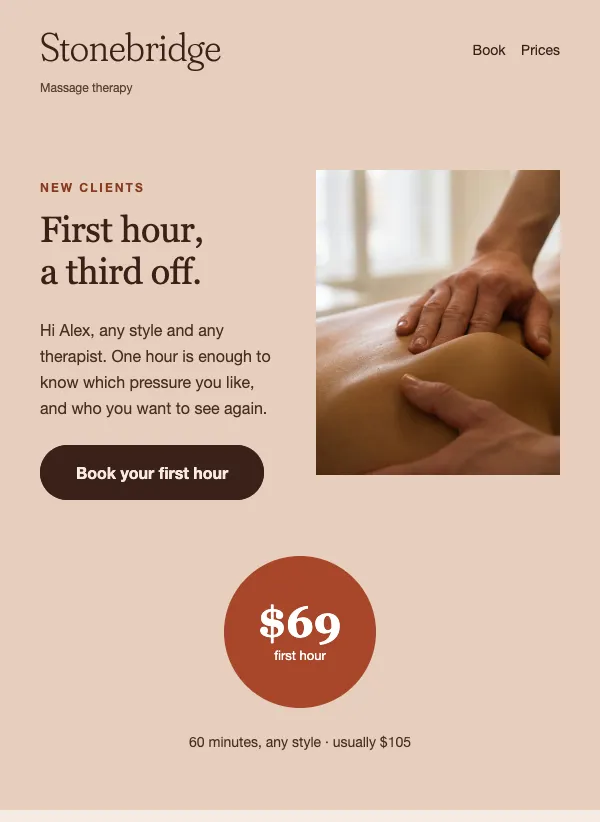 New client massage offer
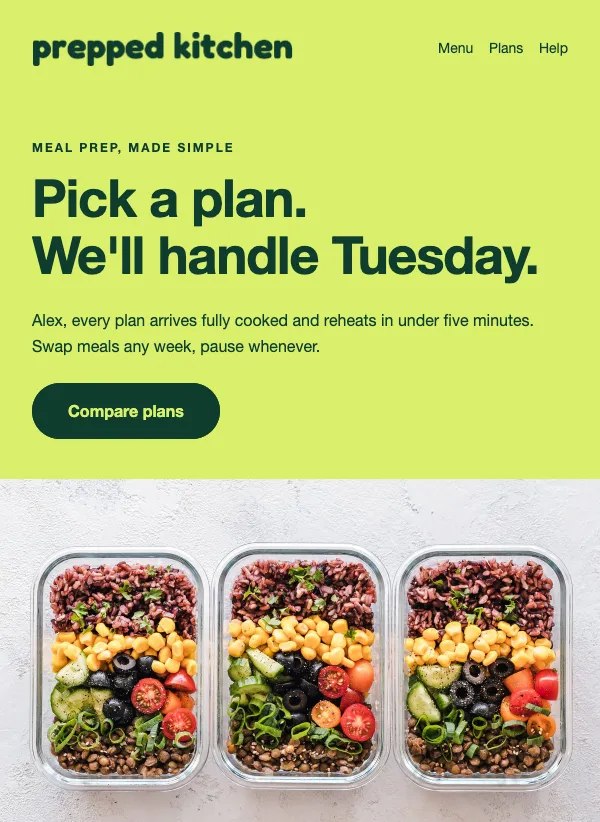 Meal prep subscription plans
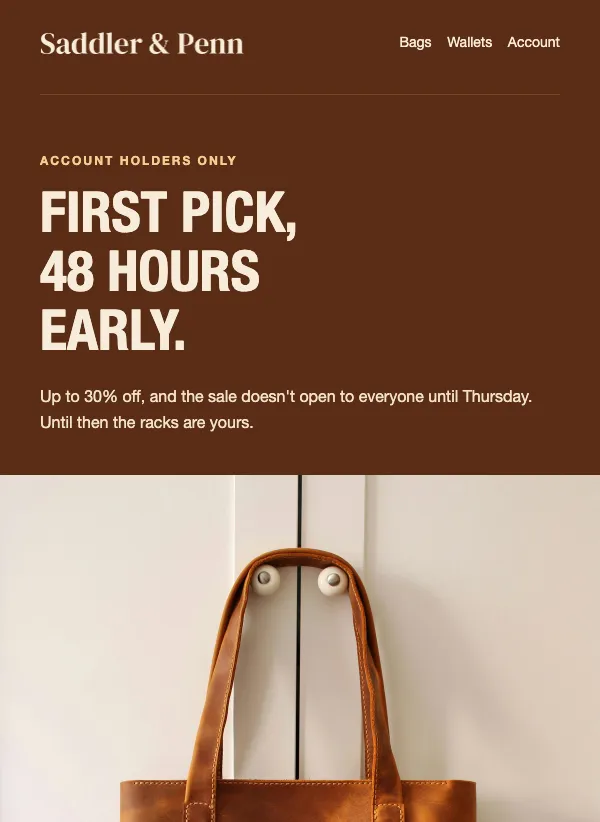 Early access member sale preview
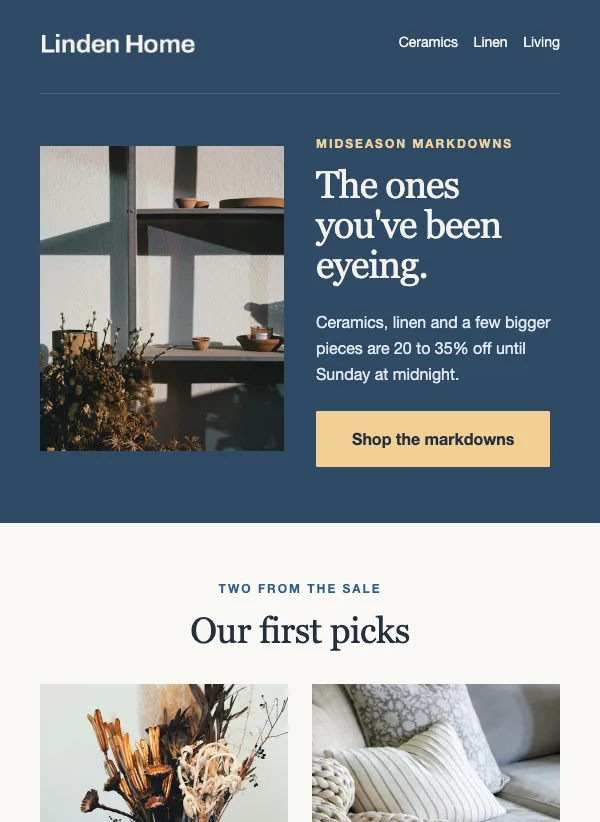 Midseason markdown sale
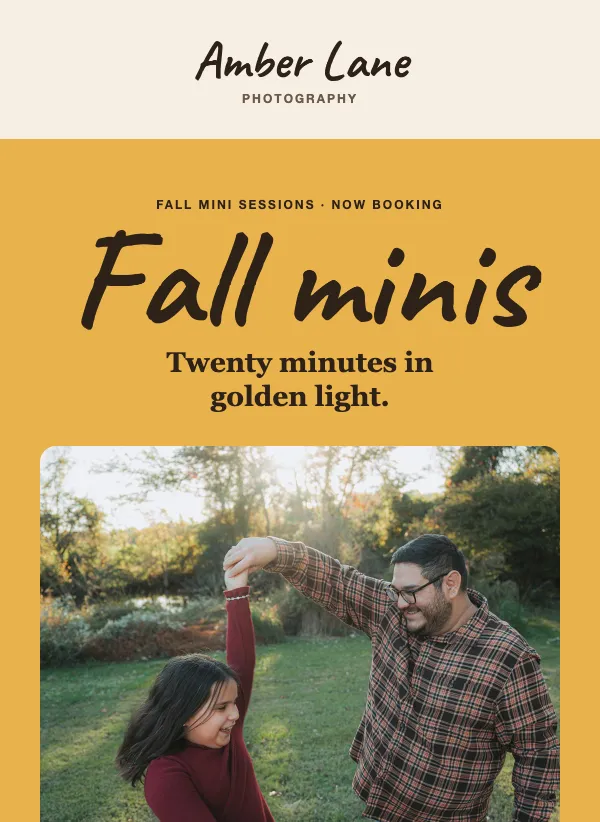 Fall mini photo sessions booking
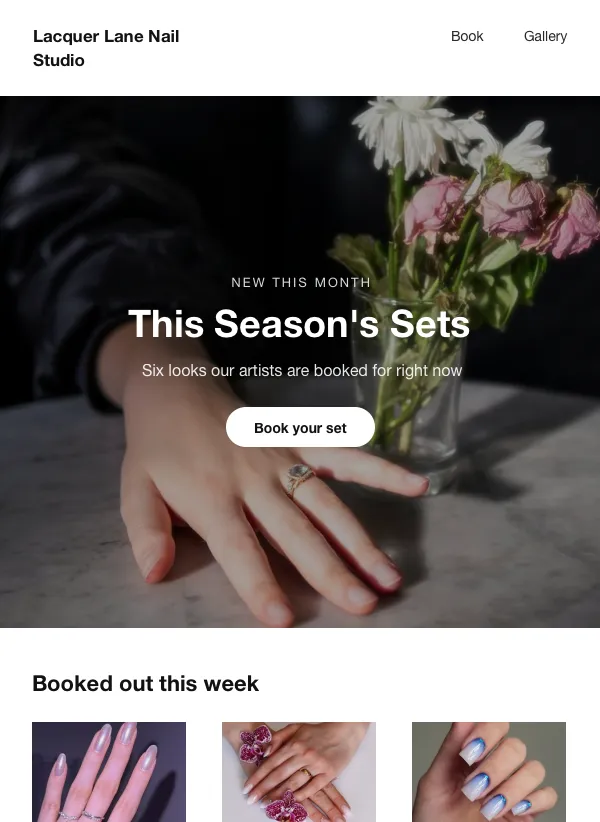 Nail studio new designs lookbook
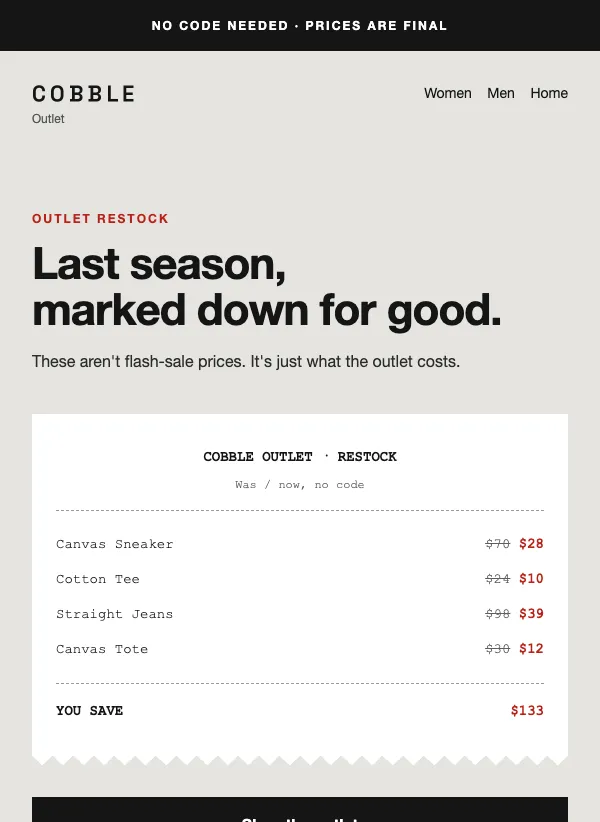 Outlet restock sale
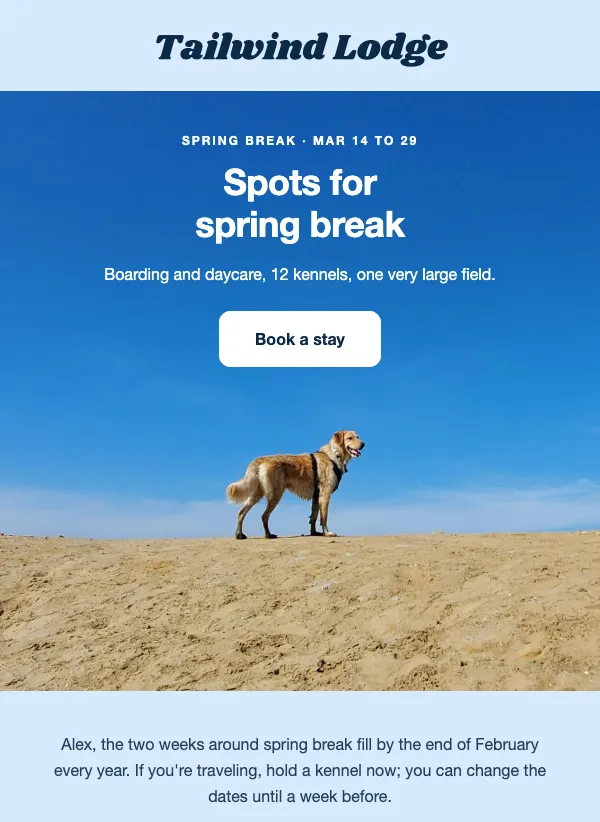 Dog boarding and daycare booking
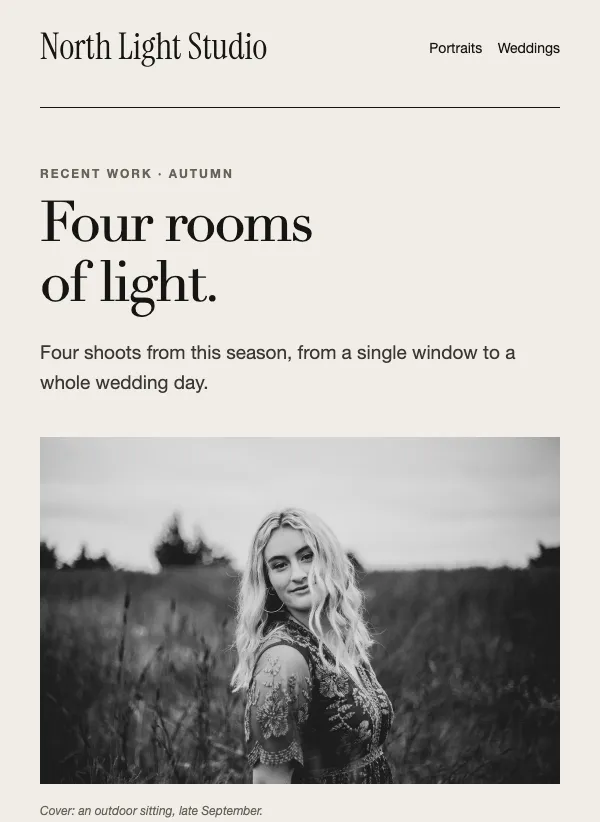 Photographer portfolio showcase
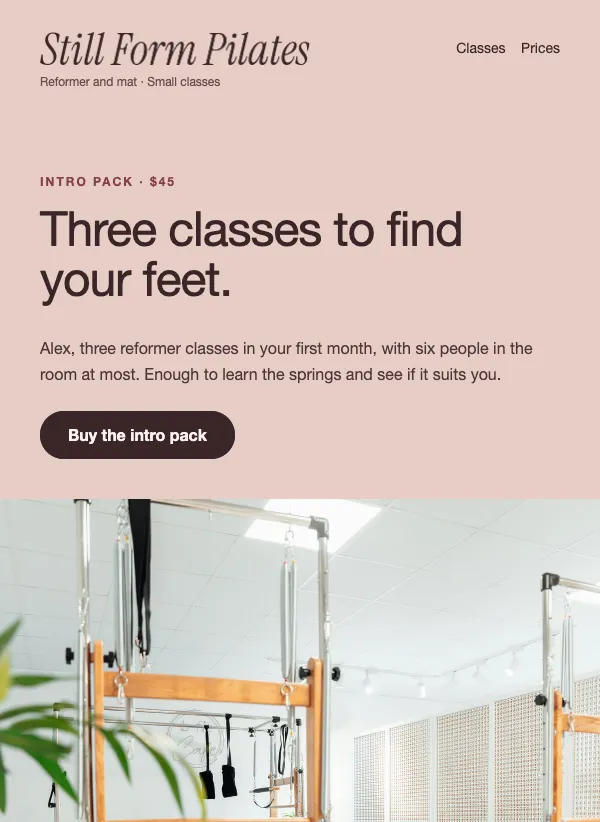 Pilates intro pack email for new clients
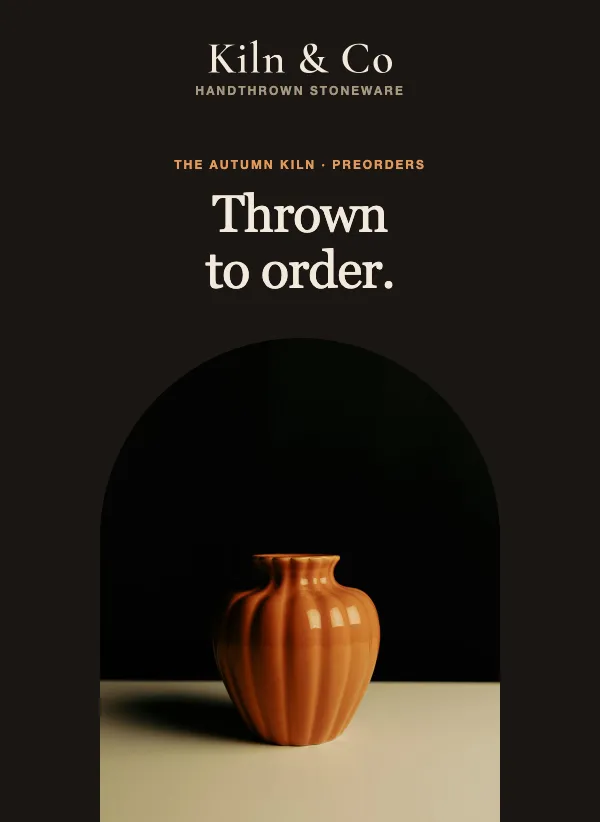 Limited preorder window
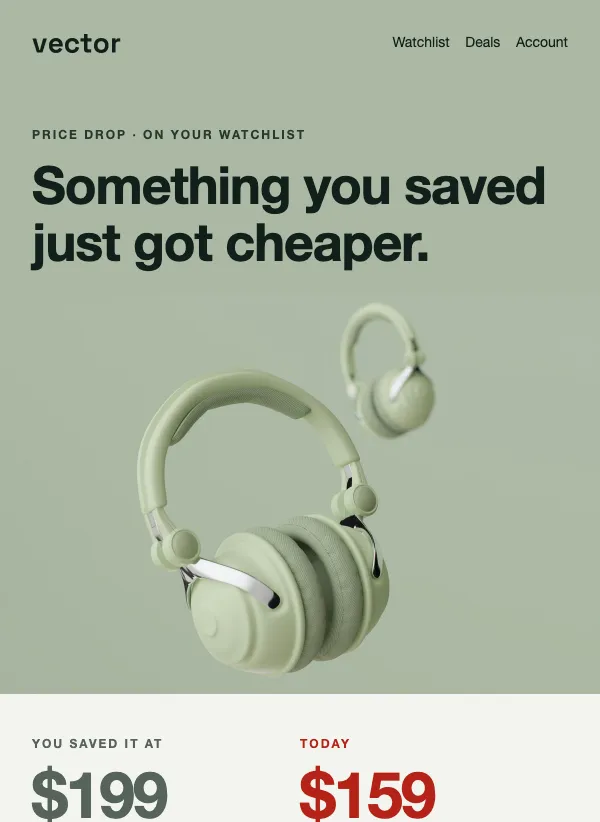 Price drop alert
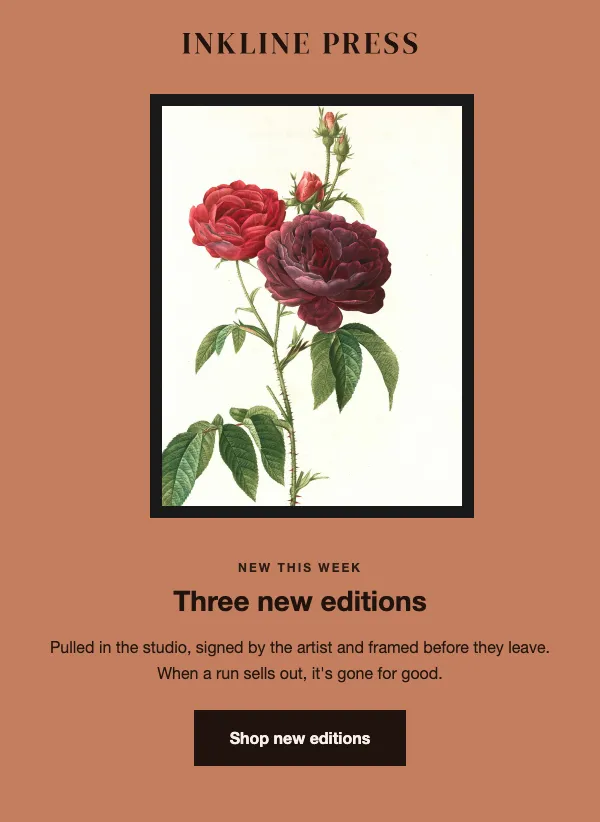 Art print edition release
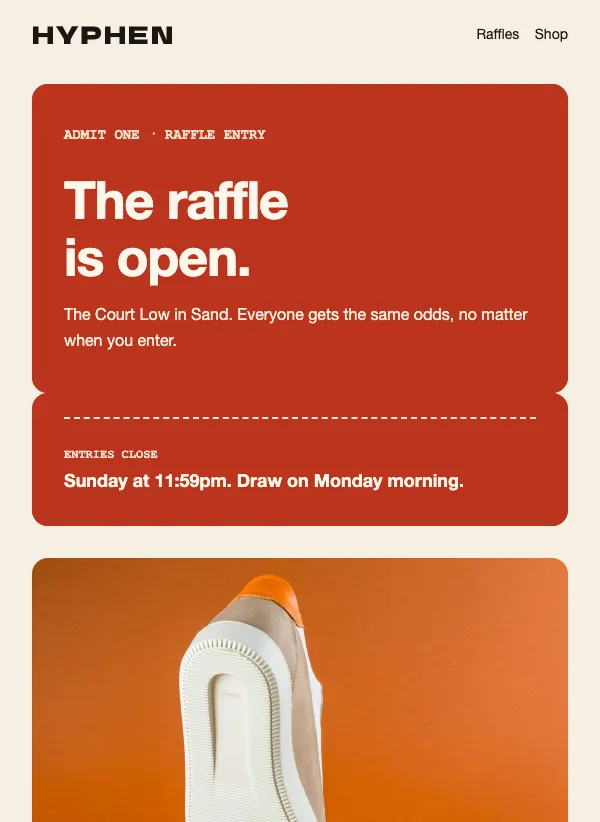 Product raffle announcement
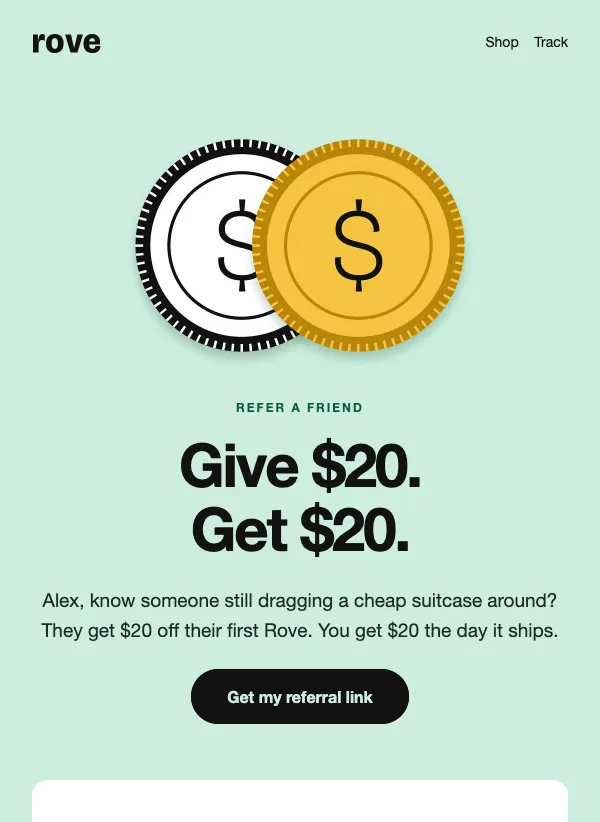 Give and get referral program
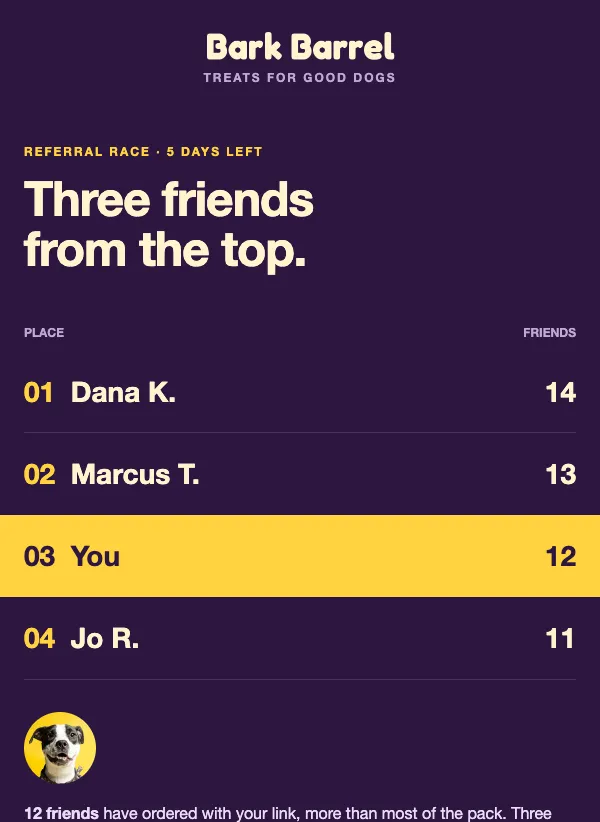 Referral contest leaderboard
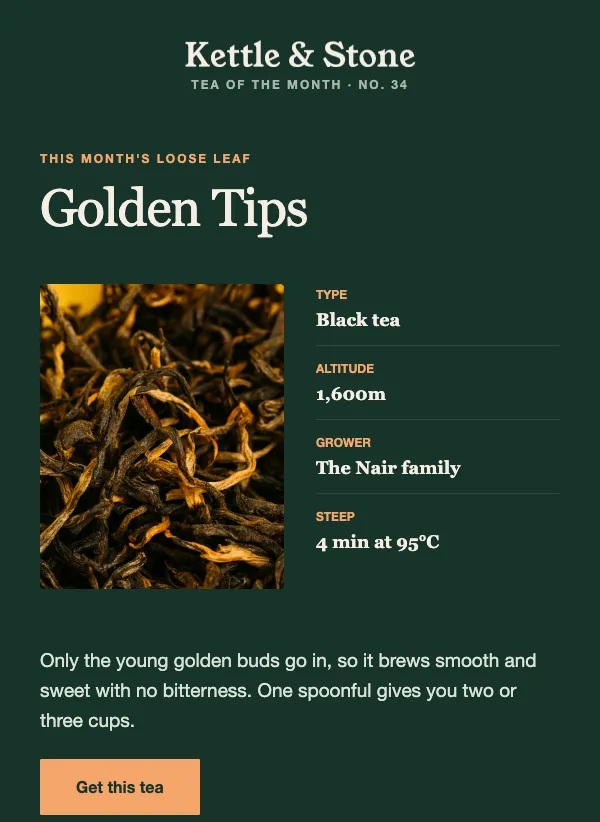 Tea and coffee of the month
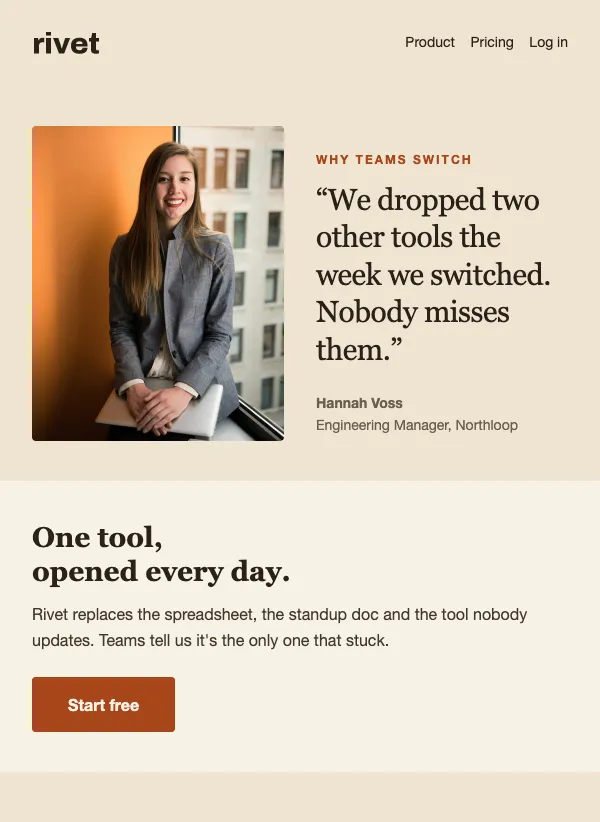 SaaS customer testimonials
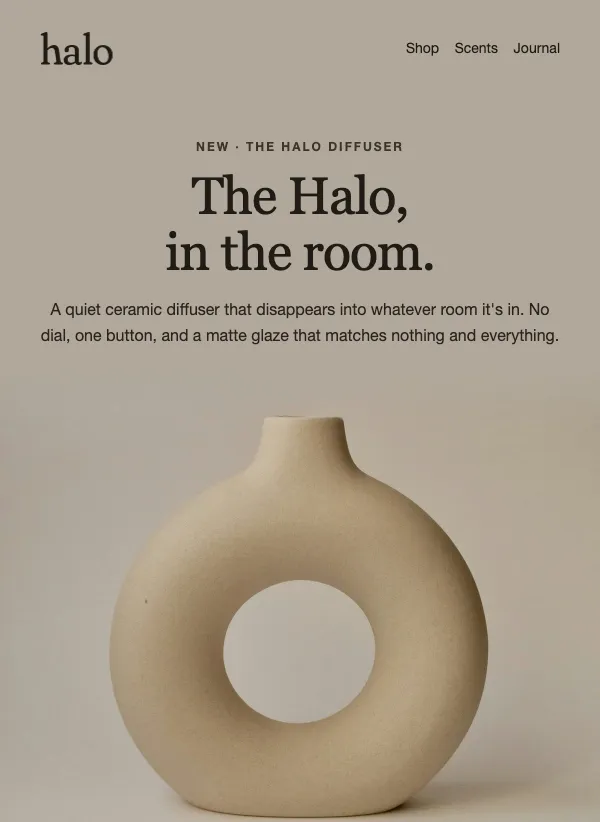 Product launch email with color variants
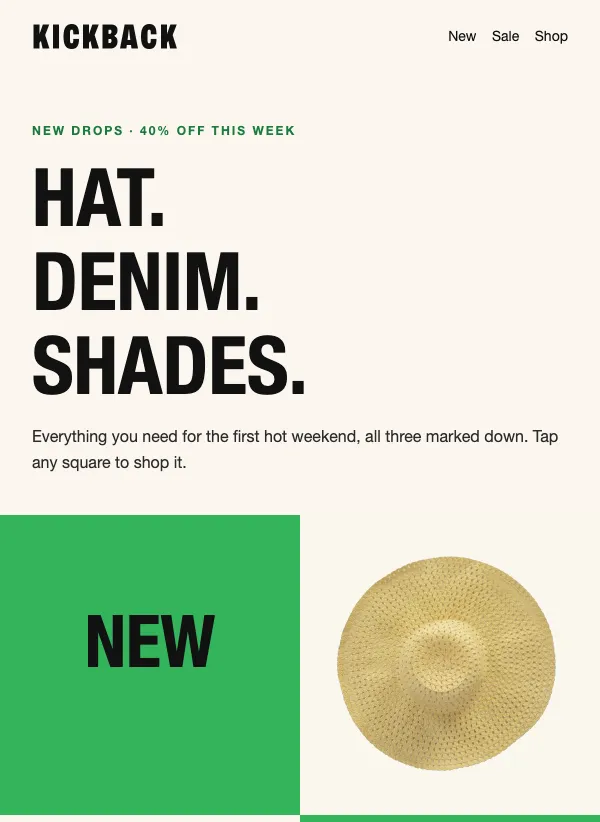 Sale email with a checkerboard grid
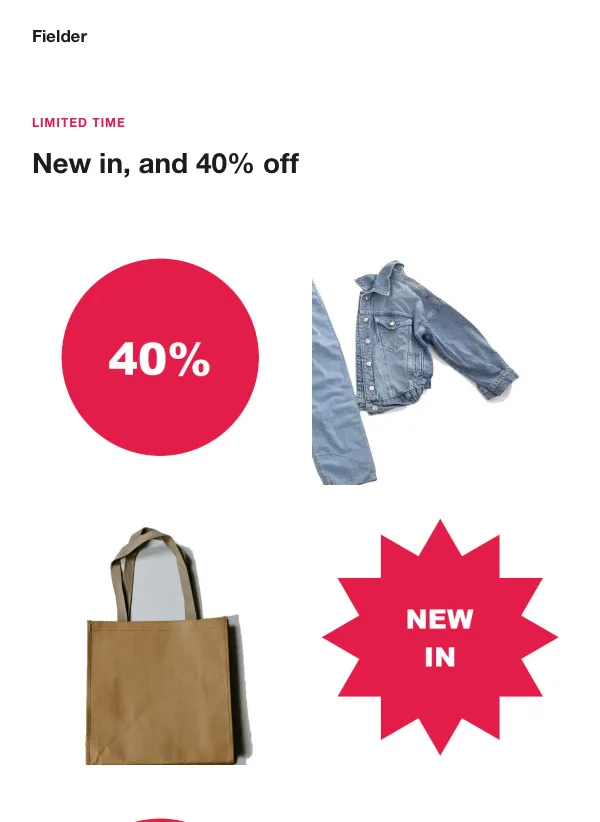 Sale email with sticker badges
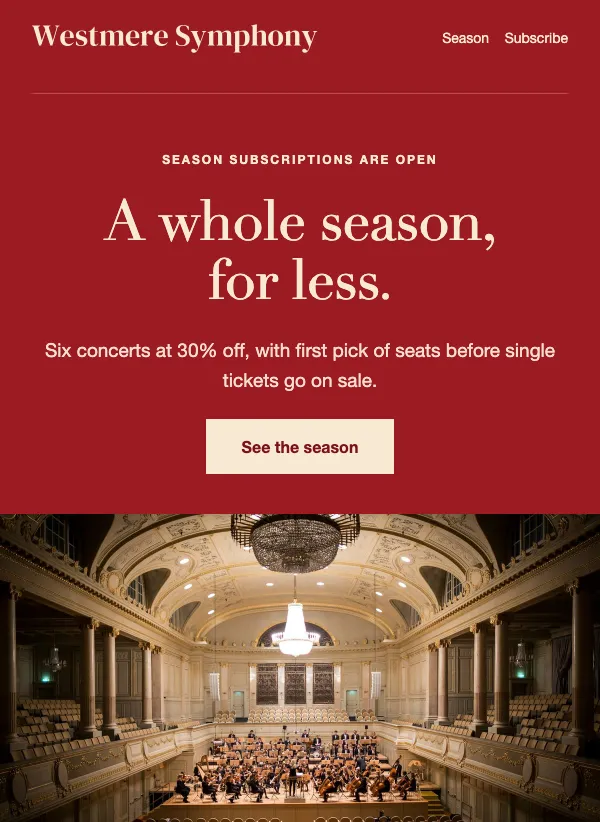 Concert season subscription sale
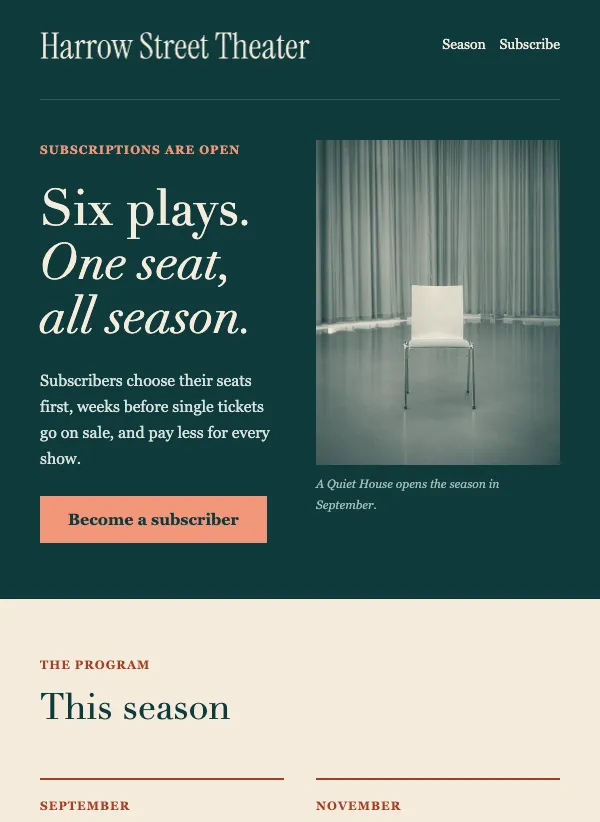 Theater season announcement
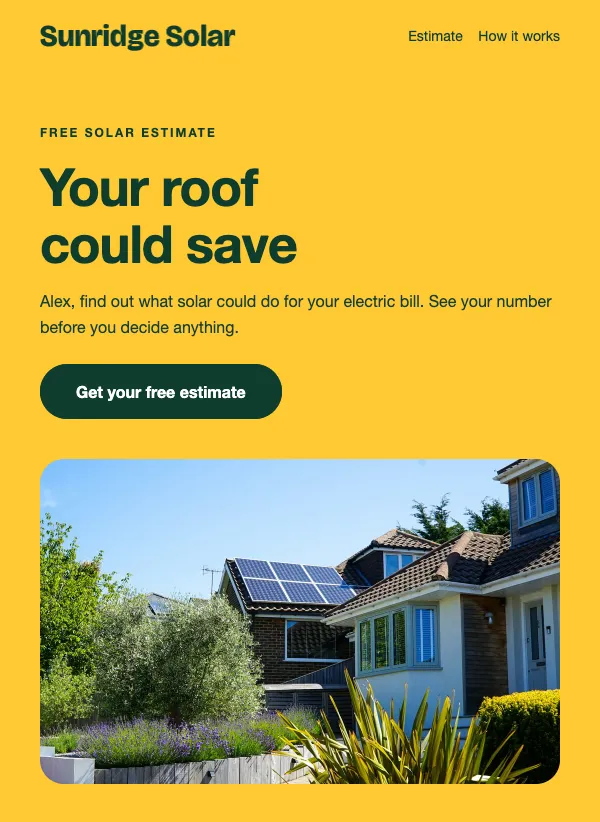 Solar savings estimate
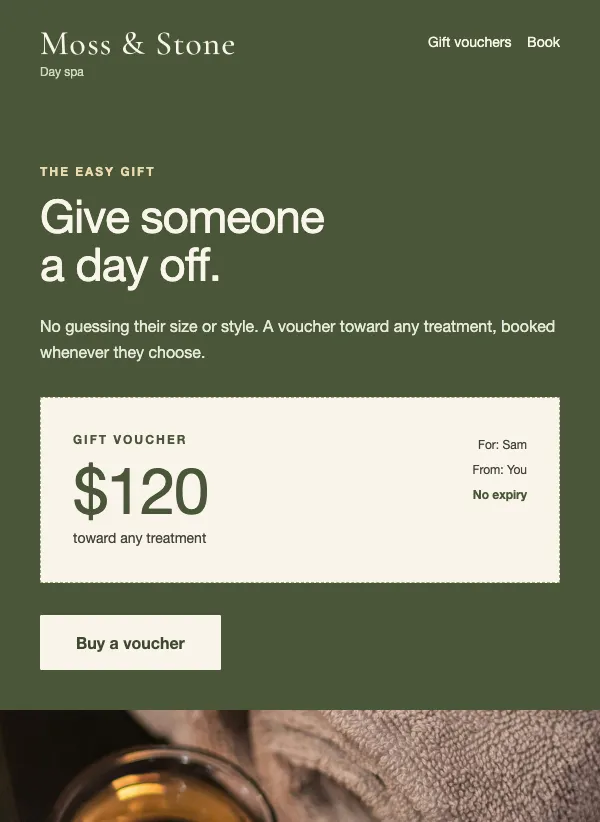 Spa gift voucher
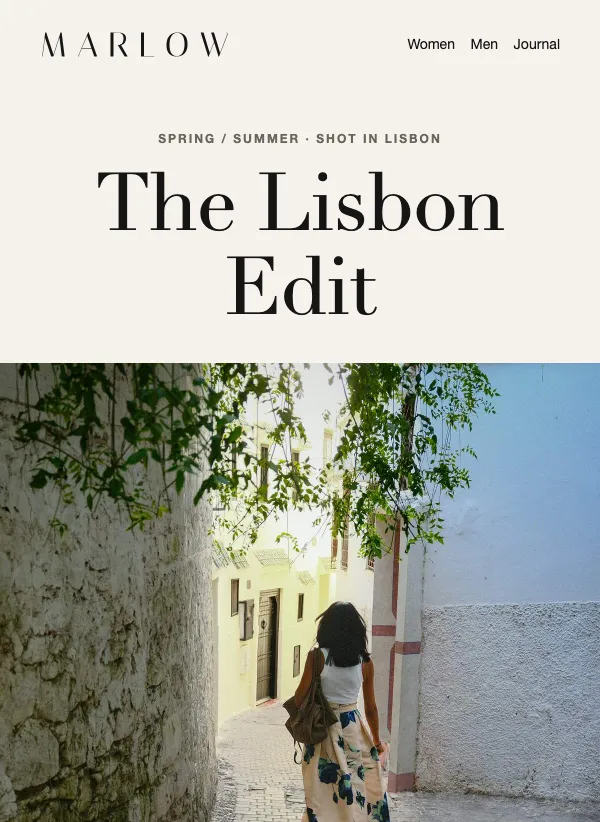 Fashion lookbook
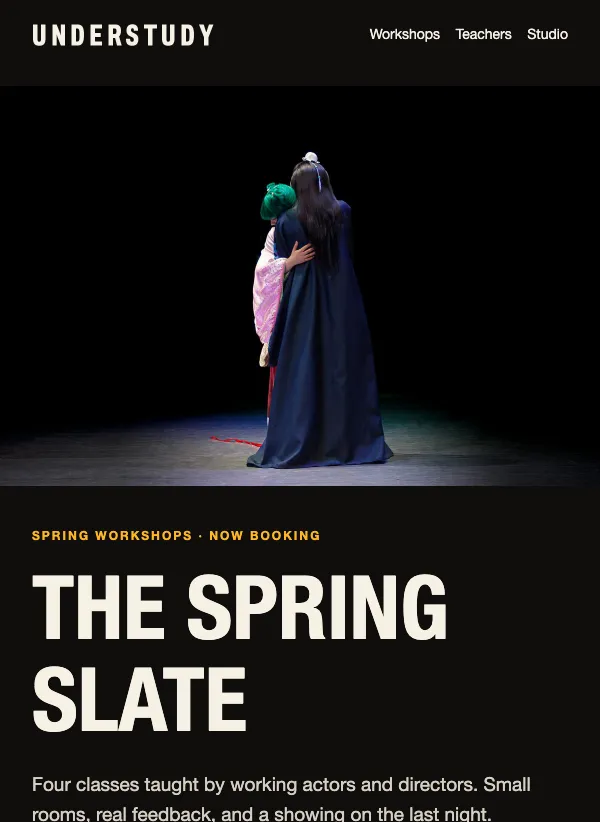 Class and workshop schedule
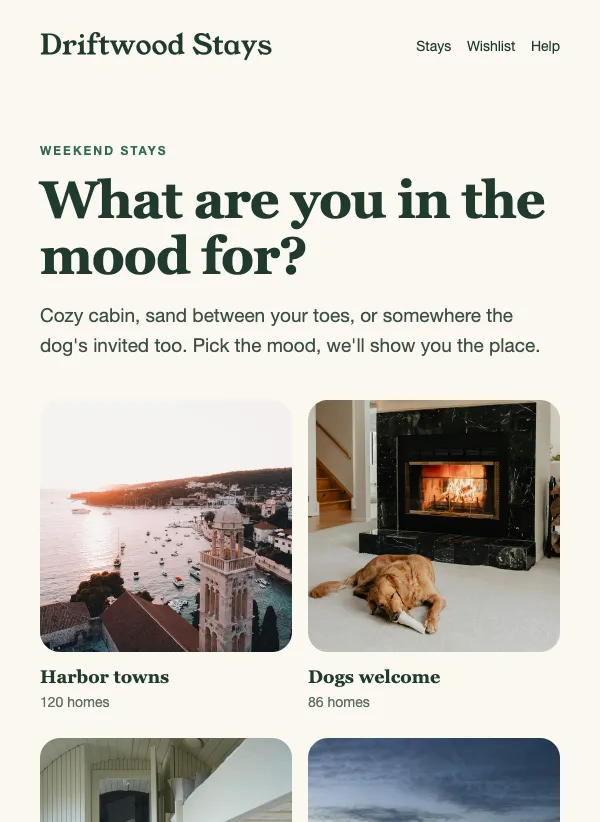 Vacation rental stays
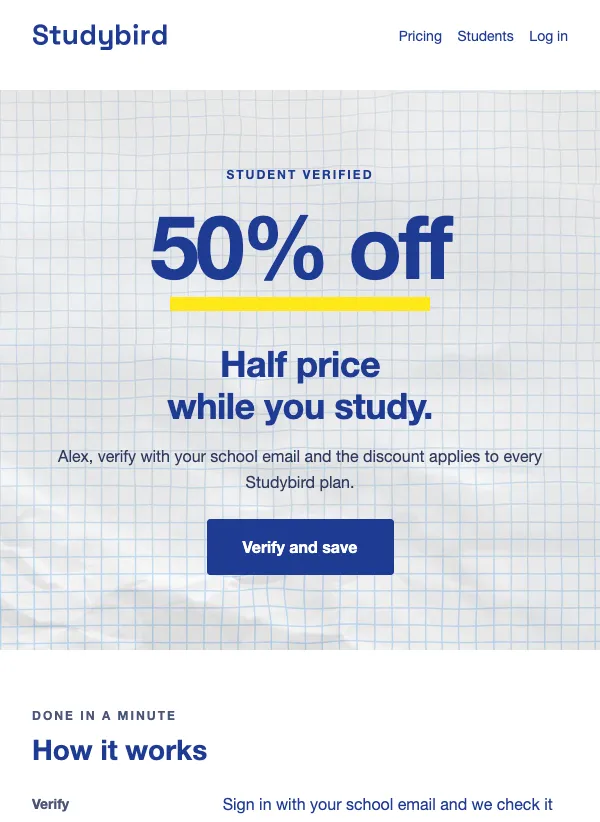 Student discount offer
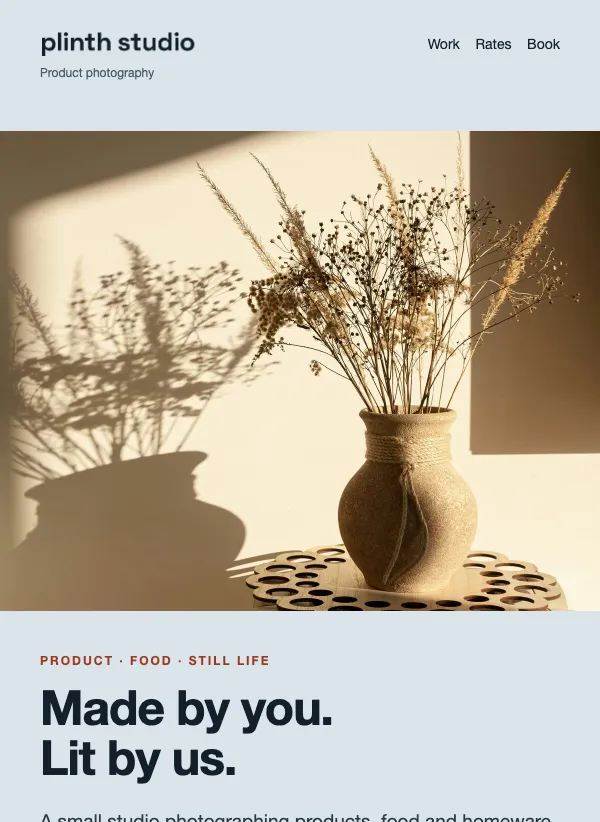 Product photography studio
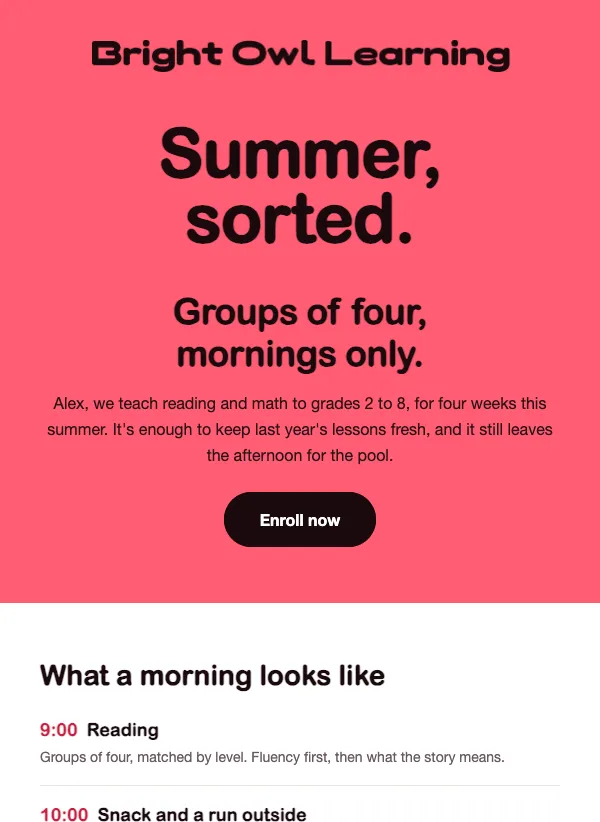 Summer tutoring program enrollment
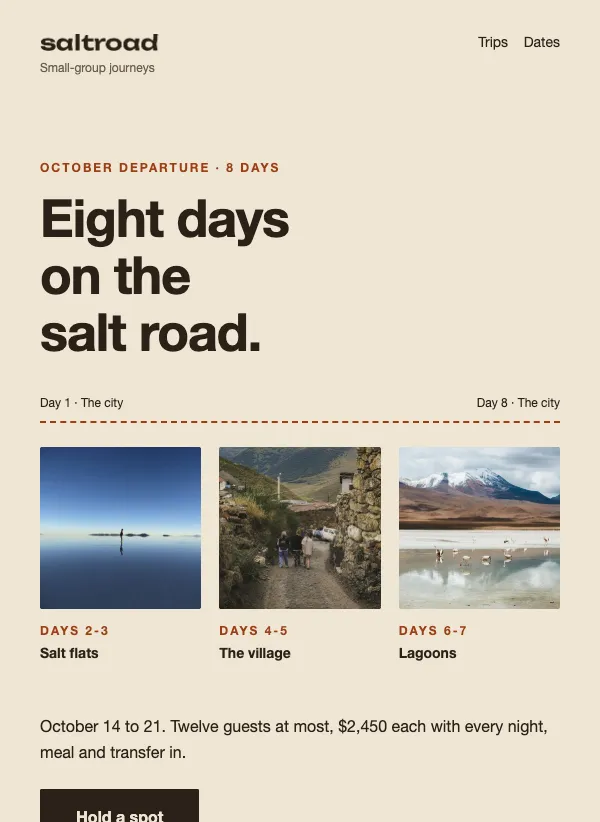 Small-group tour itinerary promotion
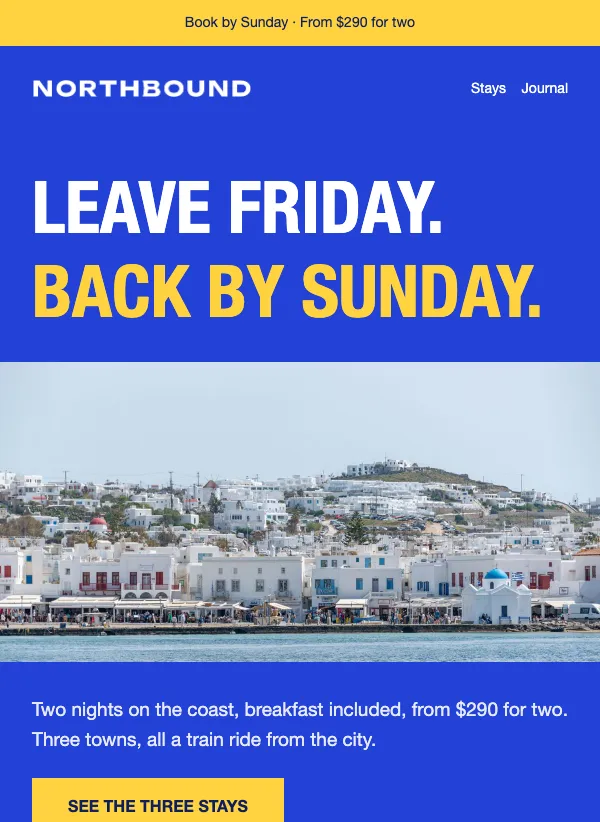 Weekend getaway offer
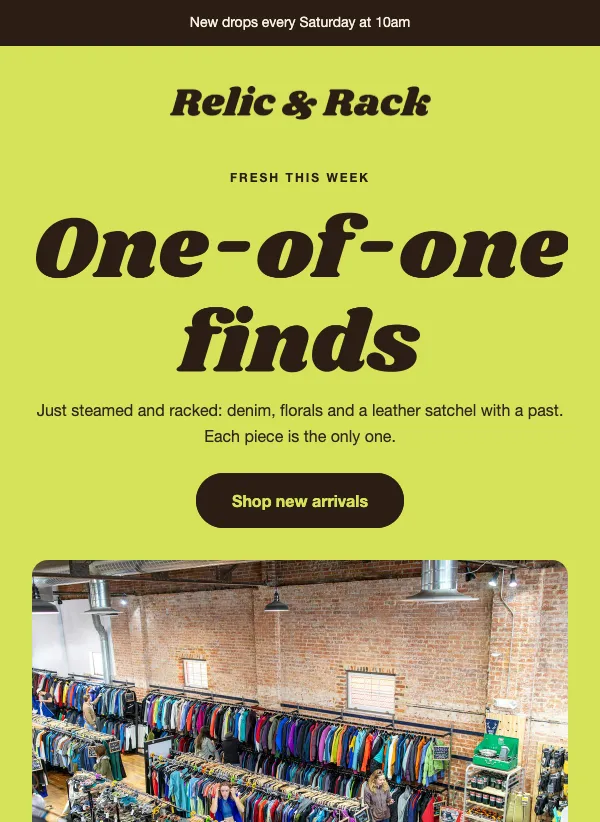 Thrift and vintage new arrivals
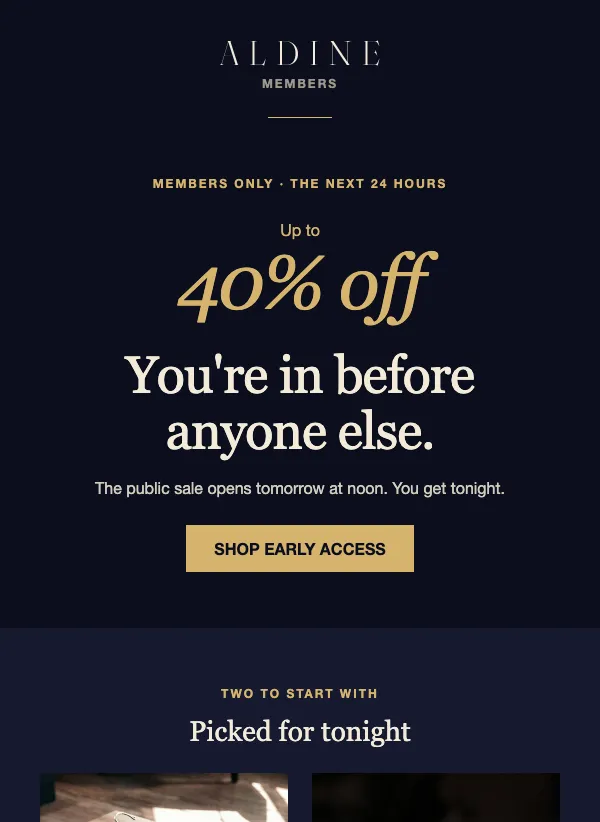 Members-only early access sale
One offer per email
A promotional email has one job: get someone to act on a single offer. A sale, a new product, a free first visit, a bundle. When you squeeze three offers into one email, readers have to work out which one matters, and many give up and close it.
Before you pick a template, write your offer down in one sentence. "30% off all balms and oils until Sunday." "Your first massage is $69." If you cannot say it in one line, the email will not be clear either. Save the second offer for next week.
When to send one
Send a promotional email when something real is happening: a sale with an end date, a launch, a limited batch, an introductory price for new customers, a reason for regulars to come back. Send it to the people the offer is for. A first-visit rate means nothing to someone who has been a client for years, and a loyalty perk is wasted on someone who has never bought.
A good rhythm is one or two promotions a month, with emails in between that are not selling anything. If every email asks for money, people stop reading them, and the ones who do keep reading start waiting for the next discount before they buy.
Make the deal clear in five seconds
People glance at a promotional email before they decide to read it. In that glance they should see what is on offer, what it costs or saves, and when it ends. Put all three near the top, in large text, above any story about the product.
If you use a discount code, give it its own line in big letters so it is easy to copy on a phone. Say where to enter it and whether it works on everything. Better still, link the button to a page where the discount is already applied, so nobody has to type anything.
Not every promotion needs a discount. A preorder, a new collection or a free consultation can do just as well, and it does not teach customers to wait for the next sale before they buy.
Writing the subject line
Put the offer in the subject, in plain words. "48 hours only: 40% off everything" gives the time and the deal in one line. "Your first hour is $69" is the whole offer. "Give $20, get $20" is the whole offer in four words. "Your tenth coffee is already paid for" makes the reader feel they already have something waiting for them.
A deadline helps people decide, but only if it is true. "Doors close Friday: last chance to join the cohort" names a real day. If the sale ends Sunday, end it Sunday. Customers notice when the "last chance" email comes back a week later, and they stop believing the next one.
Notice that none of these is in all capitals or ends in a row of exclamation marks. Those make an email look like spam to readers and can trip the filters that sort mail into folders. A calm, specific line feels more trustworthy. Short ones also fit on a phone, so lead with the part that matters most.
Buttons people can tap
Many people will see your offer on a phone, which makes the button one of the most important parts of the email. Make it big enough to hit with a thumb, leave space around it, and give it a color that stands out from everything else in the email.
Write the button text as the thing the reader is about to do: "Shop the sale", "Book my first visit", "Reserve a piece". "Click here" says nothing about what happens next. One main action is enough. You can repeat the button lower down for people who scroll, as long as it goes to the same place.
Choosing a layout from this page
Look at the grid and think about what you are selling. A flash sale wants one huge number, a short end date and a couple of products with the old and new price side by side, plus a code if you use one. An introductory rate for a service wants the price first, then three or four lines on what the first visit includes. A limited run, like a batch of handmade pieces, wants the dates, the number available and any deposit spelled out. A bundle or a referral offer wants the math shown: what they get, what it costs, what happens next.
Each template is filled with a realistic example, so you can see how the finished email will look. Swap in your offer, your photos and your prices. Then test the part that matters most: tap the button on your own phone and make sure it lands on the right page with the right price.
Mistakes to avoid
A common one is burying the offer under a long introduction. If the deal only appears after three paragraphs about your brand, many people will never see it. Put it first and tell the story second.
The next is a vague deadline. "Ends soon" gives no one a reason to act today. Name the day and, if it matters, the time. The same goes for exclusions: if the sale does not cover everything, say what it leaves out near the offer, not in small print at the bottom.
Last, check the link, the code and the price before you send. A discount code with a typo or a button that lands on the home page turns a good offer into a support inbox. Send yourself a test, open it on your phone, and go through the whole path a customer would take.
Questions
Are these promotional email templates free?
Yes. All of them are included on every plan, even the free one. There is nothing extra to pay for a design.
How often can I send promotional emails?
A good starting point is one or two a month, with emails in between that are not selling anything. If people unsubscribe after every sale, send fewer.
Should I put the discount in the subject line?
Usually, yes. A clear number like 30% off tells people why to open. Keep the code itself inside the email, where it is easy to copy.
What makes a good promotional email?
One offer, stated in the first few lines, with a real end date and a single button. Everything else in the email should help someone say yes to that offer.
Can I use these for a product launch?
Yes. Many of these templates are built for launches, preorders and new collections, not only discounts. Pick one with room for a large photo of the new product.
Can I change the layout as well as the words?
Yes. In the drag-and-drop editor you can move, add or delete sections, and change every color, font and image.
Can I schedule a promotional email ahead of time?
Yes. Finish the email, then schedule the campaign for the day and time you want it to go out, such as the morning a sale starts.