Simple email templates
Mostly text in one column, so it reads like a note from a person.
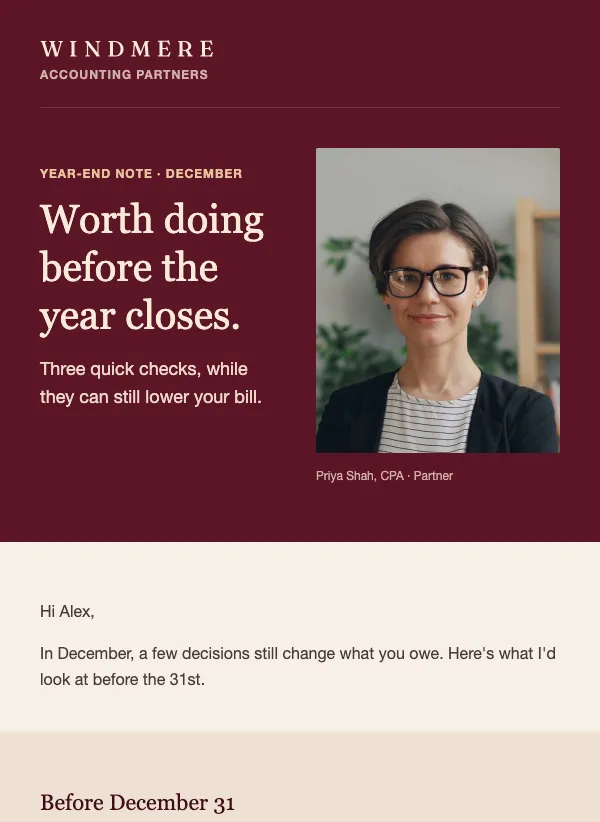 Year-end tax planning letter for accountants
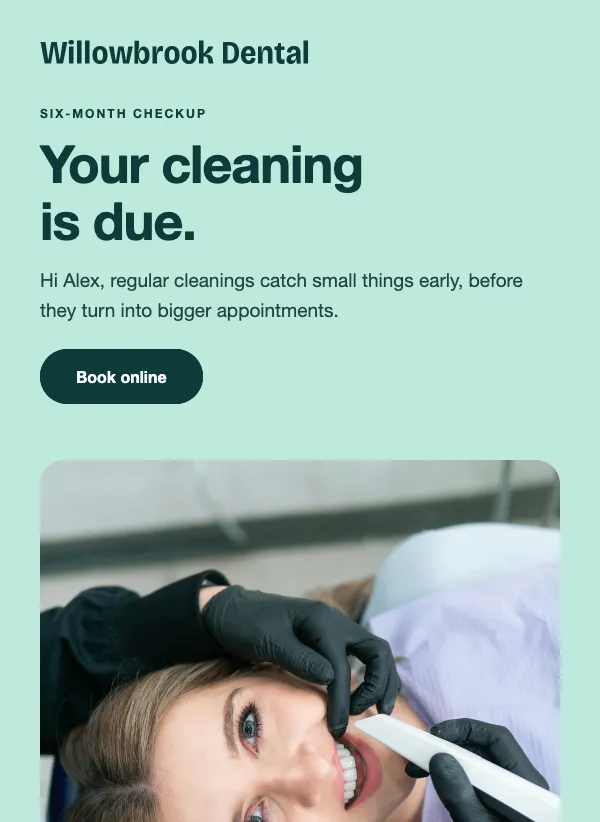 Dental checkup reminder
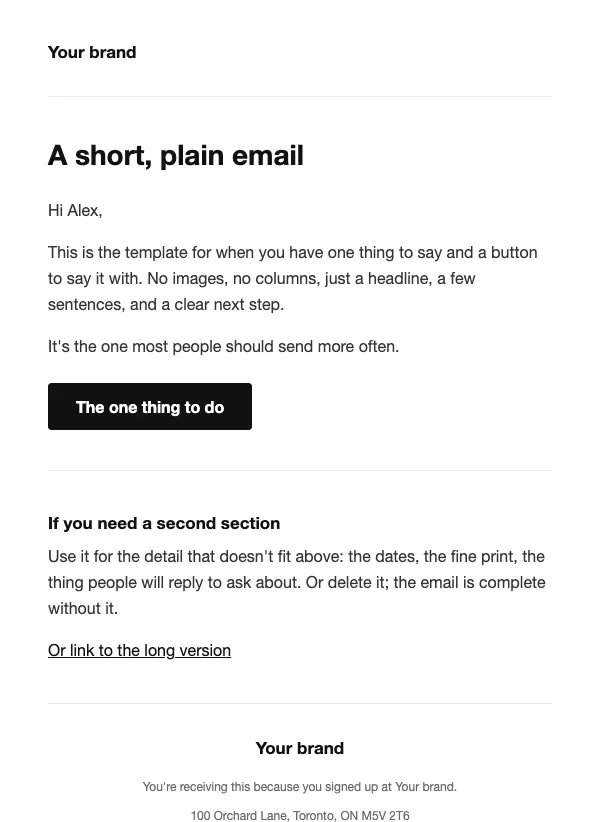 Plain text style
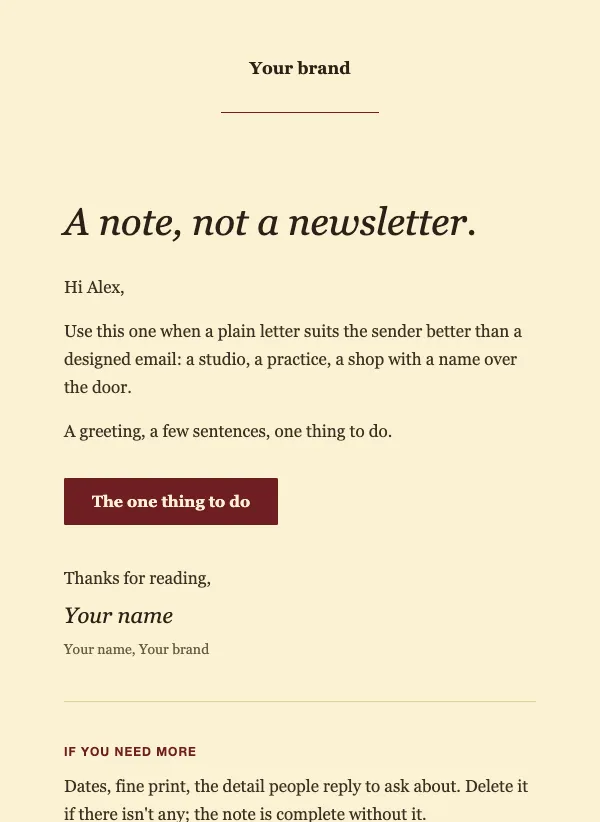 Simple serif note
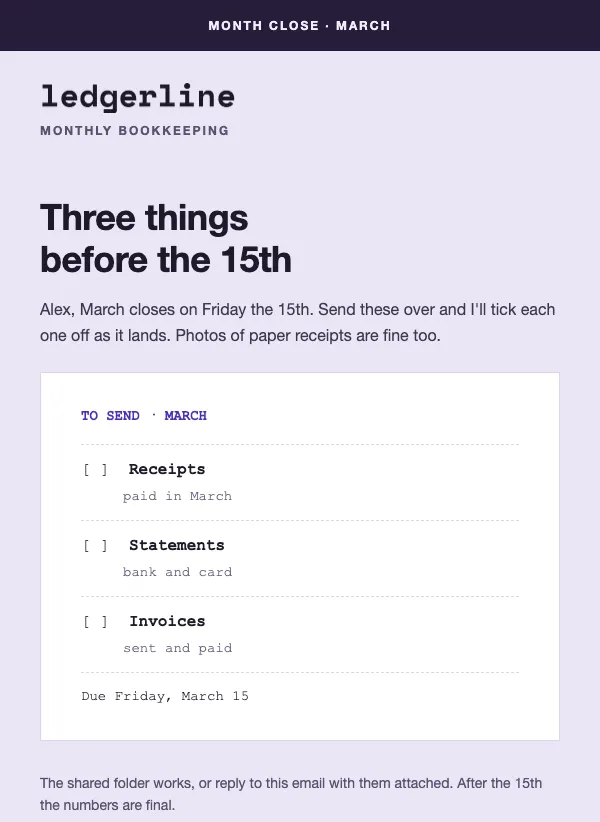 Bookkeeper month-end receipts reminder
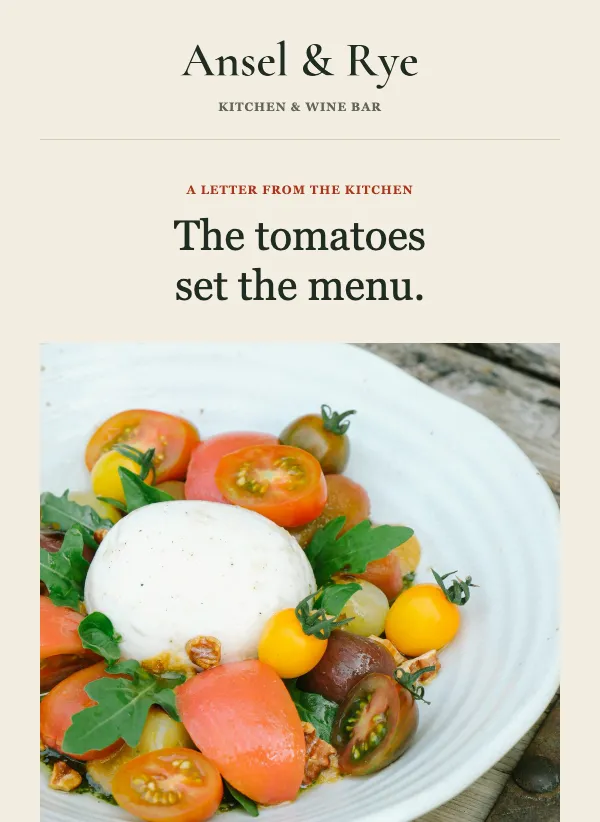 Chef letter to guests
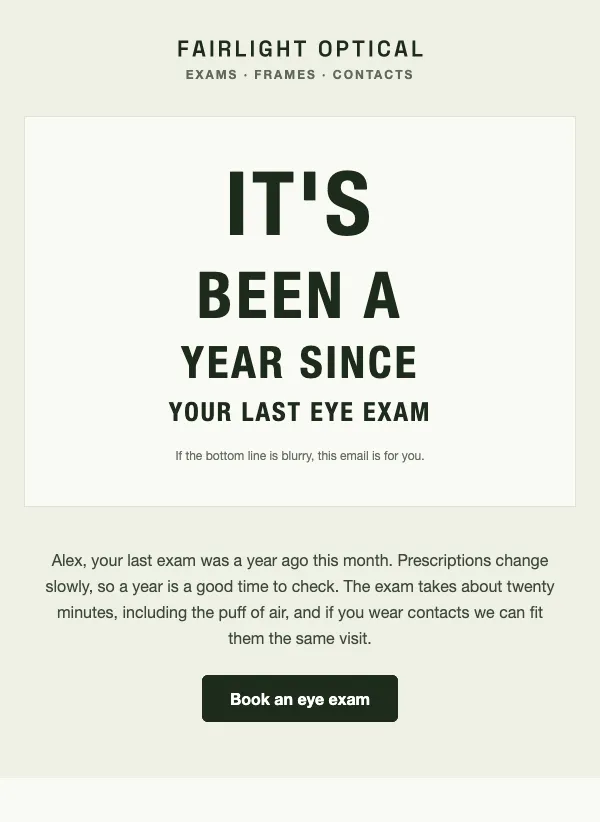 Annual eye exam reminder
 First order thank you
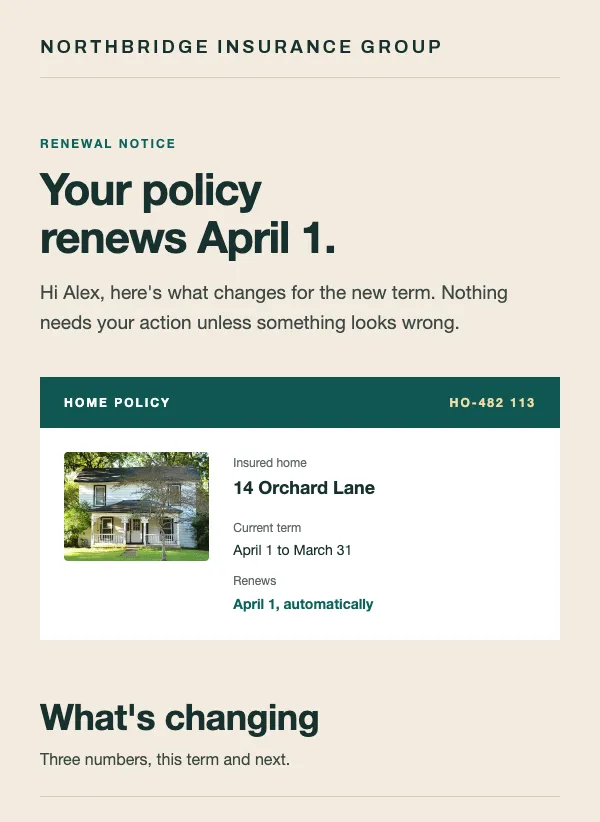 Policy renewal notice
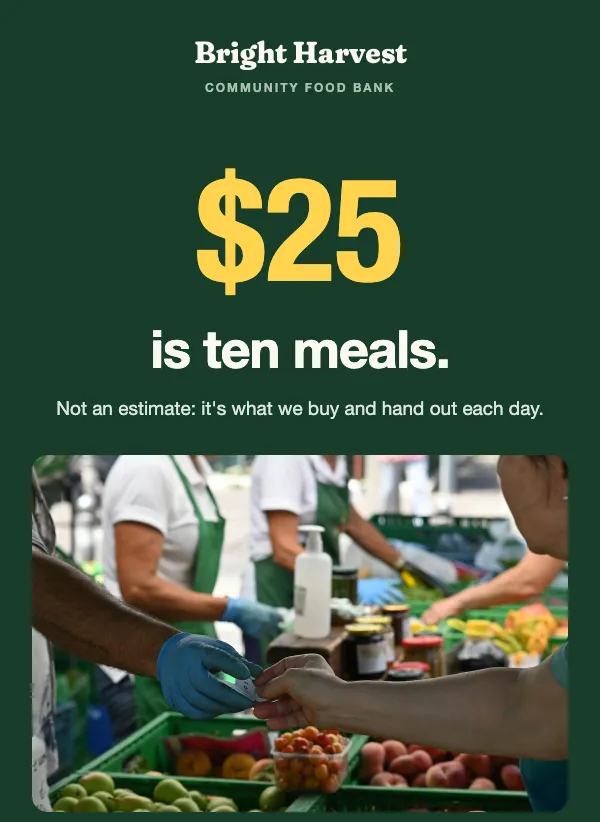 Nonprofit donation appeal letter
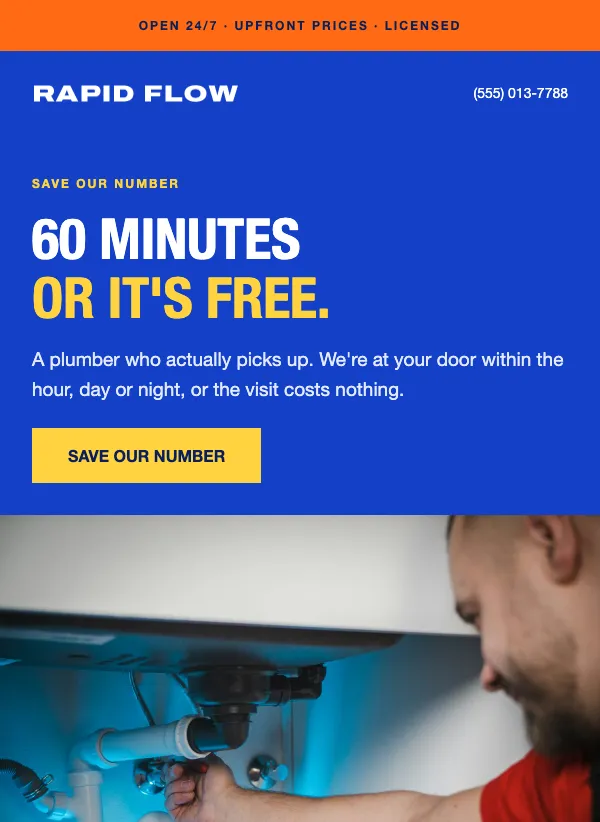 Plumber service card
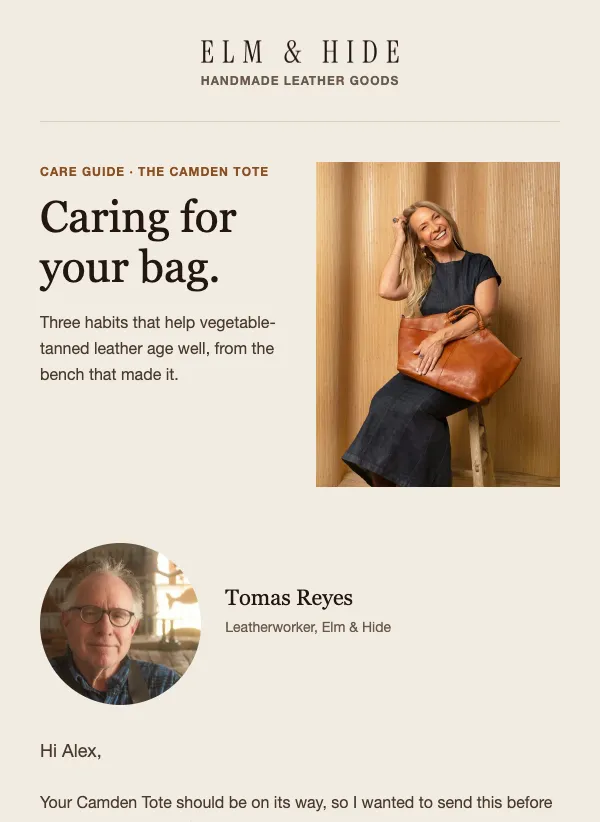 Product care guide after purchase
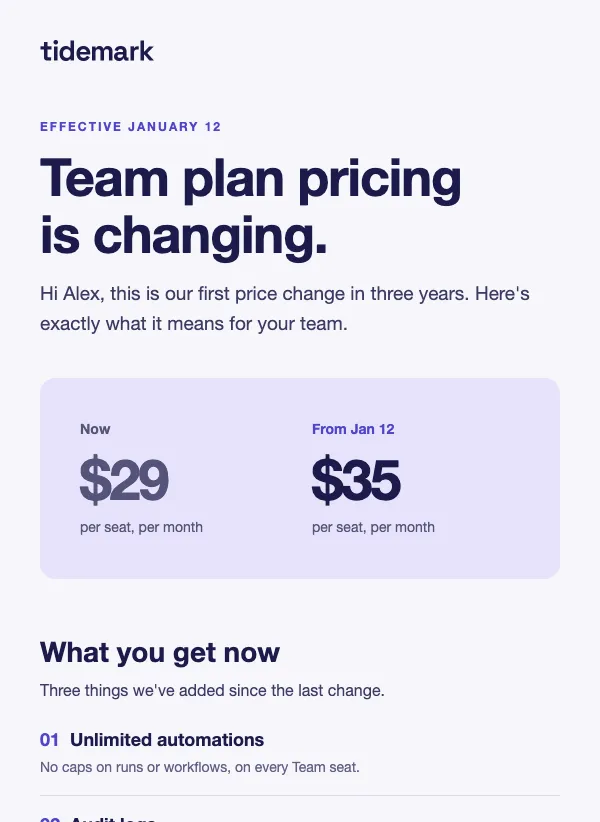 Pricing change announcement
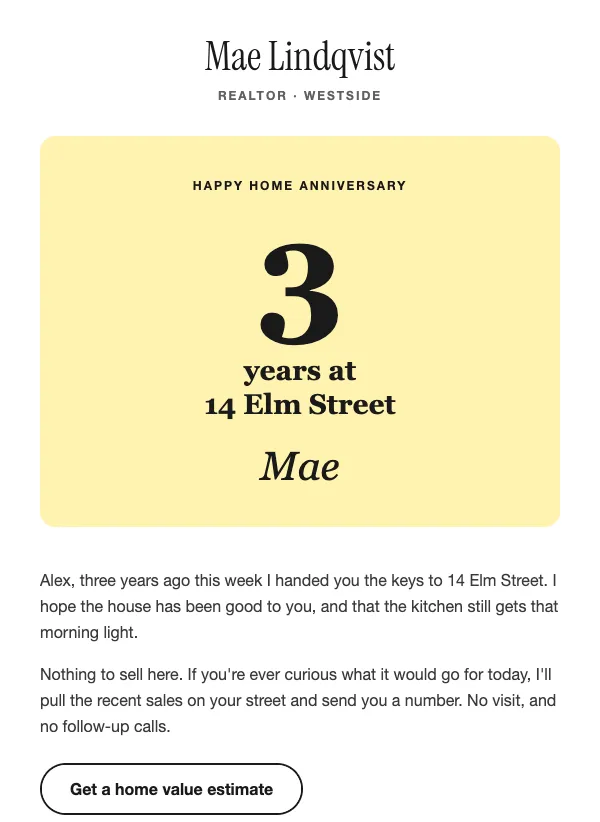 Realtor home anniversary
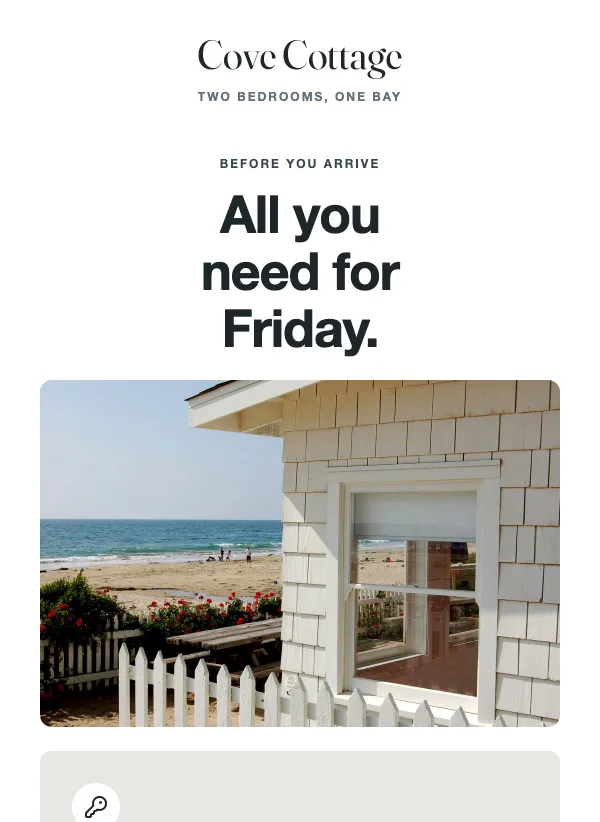 Vacation rental arrival guide
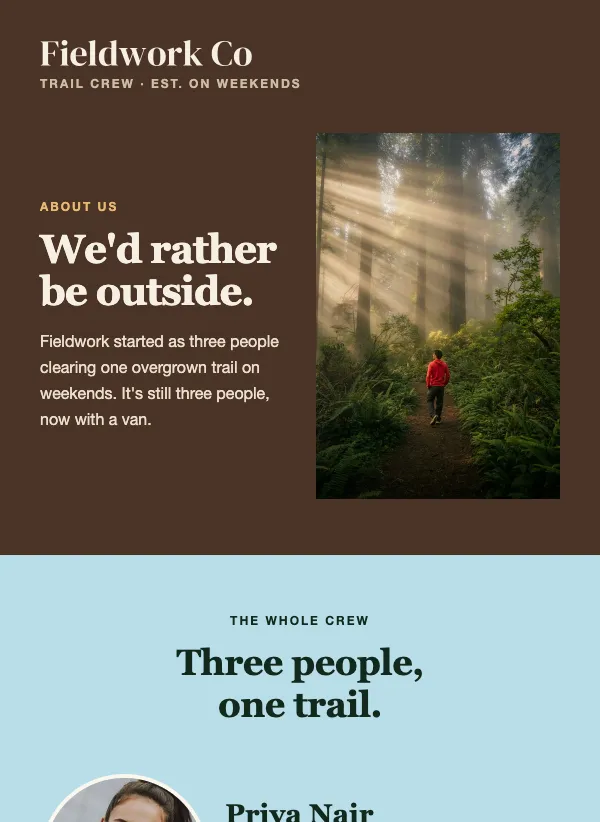 Meet the team email with round photos
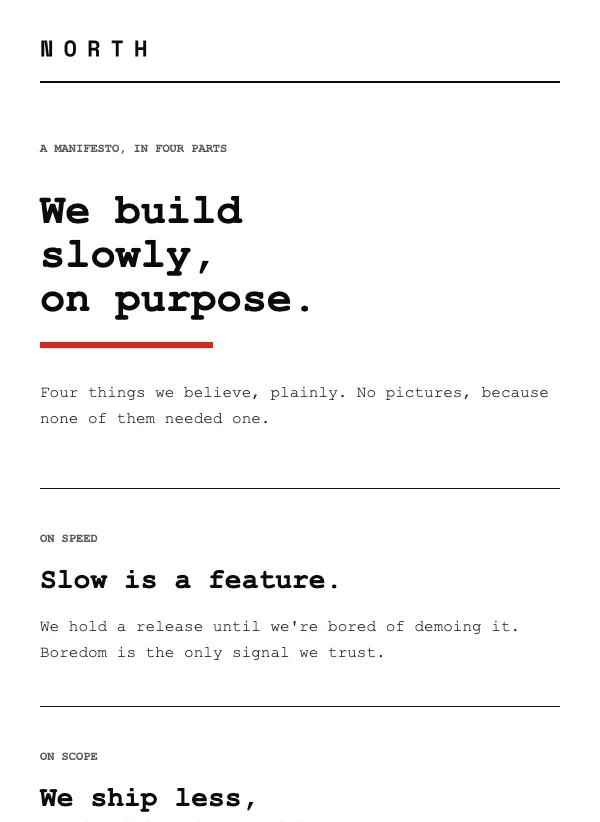 Manifesto email, text only
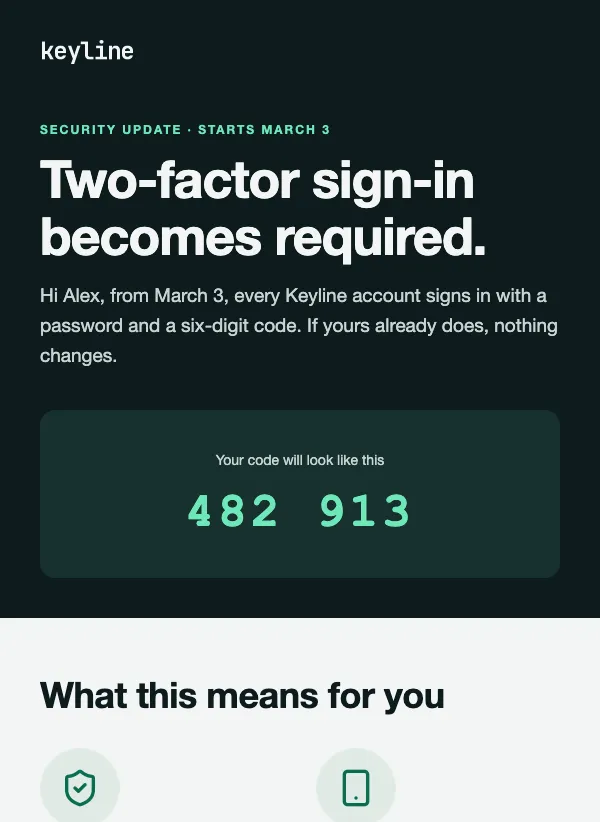 Security update notice
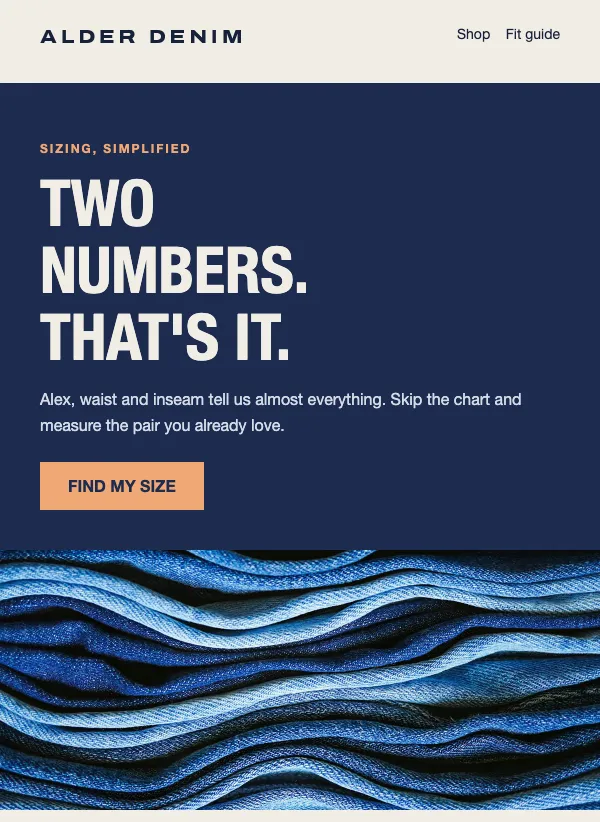 Size guide email for apparel shops
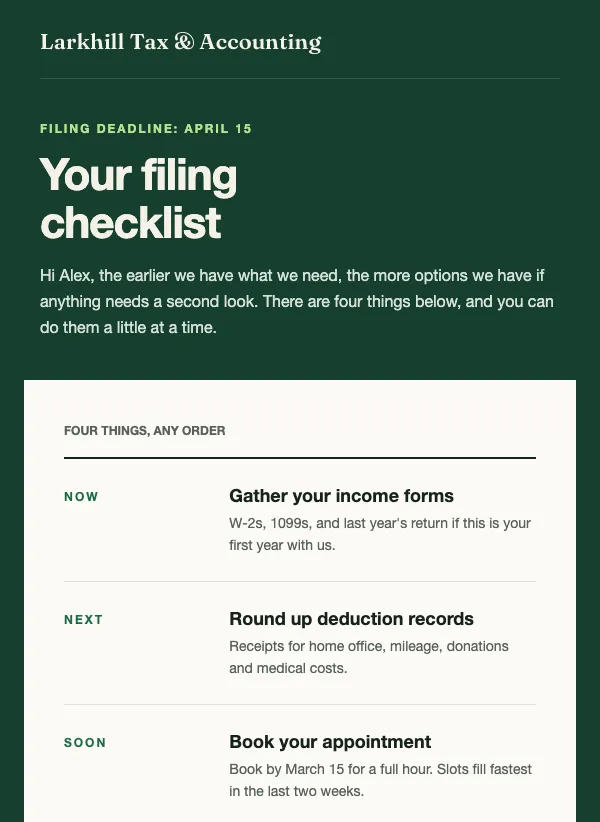 Tax filing deadline checklist
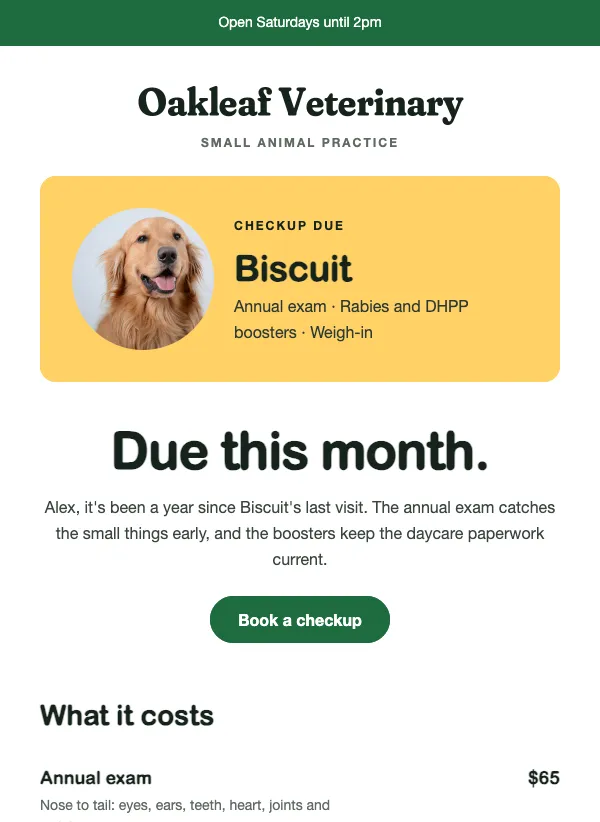 Vet checkup reminder email for pet owners
When a plain letter beats a designed email
Not every email needs a banner, a grid of photos and three buttons. Some messages land better when they look like a note from a real person. A thank-you after someone's first order. A letter from the owner about a change to the business. A reminder that a checkup or a renewal is due. An appeal from a charity. A notice about a price change or a security update.
In all of these, what you say matters more than how it looks. A heavy design can even get in the way and make a personal message feel like an advert. A simple layout keeps the attention on your words.
A useful rule: if you would say it face to face, or write it on a card, use a simple template. If you are showing products or a sale, a designed template will serve you better. Simple templates also suit a business that does not have good photos yet. A well-written letter beats a designed email filled with stock pictures.
What to put in a simple email
Say the main thing in the first two lines, so a reader who stops there still knows why you wrote. Then give the reason, the detail they need and what happens next. A price change should name the new price and when it starts. A security notice should say what is changing and whether the reader has to do anything. A renewal or checkup reminder should say what is due and how to book it.
End with one clear step: a single link or button, or an invitation to reply. If the email asks for something by a deadline, put the deadline on its own short line so it stands out without any decoration.
Sign it with a real name and a role. A letter signed by the executive director, with her first name, reads differently from one signed by a department.
Write to one person
A simple email only works if it sounds like you. Write it the way you would write to one customer you know. Use "I" or "we", not the name of your company. Keep sentences short.
End with an invitation to reply, such as "Just reply if you have a question." People reply more readily to an email that looks like it came from a person, and every reply is a conversation you would not have had otherwise.
Keep the formatting light as well. A bold word or two is fine. Headings, colored boxes and a row of links turn a letter back into a brochure. Read it out loud before you send it, and if a sentence sounds like something nobody would say, rewrite it until it does.
Subject lines for a quiet email
A simple email deserves a simple subject. "A quick note" is as plain as it gets, and it works because it sounds personal. "Your six-month checkup is due" tells the reader exactly why the email matters to them. "Thanks for the first order" is warm and specific. "What $25 actually does" names the amount and promises a straight answer.
None of them try to be clever. When the email itself is calm, a calm subject line matches it. Put the most important words first, because a phone cuts off the end of a long subject, and say what the email is about rather than hinting at it.
Why light emails can reach the main inbox
Gmail, Outlook and the other big email services sort mail before anyone sees it. Emails that look heavily designed and sales-focused tend to go to a promotions tab. Emails that look like personal mail, with mostly text and few images, can land in the main inbox instead.
That is not a trick, and it will not rescue a list of people who never asked to hear from you. But for a message you really need people to see, like a change to their account or an appointment reminder, a light layout gives it a better chance. It also helps people who turn images off, use a screen reader or read on a slow connection. A simple email reads the same for all of them.
Common mistakes
The most common mistake is dressing a letter up until it stops being one. A banner, a footer full of icons and a second button make the email look like a campaign, and the personal tone goes with it.
The second is burying the point. If the price is going up, say so near the top and say by how much. Readers forgive bad news that arrives plainly and resent bad news they had to hunt for.
The third is writing as a company. "We value your feedback" sounds like a form letter. "Tell me if I got this wrong" sounds like a person.
Last, do not send a plain email to people who never asked for your mail. A simple layout helps a message get read, but it is the list that decides whether anyone wants it.
The few design choices that still matter
Even a plain email has a few choices worth getting right. Keep your logo small, or leave it out. Use a text size that is easy to read on a phone. Keep lines short enough that the eye does not get lost. If there is a link, make it one clear link or a single button.
Most templates on this page already make these choices for you. Open one, replace the example with your own words, and send yourself a test to check it reads like a note from you.
Questions
Are the simple email templates free?
Yes. All of them are included on every plan, even the free one.
Do simple emails look less professional?
No. A clean, well-written letter looks confident. Plenty of businesses send their most important messages, like price changes and account notices, in a plain format for that reason.
How long should a simple email be?
Short enough to read in under a minute, usually 100 to 200 words. One message, one reason it matters, one next step.
Will a simple email get more replies?
Often, yes. People reply to emails that look like they came from a person. Ending with a question, or asking people to reply, helps.
Can I still add my logo and colors?
Yes. Every template opens in the drag-and-drop editor, where you can add a logo, change the colors and fonts, and add an image or a button if you need one.
Will a plain email stay out of the promotions tab?
It has a better chance, but nothing guarantees it. Mostly text with few images looks more like personal mail. Sending only to people who asked for your emails matters more.
When should I not use a simple template?
When the email is mostly about showing things, like a new collection, a menu or a sale. Those need photos, so a designed template works better.