Photography email templates
Inquiry replies, mini sessions and gallery delivery for photographers and print sellers.
What a photographer sends in a year
A photographer's email list is made of people who already liked the work: past clients, people who inquired and followers who asked to hear more. That is a warm audience, and a few well-timed emails cover the year. A reply to every new inquiry. A delivery note when a gallery is ready. A seasonal booking call for mini sessions. A portfolio wrap-up when you have new work. And for those who sell prints, a note for each release.
The photos carry the email, so every template here gives them room: a contact sheet, a tall hero, arch-shaped frames, a thick-framed print. Your job is to pick the right frames and keep the words short.
Replying to an inquiry
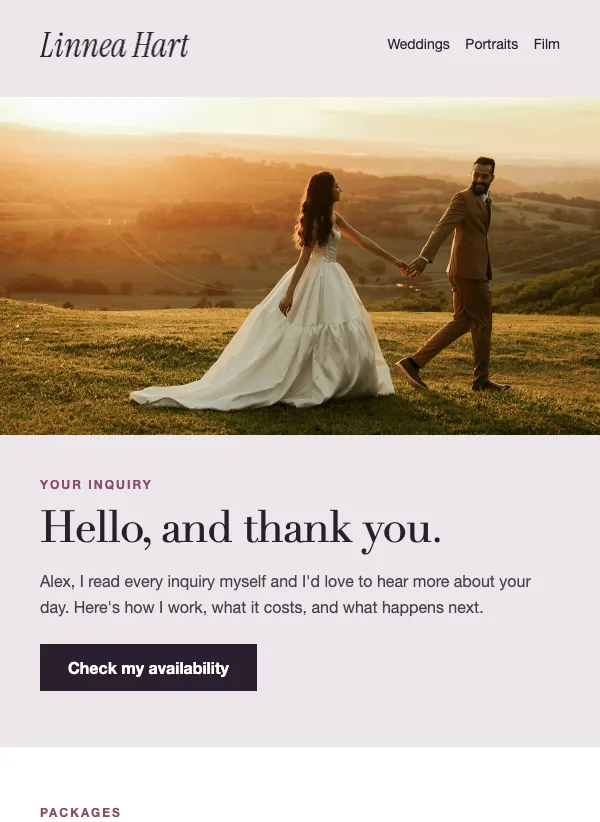
The first reply decides a lot. The photographer inquiry reply puts a warm greeting beside an arch-shaped photo and a Check my availability button, then lists three packages with what each includes and a price. Three numbered steps explain booking (a call, a deposit, a plan), a strip of three recent photos and a client quote follow, and a last button books a call. It answers the usual questions before they are asked, which is why it works as a same-day reply.
An automation can send it when someone joins a list or confirms a form, which suits an inquiry form that adds people to a list. Edit the three packages so they match what you offer. If you do not publish prices, replace the price lines with what each package includes. The greeting says you read every inquiry yourself, so change that line if the reply goes out on its own.
Mini sessions and seasonal booking
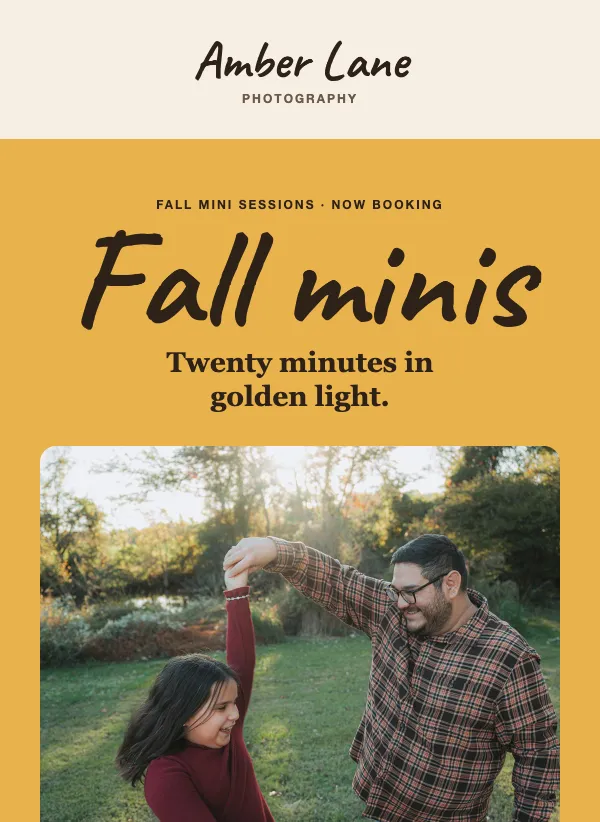
Mini sessions fill when people can picture the photos and the price. The fall mini sessions template has a hand-lettered headline above one tall hero photo, a note on where and when you shoot, two arch-shaped photos from past sessions, three priced options and a booking deadline band. The three options each give a length and a photo count, so there is little left to ask.
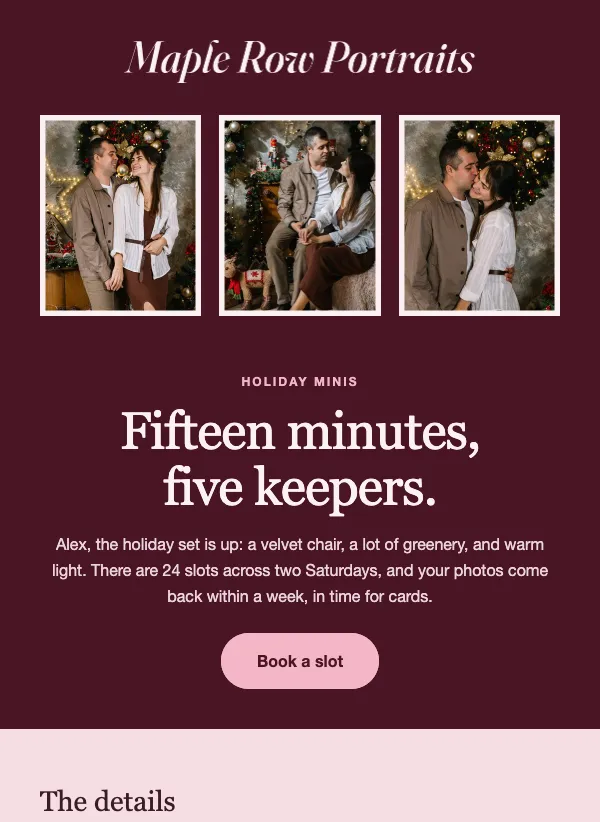
The holiday mini session template uses a deep wine band with three framed family prints, a headline and a Book a slot button. Below it, a details table covers dates, place, length, what you get and the price. A round photo of the set comes with a note on what to wear, and a last line explains that slots go in order of booking. Send either one a few weeks ahead of the season, when families are planning cards and gifts.
Be exact in the details. Say how many slots there are, how many people fit and when the photos arrive. Any claim about last year's bookings should be one you can stand behind.
Delivering the gallery
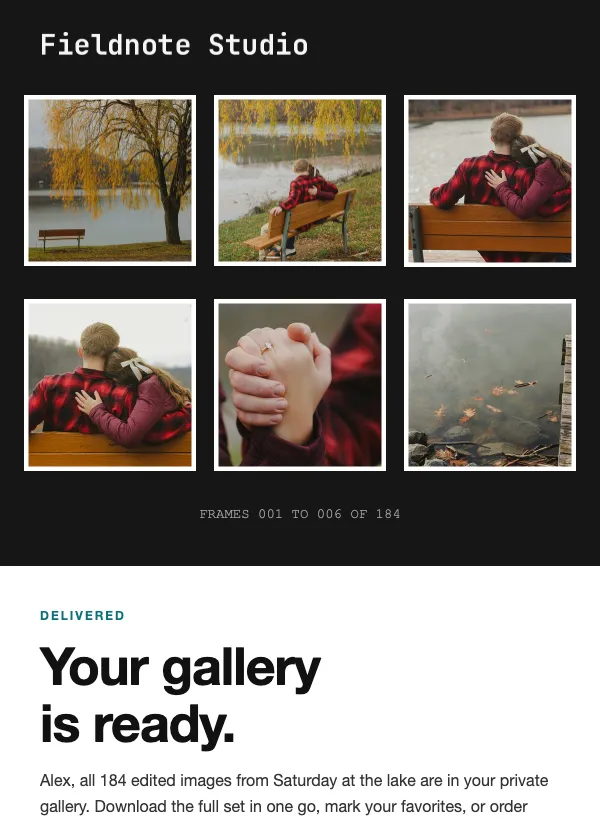
Delivery is the email clients are happiest to get. The photo gallery delivery template opens on a dark contact sheet of six frames, says the gallery is ready and gives an Open the gallery button. The gallery PIN sits in large type with an expiry note, and three steps follow: download, favorite, print. A teal band follows with a print price and a button to your shop.
The button goes wherever your gallery lives, and the PIN, the expiry and the print price are yours to change. If your gallery does not use a PIN, delete that block. Send it the day you finish editing, and keep the note about downloading before the link expires if your gallery has an expiry.
Showing recent work
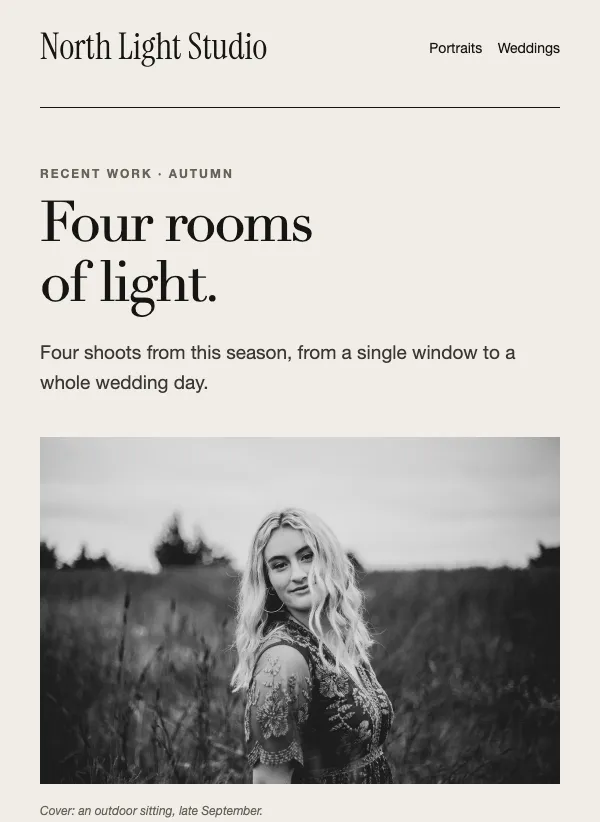
The photographer portfolio showcase works as a season wrap-up. A serif headline and a large cover photo open it, a two-by-two grid shows four shoots with a label, a title and a link, and a dark studio band covers booking for the next season. An outlined box links to the full archive. Send it to past clients and followers after a run of shoots.
The design studio portfolio template is built for a studio that sells on its work, such as a design or architecture practice. It shows four projects, three services, a row of three figures and a client quote. Photographers who run a studio, with a team and a service list, can use it too.
Releasing prints
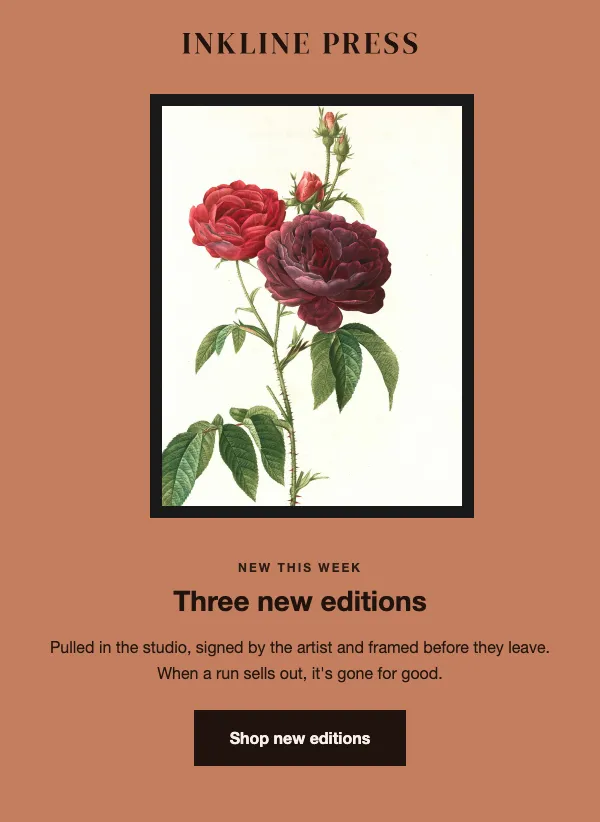
The art print edition release gives each print its own moment. A wide photo of finished prints opens it, and three numbered editions follow. Each is shown whole in a thick frame, with the title, the size, the edition count, a price and a link. A dark band says every print ships framed, and a closing band sends readers to the shop. Photographers, illustrators and gallery shops that sell numbered runs can use it for every drop.
Only say a run is limited if it is. A buyer who finds the same print back on sale next month will not trust the next release.
Subject lines that clients open
Name the thing and, where it helps, the season. "Fall mini sessions are open" says what it is and when. "Your gallery is ready" is hard to beat for delivery. "Thanks for getting in touch" suits the inquiry reply, and a short "Three new editions" suits a print release. Keep them short enough to read on a phone, and leave out clever puns that hide the point.
One tip for photographers
Build your list as you work. Ask clients, with their permission, to join at booking or when you deliver the gallery. Families often come back for minis, and happy couples pass your name on. A list of people who said yes is worth more than a bigger one of people who never agreed to hear from you.
Also size your images for email. Full-resolution files make a message slow to load on a phone. Export web-size versions, keep the best frames at the top, and let the button lead to the full gallery.
Questions
Are the photography email templates free?
Yes. All of them are included on every plan, even the free one.
Can I use these for weddings and portraits?
Yes. The inquiry reply, the portfolio showcase and the gallery delivery all suit wedding and portrait work. Swap in your photos, packages and prices.
How do I promote mini sessions by email?
Send one email a few weeks before the season with the dates, the place, the length, what is included and the price, and a single button to book. The fall and holiday mini session templates are built for this.
How do I send clients their finished photos?
Put the photos in your gallery tool, then send the delivery email with a button to the gallery. The template has the gallery link, PIN and expiry note, which you edit to match your gallery.
Can I reply to inquiries automatically?
Yes. An automation can send an email when someone joins a list or confirms a form. The inquiry reply template suits this: it lists your packages and has a button to book a call. Change the line about reading every inquiry yourself first.
How many photos should I put in an email?
A handful. Pick your strongest frames, size them for the web and let the button lead to the rest. Too many images make the email slow to load on a phone.
Can I sell prints with these templates?
You can announce them. The print release template shows each edition with a price and a link, and the link goes to wherever you sell, whether that is your own shop or a print lab.