Professional services email templates
Deadline reminders, client welcomes and regular updates for accountants, lawyers, advisors and agencies.
 Year-end tax planning letter for accountants
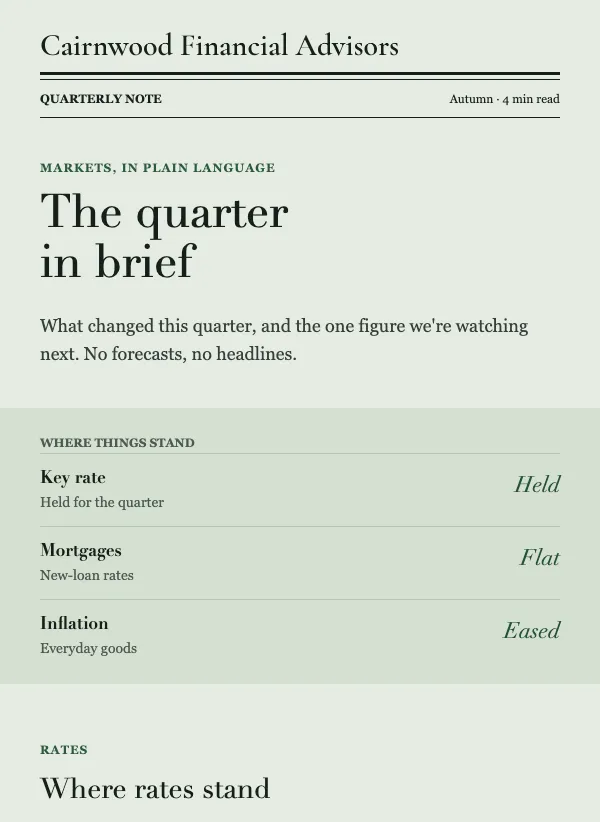 Quarterly market update email for advisors
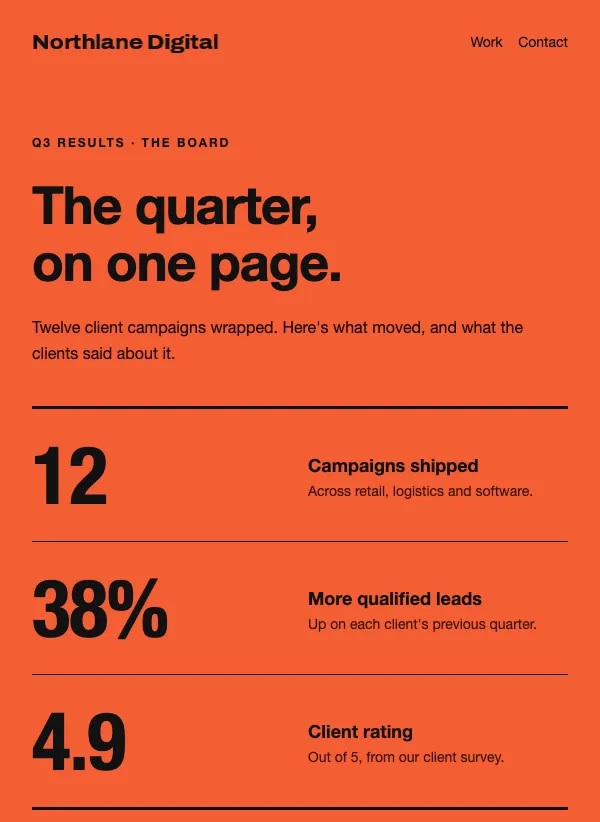 Agency results newsletter
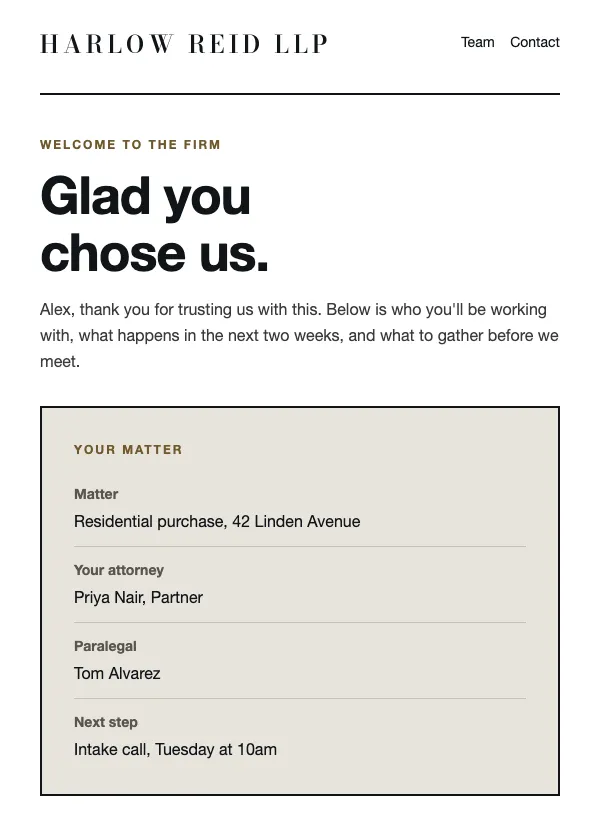 Law firm client welcome
 Architecture project progress update
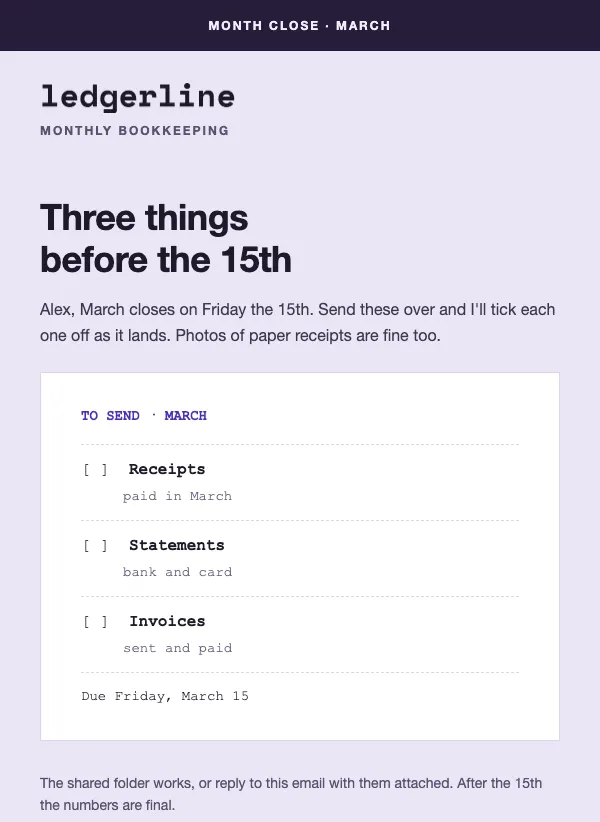 Bookkeeper month-end receipts reminder
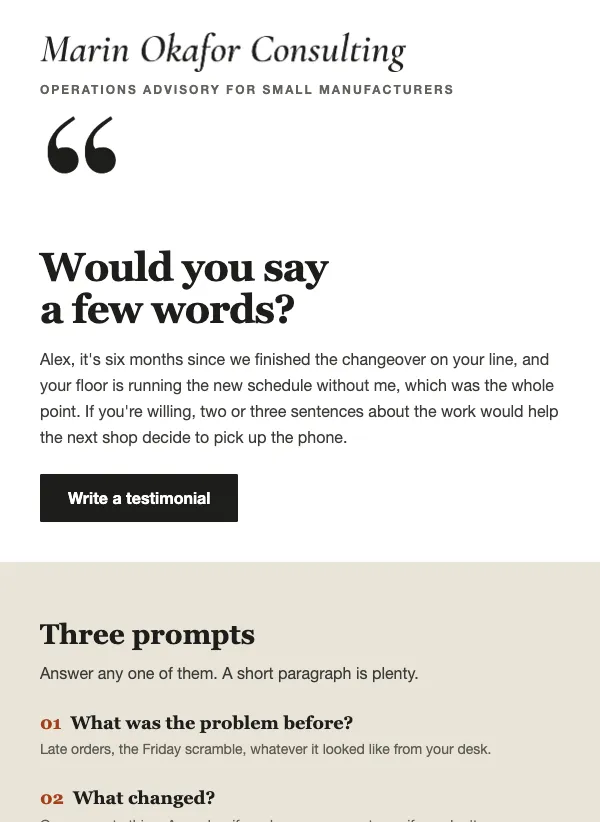 Testimonial request email for consultants
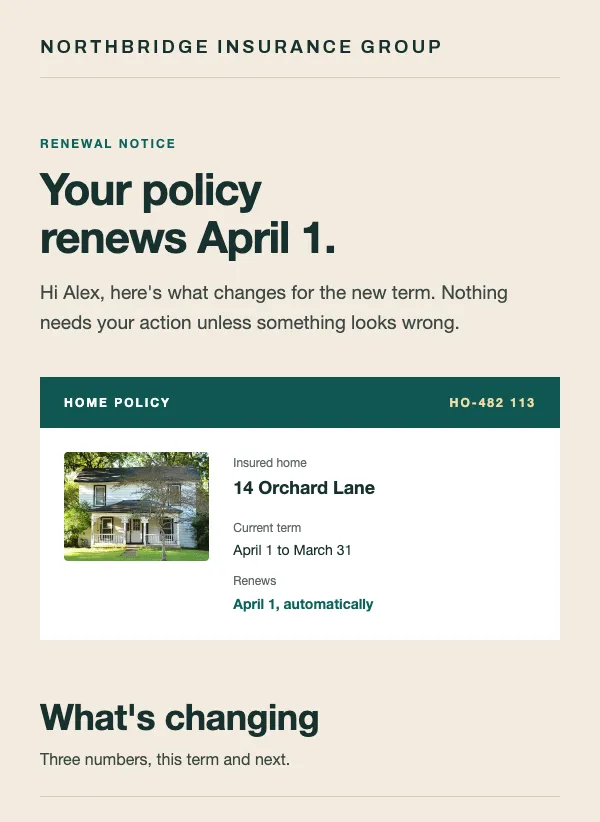 Policy renewal notice
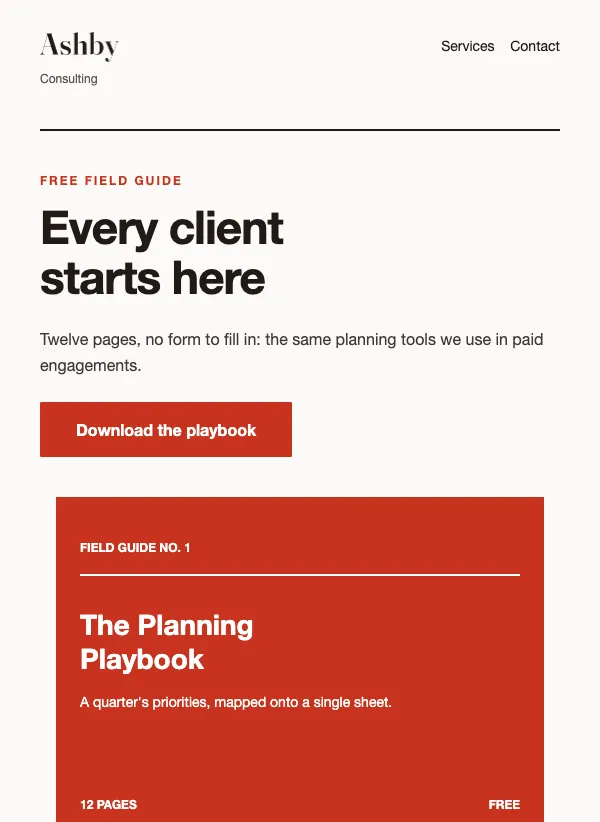 Consulting lead magnet
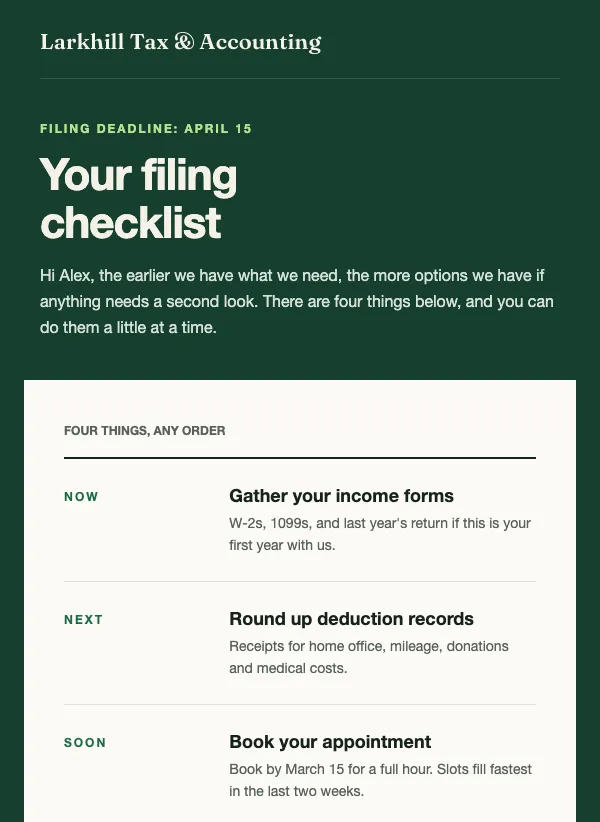 Tax filing deadline checklist
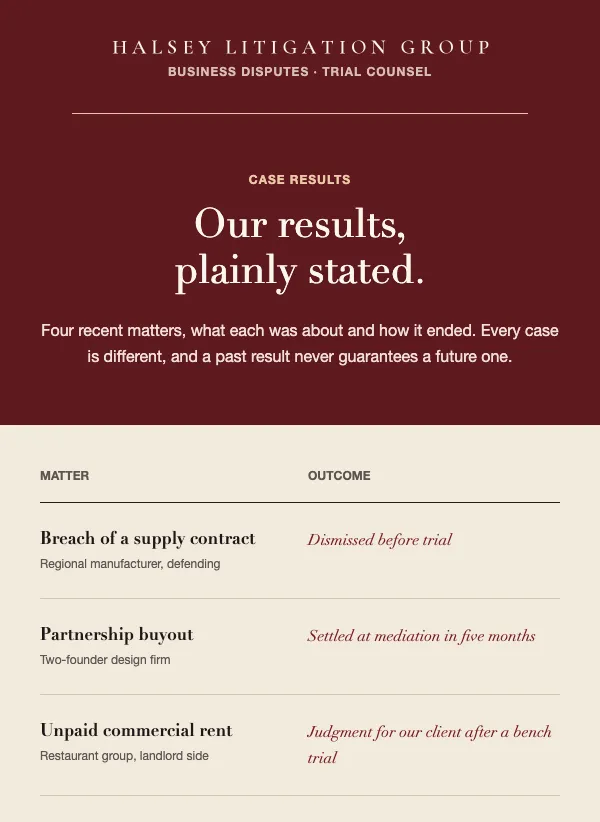 Law firm case results
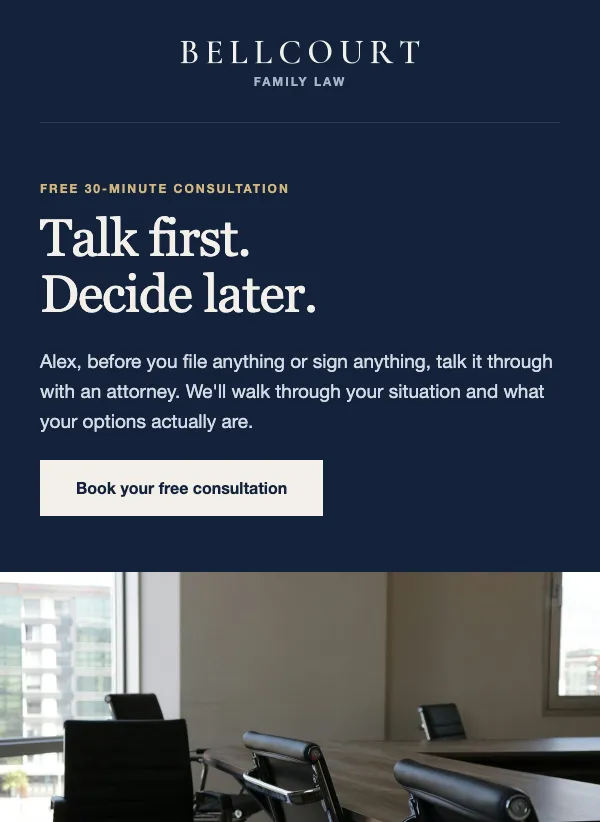 Free legal consultation offer
What a professional practice sends in a year
Clients of a professional practice do not want a lot of email. They want the right note at the right moment: a deadline before it passes, a plan for what happens next, a number explained before the bill arrives. That makes your year easy to map, because most of it follows calendars you already keep.
Plan around four kinds of send. Deadline reminders keep clients ahead of tax dates, month-end closes and renewals. Onboarding notes tell a new client who they will work with. Regular updates, monthly or quarterly, show that the work continues between meetings. And now and then a note brings in new work: an offer of a first call, a free guide, a set of results.
Tax season and the month-end rhythm
Accountants and bookkeepers have the clearest calendar. The tax filing deadline checklist puts the deadline in large type, then lists four numbered tasks: gather income forms, round up deduction records, book early and tell you what changed. A book-early perk gives clients a reason to move first. Send it six to eight weeks ahead, with a reminder in the last two weeks.
The year-end tax planning letter is the December version. It reads like a note from one partner, with a portrait, a short greeting and a numbered list of three checks that still change the bill. Replace the three checks with the ones that apply to your clients this year, and keep the P.S. that lets people ignore the note if nothing applies to them.
The month-end receipts reminder suits clients who hand you documents. It puts the due date in a card, lists what happens after the month closes and adds a boxed note for the receipt someone cannot find. Change the month, the dates and the tip, and you can send the same email every month.
Winning new clients
People shopping for a lawyer or an advisor are often nervous about cost, pressure and privacy. The free legal consultation offer answers all three. A details block gives the length, format, cost and privacy of the call, and the booking button appears twice. An advisor or a therapist who offers a free first call can use the same layout.
If you would rather lead with something useful, the consulting lead magnet promotes a free guide. It opens like a book cover, lists three tools inside and closes with an offer of a short call. The law firm case results email shows what you handle, with three figures, an anonymous client quote and a line saying past results do not guarantee future ones. Check your professional body's advertising rules before you send it.
Agencies and consultancies that report to clients can use the agency results newsletter: three big figures on a dark board, four client quotes with portraits and a band that offers a call. Use only numbers you can back up, and quote only clients who have said yes.
Welcoming and updating clients
The first week sets the tone. The law firm client welcome names the attorney and the paralegal, the first appointment, the next two weeks in three numbered steps and the documents to bring. Send it the day the client signs. Accountants, planners and consultants who onboard in fixed steps can reuse it.
For a long project, the architecture project update shows progress with site photos, three figures, a list of the next three weeks and one decision you need from the client. Send it on the same day every week or two. Interior designers and contractors can use the same structure.
The quarterly market update for advisors keeps things calm: three readings, a plain explanation, one number to watch and a button to book a review. The policy renewal notice does a related job for insurance agents. It sets this term beside the next for premium, coverage and deductible, so a price change never arrives as a surprise.
Asking for a testimonial
The testimonial request template for consultants is built for a few weeks after a project ends. It gives the client three prompts to answer, and a sample quote from another client shows how long a good one is. It also offers a 10-minute call to anyone who would rather talk than write. Point the button at wherever you want the answer to go, such as a reply to your email or a page on your site, and always ask before you publish a name.
Subject lines that clients open
A professional subject line works best when it names the thing and the deadline. "Four things to do before the filing deadline" says what is inside. "Your policy renews next month" tells the reader whether to act. "Welcome to the firm" sets a warm tone for a first email. Avoid urgency you cannot back up, because a client who has been alarmed once will notice the next time.
Send from a person's name, not only the firm's, so the note reads like a letter. Several of these templates greet each client by first name and fall back to "there" when a name is missing, so a half-empty list still reads well.
One tip for professional practices
Clients forget the work you do for them, so make it visible without bragging. A short note every month or quarter that says what was done, what comes next and what you need from them stops clients wondering what they are paying for, and no promotion does that as well. Keep offers to a small share of what you send.
Automations help here. You can send a welcome email when someone joins a list or confirms a form, so every new client gets the same clear first week without you remembering to write it. And segments can find clients who have not opened your emails in a number of days. Call them instead of sending a fifth reminder.
Questions
Are the professional services templates free?
Yes. All of them are included on every plan, even the free one.
Can I use these for a law firm or an accounting practice?
Yes. Replace the names, dates and numbers and any of them suits your practice. The wording is general, so check anything about fees, results or advertising against your professional body's rules before you send.
How often should I email my clients?
Monthly or quarterly suits a practice that reports on its work, with extra sends around deadlines. A few useful notes beat a weekly newsletter nobody asked for.
What should I email clients before a tax deadline?
Start six to eight weeks ahead with a short checklist and one button to book, then send a reminder in the last two weeks. The tax filing deadline checklist is built for exactly that.
Can I send the same email every month?
Yes. Set it up once with your logo and colors, then duplicate it each month and change the dates and details. The month-end receipts reminder is built to be reused this way.
Can I put client details or case information in an email?
Keep it general. Use a first name and the next step, and leave out fees, case facts and anything sensitive. Share those through a secure channel instead.
Can I schedule client emails in advance?
Yes. Schedule the campaign for the day and time you want it to land, such as a Monday morning before a deadline week.