Event invitation email templates
Get people to turn up, whether it's a launch party, a tasting or a webinar.
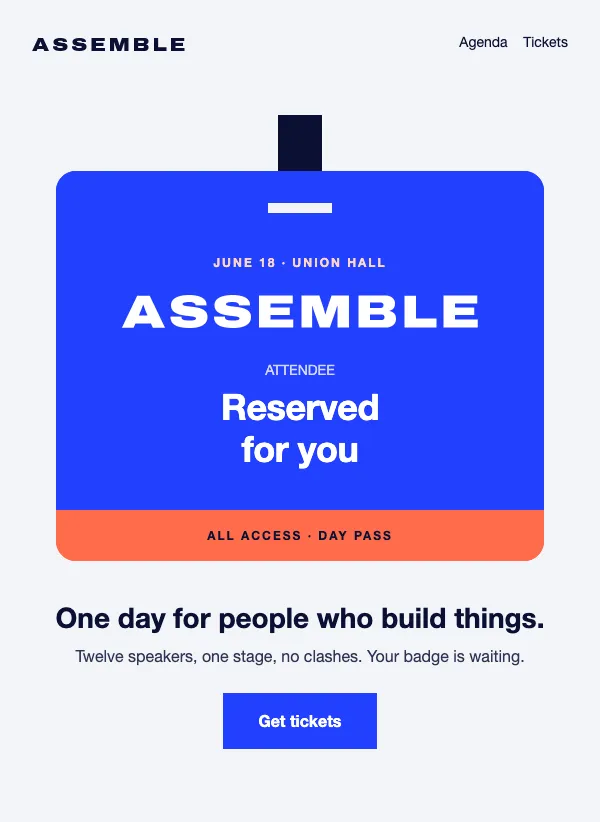 Conference invitation
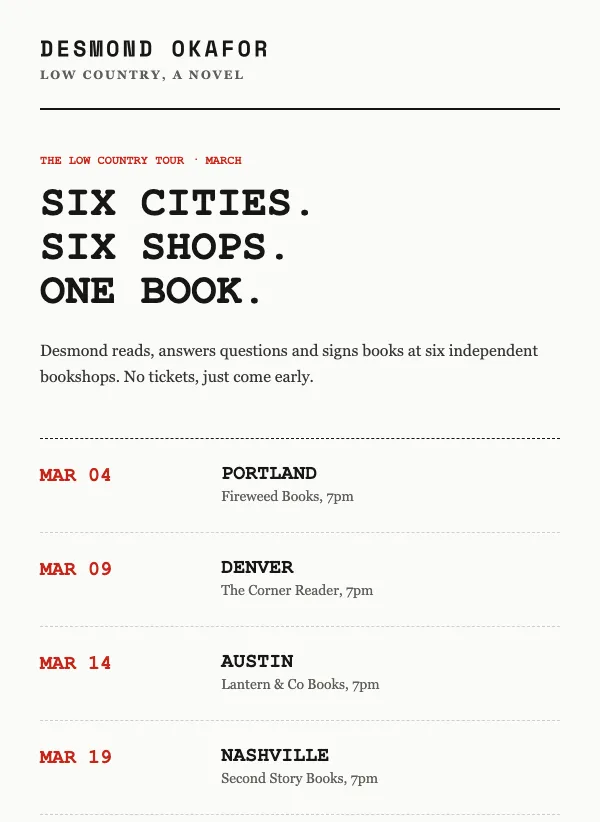 Author book tour dates
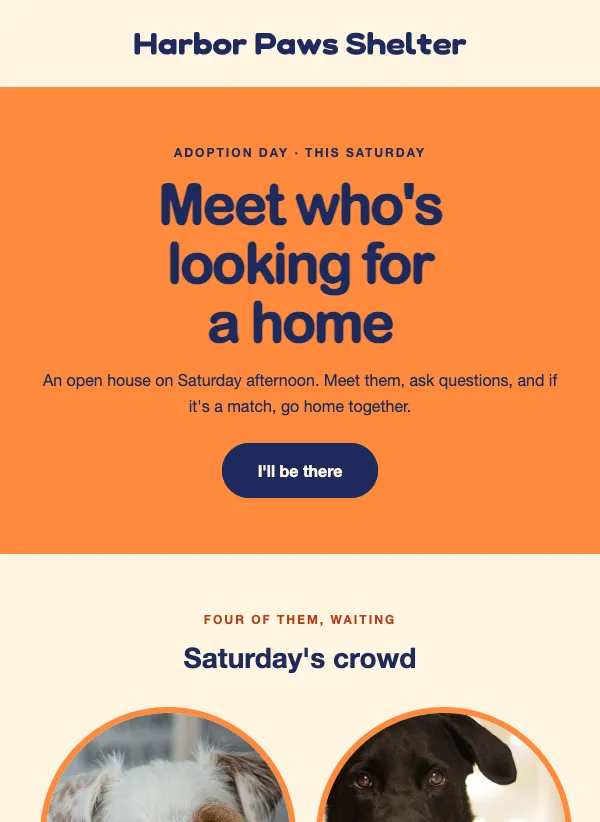 Pet adoption event invitation
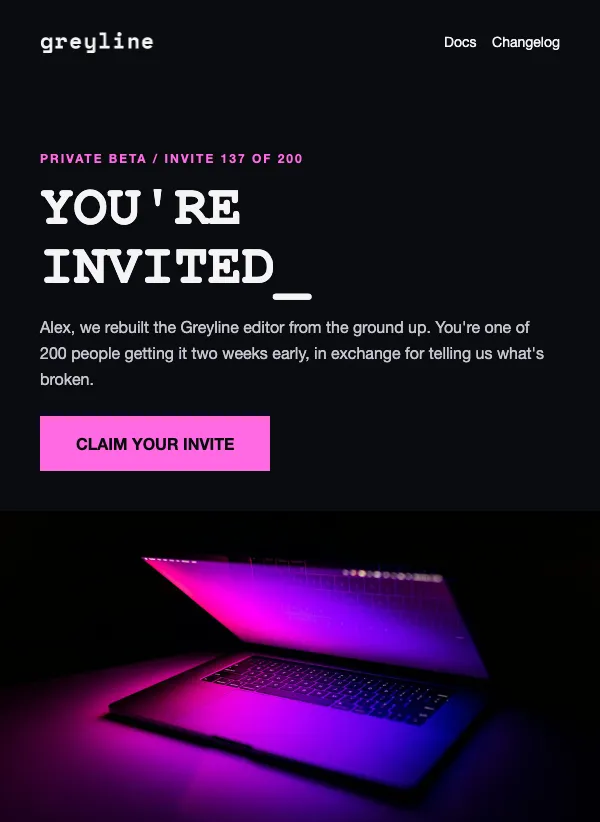 Private beta invitation
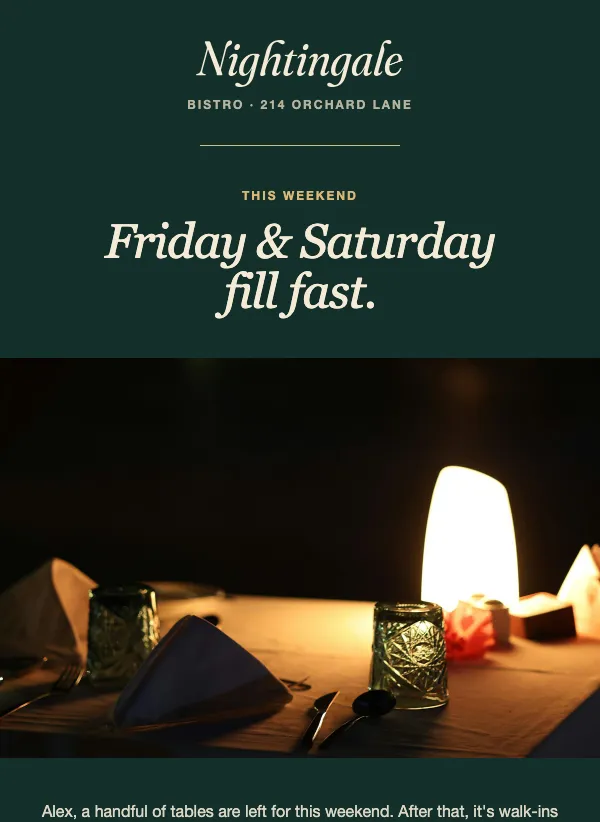 Restaurant weekend reservation
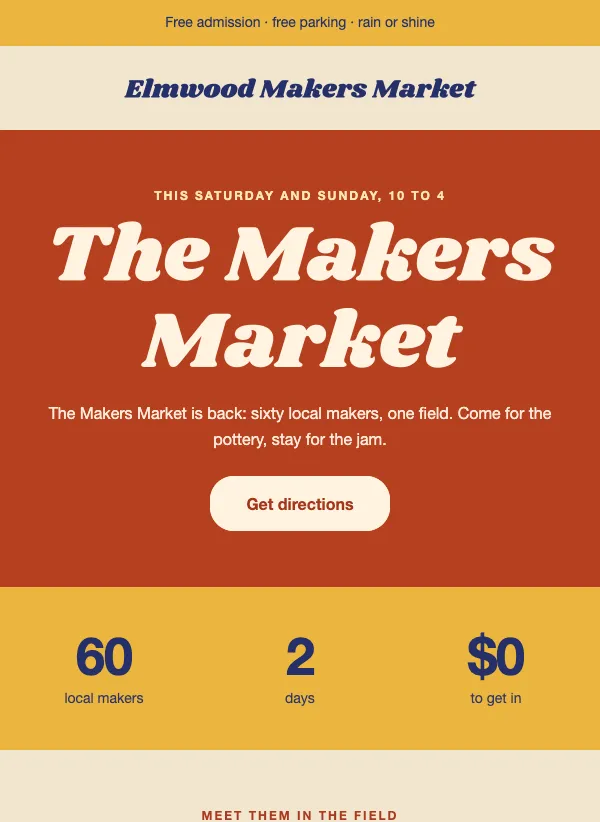 Craft fair and market invitation
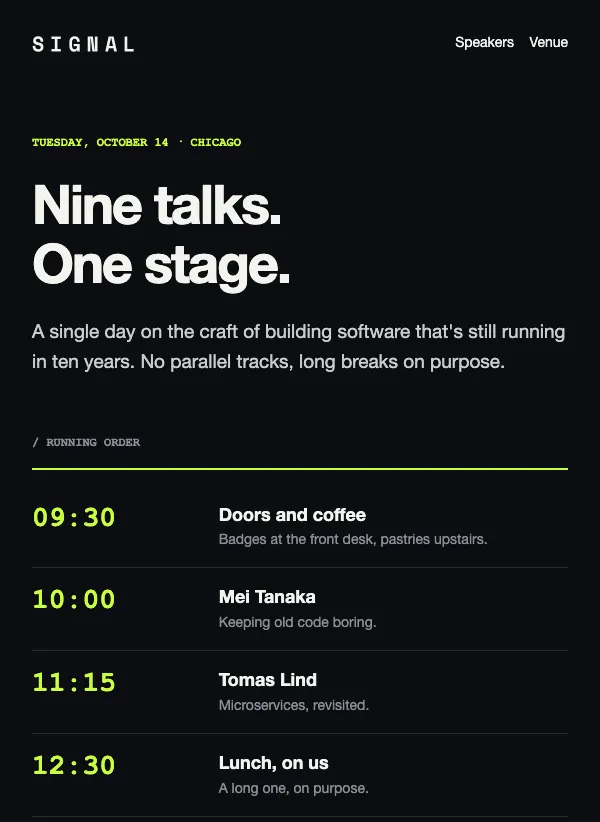 Dark event invitation
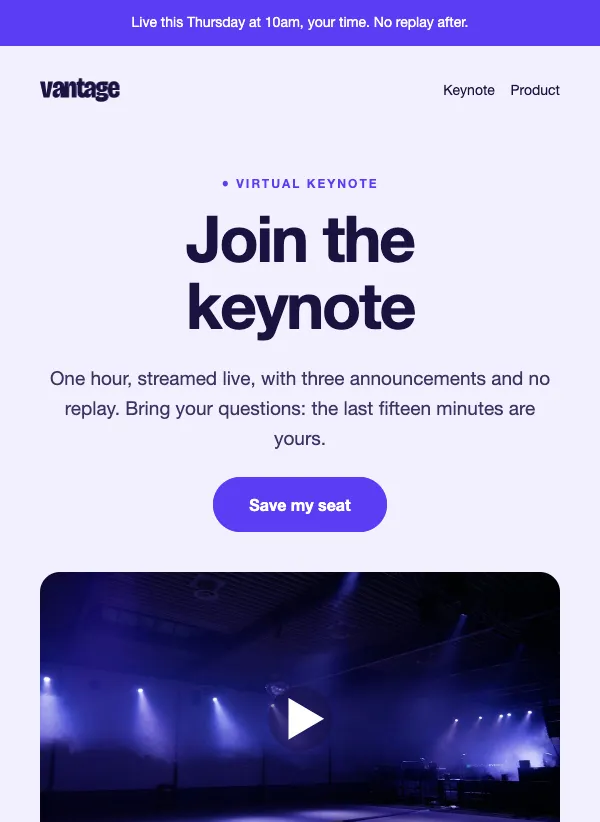 Virtual launch event invitation
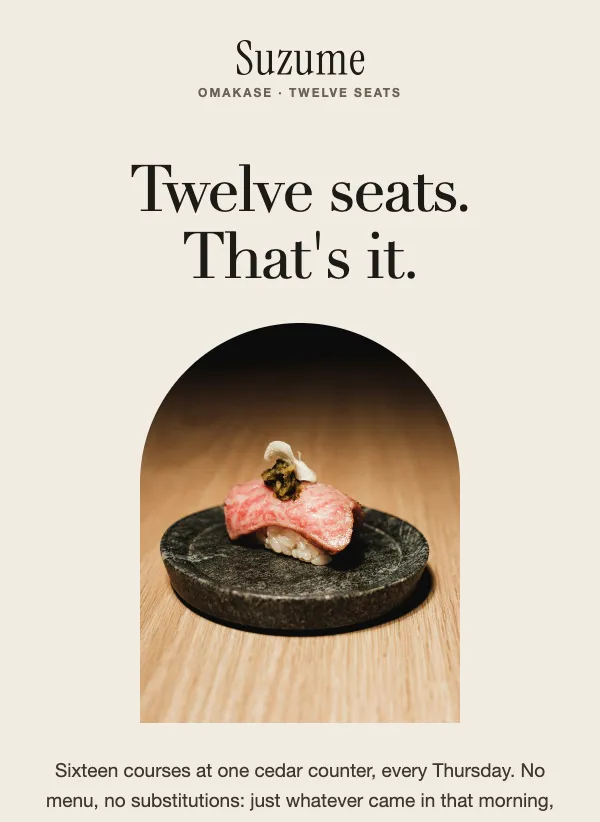 Omakase seating invitation
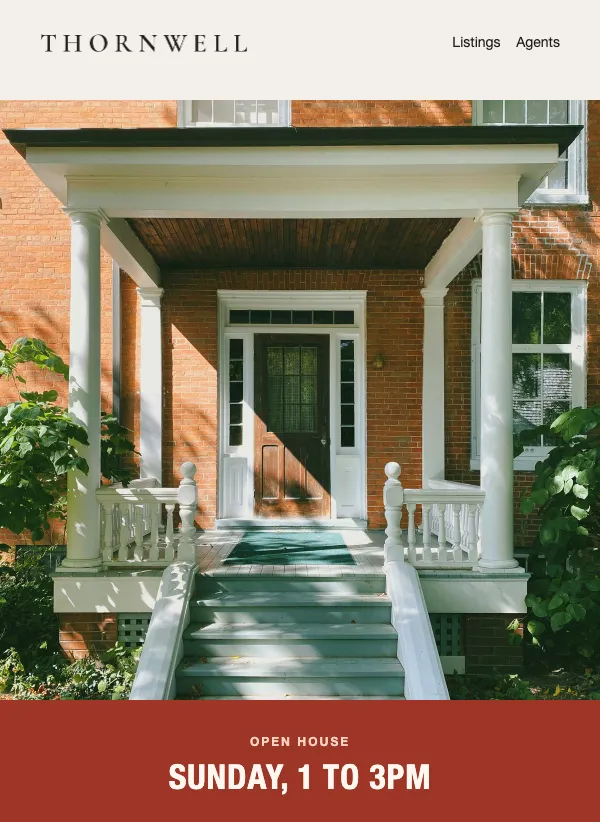 Open house invitation
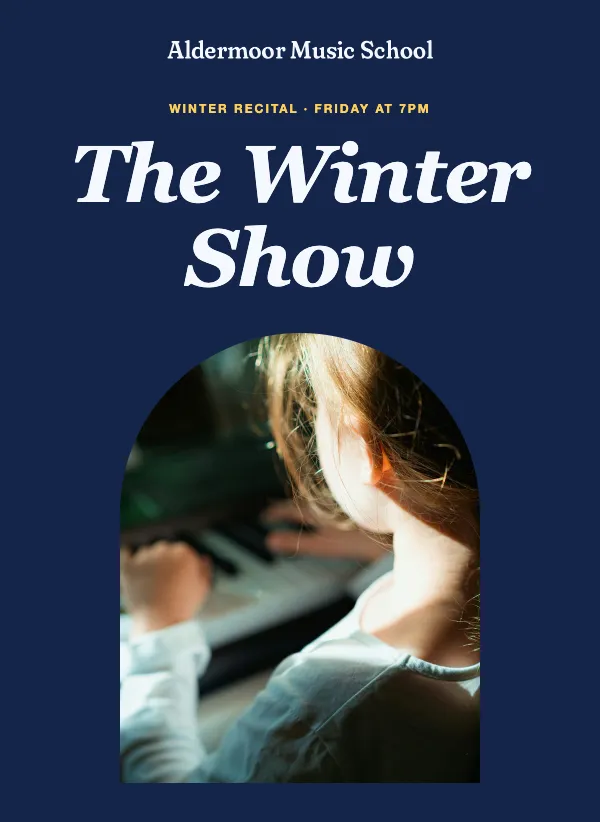 Music recital invitation
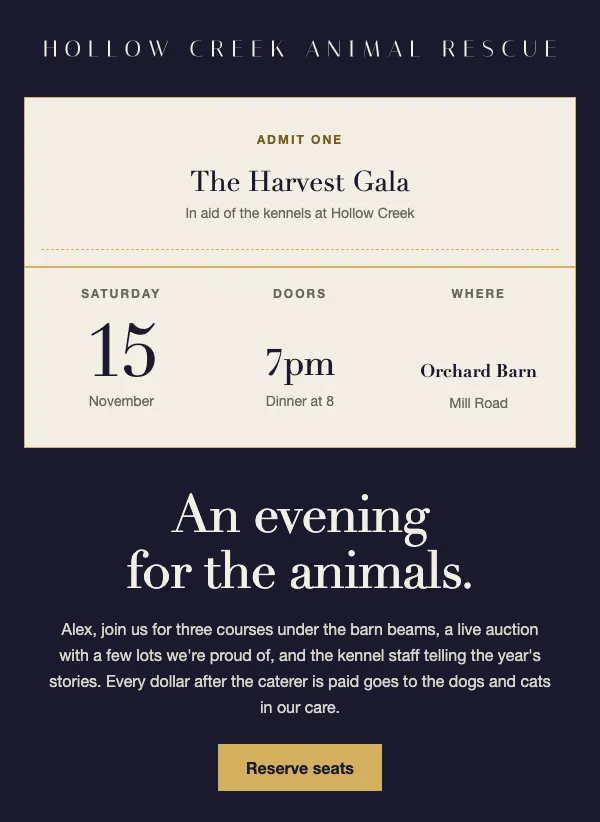 Charity gala invitation
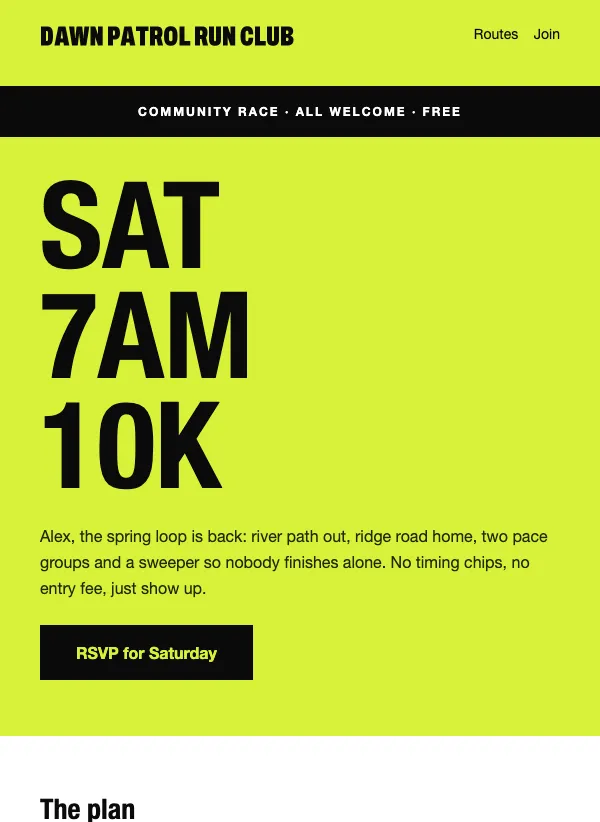 Run club race day invitation
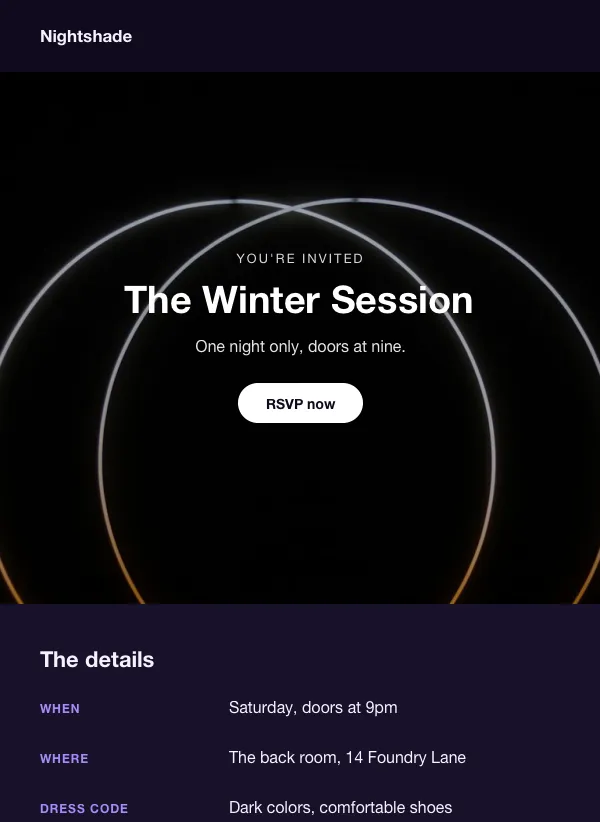 Neon club night invitation
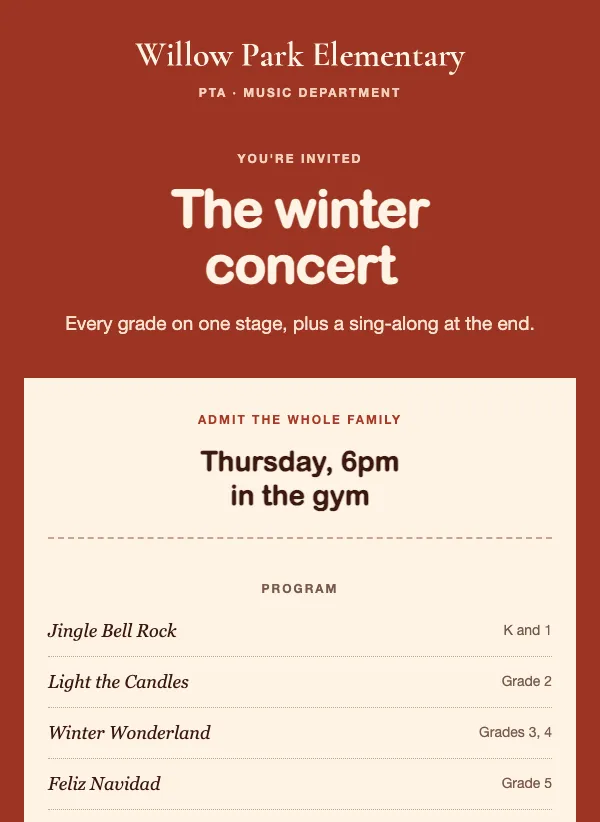 School winter concert invitation
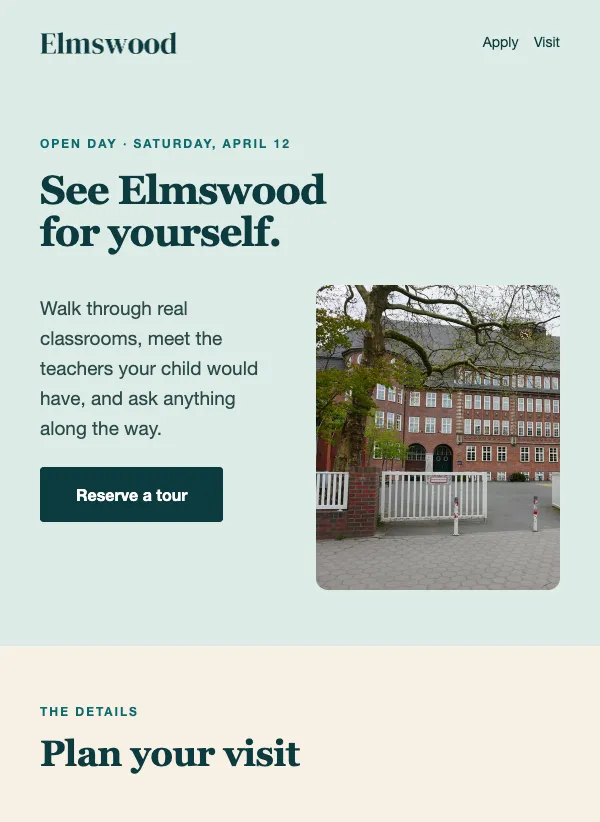 School open house invitation
 Film screening invitation
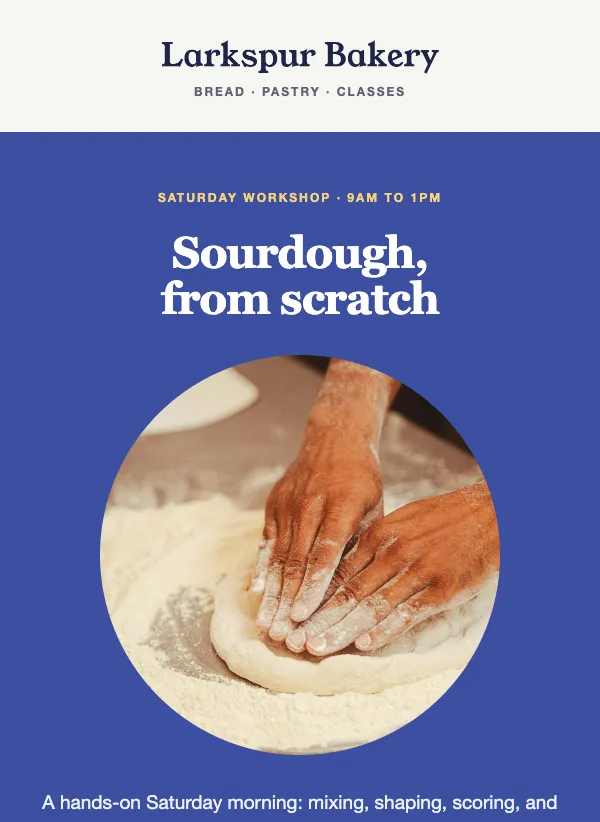 Baking class invitation
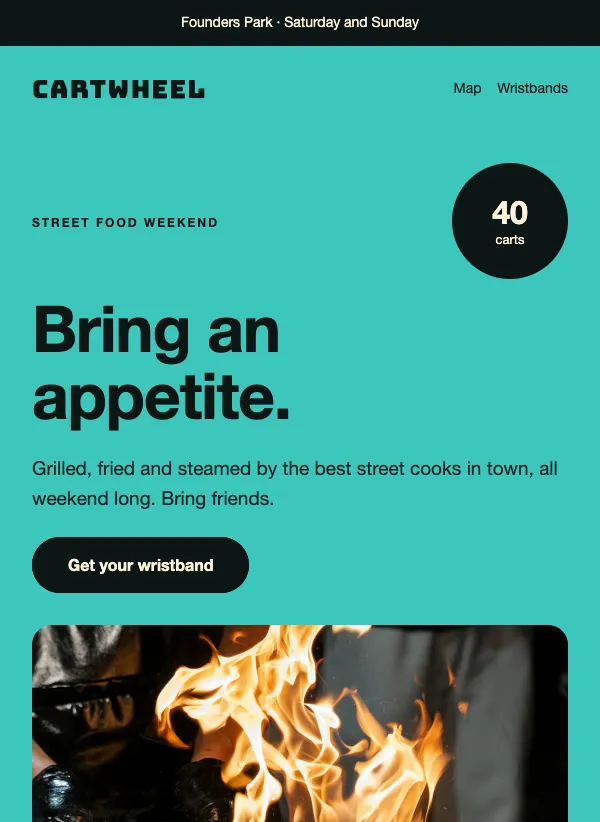 Street food festival invitation
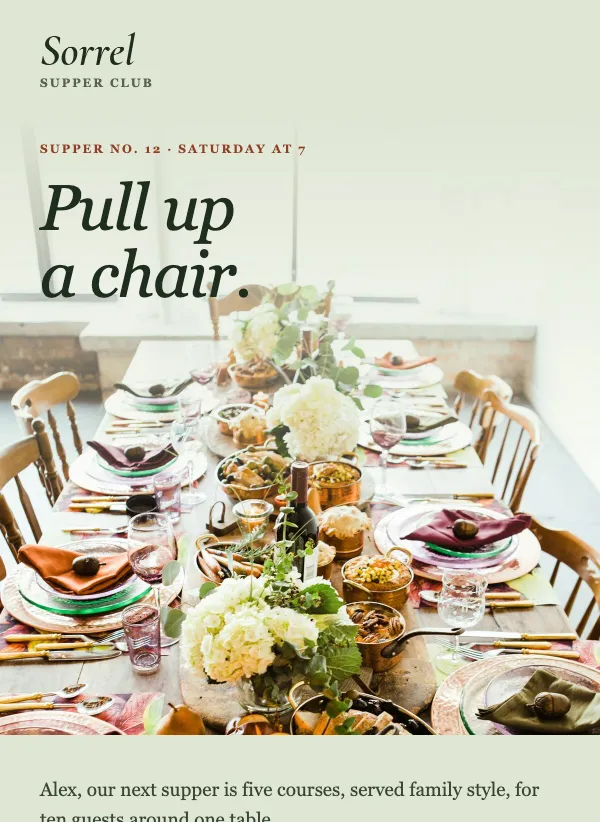 Supper club invitation
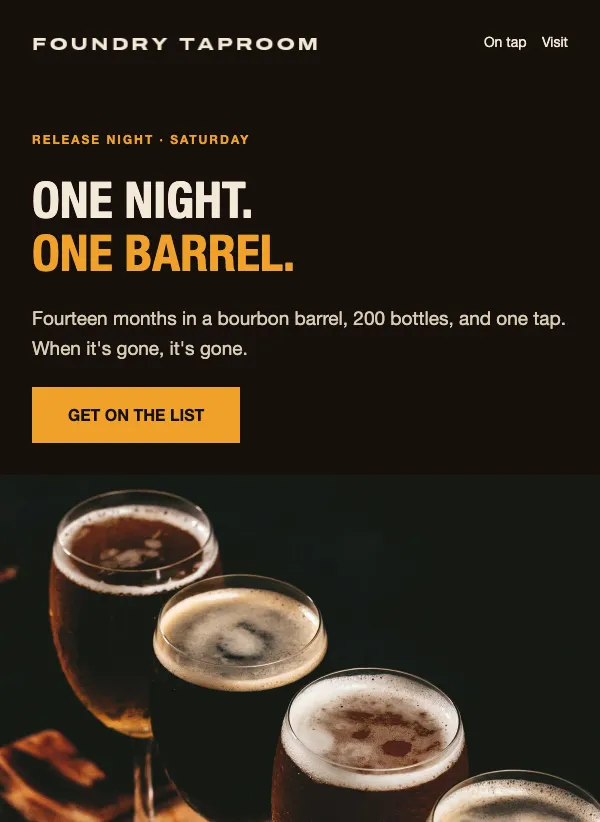 Brewery release night invitation
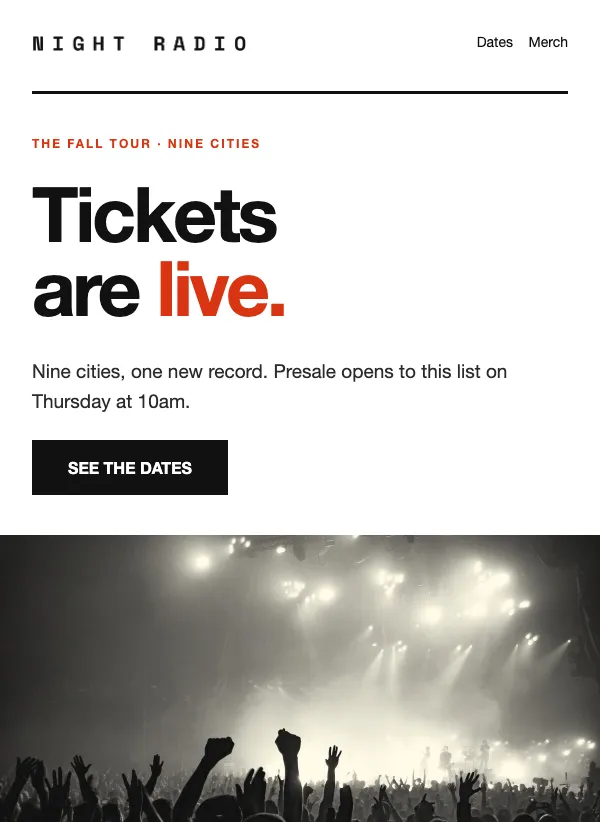 Concert tour tickets
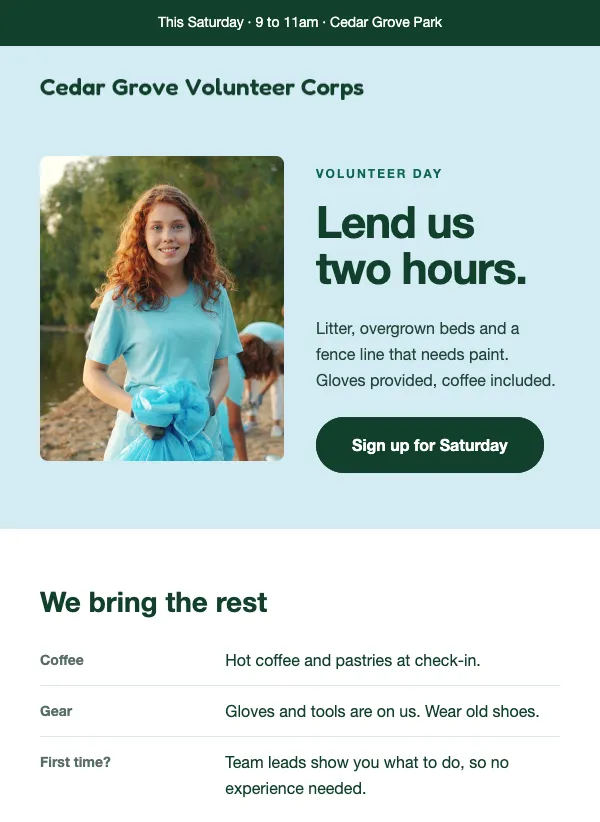 Volunteer day sign-up
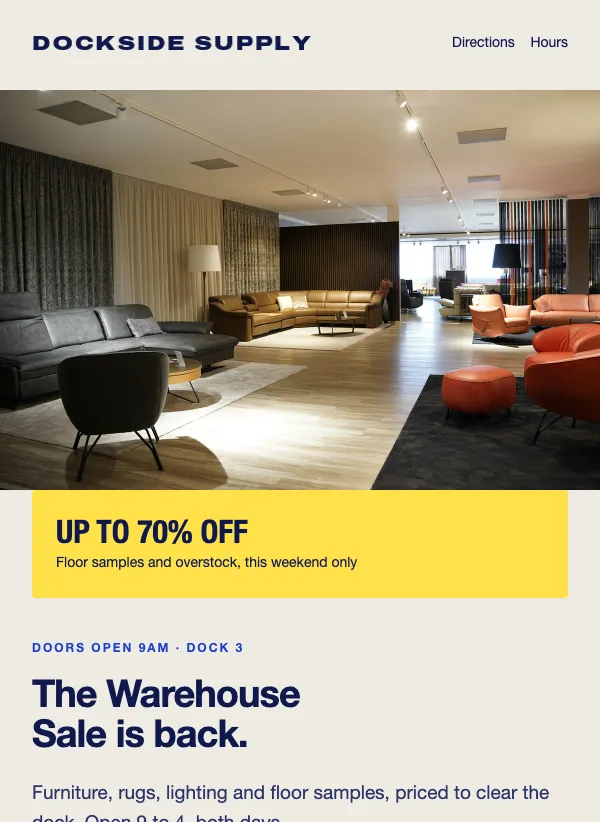 Warehouse sale announcement
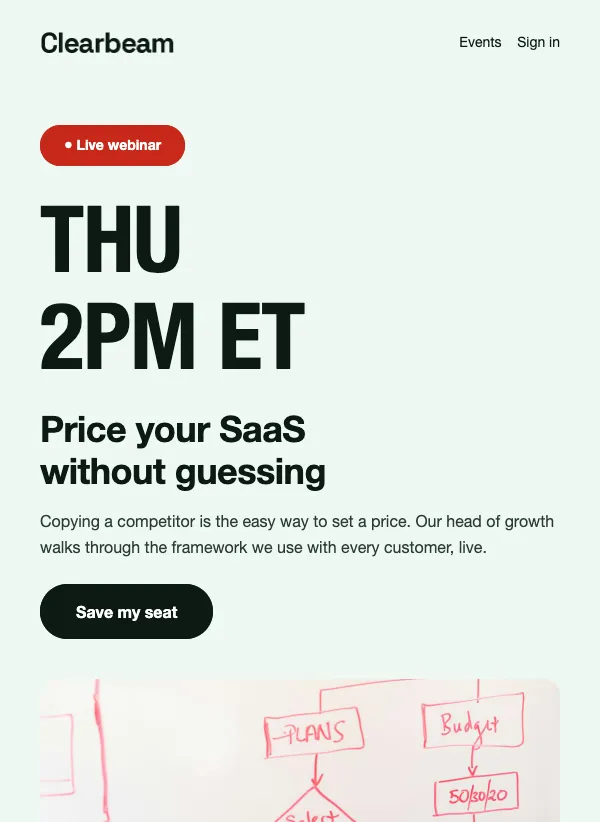 Webinar invitation email with agenda
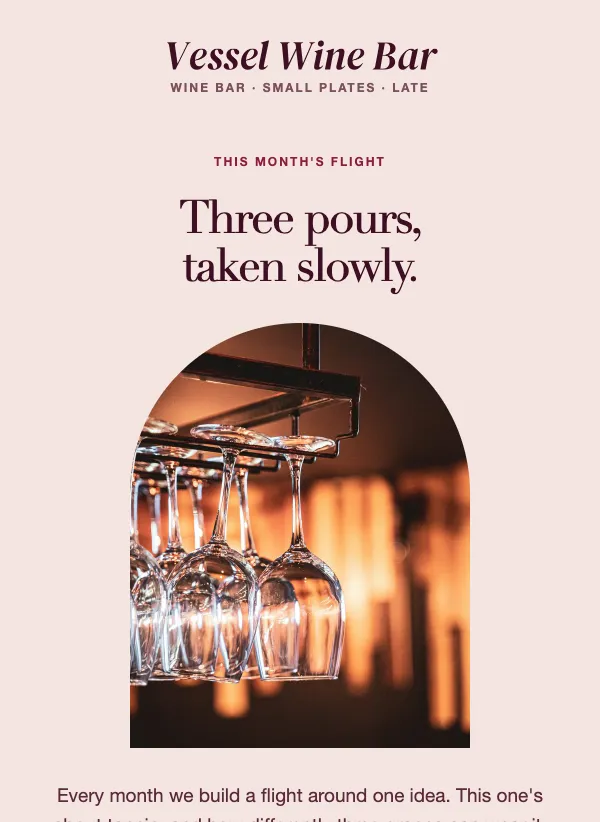 Wine bar tasting flight
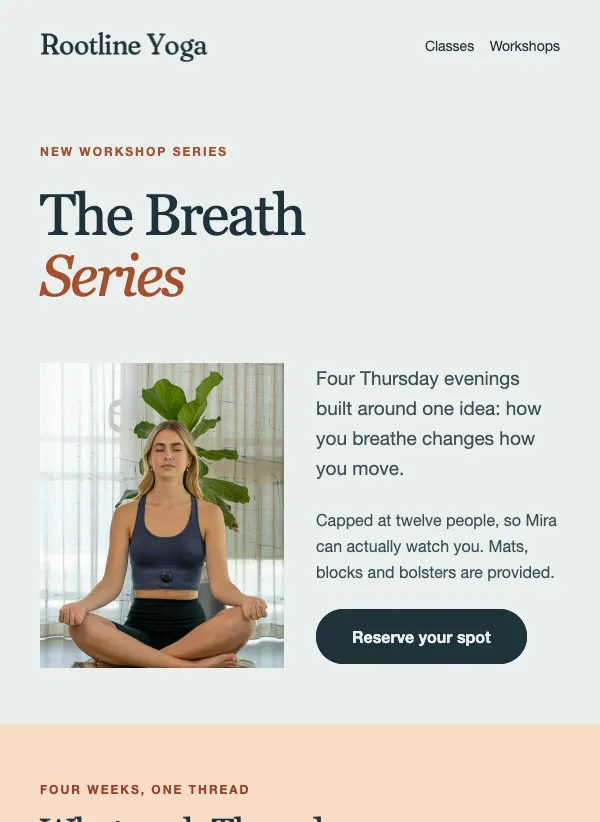 Workshop series invitation
Date, place and how to reply, at the top
An invitation has to answer three questions before anything else: when is it, where is it, and how do I say yes. Put all three in the part of the email people see before they scroll. On a phone that is not much room, so keep it tight: the event name, the date and time, the place, and one button.
Everything else comes after. The story behind the event, the speakers, the menu, the parking notes. People who are interested will scroll for them. People who are not will at least have seen the date. Write the first line as if it were the whole email, because for many readers it will be.
Put the day of the week next to the date and give the time: "Saturday, 10am to 2pm". Readers check their week by the day, not the number. For an online event, give the time zone too. If there is a cost, put the price next to the date.
Make saying yes take one tap
The button should take people straight to the place where they book, buy a ticket or reply. Name the action: "Book my seat", "Get tickets", "Save my place". If the event is free and drop-in, say so clearly, so nobody wonders whether they need to sign up first.
If places are limited, say how many. "12 seats" is more convincing than "limited availability", and it is true.
Tell people what happens after they click. If they will get a confirmation email or a ticket, say so, so they know their booking worked.
Even when the event is free, ask people to reply or register. A head count tells you how much food to buy and how many chairs to set out, and a name on a list is more likely to turn up than a vague plan to drop by.
Choosing a template for your event
Pick the template whose details match yours. An open house wants a time block, an address and a parking note. A small ticketed night, like a supper club or a tasting counter, wants the seat count and the price at the top and the menu or running order below. A recital or a show wants a schedule from doors to reception. A volunteer day wants a timeline for the morning and a line on what you provide. A paid class wants the seat options, a what-to-bring list and a note on how many seats are left. For an online talk, a template with an agenda and the time in two time zones saves you a round of questions.
If you run the same kind of event often, set the template up once with your logo and colors. After that, only the date, the place and the photo need to change each time.
Writing the subject line
The subject should tell people what is happening and when, before they open anything. Some examples from the templates on this page: "Open house Sunday: 78 Aldergate Court." "Twelve seats, Thursday nights." "You're invited: the winter recital." "Two hours on Saturday, one cleaner park."
Each one names the event and adds a day or a detail that makes it feel real. "Live Thursday: pricing your SaaS without guessing" does the same for an online talk: it says when, and what you will get. Leave the address for the body unless the place is the draw.
Reminders, and how many to send
One email is rarely enough for an event. People mean to book and then forget. A simple plan for an in-person event: send the invitation three to four weeks ahead, a reminder a week before, and a last call two or three days before if there are still places left.
People who have already booked need a different email: a short note the day before with the time, the address, how to get there and what to bring. For an online event, send the joining link again an hour before it starts. That one email can make a real difference to how many people show up.
Keep reminders shorter than the invitation. The reader already knows what the event is. They only need the date, the place and the button again.
Mistakes to avoid
The first is leaving out the one fact people need to decide: the time, the price, or whether they have to sign up. If a reader has to reply with a question, most will not.
The second is sending only once, three days before. Many people plan their week ahead, so an invitation that arrives late often lands after the calendar is full. Give it room, then remind.
The third is a button that does not match the promise. If the email says "Save my place", the page it opens should be where you save a place, not the home page of your site. Click through from your phone before you send.
After the event
The follow-up is the email most people forget, and it is often the one that earns the next booking. Within a day or two, thank everyone who came. Share a few photos, the slides or a recording if there is one, and the date of the next event if you have it.
Send a separate, shorter note to people who booked but did not come. Something like "Sorry we missed you, here is the recording" keeps the door open without making anyone feel guilty.
Questions
How far ahead should I send an invitation?
Three to four weeks for most in-person events, and longer for anything that needs travel or a day off. One to two weeks is usually enough for an online talk.
What should I put in an invitation email?
The event name, the day, time and place, the price if there is one, and a button to book or reply. Add the longer details below.
How do I collect RSVPs?
EmailFig sends the invitation but does not take bookings. Link the button to wherever you take them, such as your ticket page, booking system or a simple form. If you want people to reply by email instead, say so next to the button.
Should I remind people who have not replied?
Yes, once or twice. A reminder a week before and a last call a couple of days before is enough. More than that starts to feel like pressure.
Can I use these templates for online events?
Yes. Replace the address with the time, the time zone and a link to join or register.
Do I need to remind people who already booked?
Yes, but a different one. Send a short note the day before with the time, the address and what to bring, or the joining link for an online event.
Are these invitation templates free?
Yes. All of them are included on every plan, even the free one.