Restaurant email templates
New menus, busy weekends and one-night events for restaurants, cafés, bars and food trucks.
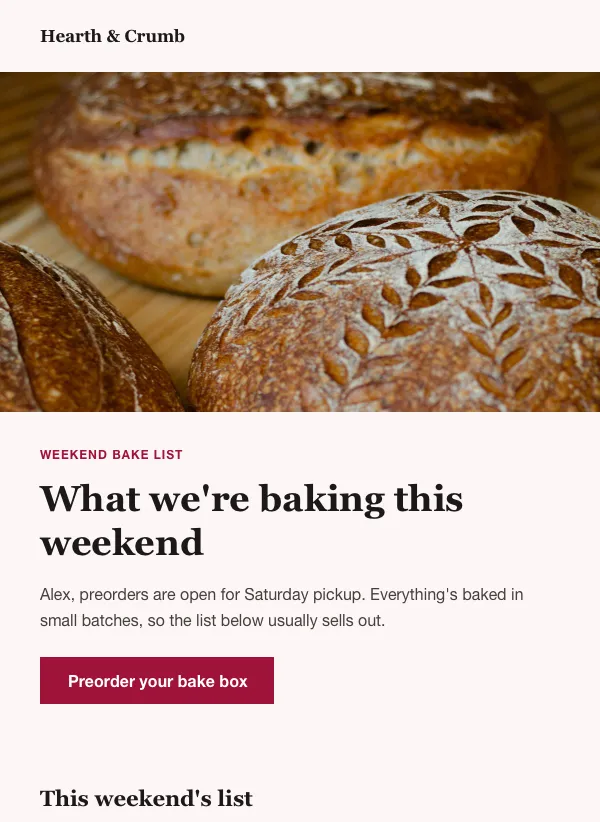 Bakery weekend preorder newsletter
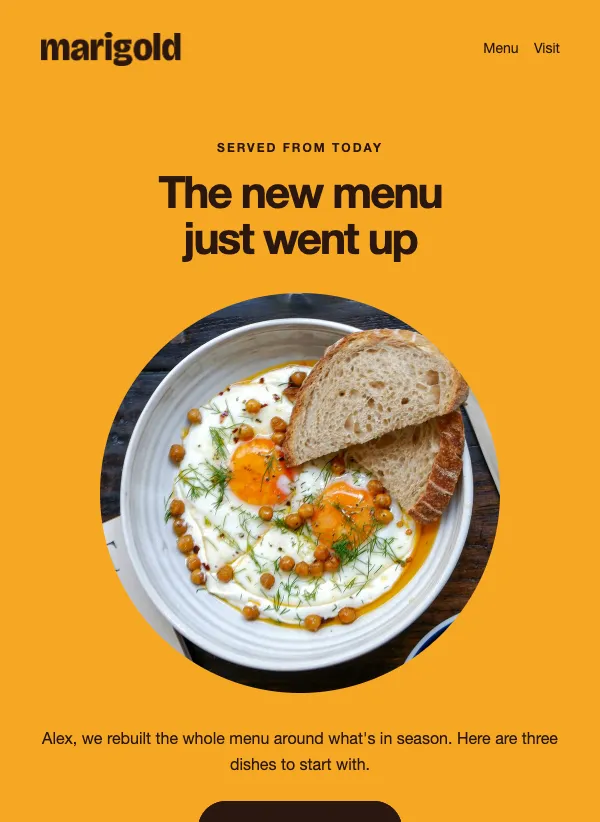 Restaurant new menu announcement
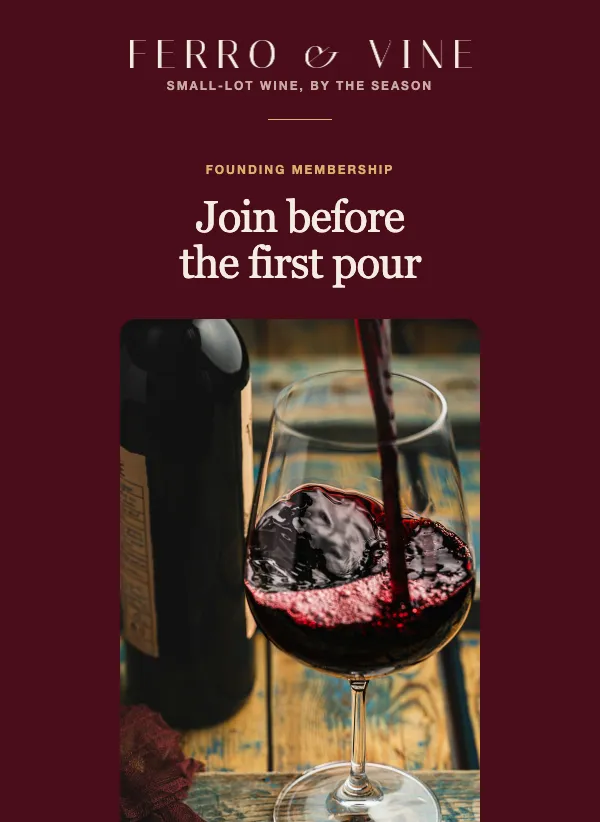 Founding member club launch
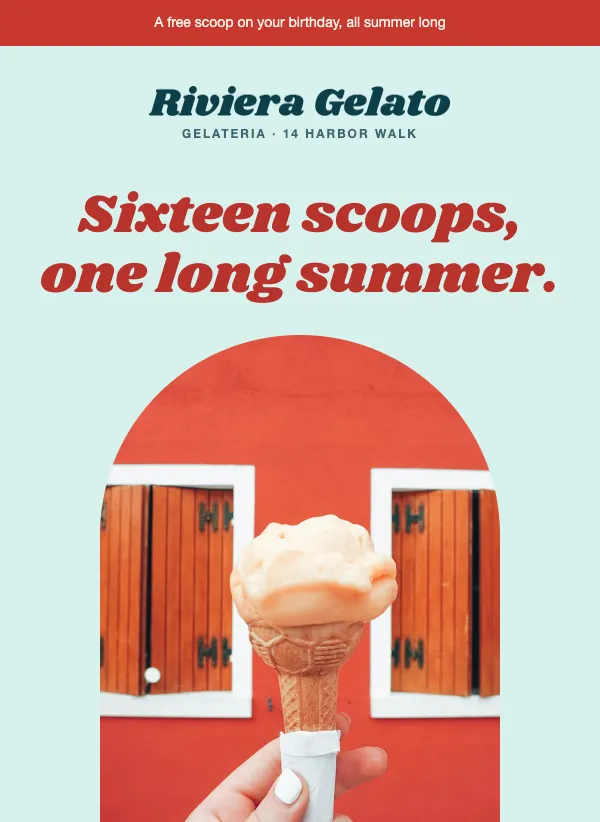 Ice cream shop summer flavors
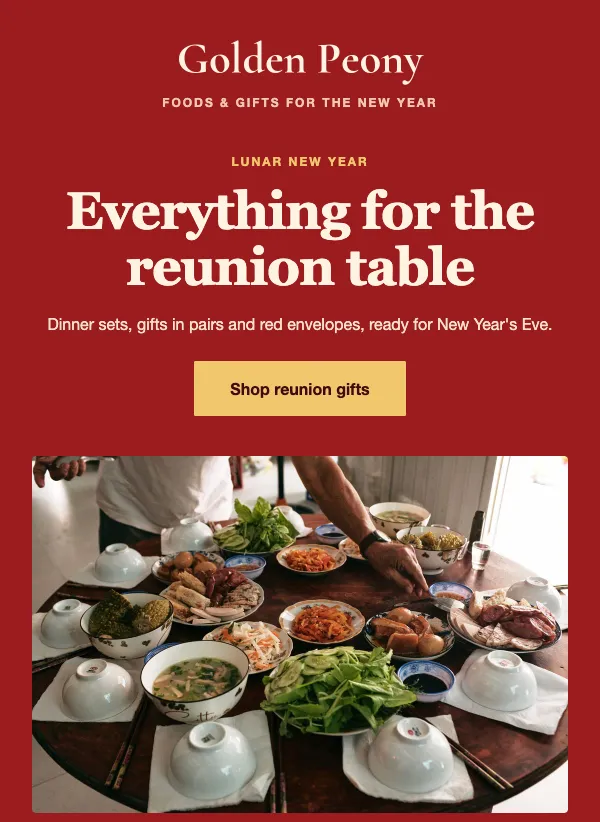 Lunar New Year gifts and food
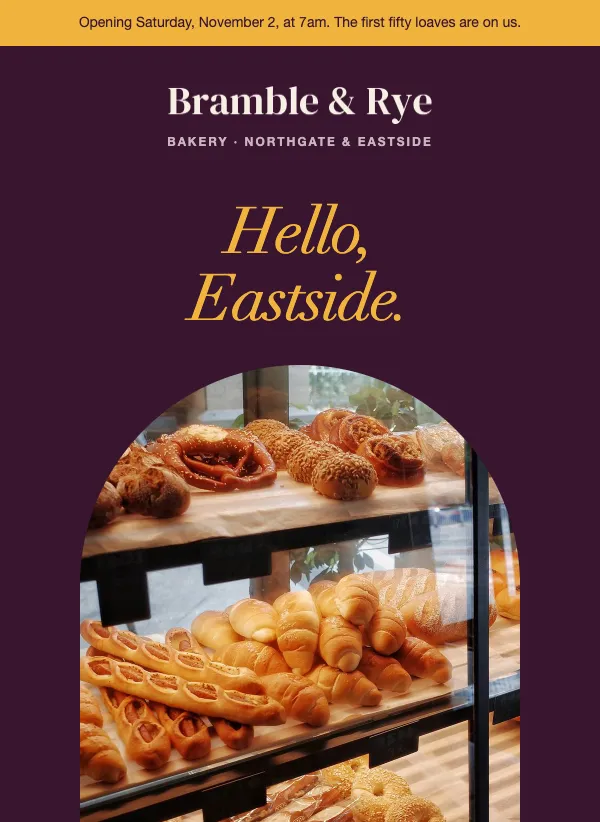 New location opening announcement
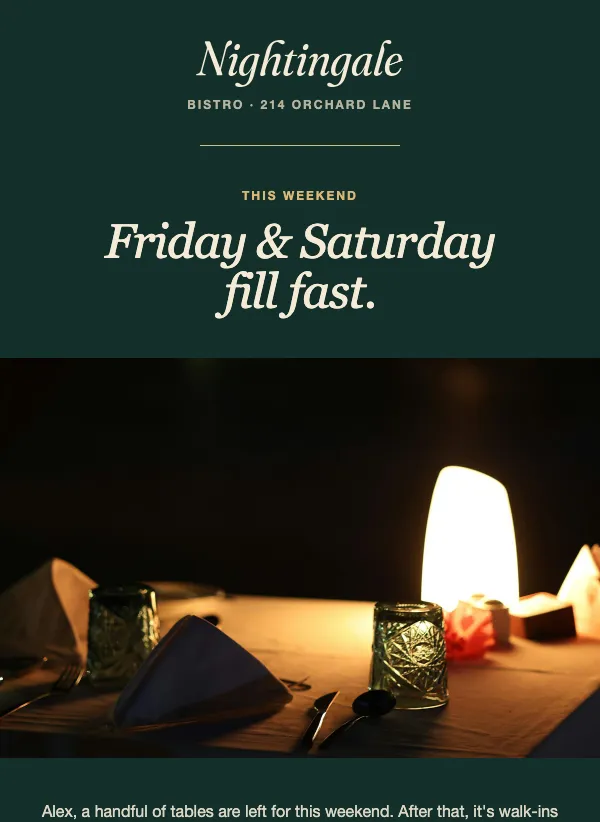 Restaurant weekend reservation
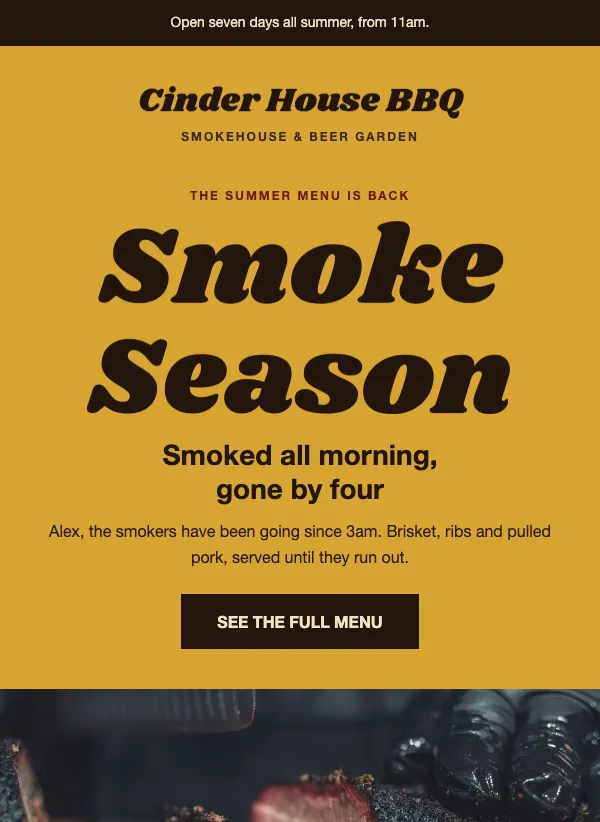 BBQ and smokehouse summer menu
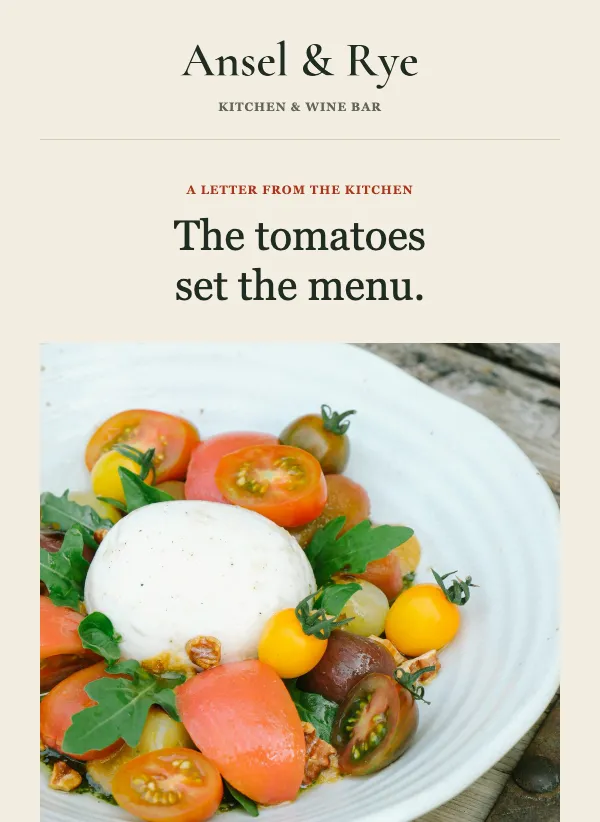 Chef letter to guests
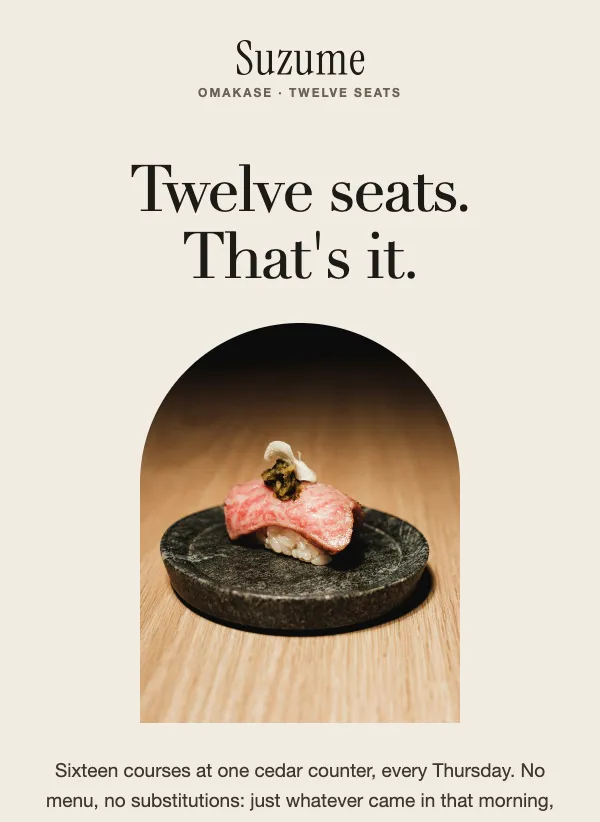 Omakase seating invitation
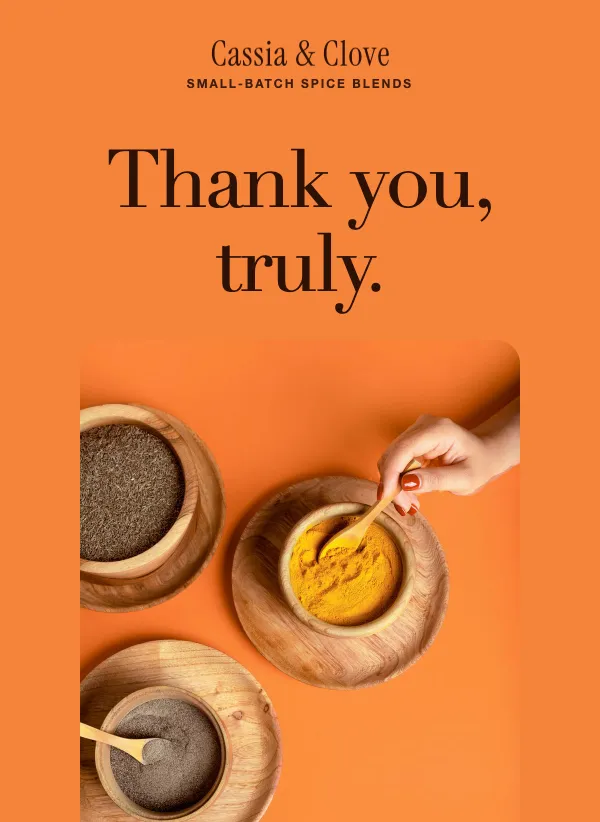 First order thank you
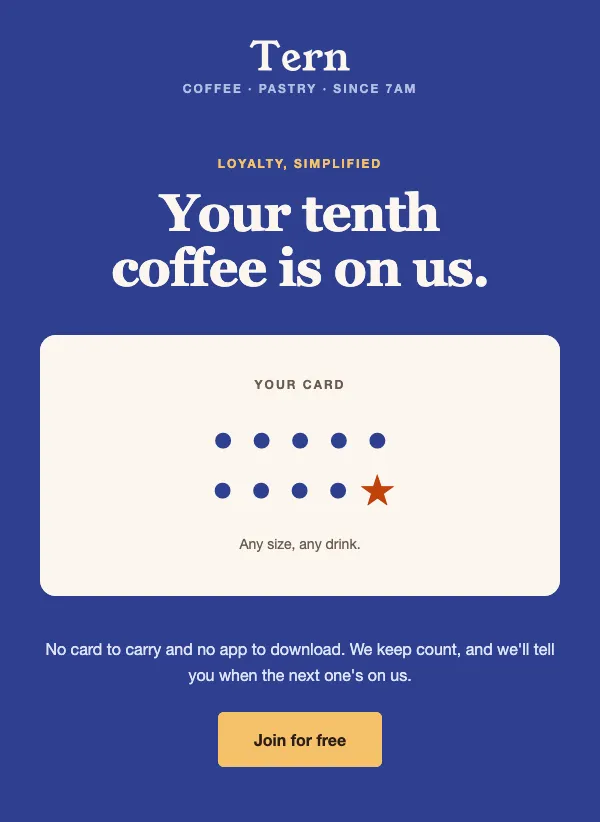 Coffee shop loyalty program
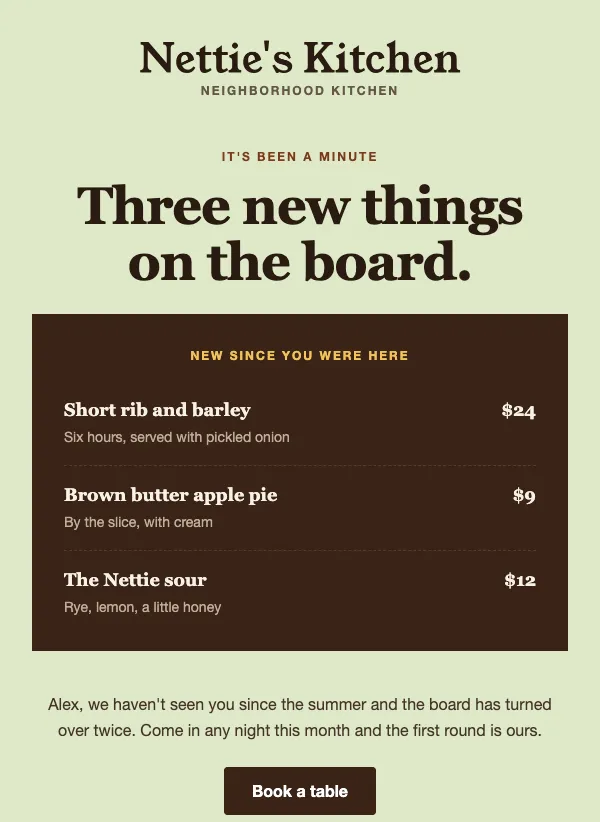 Restaurant we miss you email for regulars
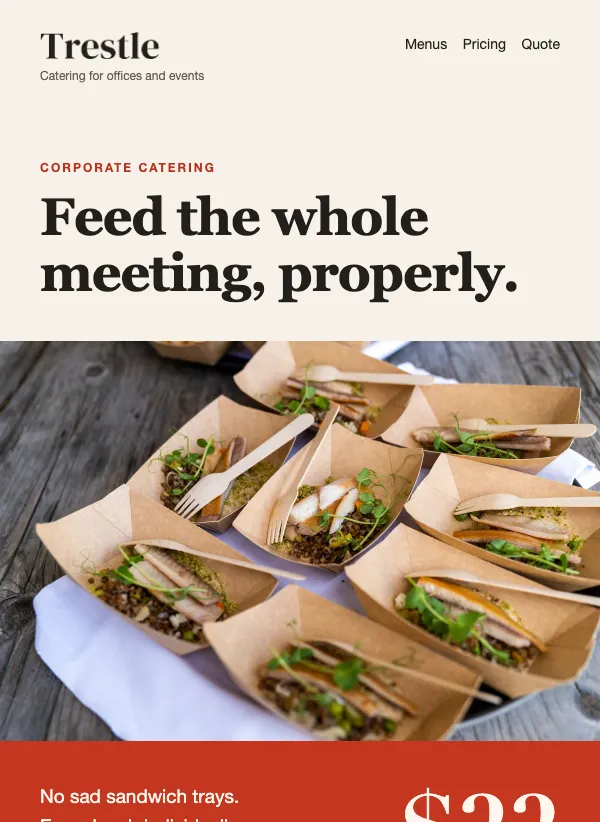 Corporate catering menu and quote
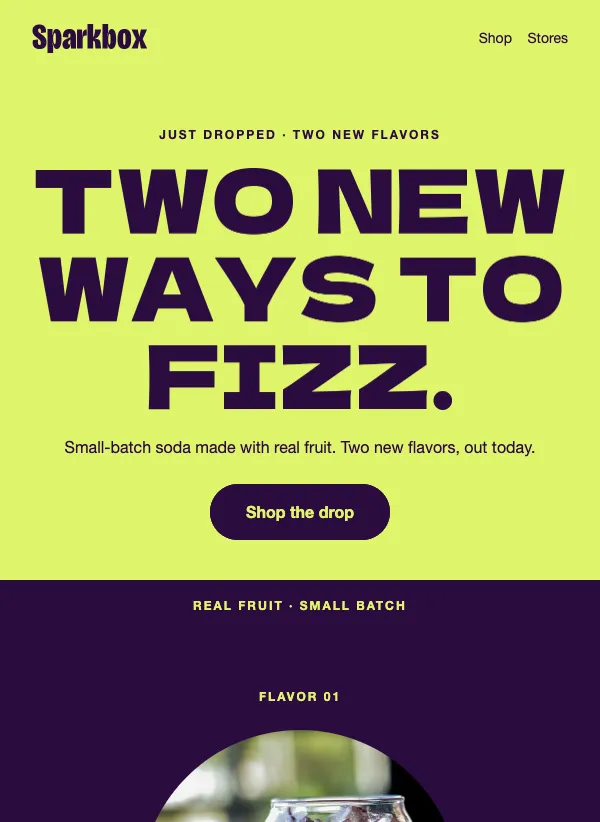 New flavor launch
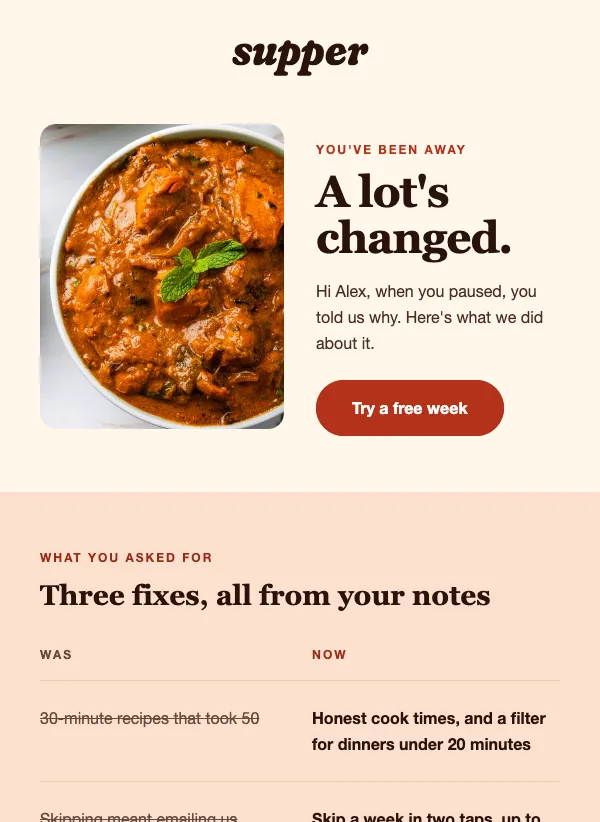 Win-back email for paused subscribers
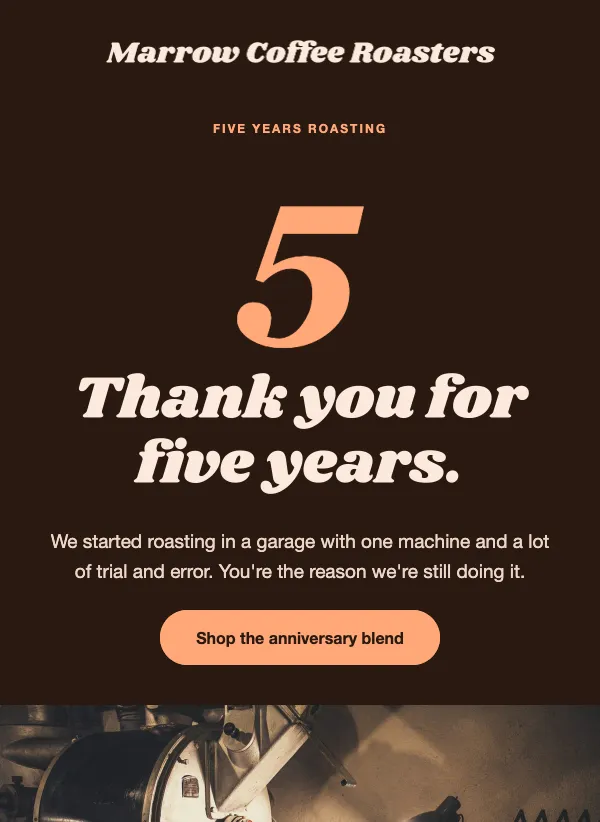 Business anniversary newsletter
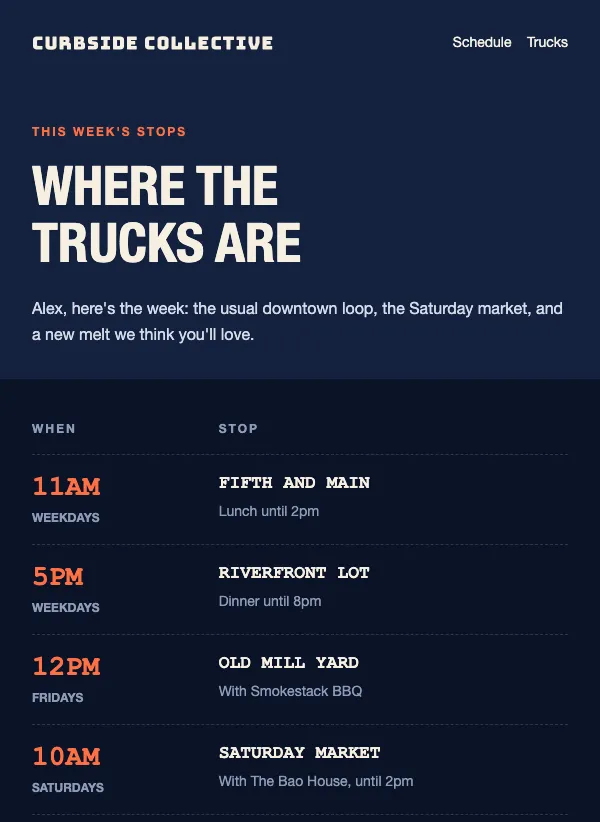 Food truck weekly schedule
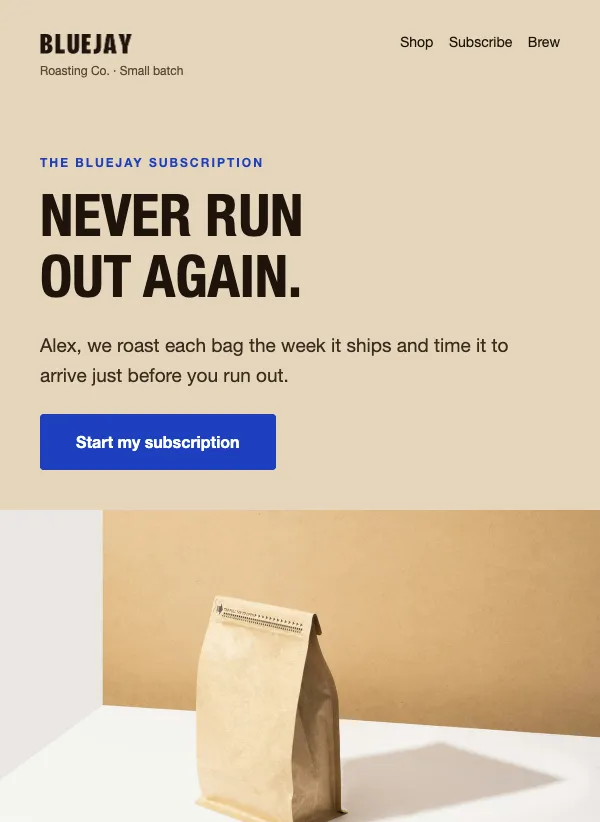 Coffee subscription promo
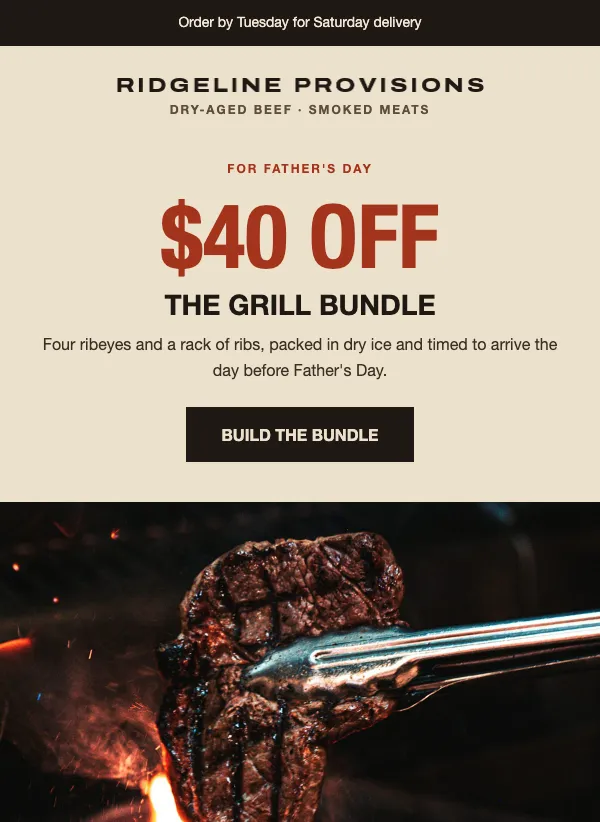 Father's Day food bundle
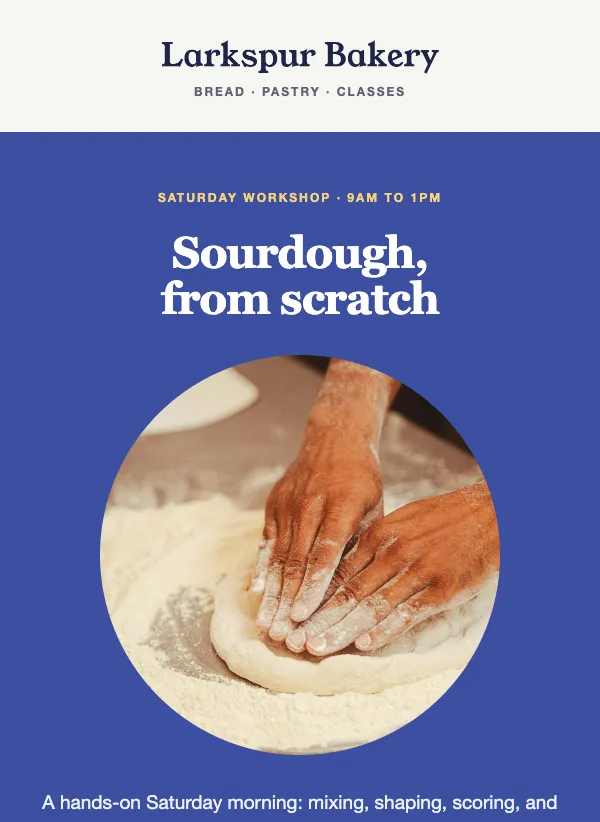 Baking class invitation
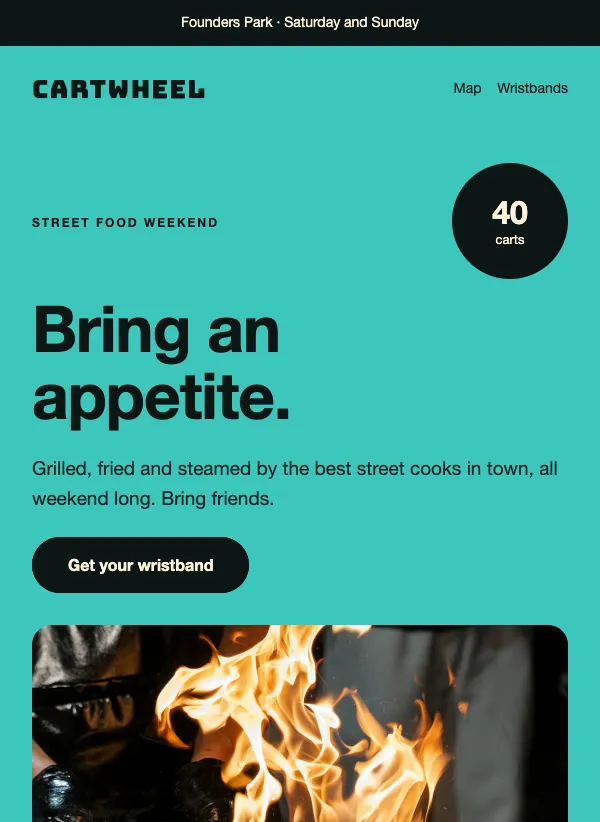 Street food festival invitation
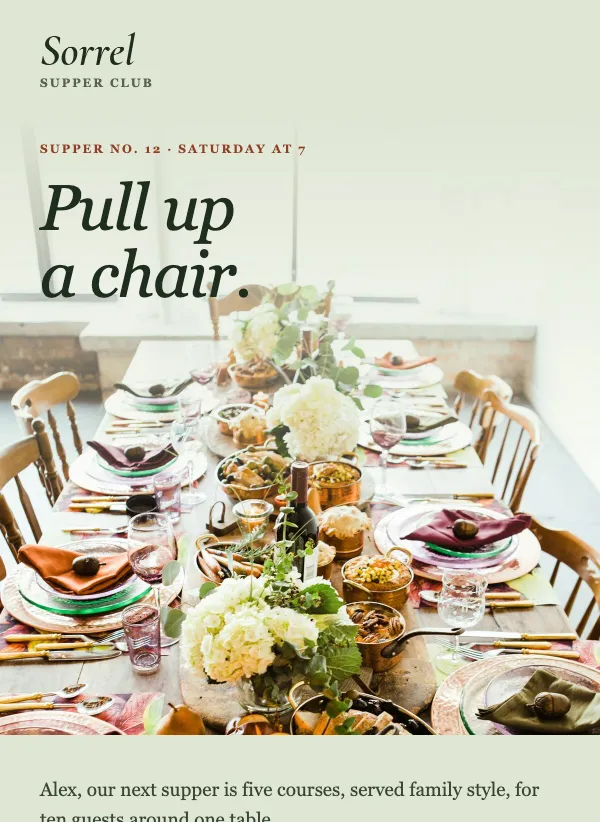 Supper club invitation
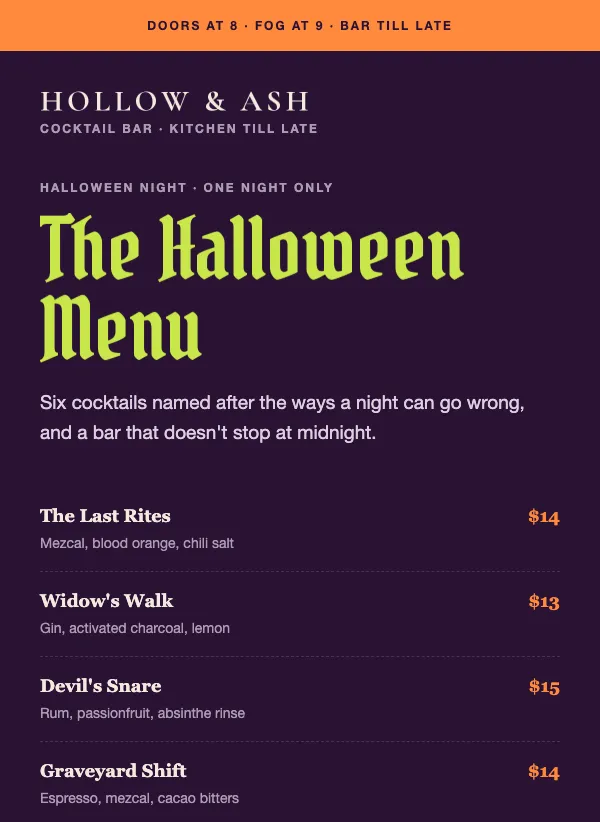 Halloween restaurant menu
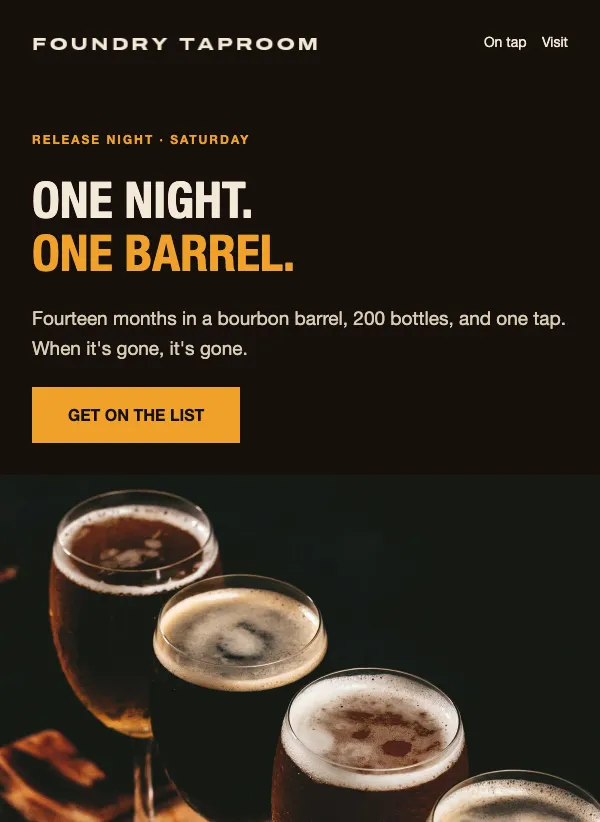 Brewery release night invitation
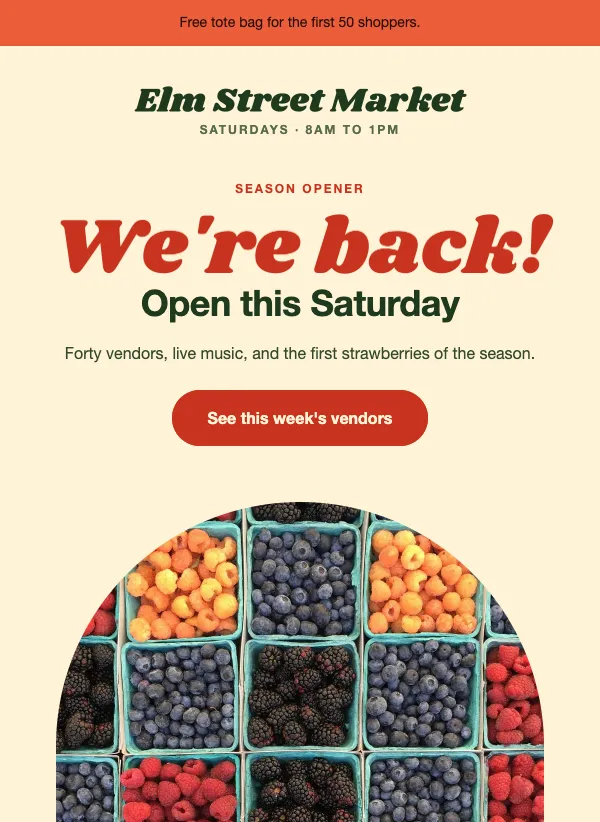 Farmers market opening day
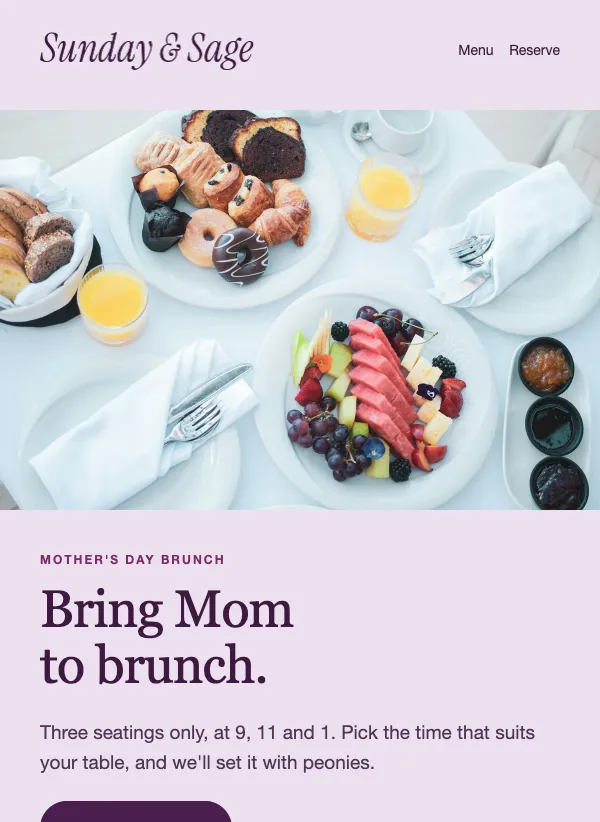 Mother's Day brunch reservation
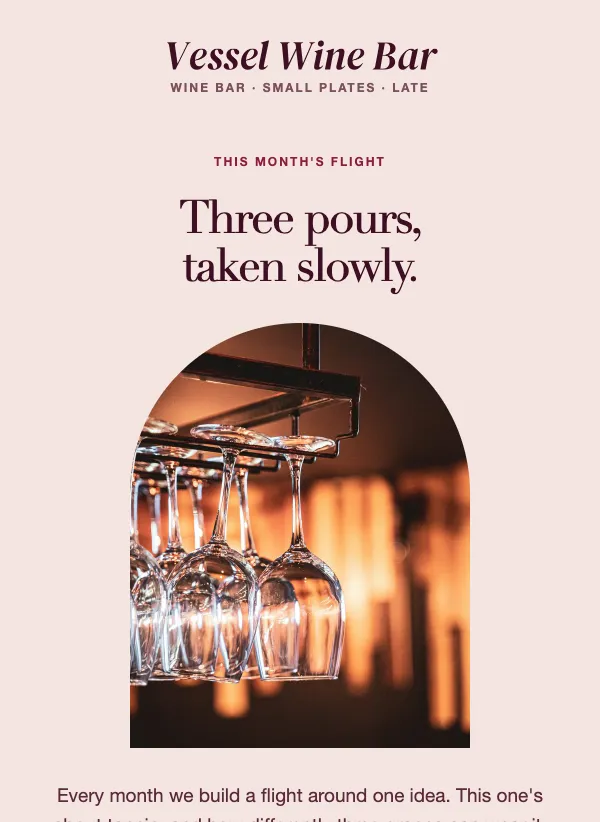 Wine bar tasting flight
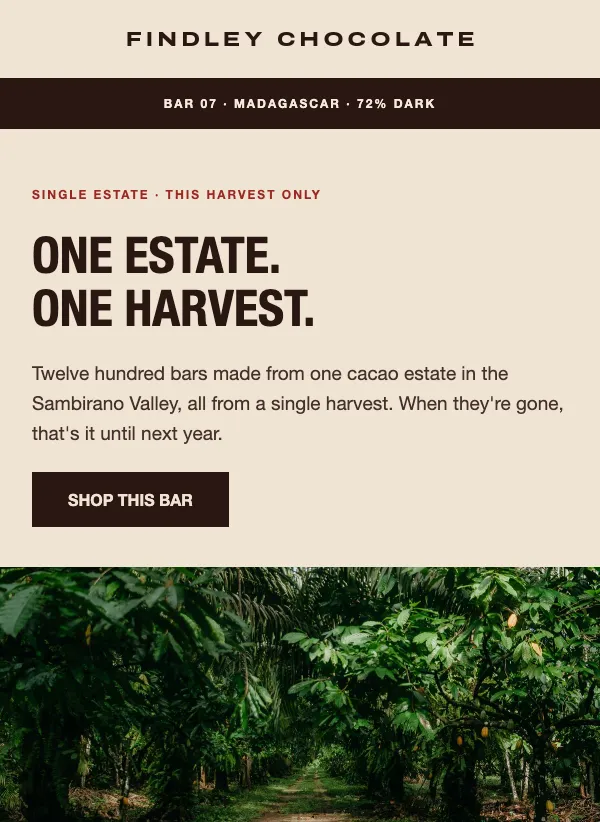 Single origin chocolate launch
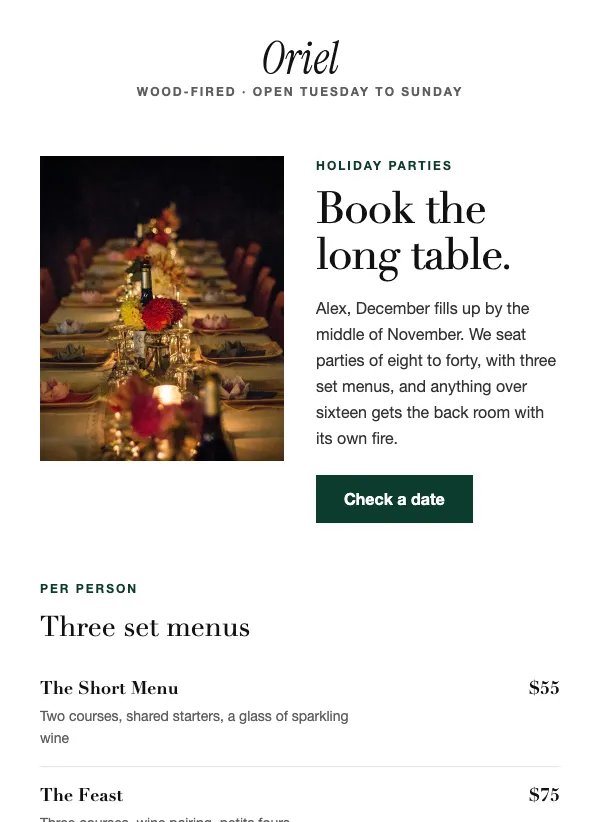 Restaurant holiday party booking
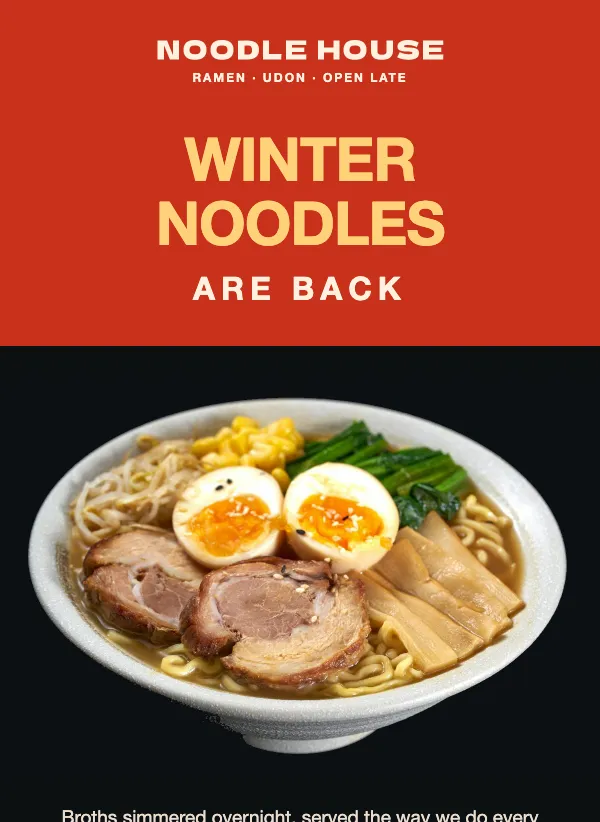 Seasonal restaurant menu launch
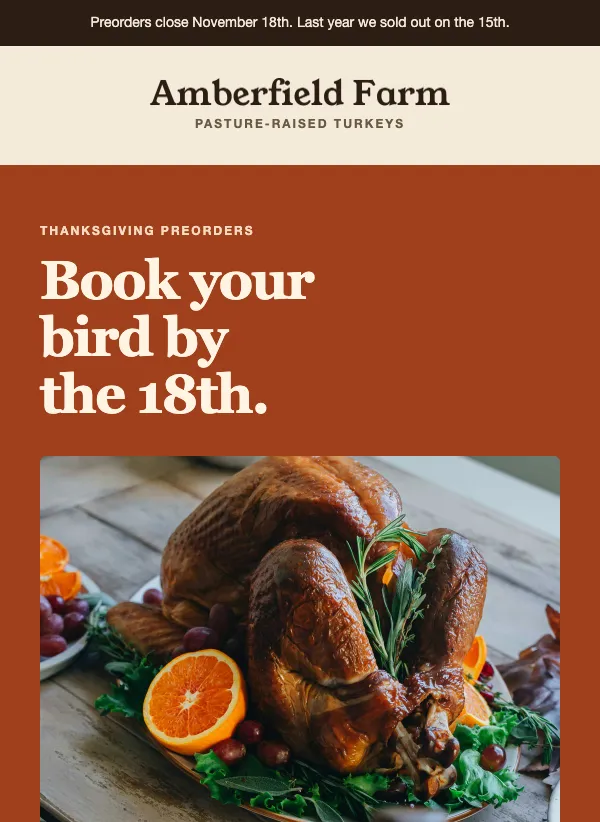 Thanksgiving turkey preorder
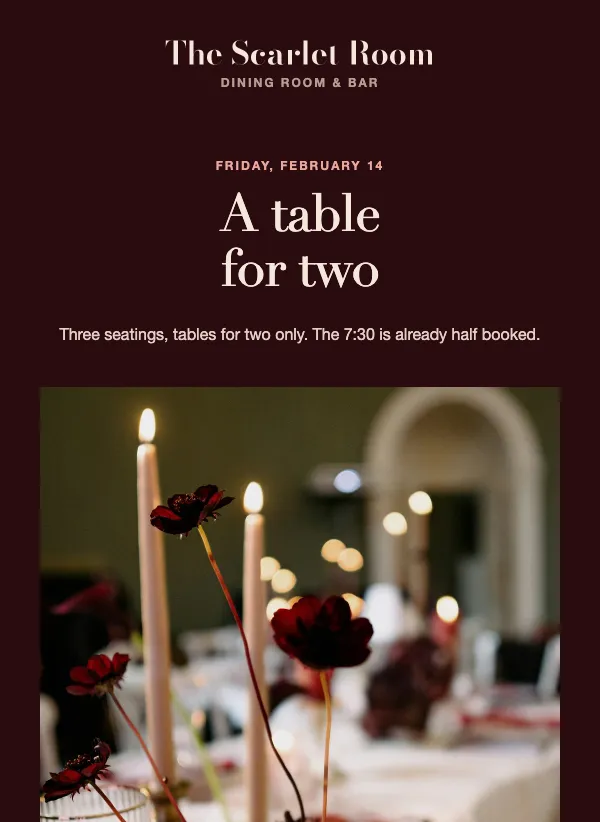 Valentine's Day dinner reservation
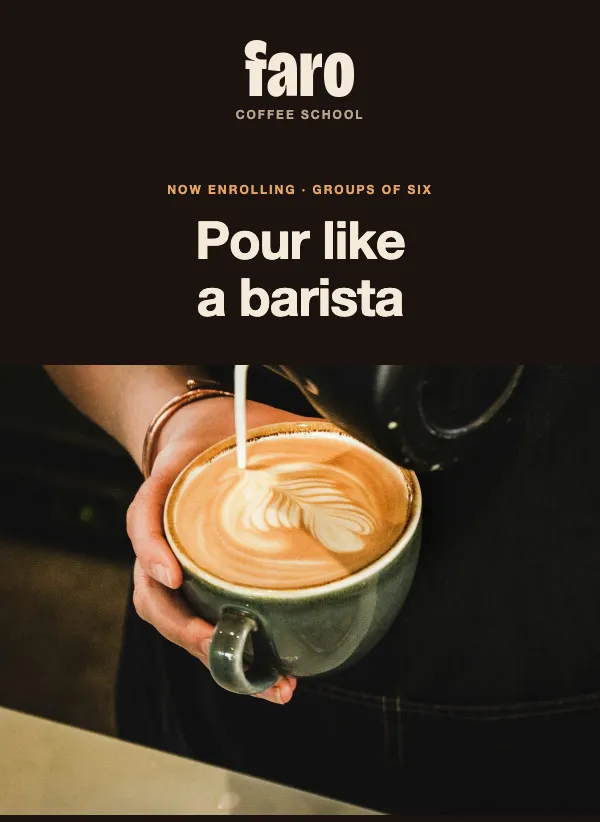 Latte art class enrollment
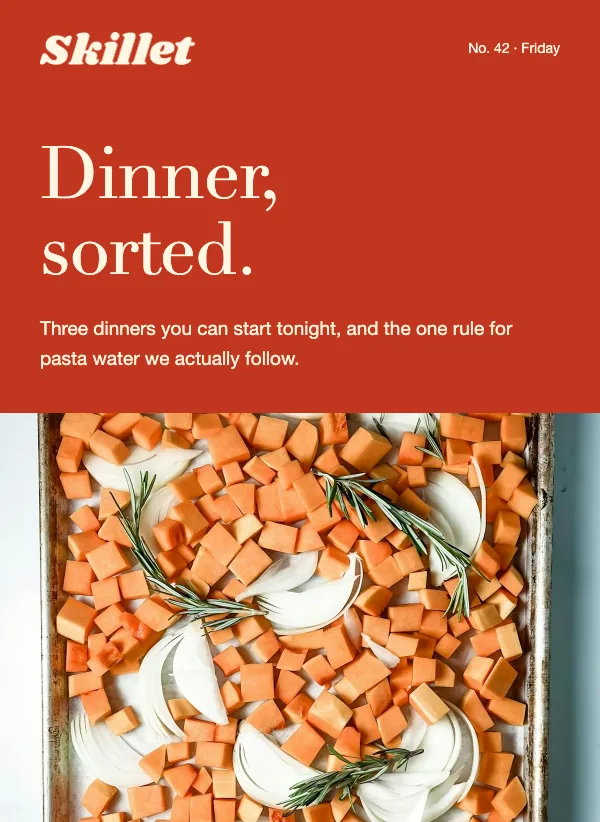 Weekly recipe roundup newsletter
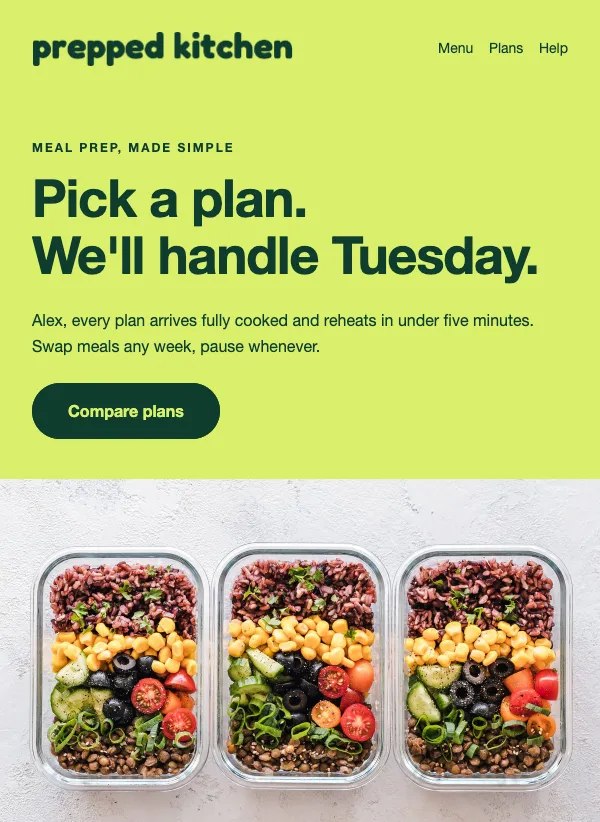 Meal prep subscription plans
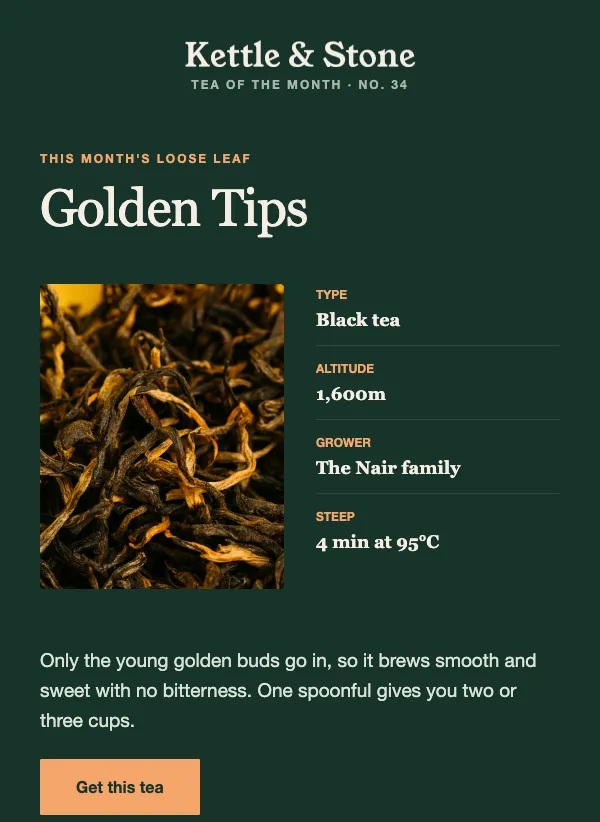 Tea and coffee of the month
What a food business sends in a year
Food changes with the seasons, and that gives you a natural reason to email. A new spring menu, the return of a winter favorite, the first week of the terrace, the last of the summer gelato. Regulars like knowing what has changed before they come in.
Around that, most places have a handful of busy dates where bookings matter: Valentine's Day, Mother's Day, Thanksgiving, Christmas parties and New Year. There are events of your own, such as a tasting, a supper club, a release night or a class. And for a bakery or a deli there is the weekly rhythm of what is on the counter this weekend.
You do not need to send all of these. Pick the ones that bring people through the door for you, and let the rest go.
Menus, specials and the weekend counter
A menu email works best when it picks out a few dishes rather than pasting in the whole menu. Choose three things worth talking about, give each a photo and a line about what makes it good, and link to the full menu for anyone who wants it.
"The winter noodle menu is back" is a good example of a subject that does its job before the email is opened: regulars know at once that a favorite has returned. For a bakery, "This weekend's bake list is up" works for the same reason. It is the email people wait for, and the preorder template it comes with lets them reserve a loaf before it sells out.
A short letter from the chef suits a menu change that needs explaining: new suppliers, a new direction, a dish you are proud of. "A note from the kitchen about the new menu" is the plain way to say so.
Filling the quiet nights and the big ones
Booking emails come in two kinds. For your busiest nights, the job is to get people to book before tables run out. The weekend booking template does this calmly, with a subject like "Friday and Saturday are filling up" that tells regulars to book now if they want a table.
For your quiet nights, the job is to give people a reason to come on a Tuesday. A tasting flight, a set menu, a loyalty reward or a class can fill tables that would otherwise sit empty. The coffee loyalty and wine bar templates are built for this, with subjects such as "Your tenth coffee is already paid for" and "This month's flight: three pours worth slowing down for".
The dates guests plan around
Holiday tables go weeks before the day itself. Send the Valentine's Day and Mother's Day emails early, with the seatings listed and a clear way to reserve, because the guests who plan ahead are the ones who book. "Reserve your table for Valentine's Day" is all the subject line needs.
Holidays you cook for at home work the other way round. A Thanksgiving turkey or a reunion dinner for Lunar New Year is a preorder, so the email should lead with the order deadline and what comes in the box. Put the cutoff in the subject line and again at the top of the email, because it is the one fact people need.
Smaller seasonal moments are worth a line too: a Halloween menu for one night, the day the market opens, a barbecue menu that returns each summer. They are easy to write and they remind people you are there.
Events, classes and the long table
Events turn customers into regulars. A supper club, a sourdough class, a release night at the taproom or a street food weekend gives people something to plan around and tell their friends about. Several templates on this page are made for exactly that, with room for the date, the number of seats and the price.
"Supper Club No. 12: twelve seats, one long table" shows the pattern: it names the event and its size, so a reader knows straight away whether it is for them. If you sell out, keep a list of people who missed it and email them first next time.
Selling beyond the dining room
Many food businesses also sell things people take home: coffee subscriptions, wine clubs, meal plans, catering for offices, gift boxes. These can add up to more over a year than a single meal, and they suit email well because the people on your list already like your food. There are templates here for each, such as "Never run out of coffee again" for a subscription and "Feed the whole meeting, properly" for office catering.
Big news and small changes
Some news deserves its own email: a second location, a new chef, a change of hours, five years in business. "We're opening a second bakery" tells regulars the one fact they care about. Keep these short, say what changes for the guest, and give the date and address in plain words.
A change of hours or a temporary closure matters just as much and is easy to forget. A two-line email before it happens saves a wasted trip and a sour review.
Photos that make people hungry
In a food email the photo does most of the work, and you do not need a professional to take a good one. Shoot in daylight, next to a window, with the flash off. Photograph one dish at a time, either from directly above or from the height of someone sitting at the table. Clear the clutter from around the plate.
Take a few photos of each new dish the day it goes on the menu and keep them in one folder. Then the next menu email takes minutes to put together instead of an evening.
Questions
Are the restaurant email templates free?
Yes. All of them are included on every plan, even the free one.
What should I put in my restaurant newsletter?
A few dishes worth talking about with photos, one clear thing to do such as book or order, and your opening hours. Link to the full menu instead of pasting it in.
Do these work for a café, bakery or bar?
Yes. The templates on this page cover all kinds of food and drink businesses. Change the words and photos and any of them will suit yours.
When should I send my restaurant emails?
A day or two before people decide where to eat. For weekend bookings that often means Wednesday or Thursday. You can write the email earlier and schedule it for then.
Should I put my whole menu in the email?
Usually not. Pick a few dishes worth talking about, show them well, and link to the full menu on your website.
How do I get diners onto my list?
Ask in person, put a signup link on your website and booking confirmations, and print it on the check or a table card. EmailFig gives you a signup form you can add to your website.
How do I announce a holiday menu or special event?
Send it a few weeks ahead with the date, the price and one reserve button. Send a short reminder closer to the day for anyone who has not booked.