Home services email templates
Seasonal bookings, first-visit offers and before-and-after photos for cleaners, trades and installers.
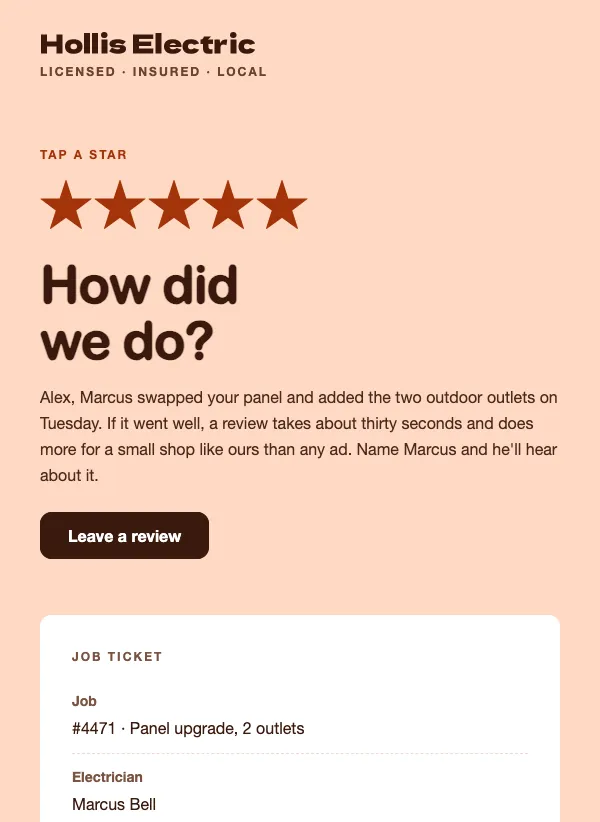 Review request email for home service jobs
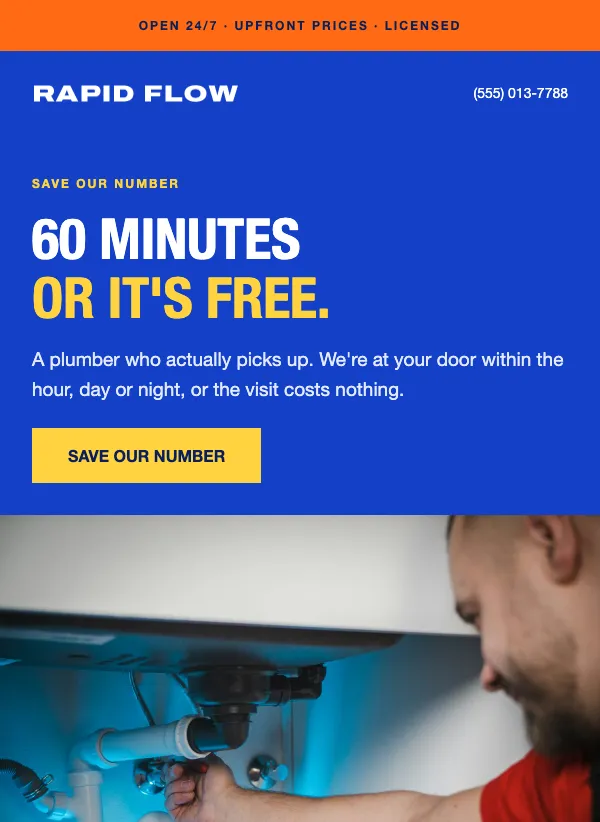 Plumber service card
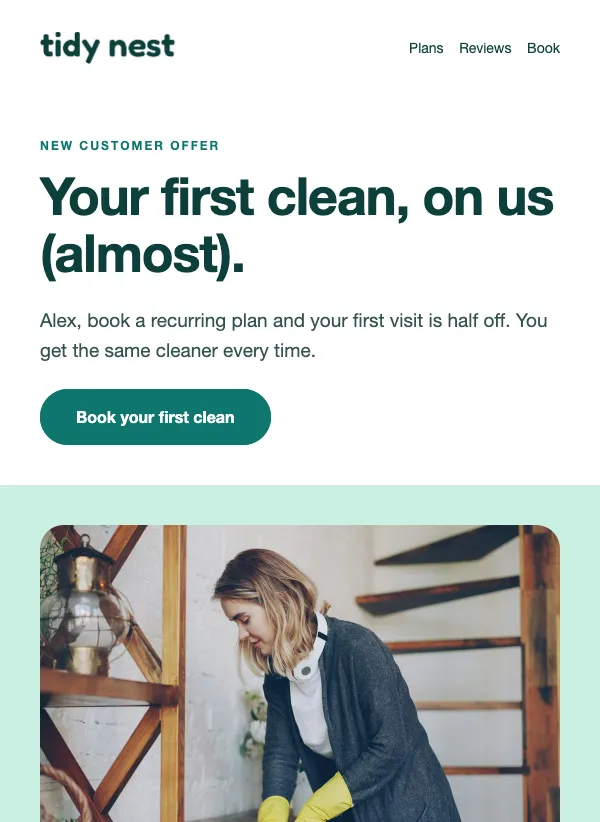 Cleaning service first visit offer
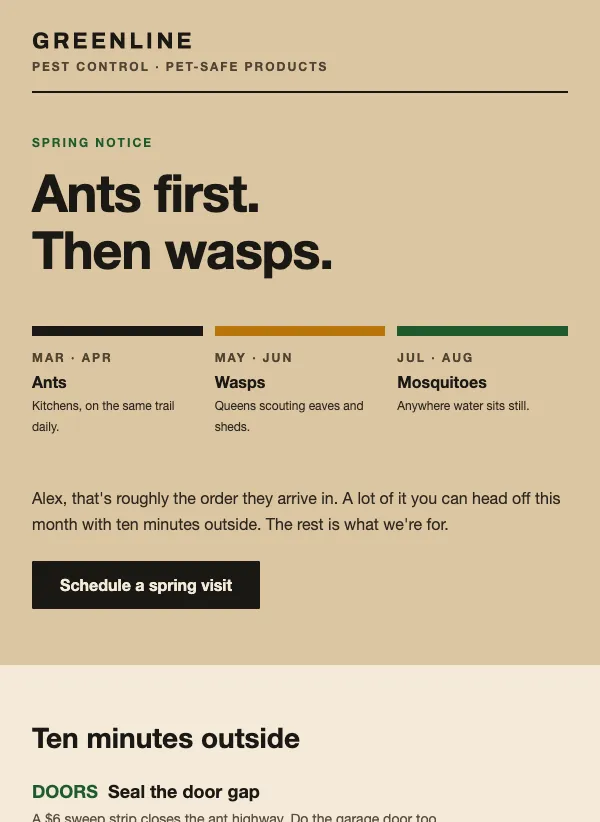 Pest control spring notice
 Auto detailing packages
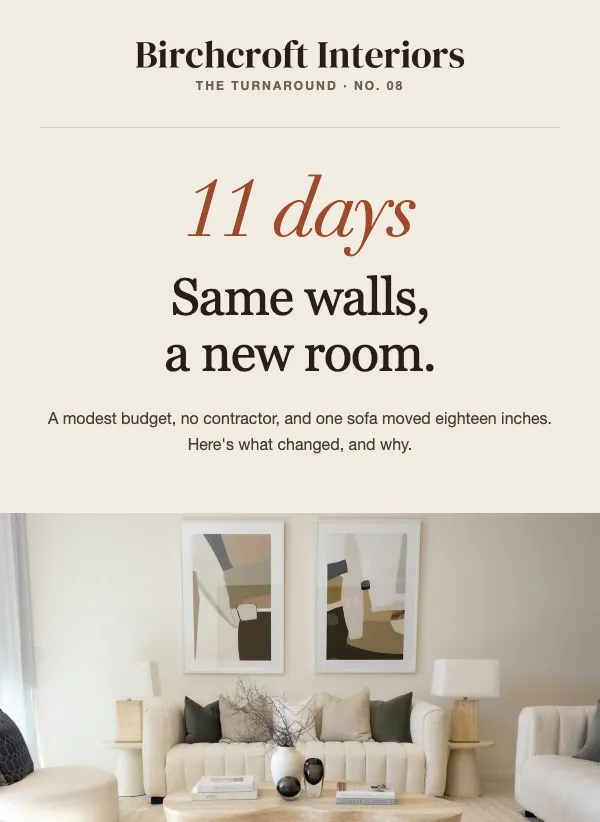 Interior design before and after
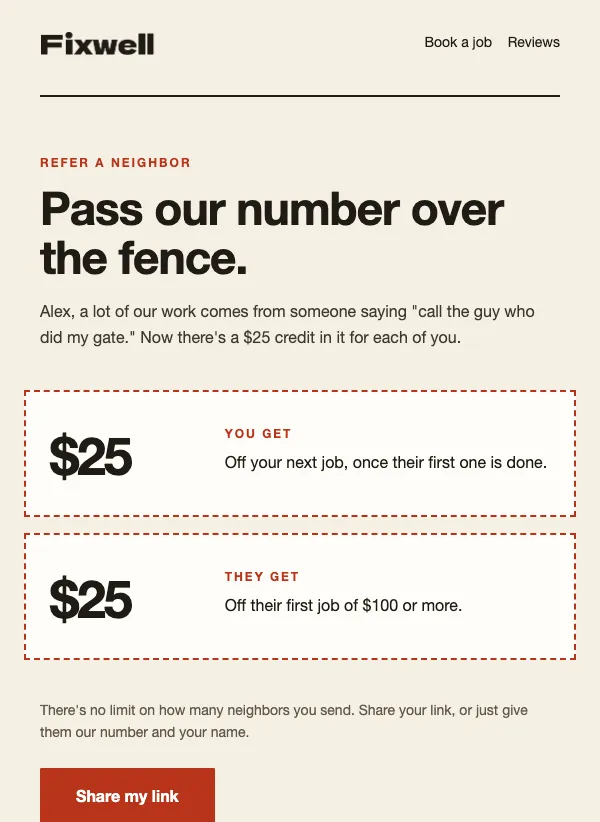 Handyman referral offer
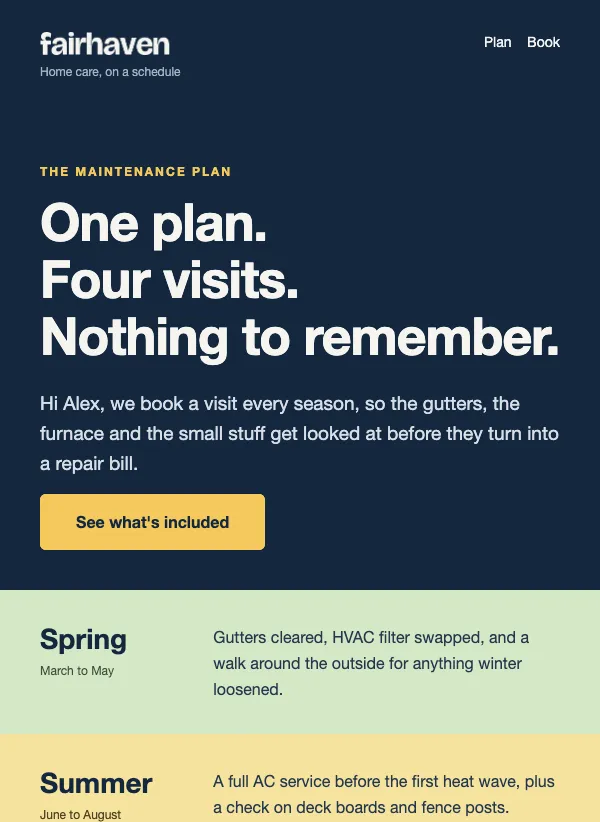 Maintenance membership
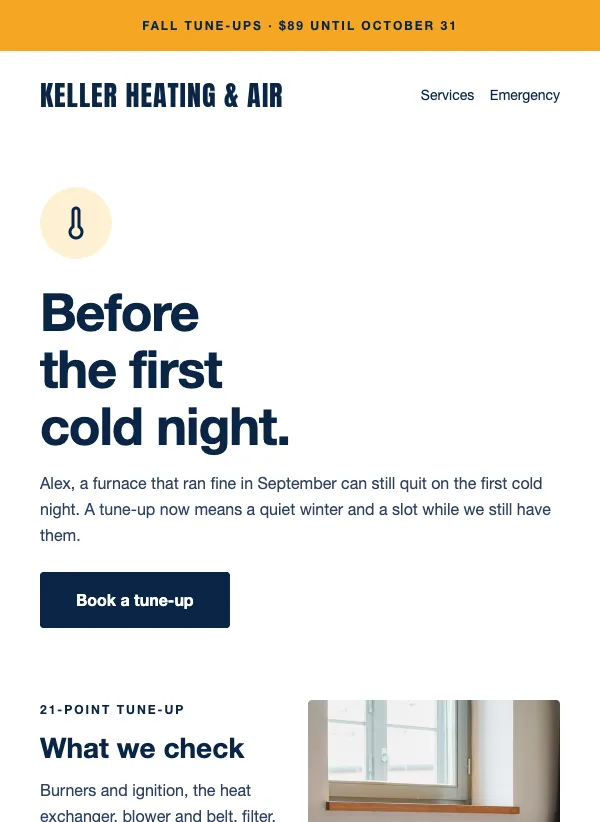 HVAC fall furnace tune-up promotion
 Spring cleanup booking
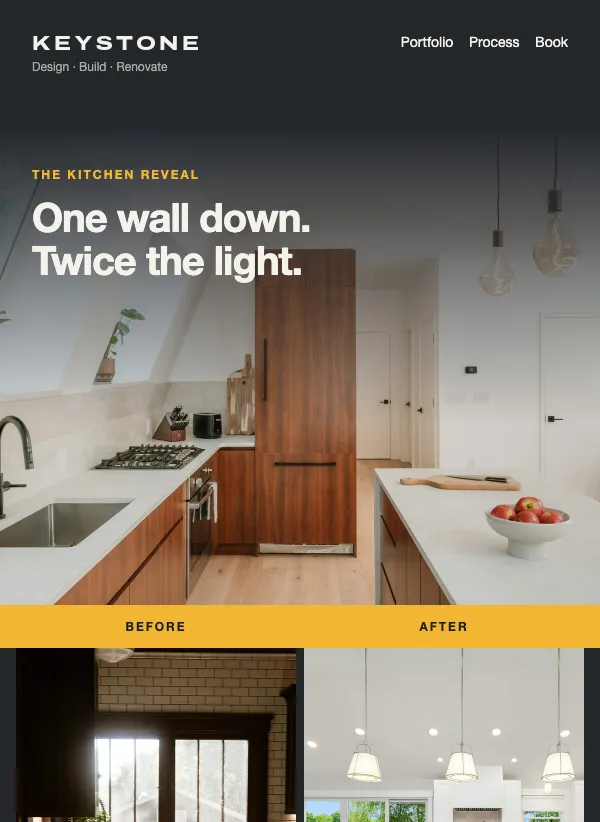 Renovation before and after
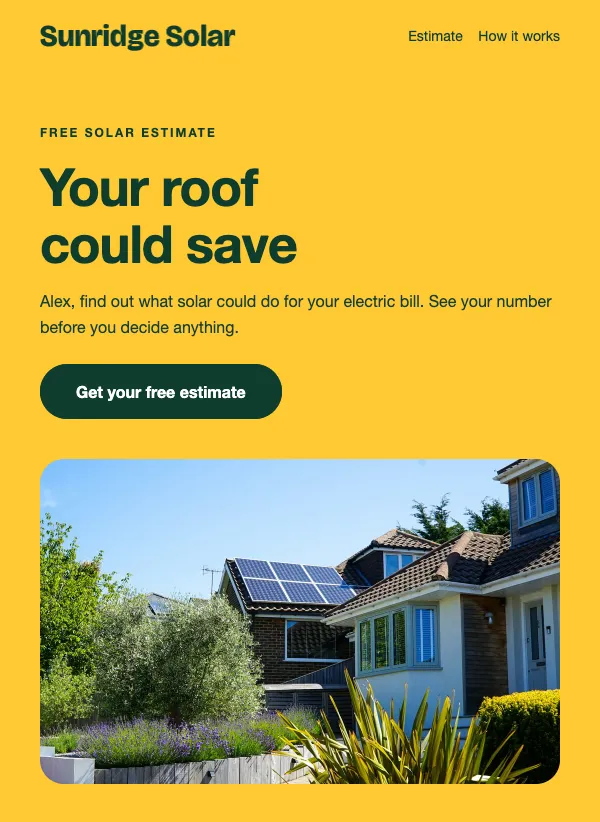 Solar savings estimate
Your year follows the weather
Most home services are seasonal, and your emails can be too. Spring is for yard cleanups, window cleaning and outdoor projects. Summer is for decks, driveways and anything that needs dry weather. Fall is for gutters, heating checks and getting a house ready for winter. Winter brings burst pipes and furnaces that will not start, and it is a good time to book next year's bigger jobs.
Write down the three or four jobs that come round every year in your trade, and when people start thinking about each one. That list is your email calendar. Four to six emails a year can cover it for most trades.
Booking the busy season early
The best time to fill your schedule is a few weeks before the season starts, while customers are still thinking about the job rather than needing it done tomorrow. "Booking spring yard cleanups now" tells people what the work is and that you have openings, which is all most of them need. The landscaping template splits the job into three plain parts, debris, beds and gutters, so a reader can see at a glance what they would get.
Booking early helps you as much as them. You can plan your weeks, order materials and turn down less work in the rush. Say so in the email if you offer an early booking price or first pick of dates.
Your easiest bookings come from last year's customers. Someone whose gutters you cleared last October will probably need it again this October. A short, personal email a few weeks before, along the lines of "Time for this year's gutter clean?", with your available dates and a way to book, often fills the schedule before you have advertised at all.
Show the work
In a trade, the finished job is the best advert you have. A before and after email lets people see what you do, and it is the email customers are most likely to forward to a friend who needs the same thing done. "The kitchen reveal: before and after" makes people want to scroll. The renovation template adds a few plain facts about the job, such as what came down and how many weeks it took.
The interiors template suits a single room. "This living room, in eleven days" pairs a timeframe with a result, which is what a customer wants to know before they call.
Take a photo of every job before you start, from the spot where you will take the after photo. Same angle, same light if you can. Over a season you will collect enough pairs for a year of emails. Ask the customer first, and leave out house numbers and anything else that shows where they live.
Offers that bring in a first customer
Someone who has never used you is taking a risk on a stranger in their home. A first-time offer lowers that risk. The cleaning template on this page offers a first clean at half price on a recurring plan, and the detailing template lays out three levels with a price each, so people can pick one they are comfortable with.
For bigger jobs, a free estimate, like the one in the solar template, gives people a reason to get in touch without committing to anything. A subject line such as "What your roof could save you this year" asks a question the reader already has.
A plan that keeps work coming
A yearly maintenance plan suits customers who would rather not think about their home at all, and it gives you steady work through the year. The home care template sets out four seasonal visits and one flat annual price, with a button to join. Say what happens in each season, since people join a plan when they can picture what they are paying for.
Offer it to customers right after a job, when they are happiest with your work, and again at the start of the year. Mention that they do not need to schedule anything themselves if that is true for you.
Stay in mind between jobs
Most people need a plumber or an electrician only now and then. When they do, they want someone they already trust, and they want them quickly. A short email once or twice a season keeps your name in front of them for that moment.
"A plumber who actually picks up" works because it answers the worry most people have about trades. The plumber template puts the promises in a row: open every hour, the price first, licensed on every visit. Put your phone number at the top of every email, not only in the footer, and say when you answer it. Many customers will call rather than click.
Subject lines for trades
Name the job and the offer, in plain words. "Booking spring yard cleanups now" says what and when. "Your first clean, on us (almost)" says what is in it for a new customer. "Pick your level of clean" promises a choice. "One membership, everything your house needs this year" tells a homeowner the plan covers the lot.
Leave out urgency you cannot back up. A customer who books because of a deadline and then finds the dates are still open stops trusting the next one. If space really is limited, say how many slots remain.
One tip for trades
Ask every customer for their email address when you finish a job or send the invoice, and tell them you send a few seasonal reminders a year. Your past customers are the easiest list you will ever build, and they already know your work. A list of 200 past customers is worth more than a bigger list of strangers.
Questions
Are the home services templates free?
Yes. All of them are included on every plan, even the free one.
I work on my own. Is email worth the time?
Yes, if you keep it simple. Two to four short emails a year to past customers, timed to your busy seasons, can bring in repeat work and referrals.
What should I email my customers?
Seasonal reminders, a first-time offer for new customers and before and after photos of recent work. Each one should end with a single way to book.
Should I put my phone number in the email?
Yes, near the top. Many people would rather call a tradesperson than fill in a form.
Can I show prices?
Yes. A starting price or a set of clear levels helps people decide. For bigger jobs, offer a free estimate instead.
Can I add my own before and after photos?
Yes. Every template opens in the drag-and-drop editor, where you can upload your own photos and change the words.