Holiday and seasonal email templates
Emails for the dates on a small business calendar, from Valentine's Day to New Year.
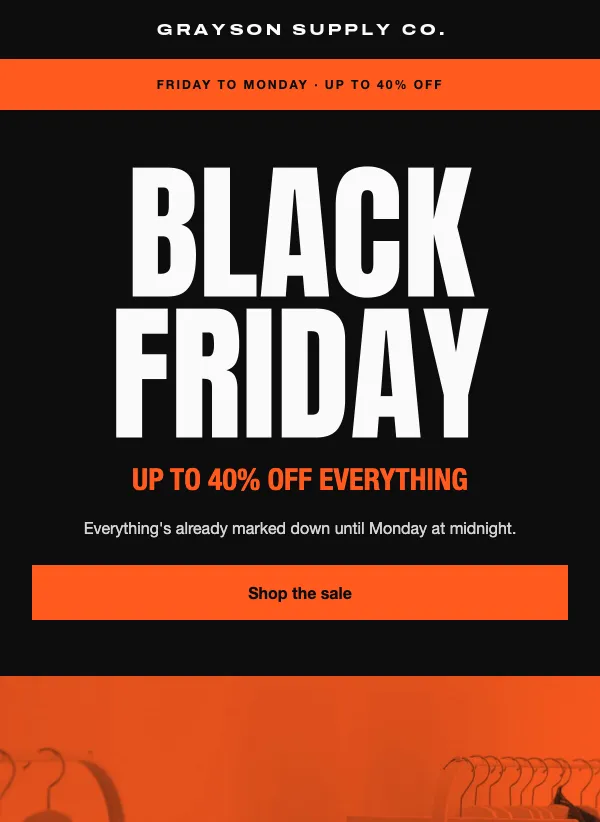 Black Friday product grid
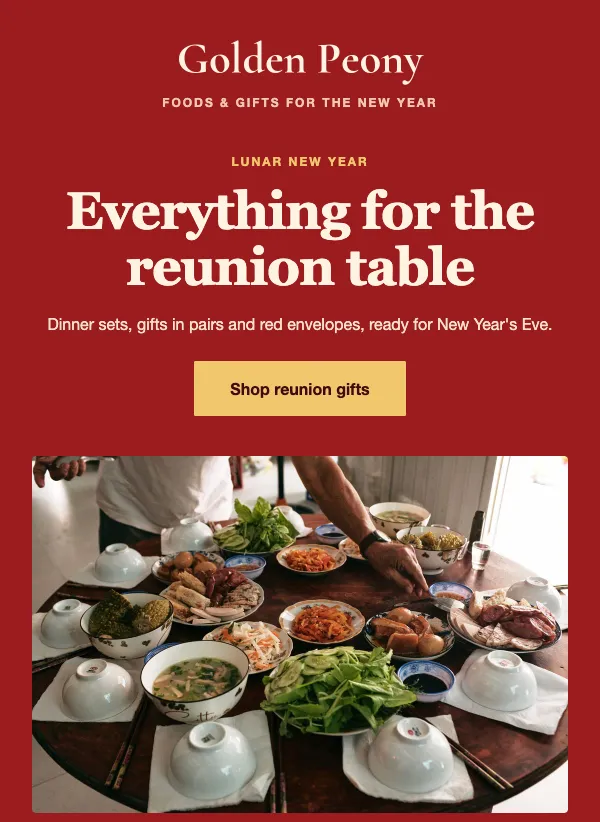 Lunar New Year gifts and food
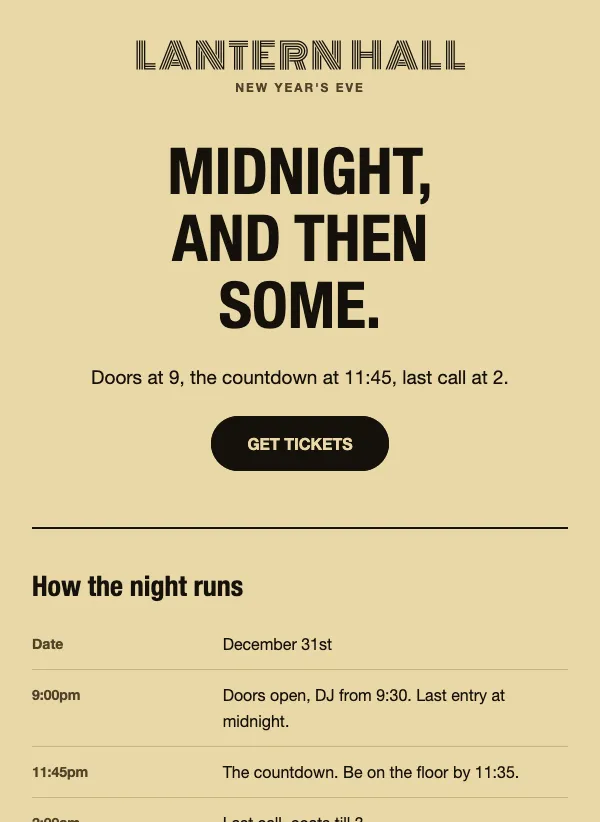 New Year's Eve party tickets
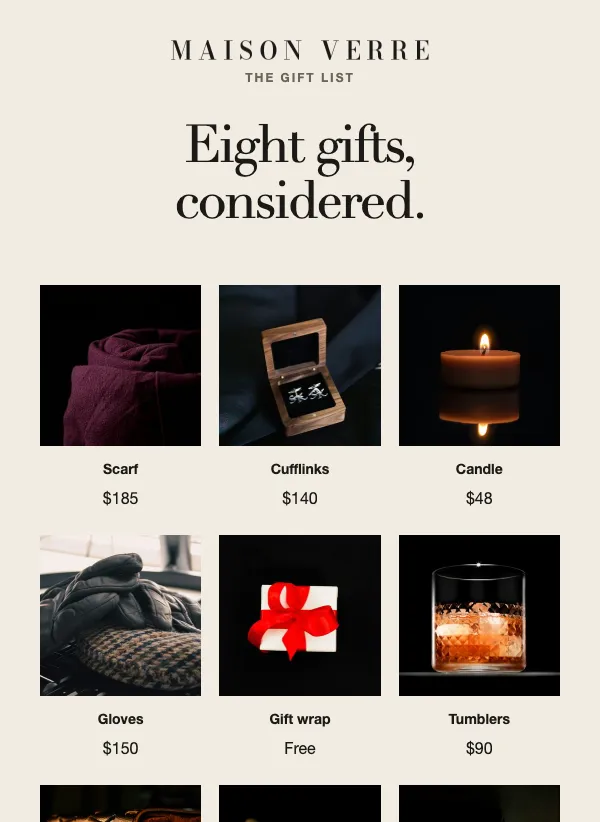 Luxury holiday gift guide
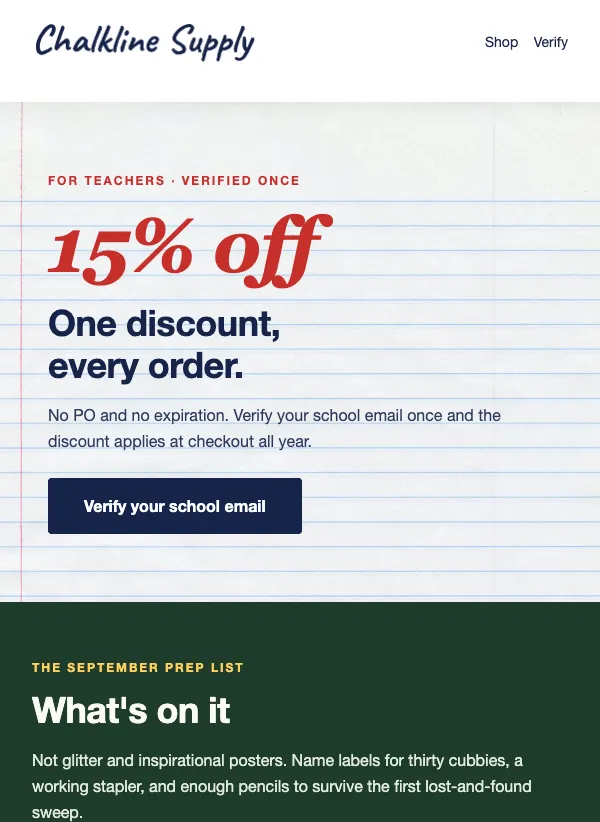 Teacher discount back-to-school
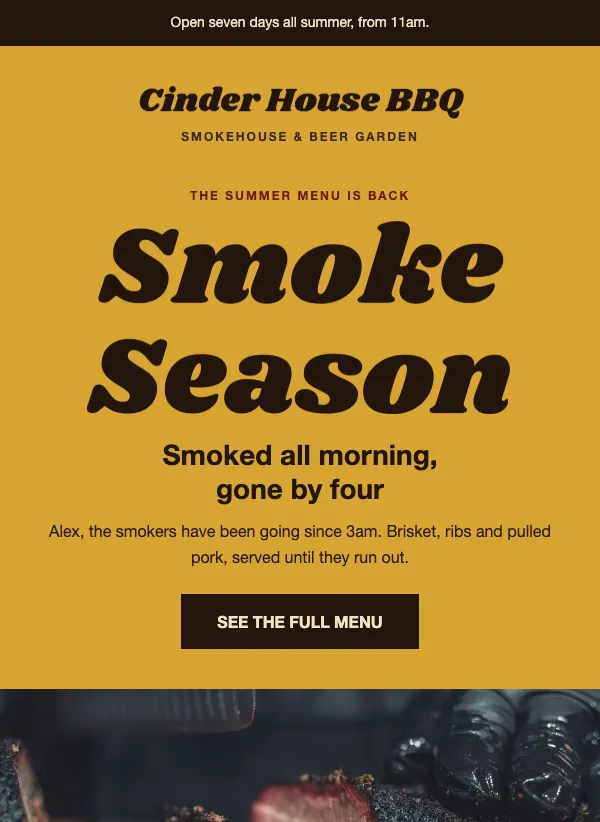 BBQ and smokehouse summer menu
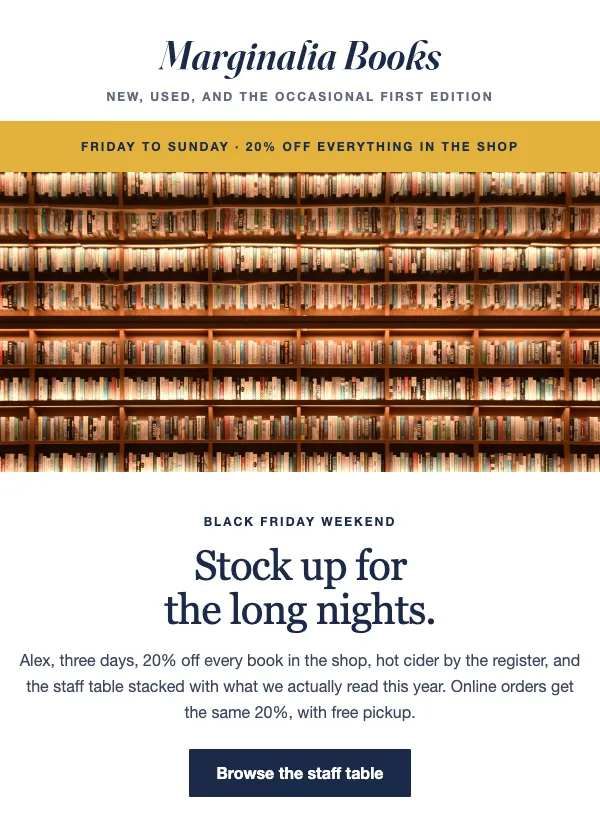 Bookshop Black Friday weekend
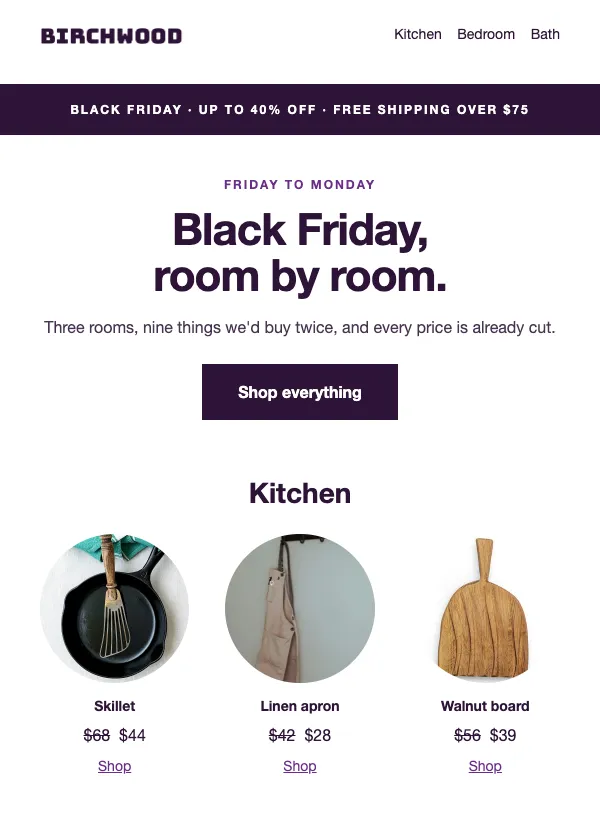 Black Friday home goods sale
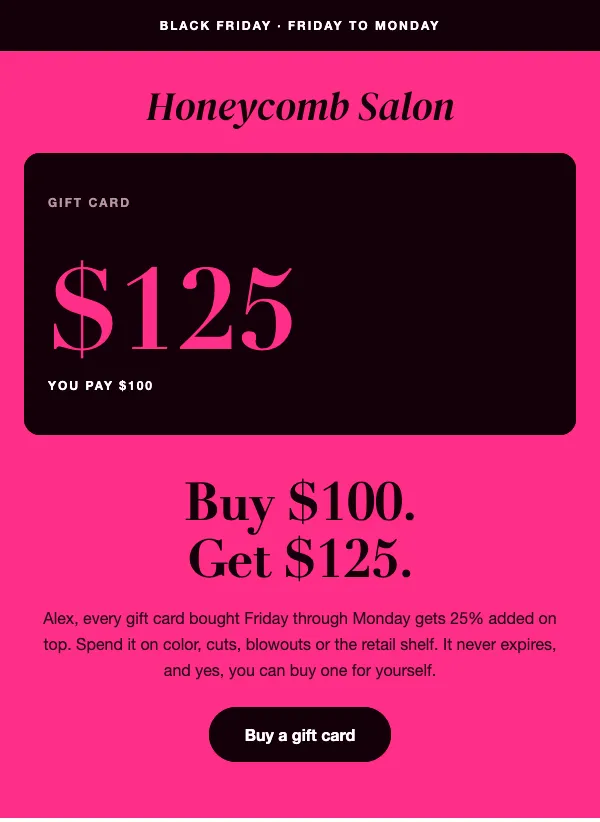 Black Friday salon gift card
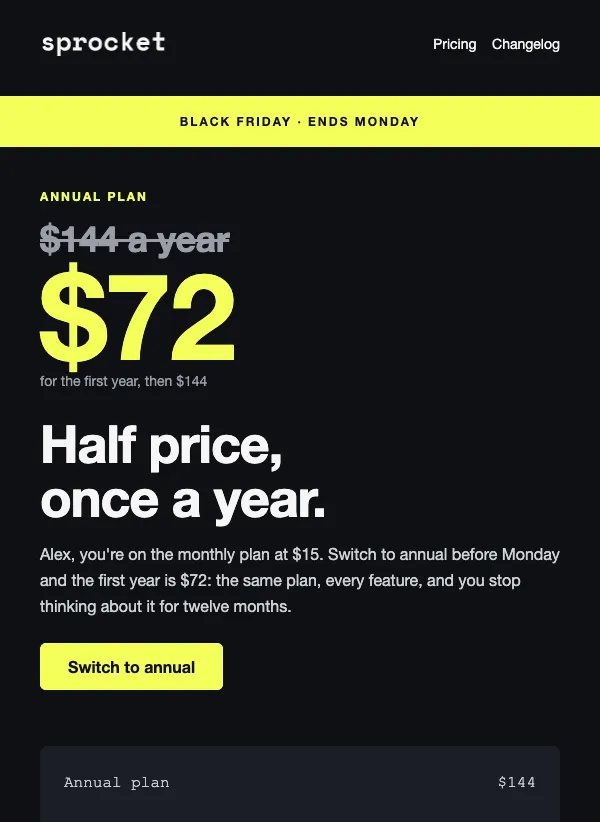 Black Friday annual plan discount
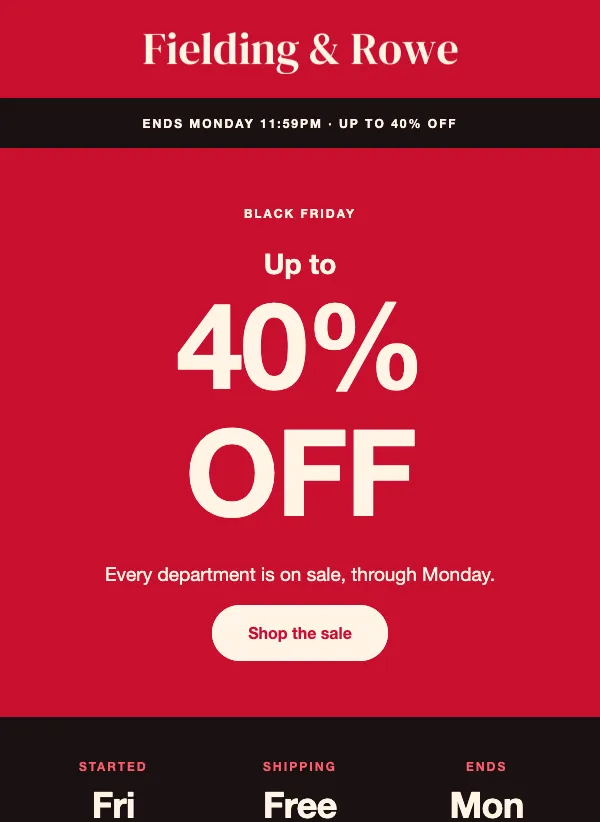 Black Friday sale countdown
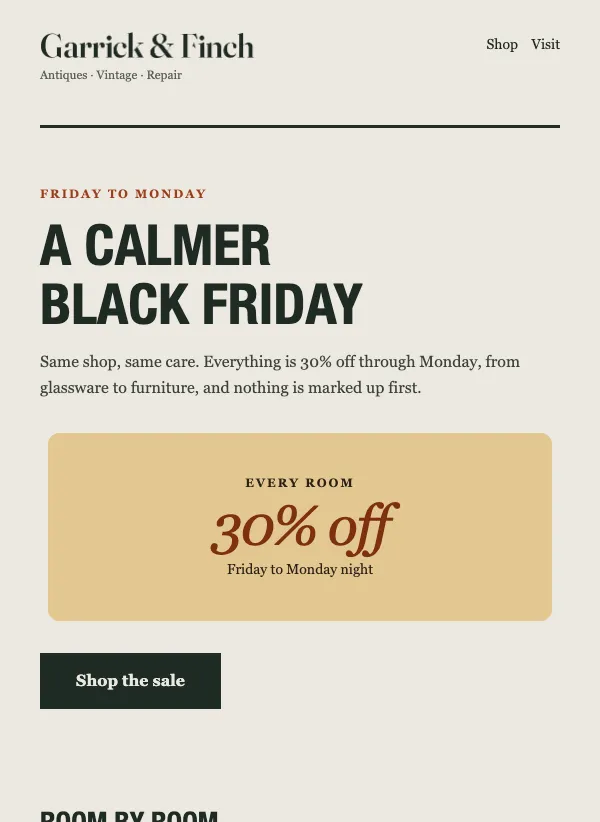 Calm Black Friday sale
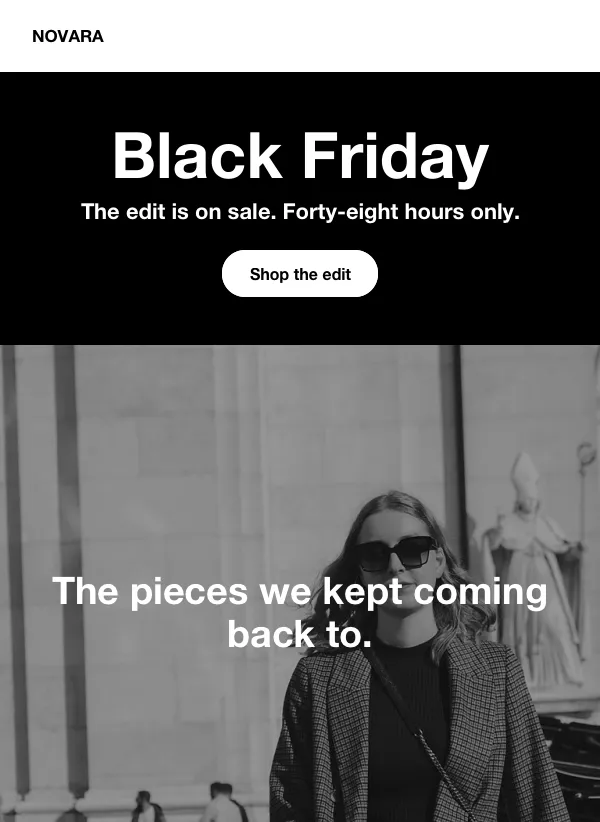 Dark Black Friday fashion sale
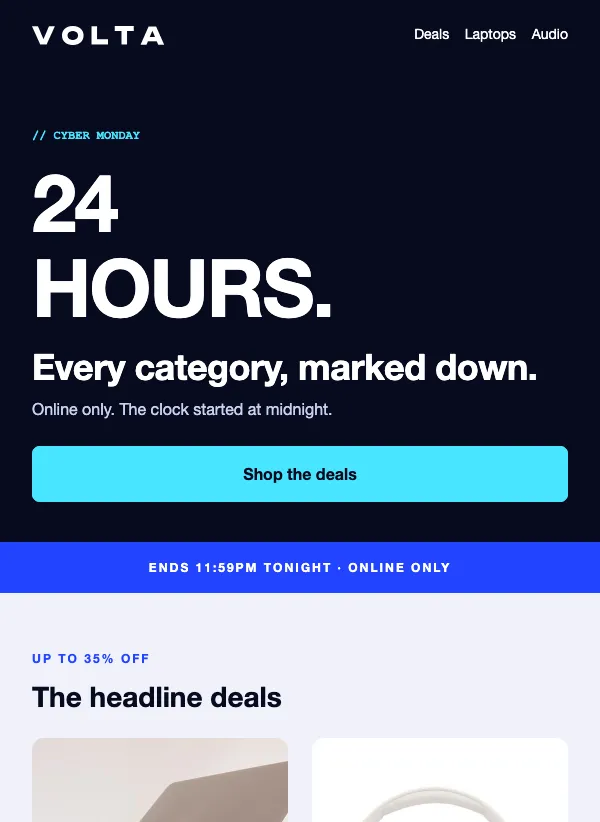 Cyber Monday tech deals
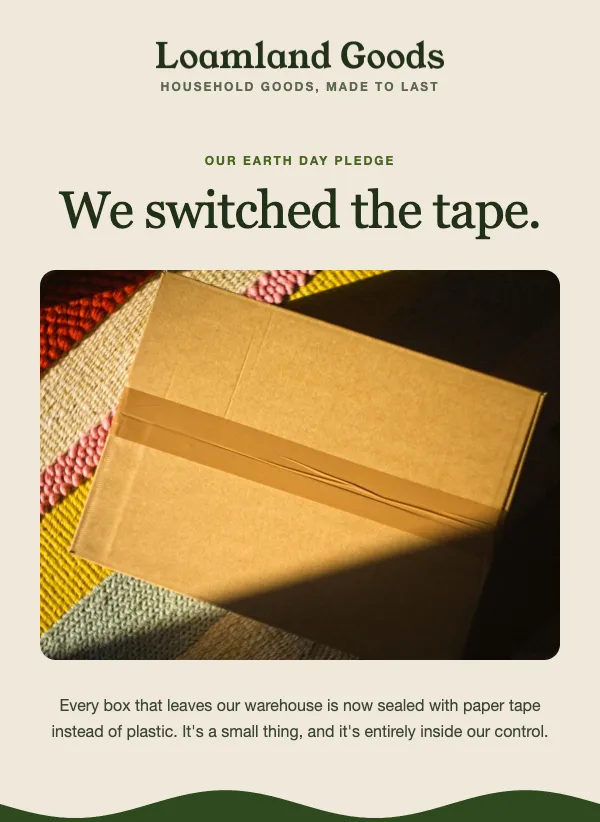 Earth Day sustainability pledge
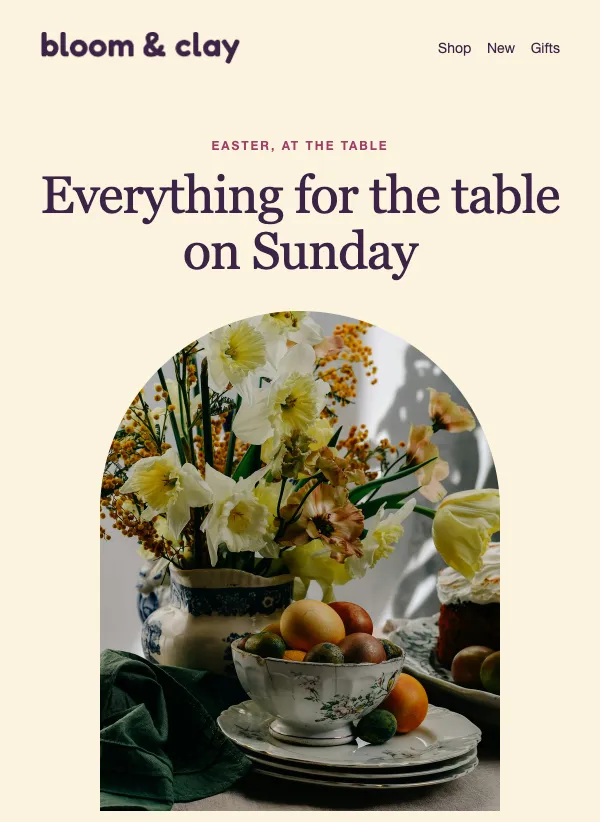 Easter shop sale
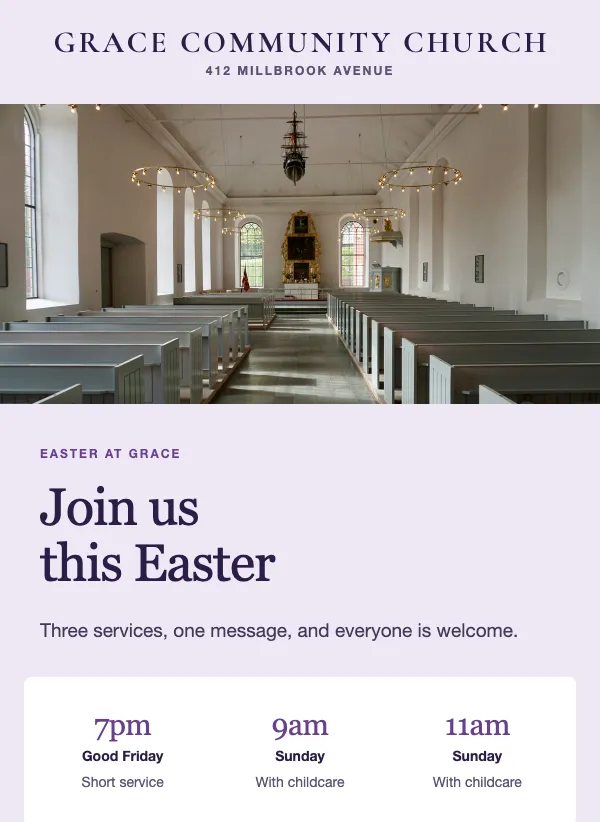 Easter service times email for churches
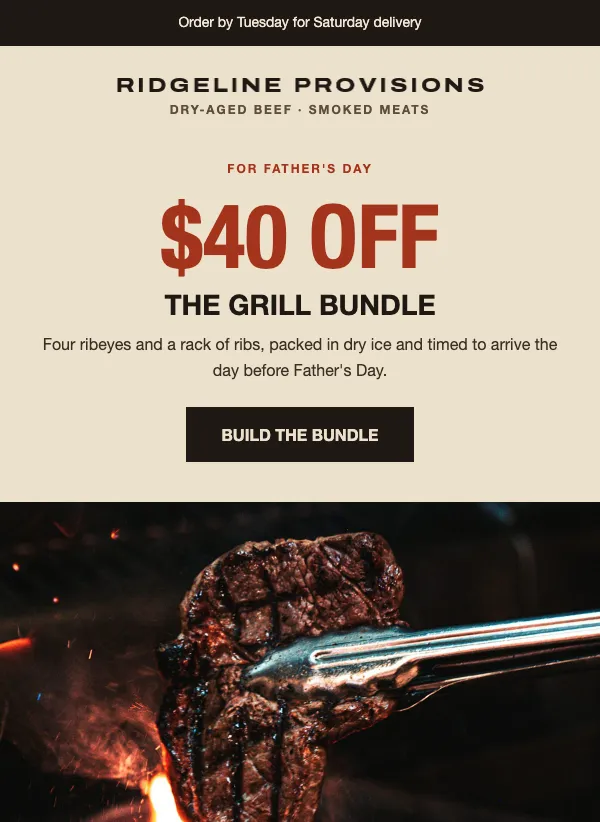 Father's Day food bundle
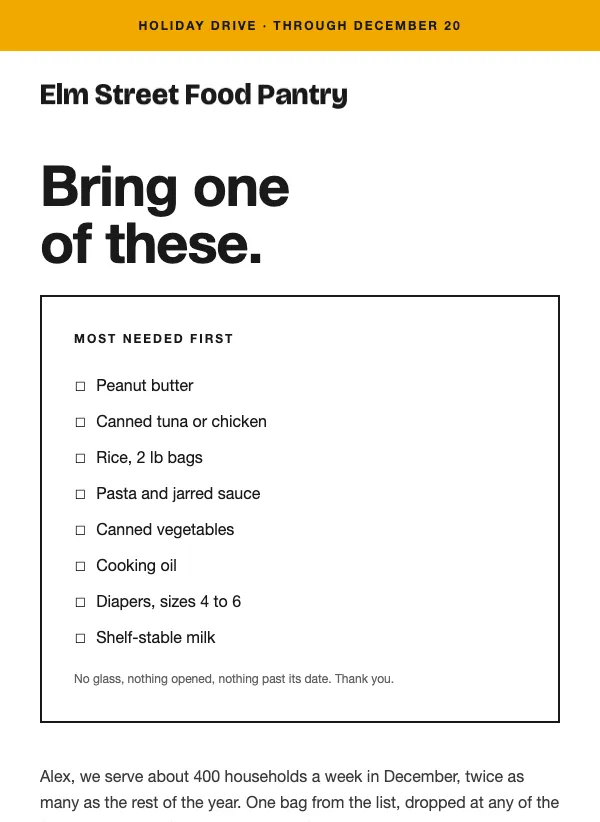 Holiday food drive email for food banks
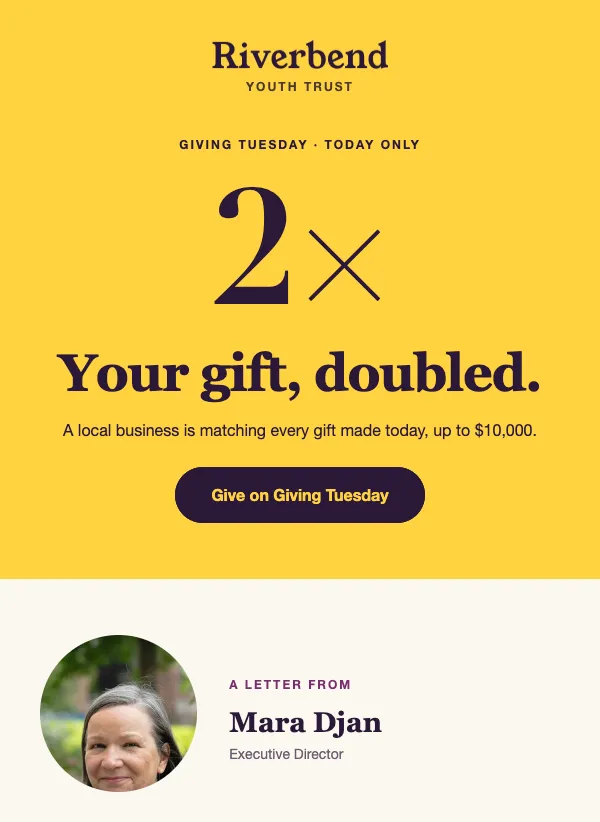 Giving Tuesday fundraising
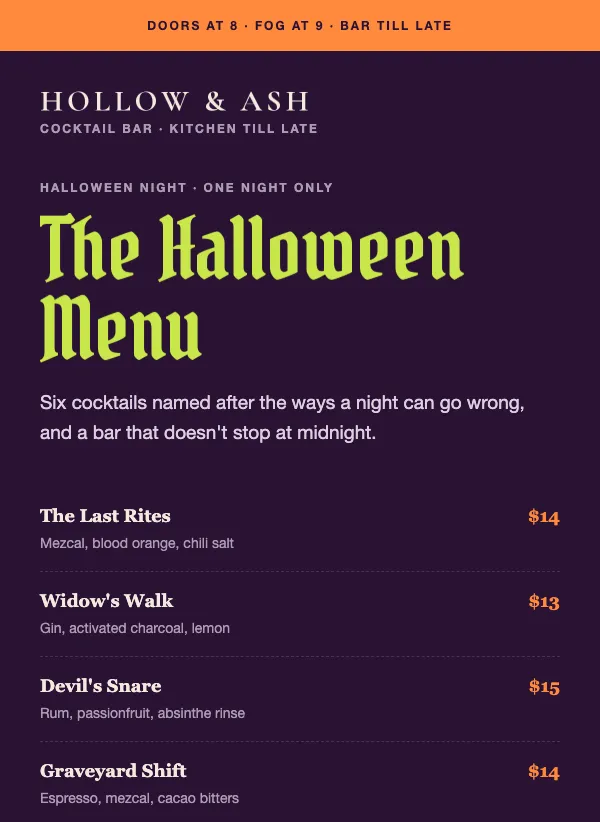 Halloween restaurant menu
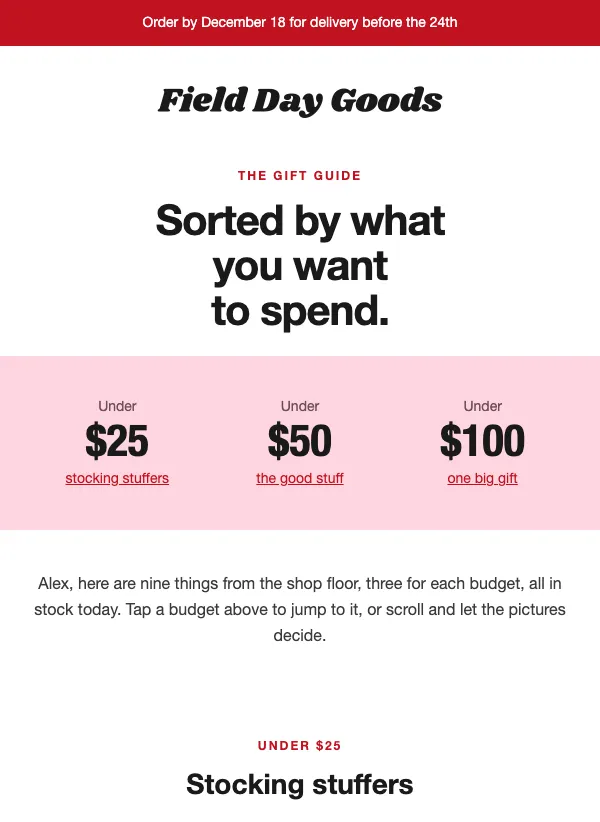 Holiday gift guide by budget
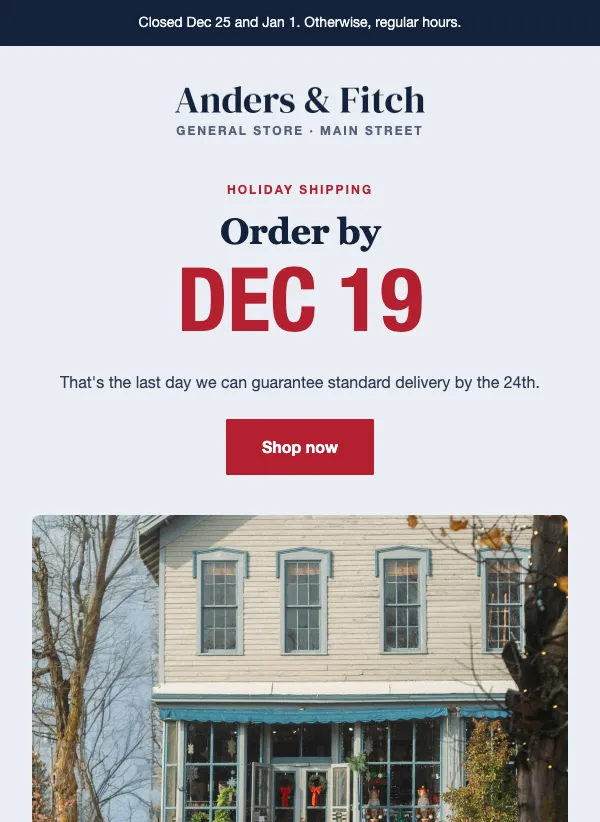 Holiday hours and shipping
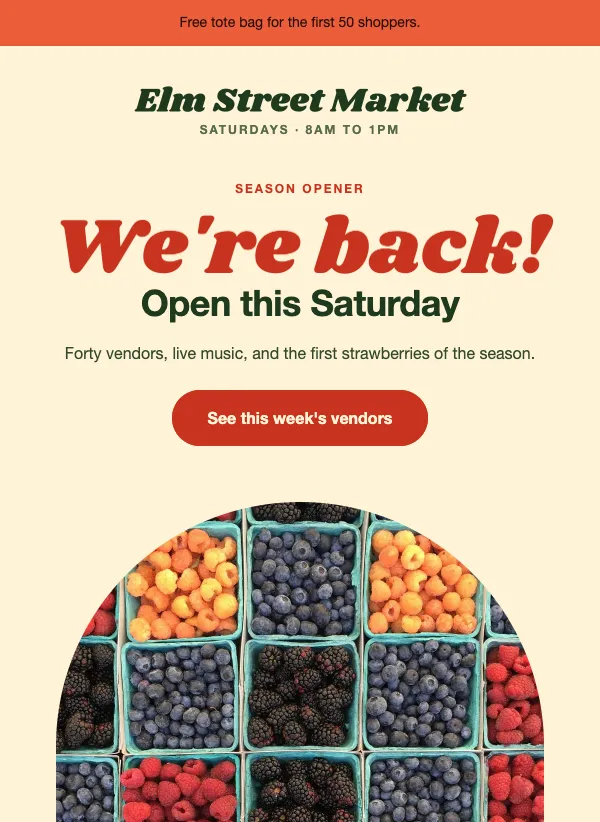 Farmers market opening day
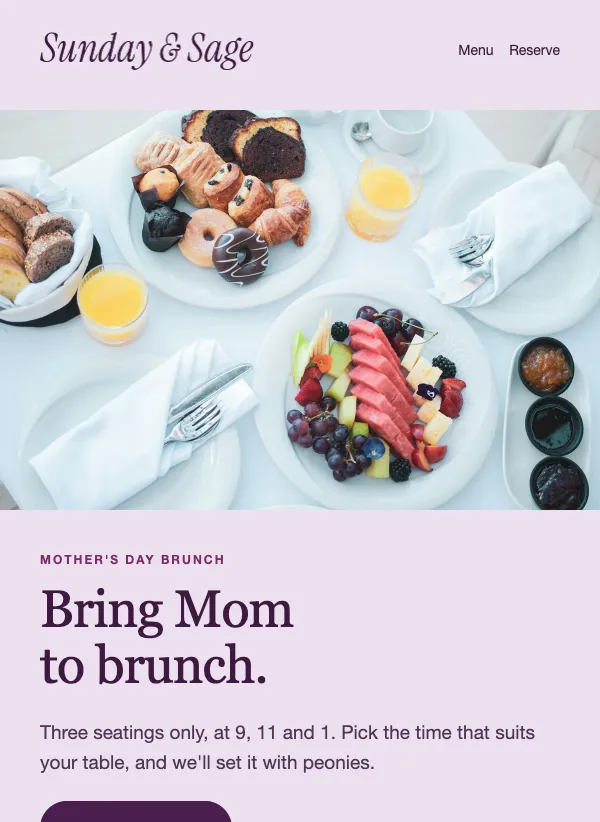 Mother's Day brunch reservation
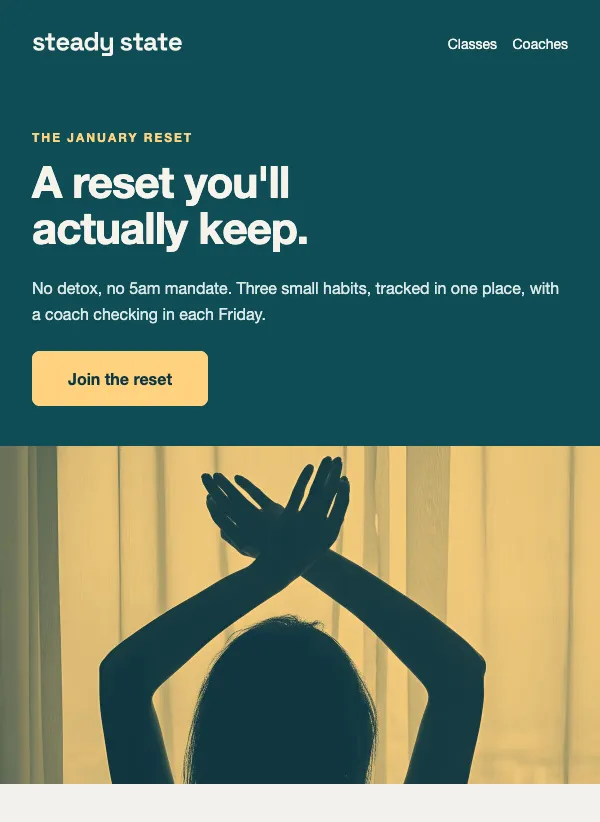 January fitness reset program
 Pride month community fundraiser
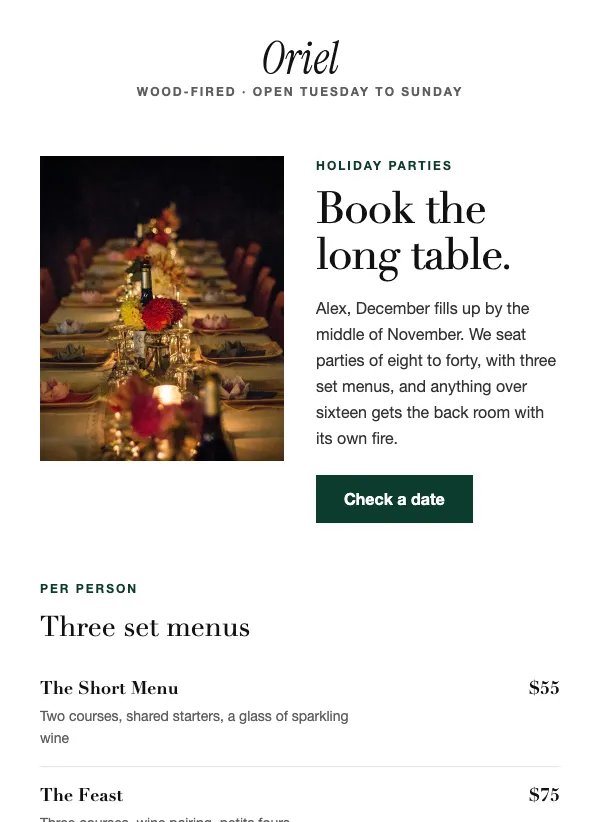 Restaurant holiday party booking
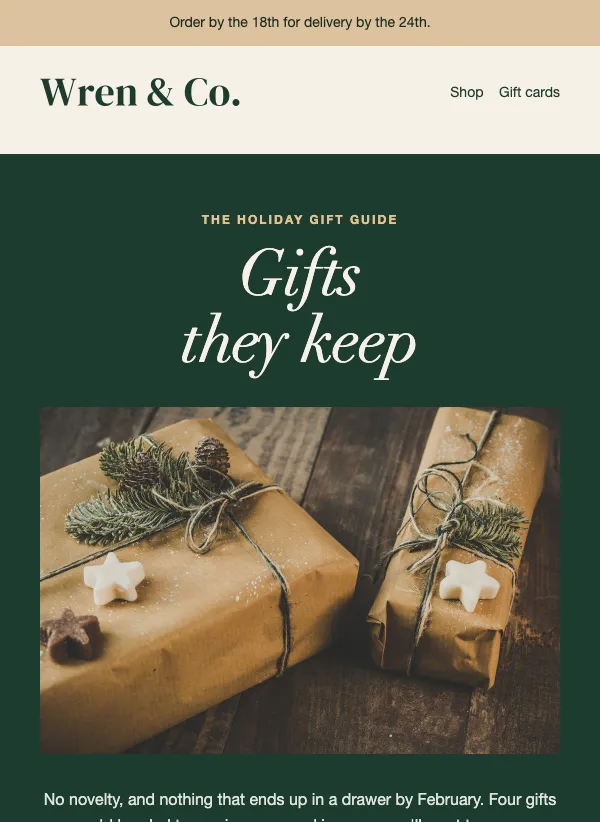 Holiday gift guide email with price tiers
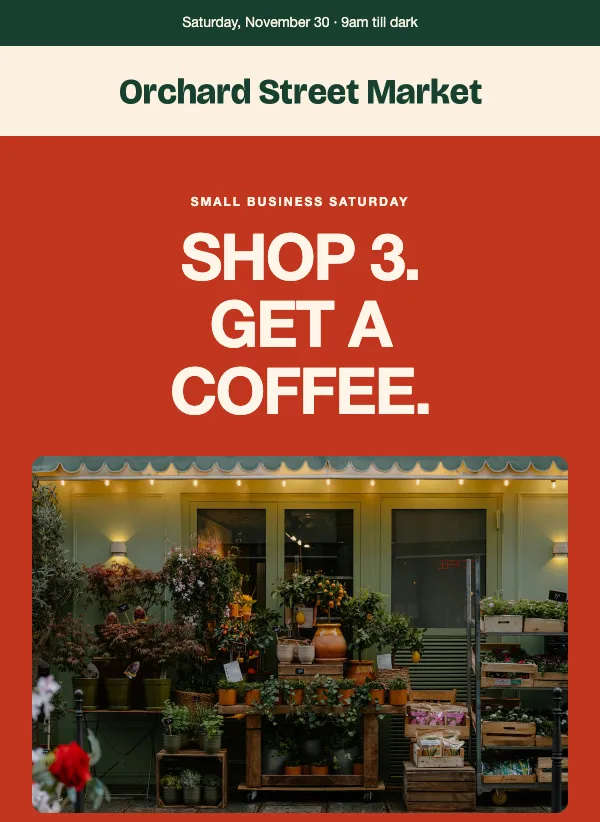 Small Business Saturday shop-local
 Spa winter package promotion
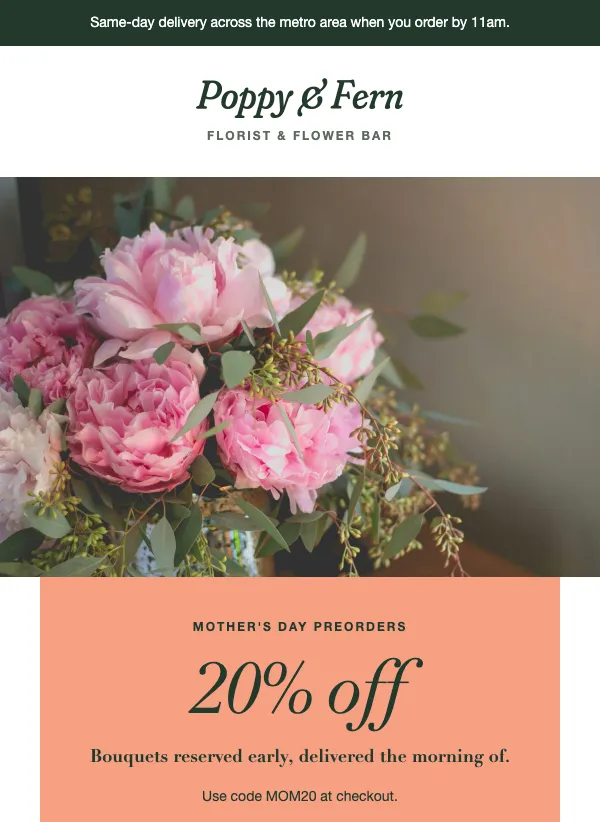 Mother's Day flower preorder
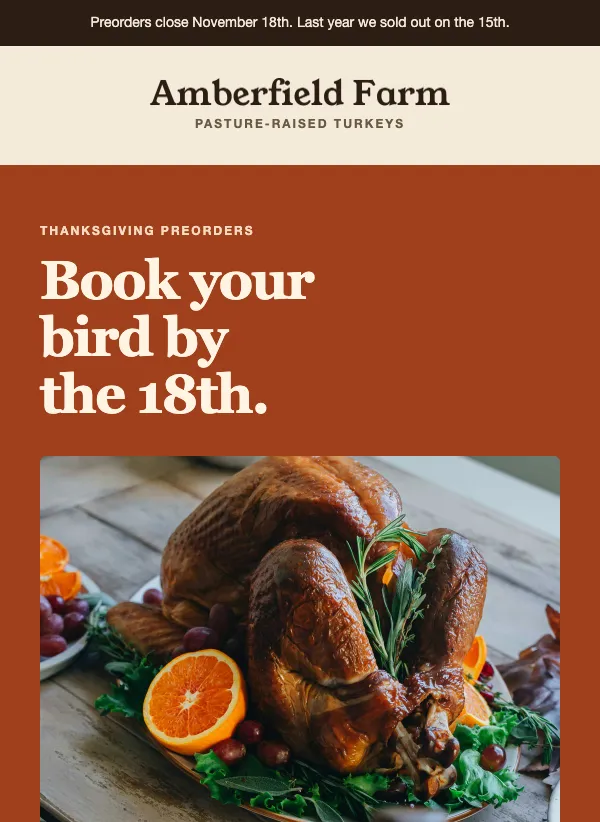 Thanksgiving turkey preorder
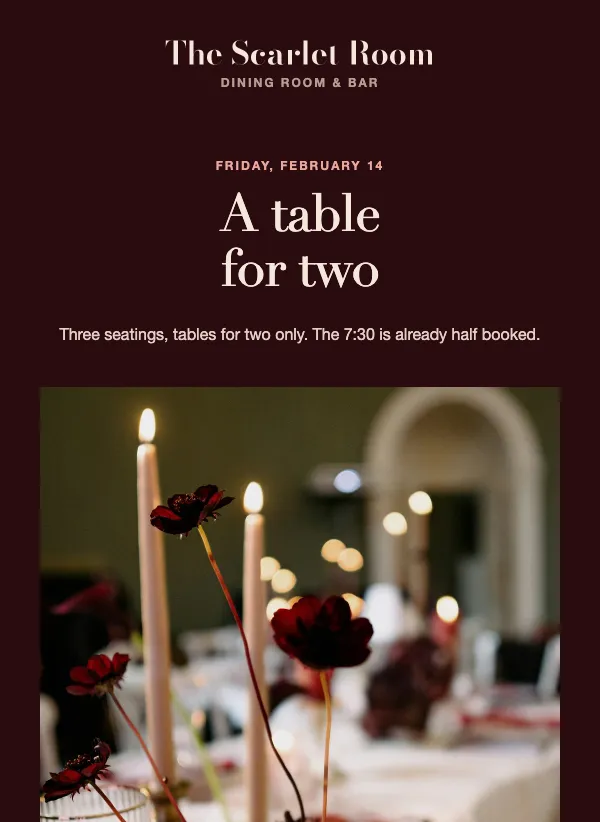 Valentine's Day dinner reservation
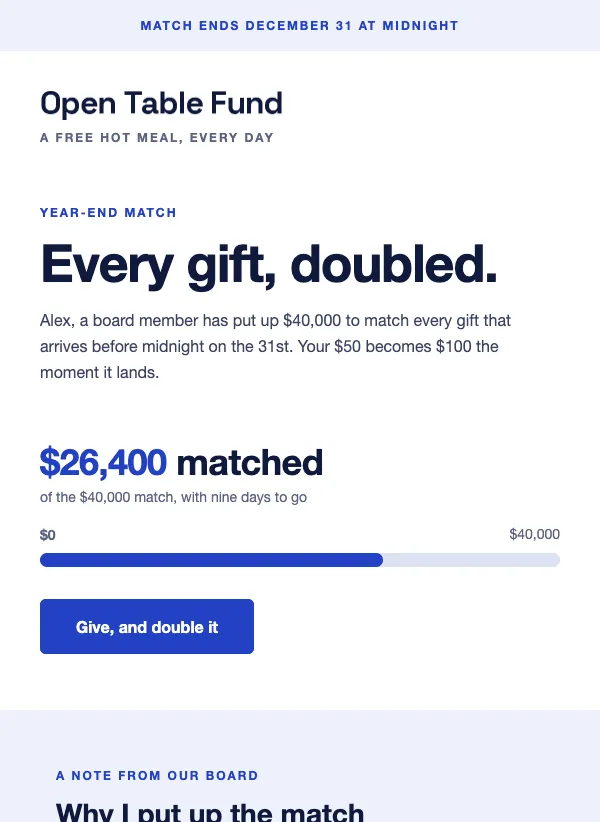 Year-end matching gift appeal
Start with a calendar, not an email
The busy times of year come round every year, yet most seasonal emails get written the night before. Take 10 minutes now and list the dates that matter to your customers. A florist needs Valentine's Day and Mother's Day. A butcher needs Thanksgiving and Christmas. A gym needs January. A charity needs Giving Tuesday.
You do not need every holiday. Pick the four to six that fit what you sell and leave the rest. An email for a day that has nothing to do with your business feels forced, and readers can tell. Local dates count too: a town fair, a school sports day, the first warm weekend. Fewer businesses send for those, so your email has less company.
For each date, note when you stop taking orders, when people start planning, and when you will send. Then you can write the email weeks ahead and schedule it, instead of rushing it on the day.
Send a week or two early
People plan for holidays before they arrive. They book the brunch table, order the turkey and buy the gift ahead of time. An email that lands on the day itself is often too late to help.
For most dates, send the main email one to two weeks before, and a short reminder two or three days before. If you ship goods, build the email around your last order date. The Thanksgiving preorder template puts the cut-off in the headline, and the holiday hours template lists each shipping deadline and closed day on its own line. The deadline is the most useful fact in the email, so it belongs in the subject too.
Bookings work the same way. "Reserve your table for Valentine's Day" nudges people to act while there is still a choice of times.
What to put in a holiday email
Every holiday email needs the same short list: the occasion, your offer or service, the last day to order or book, and one button. Everything else is optional. If you take preorders, add what it costs and when people pick up or receive it. If you take bookings, add the times and any deposit. If you are asking for donations, say what a gift pays for.
Add your holiday hours somewhere clear if they change. Customers who turn up to a closed door remember it far longer than a nice email.
Black Friday and the end of the year
Late November and December are some of the most crowded weeks in anyone's inbox. Big shops can send an email every day. You will not out-shout them, so do not try. Send fewer emails, make each one clear, and give people a real reason to choose you.
Say what the deal is and when it ends. "The sale is live. It ends Monday." is a complete subject line. If big discounts do not suit your brand, there is another way in: "A calmer kind of Black Friday" stands out because everyone else is shouting.
Plan the whole stretch as one short run of emails: a heads-up before the sale, the sale itself, a last-day reminder, then a thank-you or a note about your holiday hours. Four emails across a week or so is plenty for most small businesses.
Charities have their own day in this stretch. Giving Tuesday, the Tuesday after Thanksgiving, is when people expect to be asked to give. A short appeal with a clear goal or a matched gift, sent that morning, suits it well. "A dollar-for-dollar match, today only" says the whole thing.
Writing the subject line
Seasonal subject lines work best when they carry the one fact people need. "Reserve your Mother's Day bouquet early" tells a reader what to do and why now. "Everything for the reunion table" names the occasion and what is inside. "The gift list: eight considered, one deadline" promises a short list and a cut-off.
A holiday word on its own does not do the job. Many shops send "Happy holidays" in the same week, so a greeting alone gets lost. Put the date pressure, the offer or the place in the subject, and let the greeting go in the body if you want it at all.
Looking seasonal without the clichés
A seasonal email should feel like the time of year without turning into a greeting card. One seasonal touch is usually enough: a color that suits the season, one good photo of your own product in a seasonal setting, or a single line that mentions the occasion.
Skip the clip-art snowflakes, the pumpkins in every corner and the pun in every heading. Photos of your own shop, table or products will always look better than stock pictures, and they remind people who the email is from.
When you open a template here, change the colors to your brand first, then add the seasonal touch. That way the email still looks like you.
After the date has passed
The days after a holiday suit a short, quiet email. Thank the people who ordered or came in. Tell them your opening hours for the next few weeks. Share a photo from a busy day. These emails rarely sell much, but they keep you in mind for the next season. Then switch off any code or link tied to the offer once it ends, so a late reader does not land on a page that no longer works.
Questions
How early should I send a holiday email?
One to two weeks before the date for the main email, and earlier if you ship goods or take bookings. Follow it with a short reminder two or three days before.
Do I need to send an email for every holiday?
No. Choose the dates that fit what you sell and skip the rest. A few well-timed emails do more than one for every date on the calendar.
What should a holiday email include?
The occasion, your offer or service, the last day to order or book, and one button. Add your holiday hours if they change.
Can I write it now and send it later?
Yes. Write the email whenever you have time, then schedule the campaign for the day and time you want it to go out.
What should a Black Friday email say?
What the deal is, what it covers and when it ends, in the first few lines. If you send a run of emails, make each one say something new.
Are the holiday templates free?
Yes. All of them are included on every plan, even the free one.
Can I make a holiday template match my brand?
Yes. Change the colors, fonts and photos in the editor. Start with your own brand colors, then add one seasonal touch, so it still looks like you.