What is an automation?
A flow you build once that takes each new contact through a series of emails and steps on its own.
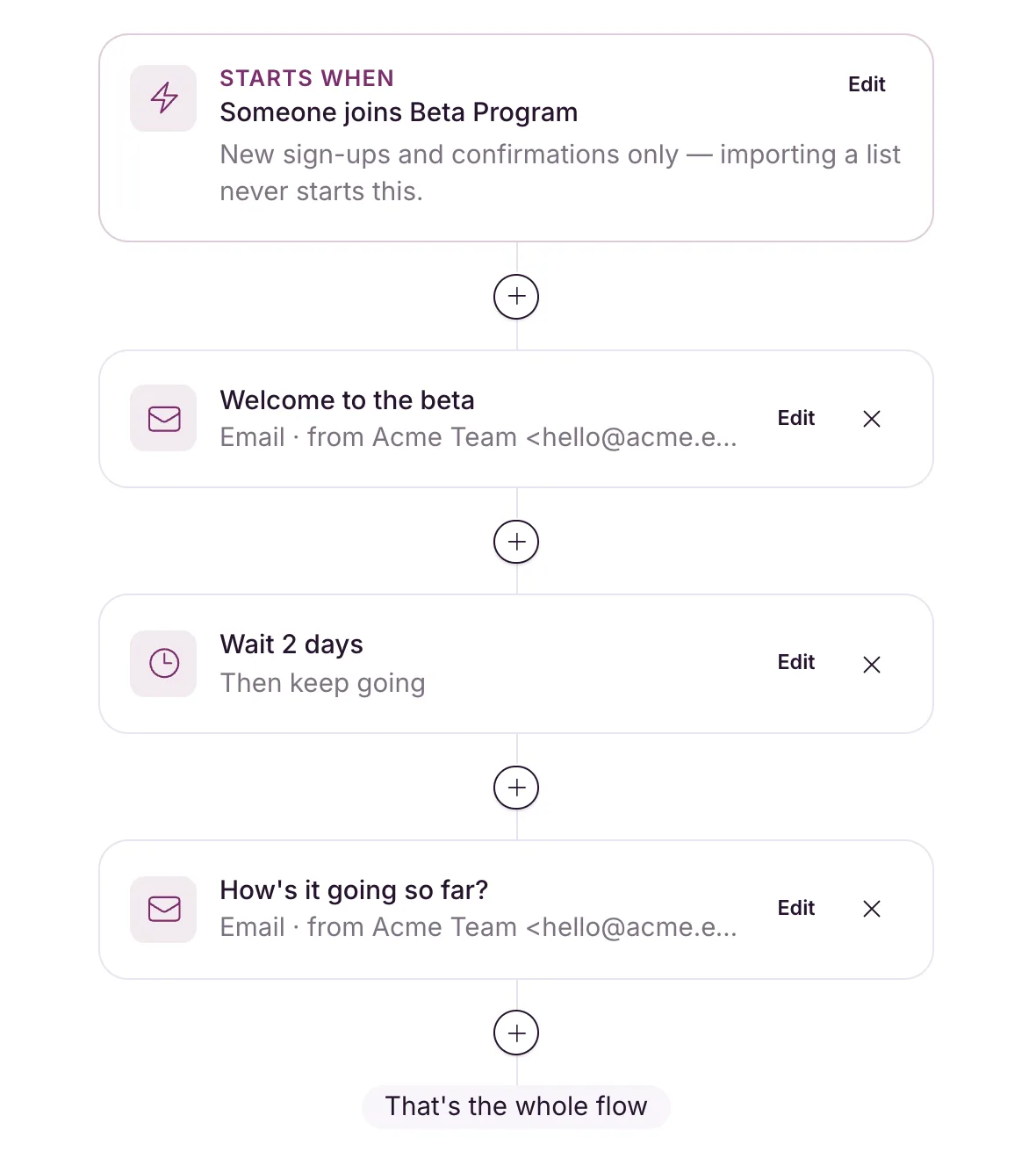
An automation is a flow you build once that then runs by itself. When someone joins a list, gets a tag or signs up through a form, they move through its steps: send an email, wait, add or remove a tag, or split down different paths. Set up a welcome series once and every new subscriber gets it, on time.
A campaign is one email you send once, to an audience you pick at the time. An automation waits for its trigger and takes each person who sets it off through its steps.
The basics
- Three triggers: someone joins a list, gets a tag, or signs up through a form. See Automation triggers and who enters.
- Five kinds of step: email, wait, add a tag, remove a tag, and a yes / no split. See Automation steps explained.
- Each contact enters a given automation once, ever. See Who enters.
- Imports never start an automation. Only people who join after it goes live enter.
- Split paths never rejoin. See Branch your flow with a split.
- Automation emails don’t count towards your monthly email allowance.
Build one
You need at least one list first. Without one, New automation sends you to your lists with “Create a list first. An automation has to start from something.”
- Open Automations from the sidebar.
- Click New automation (or Create your first automation if you have none yet). It opens in the builder as “Untitled automation”, starting from your first list.
- Click the Starts when card and choose the trigger in the panel on the right.
- Click the + between steps to add steps.
- Click Go live when it’s ready. Anything still missing shows up as a checklist.
You can rename it any time from Settings.
A ready-made flow is often quicker. See Create a welcome series from a recipe.
Once it’s running, see Go live, pause, resume or archive and Read an automation report.