Why do people unsubscribe?
EmailFig asks people why they're unsubscribing and shows you their answers. It's on by default.
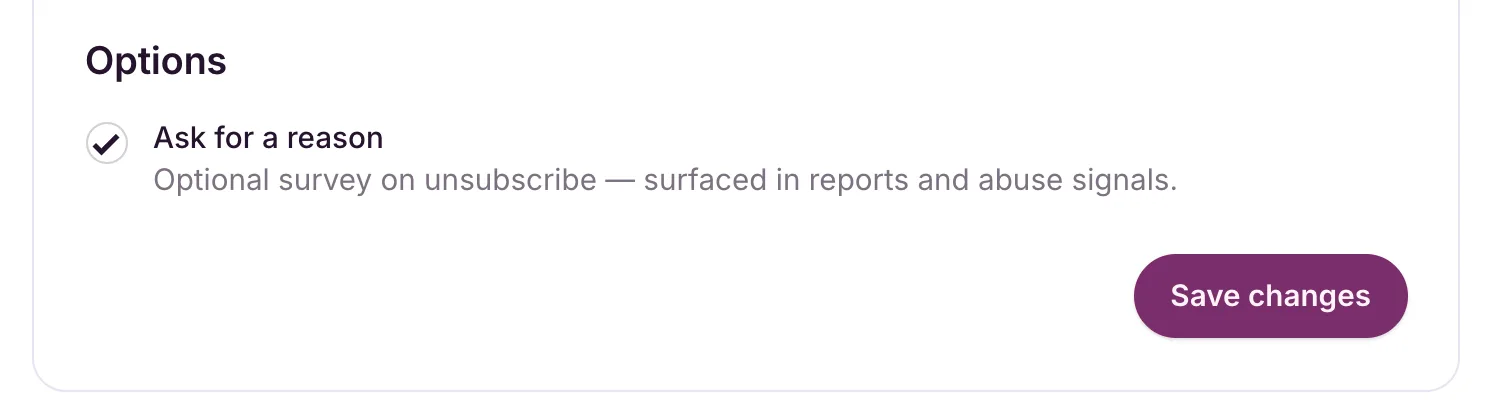
EmailFig can ask people why they’re unsubscribing and show you what they said. It’s on by default. To check or change it, go to Settings → Unsubscribes, find Ask for a reason under Options, and click Save changes.
When someone clicks your unsubscribe link, the page asks Mind telling us why? (optional) and offers Too many emails, I never signed up for this, Not relevant anymore, This is spam and Other, plus a box for a comment. Skipping it never stops them unsubscribing.
The question only appears with the Simple unsubscribe experience. A Preference center doesn’t ask, and neither does the unsubscribe button some inboxes show at the top of an email. See Customise the unsubscribe experience.
Where the answers show up
- On a campaign’s report: a Why they unsubscribed card appears once anyone answers. It shows each reason’s share, how many unsubscribers answered (for example “4 of 6 unsubscribers answered”), and the latest comments.
- On your Dashboard: a line under Recent campaigns shows how many reasons you collected in the period you picked. Click it for the breakdown across all your campaigns.
- In a recipients CSV: each person’s reason and comment, in the
unsubscribe_reasonandunsubscribe_commentcolumns. See Recipient activity and CSV export.
Lots of I never signed up for this or This is spam answers usually point to a problem with how the list was built. See Why you shouldn’t send to purchased lists.