Save and manage your templates
Save a campaign's email as a reusable template, and rename, duplicate or delete your templates.
Your templates live under Templates. You can save any campaign’s email there to reuse it, and rename, duplicate or delete templates whenever you like. A campaign gets its own copy of a template when you apply it, so changing a template never changes campaigns already made with it.
Save a campaign as a template
- Open the campaign and go to its Review step.
- Click Save as template in the top bar.
- Type a Template name.
- If the campaign started from one of your templates, choose Save as a new template (the default) or Update that template.
- Click Save. You stay on the Review step.
Update overwrites that template’s content, and there’s no undo. If you’re unsure, save it as a new template instead.
The email editor in an automation has the same Save as template button.
Rename a template
Open the template and click its name in the top bar. Type the new name and click away; it saves on its own.
Duplicate or delete a template
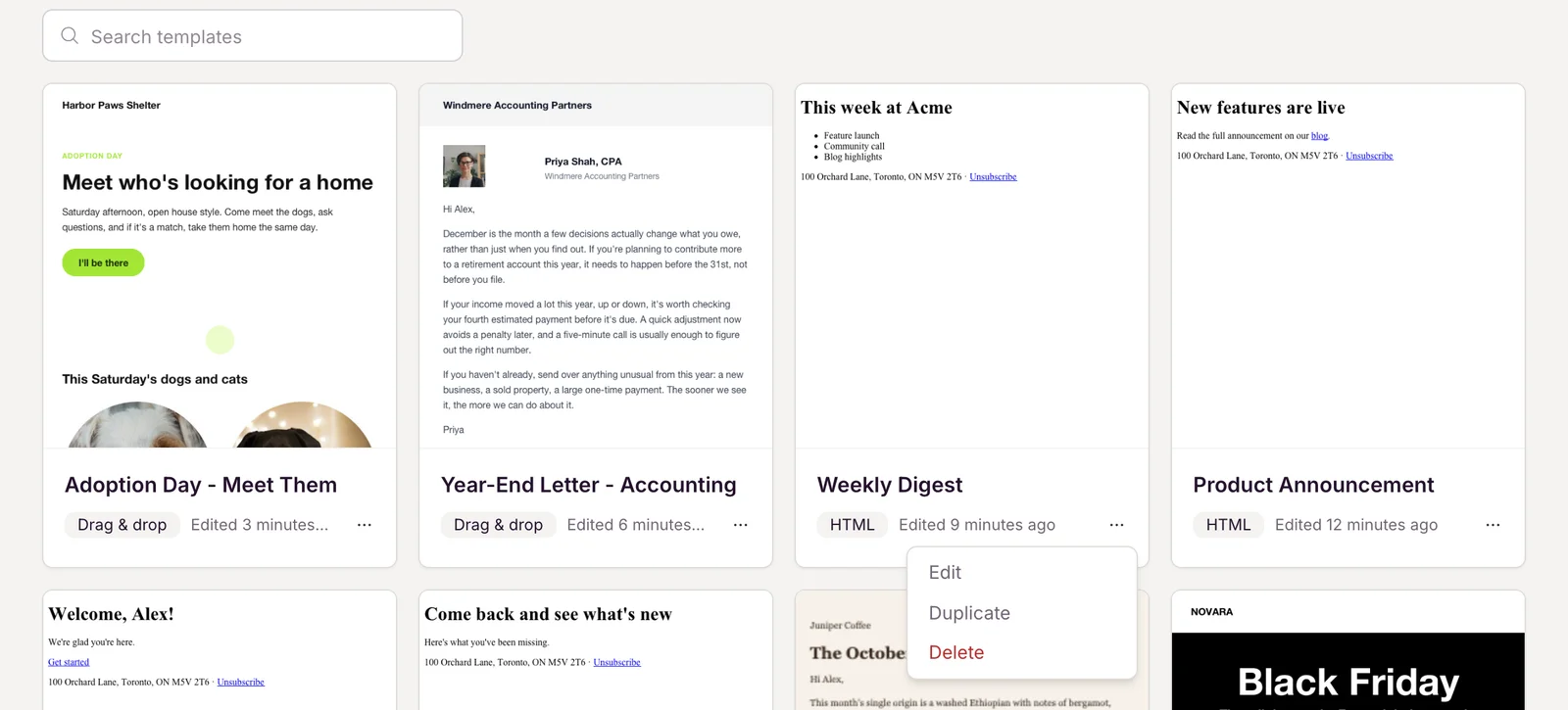
On the Templates page, open the … menu on a template’s card:
- Duplicate makes a copy with “(copy)” added to its name and opens it, in the same editor as the original.
- Delete removes it after you confirm. This can’t be undone, but campaigns and automations made from it keep their content.