Use a template from the Gallery
Start from a ready-made design in the Gallery and make it your own.
The Gallery is a collection of ready-made marketing emails (newsletters, announcements, promotions and more) to start from. Using one copies it into your own Templates, where you can change anything. Later changes to the Gallery never touch your copy.
Browse the Gallery
- Go to Templates, click New template, then switch to the Gallery tab. A campaign’s Template step has the same tabs.
- Pick what the email is for from the list on the left, or search for your business or an occasion, like “bakery”, “dentist” or “black friday”. When a holiday is coming up, its designs are shown first.
- Hover over a design and click Preview to see the whole email.
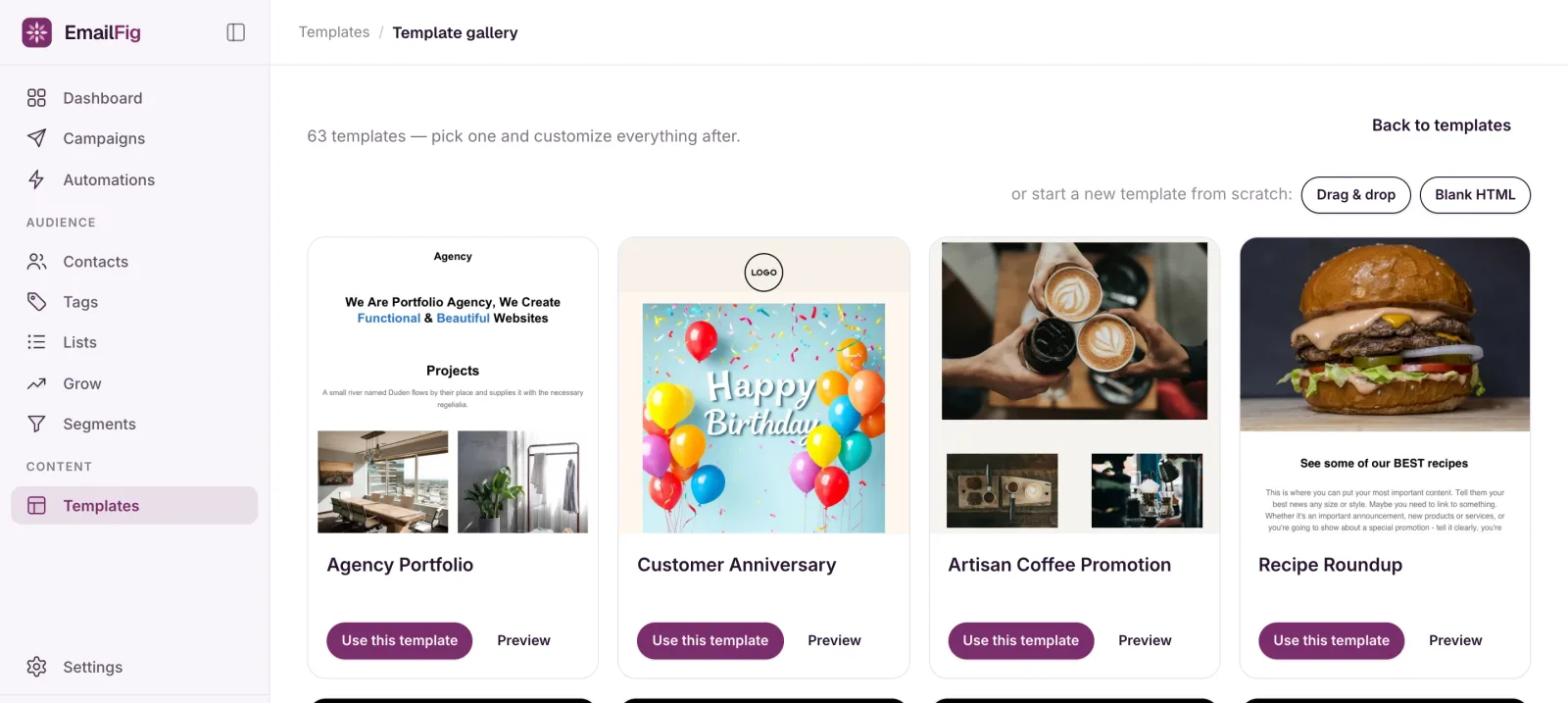
Use one
Click Use template on the design you want.
- From New template, it opens in the drag & drop editor, ready to rename, edit and save.
- From a campaign’s Template step, it becomes that campaign’s email and opens on the Content step. A copy is also added to your Templates for next time.
Every Gallery template already includes an unsubscribe link and your mailing address.