Choose an editor: drag & drop or HTML
Design with ready-made blocks in drag & drop, or paste in your own code with the HTML editor.
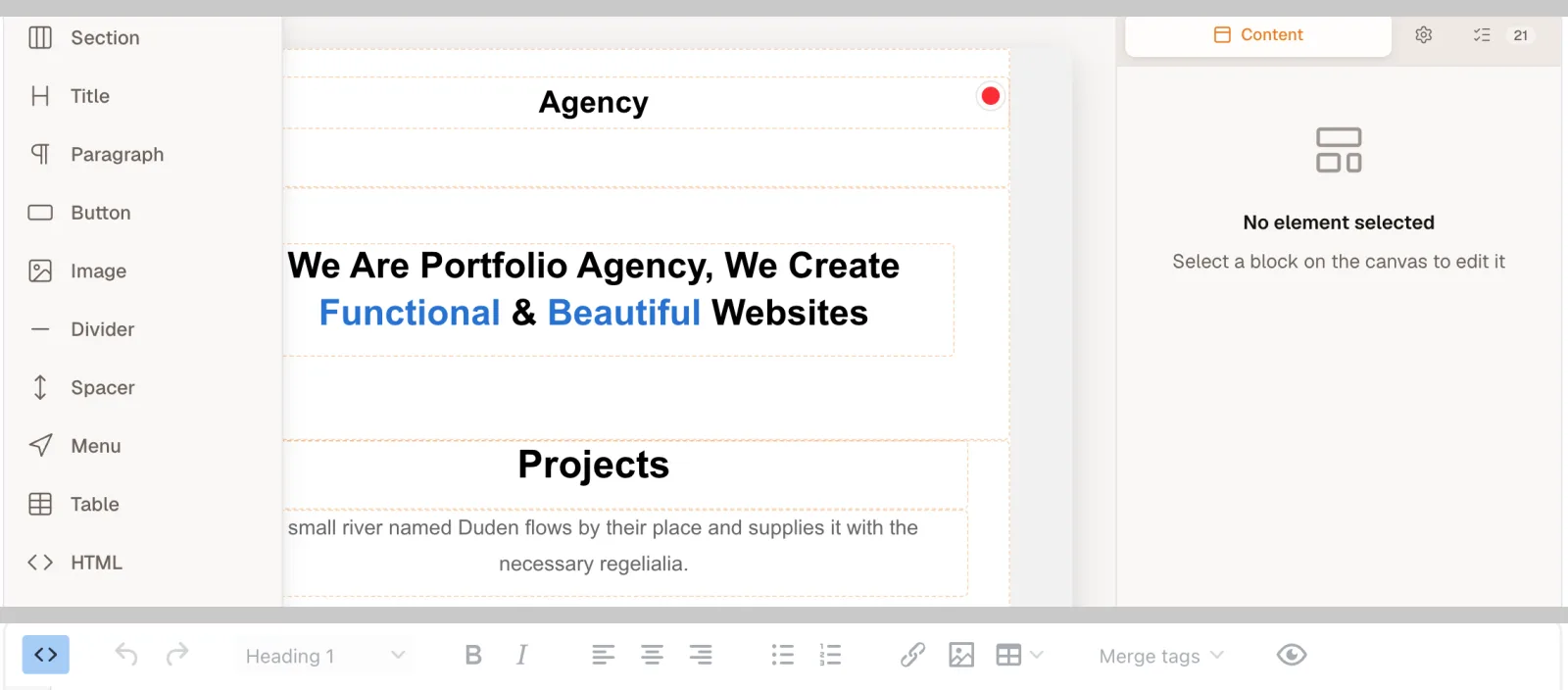
EmailFig has two editors. Drag & drop builds an email from ready-made blocks, with no code. HTML is for pasting in an email designed in another tool, or writing your own code, with a live preview beside it. Both support merge tags and images from your library.
A template stays in the editor it was made in, so choose before you start.
Which one to pick
- Drag & drop if you’re starting from nothing, want a layout that works on phones without touching code, or want to start from the Gallery (every Gallery template opens in drag & drop).
- HTML if you already have an email designed elsewhere, or you’re comfortable with HTML (the code web pages and emails are written in) and want full control.
Where you choose
- Templates → New template: under Start from scratch, click Drag & drop or HTML. You can also start from one of your own templates or the Gallery.
- A campaign’s Template step: the same Drag & drop and HTML buttons start the campaign’s own email, without adding anything to your Templates.
Either way, a blank email already includes the unsubscribe link and mailing address every email needs.
If you picked the wrong one
A template can’t be switched to the other editor, and Duplicate keeps the original editor. To move, start a new template in the other editor and rebuild the content there.
In a campaign, you can start over in the other editor from the Template step, but that replaces everything you’ve written. See Switching a campaign’s template replaces its content.